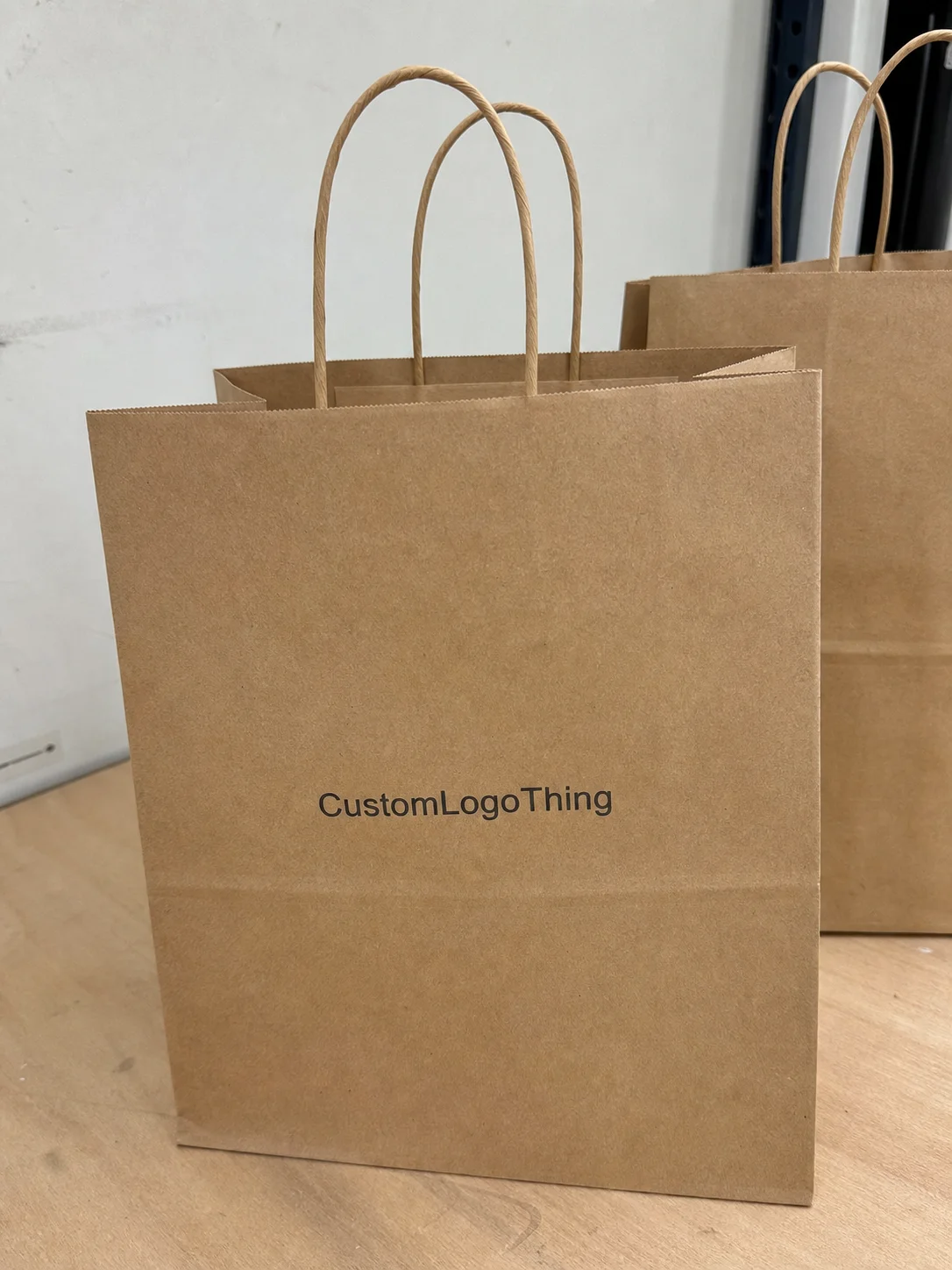
Custom sd card labels look like a minor detail until you are sorting a tray full of media cards, checking archived footage, or passing files between teams that rely on quick visual identification. On a small format, a label has to do more than carry a logo. It needs to fit cleanly, stay readable, hold up to handling, and still leave enough room for the card to function as intended.
That combination of branding and practicality is why this product deserves more attention than it usually gets. A well-made label can support file organization, reduce mix-ups, and reinforce a consistent packaging system across cases, inserts, and other branded components. It also has to work within strict size limits, which is where material choice, adhesive behavior, and finishing details start to matter.
Why custom SD card labeling matters more than it looks
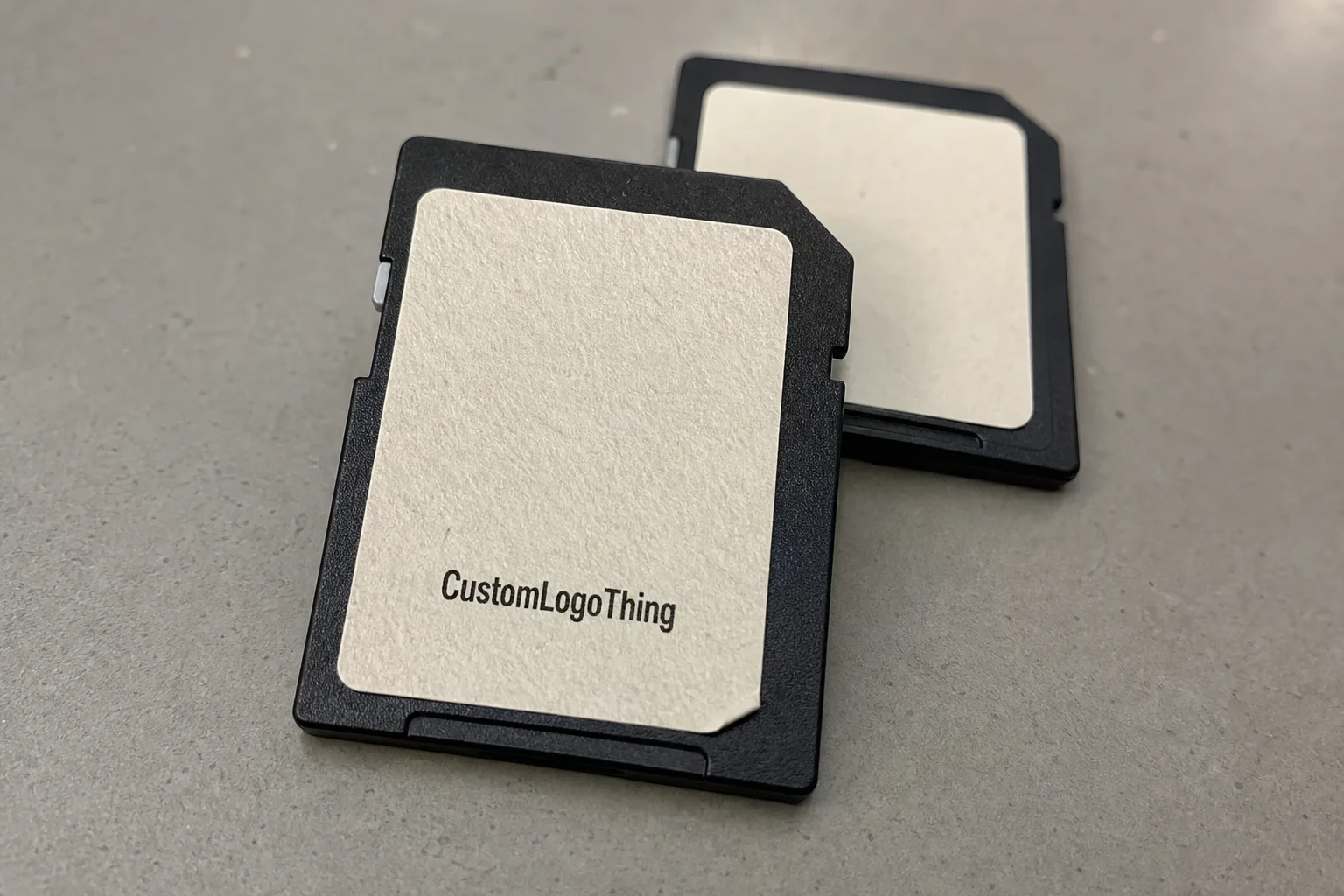
An SD card might carry client deliverables, firmware, event photos, product video, or a backup set that looks identical to every other card on the table. That is exactly the point. Without clear identification, even a small batch becomes difficult to manage. Custom sd card labels give each card a visual identity that makes sorting faster and storage less error-prone.
From a packaging perspective, this is a compact version of the same logic used for cartons, inserts, and retail-ready sets. The label is not just decoration; it is a functional marker that helps people know what they are holding. If the card is part of a larger branded system, the label also keeps the presentation consistent from the outer box down to the smallest item inside.
There is a real physical side to the decision as well. A label that is too thick can interfere with sleeves or holders. A finish that reflects too much light can make small text harder to read. A poor cut can start lifting after repeated use, which is a common failure point on items that are handled, filed, and removed often.
“Small format does not mean small consequences. On media storage items, fit and clarity matter just as much as the logo.”
That is why experienced buyers tend to look beyond appearance. The best label is the one that stays legible, stays flat, and fits the workflow that surrounds the card.
How the labeling process works from artwork to finished cards
The production path for custom sd card labels is simple in theory, but the details are easy to underestimate because the printable area is so small. A clean result usually starts with artwork setup, moves through size verification and proofing, then into print, cutting, adhesive application, and final inspection. If any one of those steps is rushed, the result tends to show it.
Artwork comes first. On a tiny label, bold shapes and clear hierarchy matter more than decorative complexity. Vector files are preferred because they keep edges sharp and give the press room a more reliable starting point. Type should be chosen with scale in mind. Fonts that look fine on a screen can turn cramped or brittle once they are reduced to a few millimeters of visible space.
Size verification is the next critical step. Even when the card format seems standard, the actual usable area for graphics can vary depending on the storage sleeve, holder, or labeling convention being used. A difference of a fraction of a millimeter may not matter on a brochure, but it can matter on a media card where text sits very close to the edge.
Proofing is where practical issues are usually caught. A logo that feels centered on the artwork file may sit too low once it is reduced. A line of text may appear readable on screen but become too small on the printed piece. The purpose of the proof is not just approval; it is to catch those small problems before they become a full production run.
Print method depends on quantity and the visual finish the buyer wants. Digital printing is often the most practical choice for short runs, variable needs, and detailed color work. Foil accents can work well, but they are best used with restraint because tiny metallic details can lose crispness if the art is too busy. Specialty finishes, such as soft-touch or spot effects, can create a more premium feel, although they should be selected with handling conditions in mind rather than appearance alone.
If the label is part of a broader packaging set, it helps to treat it as one piece of the same system rather than an isolated item. Matching type styles, color values, and finish choices across sleeves, inserts, and Custom Labels & Tags creates a much cleaner overall presentation.
Materials, adhesives, and finish choices that affect performance
Material selection is one of the few places where a buyer can save money upfront and create problems later, or spend a little more now and avoid rework. For custom sd card labels, paper stock may be suitable for dry, low-wear storage, but synthetic films generally perform better when the cards are handled often, travel through kits, or sit in mixed-use environments. Polypropylene and polyester face stocks are common choices because they offer better resistance to moisture, scuffing, and edge wear.
Adhesive performance matters just as much as the face material. A removable adhesive works well when cards need to be relabeled for short-term projects, changing inventory, or rotating content. Permanent adhesive is the better option for long-term identification and reduced edge lift. The wrong adhesive can leave residue, peel too soon, or create a frustrating cleanup problem later.
Finish affects both appearance and readability. Matte finishes usually reduce glare, which helps when labels are read under office lighting or from a storage tray. Gloss can make colors appear richer, but reflective surfaces can obscure fine text. Soft-touch has a premium feel, though it is not always the smartest choice if the card will see frequent friction from insertion, removal, and transport.
Lamination can add useful protection. A light overlaminate helps resist abrasion and can keep print looking sharper if the cards are stored in portable cases or drawers where they contact other items often. The tradeoff is thickness. On a small format, every added layer changes the profile, so stack height matters more than buyers sometimes expect.
The surface beneath the label also affects performance. A smooth, clean card body will usually accept adhesive more predictably than a textured or slightly curved holder. Dust, skin oils, and residue all weaken bond strength. In practice, a label that looks perfect on a sample sheet can still fail early if the substrate was not prepared properly before application.
For buyers who are also making material decisions across a larger packaging program, sustainability questions are worth asking early. FSC-certified paper options may be available in parts of the supply chain, and broader materials guidance from organizations such as FSC and the EPA’s sustainable materials management guidance can help teams evaluate paper sourcing, recyclability, and waste reduction across multiple packaging components.
Custom SD card labels cost, pricing, and MOQ factors
Pricing for custom sd card labels usually comes down to five variables: material, quantity, print complexity, finish, and whether the job needs special cutting or tooling. A simple design on standard stock can stay reasonably economical. Add metallic accents, multiple print passes, or tighter die-cut requirements, and the unit price rises quickly.
Run size has a major impact on cost. Short runs carry a higher per-piece price because setup work is spread over fewer units. Larger runs usually reduce the unit cost, but only if the quantity matches real usage. Ordering too many pieces ties up budget and storage space, while ordering too few can force another run sooner than planned.
MOQ also varies by construction. Some labels can be produced in relatively low minimums if the shape is simple and the stock is standard. Specialty film, lamination, or custom tooling often pushes minimums higher. That is normal, and it is better to confirm minimum quantities before finalizing a budget than to discover them after artwork is already approved.
Here is a practical overview of common pricing drivers:
| Option | Typical use | Pricing impact | Notes |
|---|---|---|---|
| Paper label stock | Dry storage, light handling | Lower | Best for short-term identification and simple branding |
| Synthetic film | Frequent handling | Moderate | Better moisture and scuff resistance than paper |
| Laminated finish | Durability-focused use | Moderate to higher | Adds abrasion resistance and thickness |
| Foil or specialty accent | Premium presentation | Higher | Works best with simple artwork and controlled detail |
| Short-run custom print | Small launches or trials | Higher per unit | Setup costs matter more when volume is low |
To compare quotes accurately, look at the full landed cost rather than just the unit price. Proofing, revisions, setup, shipping, and repacking can shift the final number. In some cases, a supplier with slightly higher pricing but better file control, cleaner cut accuracy, and fewer rejects ends up being the less expensive option once waste is counted.
Production steps and turnaround: what to expect after you approve the proof
After proof approval, production typically moves through printing, inspection, cutting, finishing, and packing before shipment. On a simple job with ready-to-print artwork, that can move fairly quickly. Specialty coatings, layered materials, or unusual shapes add handling time, which is why turnaround estimates should always be read with the production method in mind.
A typical workflow starts with scheduling the job into production, then moving to print, then inspection, then finishing, and finally packing for shipment. Clean files speed the process up. Missing fonts, unclear measurements, or late revisions slow it down immediately. That is not a sign of poor service; it is simply how small-format production behaves when accuracy matters.
For planning, business days are a more realistic frame than calendar days. That matters if the labels are tied to a launch schedule, event kit, archive rebuild, or inventory reset. If the labels are one part of a larger packaging rollout, the timeline should be coordinated with sleeves, inserts, cartons, and other printed pieces so one delay does not hold up the entire set.
Inspection is especially valuable for a product this small. A tiny registration shift, a color mismatch, or an adhesive issue may not seem dramatic on its own, but it can affect the whole batch. Quality control is less about catching flashy failures and more about stopping small inconsistencies that become obvious once the labels are in use.
That same attention to detail should apply across the broader package program. The small pieces are often where process discipline is most visible, because there is very little room for error to hide.
Step-by-step ordering guide for a clean, accurate result
If you want a clean result with custom sd card labels, start with measurement. Do not rely on the card format alone. Measure the visible area that can safely accept print, and check whether the label needs to avoid contact points, slots, holders, or sleeve edges. A card may look simple, but the usable space is often more limited than expected.
Choose material based on use, not just price. If the cards stay in a climate-controlled drawer and are handled only occasionally, a basic stock may be enough. If they move through field kits, shared workstations, or frequent sorting, a synthetic face stock is the safer option because it holds up better against wear and handling.
Build artwork for small-scale readability. Keep the layout bold and uncluttered. Use short identifiers, strong contrast, and enough breathing room around the edges. If the label needs to carry capacity markers, project codes, or version numbers, make those elements easy to scan at a glance. Dense copy almost always hurts more than it helps on a format this small.
Request a proof and review it carefully. Check spelling, placement, spacing, and color accuracy. If brand color matching matters, ask how the selected stock will affect the result. Matte and gloss can shift the perception of the same ink, and that difference becomes noticeable when the label sits next to other branded packaging components.
- Measure the card or holder surface.
- Select the material and adhesive.
- Prepare vector artwork with strong contrast.
- Review the proof on screen and in detail.
- Confirm quantity, packaging format, and ship date.
One practical question that gets overlooked is how the labels will be delivered. Sheets, rolls, or individually cut pieces each have different handling advantages. Sheets are convenient for storage and sorting. Rolls can speed application in some workflows. Individual pieces reduce waste and may be easier for small teams to manage. The right format depends on how the labels will be used day to day.
Common mistakes and expert tips for better label performance
The most common mistake is overdesigning the label. Buyers often try to fit too much into a very small area, and the result is usually a crowded layout that is harder to read than a simple one. With custom sd card labels, restraint usually wins. A clean logo, a short identifier, and a finish that suits the storage environment will often look more professional than a busy graphic approach.
Another issue is choosing an adhesive that does not match the card’s future use. A label that is too weak can peel early. A label that is too strong can leave residue or make relabeling frustrating. The better approach is to match tack level to the real handling pattern rather than picking one based on appearance alone.
Scuff resistance deserves more attention than it usually gets. The proof may look excellent, but a label stored in a pouch, drawer, or travel case can wear faster than expected if the finish is too fragile. If the cards will move around often, ask for a surface that can tolerate friction instead of assuming the print will protect itself.
Consistency also matters. If the cards are part of a larger brand system, use the same color logic and type hierarchy you use elsewhere in packaging. That might mean matte finishes for a quiet technical look or a restrained gloss for stronger visual emphasis. Either way, keeping the system consistent makes the whole package feel more deliberate.
Standardization helps, especially if multiple people handle the cards. A repeatable format with a clear order of information—brand, code, capacity, then versioning or project name—reduces errors and makes inventory easier to manage. A label this small should support quick decisions, not slow them down.
If you are placing a large order, a sample or short proof run is usually worth the time. Small-format items tend to magnify mistakes, and one early test can prevent a much larger correction later.
FAQs
What size should custom SD card labels be for a secure fit?
Measure the visible labeling area rather than assuming the entire card face is usable. Leave a small margin so the label does not interfere with edges, slots, or sleeves. If the cards will be handled often, request a proof or sample before committing to a full run.
Are custom SD card labels removable or permanent?
They can be produced with either removable or permanent adhesive, depending on how the cards will be used. Removable options are better for temporary identification or changing inventory, while permanent adhesive is better for long-term branding and minimal edge lift.
What affects the cost of custom SD card labels the most?
Material, quantity, print complexity, and finishing choices are the main cost drivers. Specialty cuts, metallic effects, and short runs usually raise the unit price. Confirming artwork early can also reduce setup delays and revision fees.
How long does production usually take for custom SD card labels?
Turnaround depends on proof approval, material availability, and finishing requirements. Simple, print-ready jobs usually move faster than orders with special coatings or multiple revisions. Planning ahead is wise if the labels are tied to a launch or shipment deadline.
What artwork works best on small-format labels like SD cards?
Bold logos, short copy, and high-contrast color combinations usually read best at small sizes. Avoid dense text blocks and intricate linework unless they are necessary. Vector artwork is preferred because it stays crisp during scaling and print setup.
Good custom sd card labels are built on a few practical decisions: accurate sizing, the right stock, sensible adhesive selection, and artwork that respects the scale of the format. When those basics are handled well, the label does its job quietly and reliably, which is usually the best outcome for a piece this small.