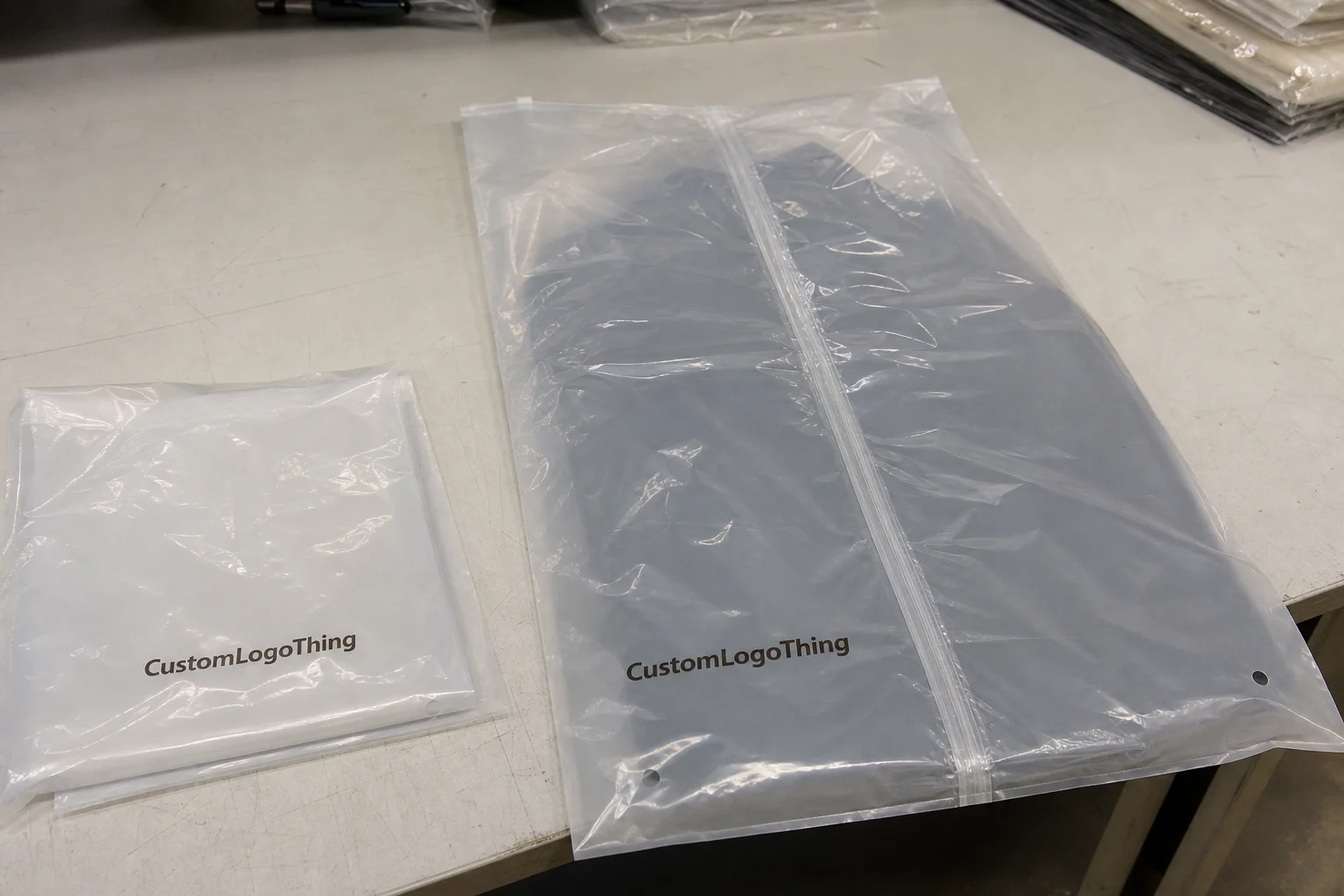
A clear sticker can look painted onto glass or nearly disappear on a package. It can also turn gray, weak, or cloudy if the film, white ink, finish, or surface is wrong. That is the core issue in most Custom Stickers Clear Background orders: the visual effect is simple, but the result depends on specs.
Most buyers mean a transparent film label or decal with printed artwork and adhesive underneath. These are commonly used on glass, jars, bottles, windows, electronics, and equipment because they leave more of the surface visible than an opaque label. But the background always affects the final appearance. Surface color, texture, lighting, adhesive clarity, and ink opacity all change readability.
That is why proofing matters. A design that looks sharp on a white screen can fail on black plastic, amber glass, brushed metal, or a frosted bottle. If you are comparing options with Custom Labels & Tags or broader Custom Packaging Products, focus on material, white ink, finish, and application surface first.
Why clear-background stickers can look premium or fail
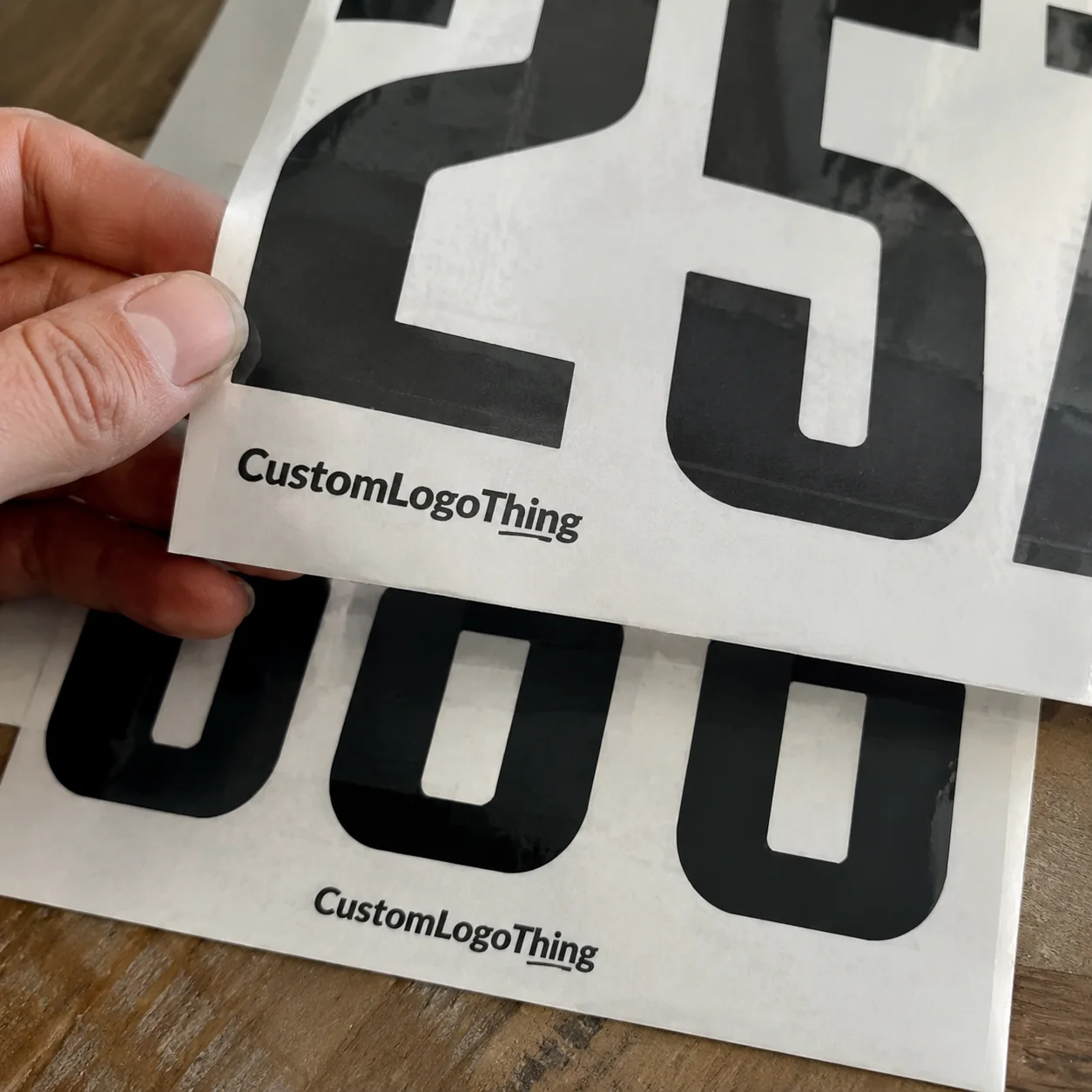
The biggest misconception is that “clear” means invisible. It does not.
A transparent sticker is still a layered construction: face film, adhesive, liner, printed ink, and often laminate. Light passes through those layers, reflects off the package, and comes back through them. On smooth glass, that can create the floating look buyers want. On dark or textured plastic, the same sticker may look dull and show its edges more clearly.
Most problems come from one of five areas:
- Artwork built without planning for the background color
- No white ink under light colors or small text
- The wrong material for the use environment
- A finish that makes the film more visible
- An application surface that is too rough, dark, or irregular
Most clear sticker jobs aim for one of these outcomes:
- A logo that appears to float on glass
- A product label that keeps contents visible but preserves readable branding and legal copy
- An equipment decal without a heavy printed background
- A minimal retail sticker
- A seal that blends into the package instead of dominating it
When buyers treat the sticker as artwork only, jobs go off track. A clear decal is the printed graphic plus the substrate underneath it. Once that is understood, material and print choices become much easier.
How transparent stickers actually work
A transparent sticker has four basic parts: a clear face stock, adhesive, release liner, and printed ink layers. The liner is removed during application. Everything else stays on the surface.
The “clear” effect comes from unprinted areas. Where no ink is placed, the background shows through. That can look premium, but it also means the package color becomes part of the design.
The control layer is usually white ink. It can be printed behind the full graphic, only behind specific elements, or omitted entirely in zones meant to stay transparent. On clear materials, white ink is often what keeps text readable and colors accurate.
Without it, pale colors and fine details usually lose contrast first. That is especially true on dark, metallic, amber, or frosted surfaces.
Adhesive orientation also matters:
- Front-adhesive decals apply inside glass and are viewed from outside, often for storefront windows.
- Standard back-adhesive decals apply to the outside of the surface, which is typical for product labels, equipment decals, and promotional stickers.
Finish changes the look as well. Gloss lamination usually gives the clearest appearance and stronger perceived color. Matte lamination reduces glare and fingerprints, but it often makes the clear film a bit easier to notice. If the goal is a near-invisible field, gloss usually performs better on smooth surfaces.
If the sticker must stay readable on a dark, metallic, frosted, or textured surface, assume some white ink is needed unless a real sample proves otherwise.
Materials, finishes, and artwork decisions that affect clarity
For many packaging labels, clear BOPP is the practical starting point. It is commonly used in the 2.0 to 2.6 mil range, has a clean appearance, and offers good moisture resistance for bottles, jars, and standard retail packaging.
Clear vinyl is thicker, often around 3 to 4 mil in common decal constructions, and is usually the better fit for tougher handling. It makes sense for laptops, toolboxes, equipment, outdoor decals, and individual die-cut stickers where durability matters more than the thinnest profile.
Thickness and application
Thinner films conform neatly to smooth containers and flat packaging, but they also show bubbles, dust, and handling errors quickly. Thicker vinyl often feels tougher and can hide minor application flaws better, though it may resist tight curves.
Gloss versus matte
Gloss generally gives richer color and a cleaner transparent field. Matte works where glare reduction matters, but on some jobs it makes the film more visible. If the design depends on the sticker “disappearing,” gloss usually has the advantage.
Adhesive choice
Permanent adhesive is standard for most product labels and decals. Removable adhesive fits short-term promotions or applications where cleaner removal matters. Performance varies by substrate: glass is usually forgiving, while textured materials, powder-coated surfaces, and low-surface-energy plastics are less predictable.
Some surfaces are poor candidates for transparent labels no matter how good the mockup looks. Corrugated board, rough recycled paper, and heavily textured plastics break the clear effect and make adhesive texture more visible. In those cases, a paper label or direct print on custom printed boxes may look cleaner.
Artwork setup
Use vector files when possible. Keep fine lines practical, and be careful with reverse text, which is more vulnerable to registration shift between white and color layers.
As a working range, many printers prefer positive text around 5 pt to 6 pt minimum in a simple font, while reverse text often needs 7 pt or more depending on press tolerance and white ink registration. Small script fonts and pastel type on clear stock are common failure points.
Also watch:
- Cut path spacing: artwork too close to the die line can be clipped in finishing
- Gradients: soft fades may print weakly once the package color shows through
- Selective white: often the best balance between openness and readability
For many buyers, selective white is the best approach: back the logo, text, and key colors with white, and leave the rest truly transparent.
Production timeline, from proof to delivery
Clear sticker production usually follows this sequence:
- Quote request with size, quantity, material, and format
- Artwork review
- Proof creation
- White ink and cut path setup
- Customer approval
- Printing
- Lamination or finishing
- Die-cutting, sheeting, or rewinding
- Packing and shipping
Prepress is the most important stage. Files need to be checked for transparent zones, white ink layers, cut lines, type size, and likely behavior on the actual package color. A proof reviewed only on a white PDF or desk surface is a common reason for reprints.
Format affects both production and use:
- Kiss-cut sheets are useful for short runs and hand application
- Individual die-cut stickers suit merch, events, laptops, and resale sets
- Roll labels are best for volume and machine application, especially when unwind direction and core size matter
A repeat job with approved art can often ship in about 7 to 10 business days plus transit. First-time orders that need white ink planning, die creation, or artwork cleanup are more often in the 10 to 15 business day range after proof approval. Special laminates, large decals, or multiple revisions can extend that.
Typical delays come from:
- Low-resolution raster files
- Missing dimensions or cut lines
- No instructions on what stays clear versus what gets white backing
- Late proof approval
- Special finishing or unusual constructions
If readability on dark bottles, metallic finishes, or frosted containers is critical, plan for a sample or pilot run. It is usually far cheaper than reprinting a full order.
For brands shipping complete retail kits, transit testing guidance from ISTA can help if the sticker is part of a finished packaged product.
Clear sticker pricing and cost drivers
Price is driven mainly by material, size, shape complexity, white ink coverage, laminate, format, quantity, and shipping. Clear jobs with white ink usually cost more than standard paper stickers because they require extra print layers and tighter setup.
As a rough market range, 500 clear die-cut stickers may cost about $0.55 to $1.20 each, depending on size, material, and white coverage. A 5,000-piece roll label run for a common bottle size may fall closer to $0.08 to $0.22 per label. Large decals, flood white, outdoor-grade vinyl, and premium laminates increase cost.
| Factor | Lower-Cost Option | Higher-Cost Option | Why It Changes Price |
|---|---|---|---|
| Material | Clear BOPP | Premium clear vinyl | Vinyl usually costs more and is chosen for tougher use |
| Ink setup | No white ink | Selective or flood white | Extra print layers and setup time add cost |
| Shape | Standard square or circle | Complex contour die-cut | More intricate finishing slows production |
| Finish | Standard gloss | Premium matte or specialty laminate | Additional materials and finishing steps raise unit cost |
| Format | Sheets for short runs | Rolls with unwind requirements | Roll production is efficient at volume but more setup-sensitive |
Minimum order quantity varies by printer and format. Sheets and die-cut pieces often work at lower MOQs. Rolls usually become the economical option at higher quantities or when labels must feed into an application line.
To control cost without hurting performance:
- Use standard sizes where possible
- Keep contour cuts simple
- Provide clean vector artwork
- Ask for quantity breaks at 500, 1,000, 5,000, and 10,000
- Use selective white instead of flood white if the design allows it
Better quote requests include the application surface, indoor or outdoor use, moisture exposure, desired transparency level, and whether the labels will be machine-applied.
How to order the right clear-background sticker
The easiest way to order well is to build the spec in the same order a printer will evaluate it.
- Define the end use. Glass, PET, HDPE, metal, laptop, carton, or window? Does it need water, oil, abrasion, refrigeration, or UV resistance?
- Choose the format. Roll, sheet, or individual die-cut.
- Prepare the artwork. Mark transparent zones, white ink areas, cut line, bleed, and final size.
- Select finish and adhesive. Prioritize clarity, lower glare, permanent bonding, or removability.
- Review the proof on the real background. Do not approve based only on a white screen view.
- Request a sample if the surface is difficult. Especially for dark, metallic, frosted, or textured substrates.
- Approve only after checking readability and edge quality.
A short objective helps prepress. For example: “Logo and required copy must stay opaque on a black bottle while the rest remains transparent.” A phone photo of the actual package helps as well.
If the sticker is part of a broader packaging system, note that too. Adjacent cartons, sleeves, or labels may need matching finish or shelf appearance. If sustainability standards affect the wider packaging project, references such as FSC may apply to fiber components around the label.
Common mistakes with clear decals
The most common mistake is assuming printed color will be opaque by default. On clear film, it usually is not. Without white ink, many colors become translucent.
Other frequent problems include:
- Tiny type
- Screenshot-based or low-resolution artwork
- No plan for the package color underneath
- Heavy use of semi-transparency because it looked good on-screen
- Applying clear film to rough or highly textured surfaces
Dark, metallic, frosted, and recycled-content surfaces are riskier because they alter the design from beneath. Application problems also show quickly on clear stock: dust, skin oil, trapped air, and slight misalignment are easier to see than on opaque labels.
For larger decals, apply from one edge and work across with a squeegee or firm applicator card. Moderate temperatures, often around 50°F to 90°F depending on the adhesive, are usually safer than very cold conditions.
Practical tips that improve results
- Add a white underbase behind text and small logos
- Increase thin line weights before final file approval
- Create deliberate contrast zones around critical information
- Check the design under real lighting conditions
- Keep the composition simpler if readability matters more than full transparency
The best clear decals use transparency selectively and opacity where readability has to win.
Build a spec sheet before requesting a quote
Before requesting pricing, prepare a short spec sheet with the details below:
- Size: width, height, orientation
- Shape: square, circle, oval, or custom contour
- Quantity: include breaks if possible
- Application surface: glass, PET, HDPE, metal, carton, laptop, or equipment
- Environment: indoor, refrigerated, wet, oily, outdoor, UV exposure
- Material preference: clear BOPP or clear vinyl
- Finish: gloss, matte, laminated, or unlaminated
- Adhesive: permanent or removable
- Format: roll, sheet, or individual die-cut
- Artwork notes: transparent areas, white ink zones, cut line, critical text
Add one more line with the visibility goal, such as: “Logo stays opaque on an amber bottle while background remains transparent.” That gives prepress a clear decision standard.
Reference photos of the actual surface are useful, especially when budget is tight and you need alternate materials, sample options, or quantity breaks. A small size change, simpler die cut, or switch from vinyl to BOPP can lower cost without changing the visual result much.
The last checkpoint is the one buyers skip most often: review the proof against the real background before approval. On custom stickers clear background jobs, that step matters more than on opaque labels.
FAQ
Are custom stickers clear background designs waterproof?
Many are water-resistant or waterproof when produced on clear BOPP or clear vinyl with the right ink system and, often, a laminate. Actual performance depends on the material, adhesive, and exposure. For refrigerated goods, bath products, or oily containers, confirm moisture and chemical resistance before ordering.
Do clear background stickers need white ink?
Not always. If the design is intentionally translucent and used on a light, smooth surface, white ink may be unnecessary. For readable text, accurate color, and stronger contrast on dark or metallic surfaces, white ink is often essential. Selective white is a common middle ground.
What is the best material for custom stickers clear background labels?
Clear BOPP is a strong choice for many product labels because it is clean-looking, moisture-resistant, and efficient for retail packaging. Clear vinyl is usually better for decals, rough handling, and outdoor exposure. The right choice depends on substrate, environment, and whether the piece functions as a label or a decal.
How do I apply custom clear stickers without bubbles?
Clean the surface thoroughly so dust, oil, and residue do not get trapped under the film. Start from one edge and apply gradually with even pressure. For larger pieces, use a squeegee or firm card and stay within the adhesive’s recommended temperature range.
Why do my transparent stickers look cloudy on the package?
Cloudiness can come from visible adhesive, trapped air, textured surfaces, moisture during application, or a finish that makes the film easier to see. Frosted and rough containers naturally reduce the invisible-label effect. Testing on the exact package is the most reliable way to judge clarity before full production.