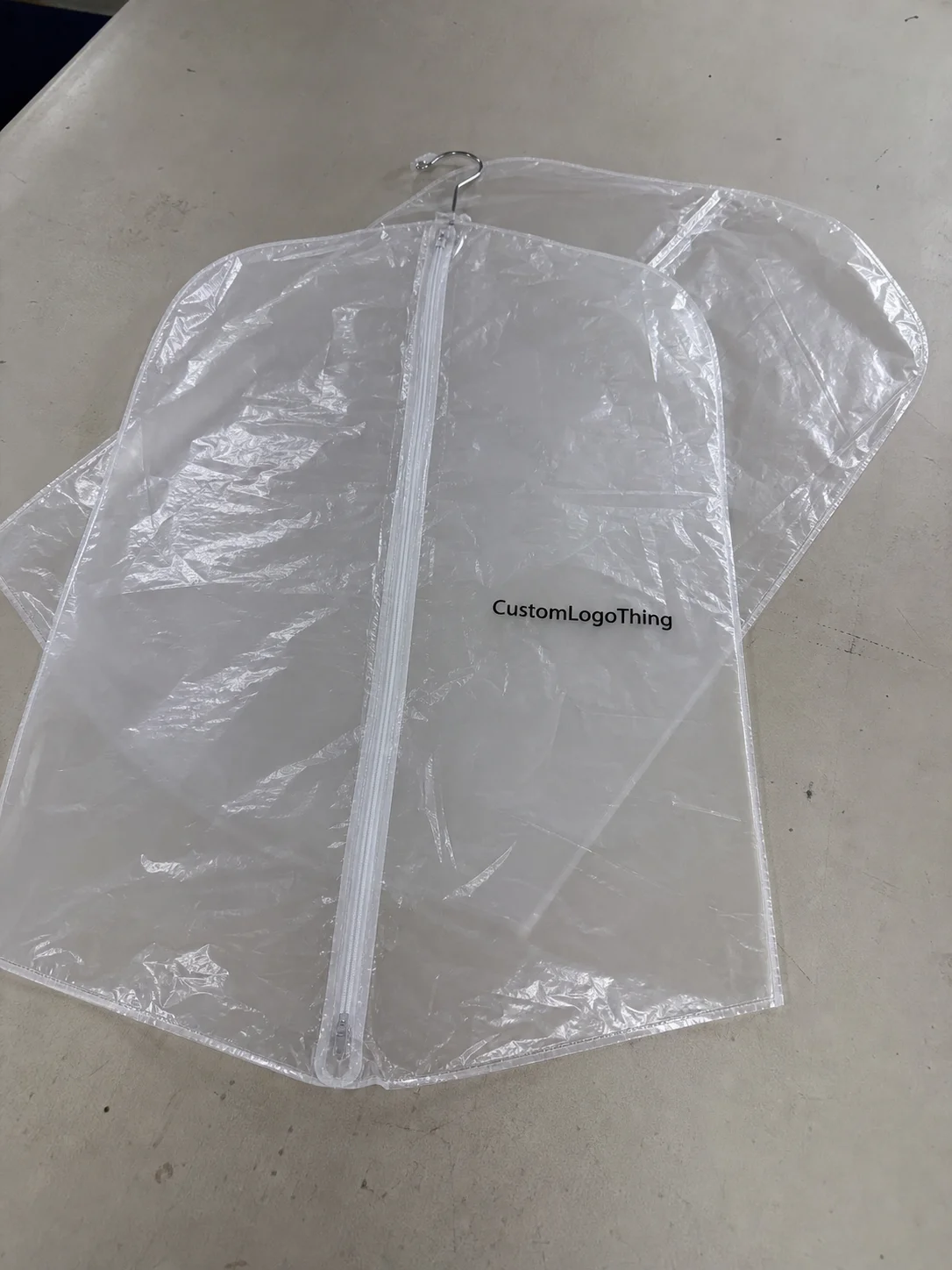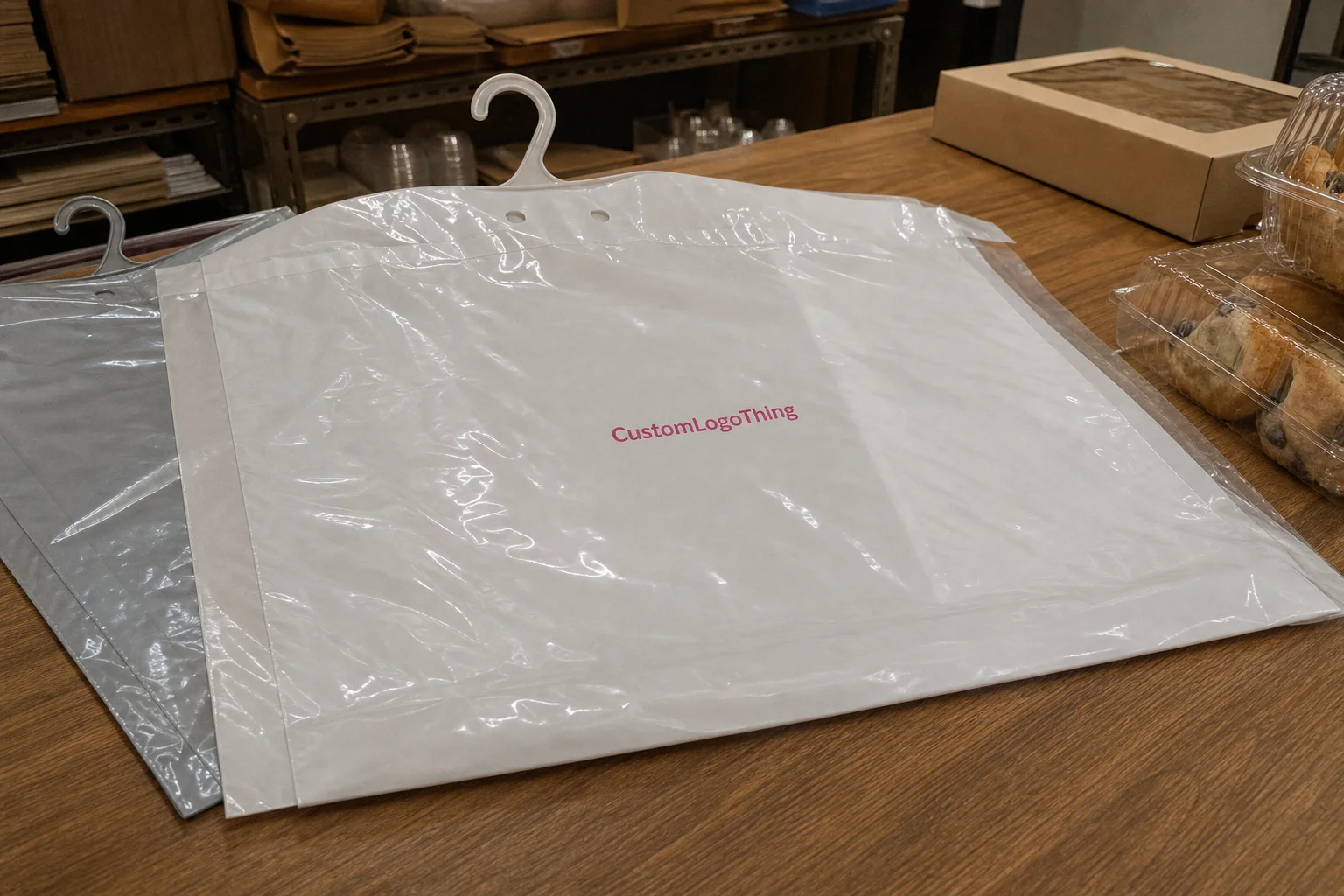
Buyer Fit Snapshot
| Best fit | Ai Generated Poly Mailer Mockup Tools projects where brand print, material claims, artwork control, MOQ, and repeat-order consistency need to be specified before quoting. |
|---|---|
| Quote inputs | Share finished size, material target, print colors, finish, packing count, annual reorder estimate, ship-to region, and any compliance wording. |
| Proofing check | Approve dieline scale, logo placement, barcode or warning zones, color tolerance, closure strength, and carton packing before bulk production. |
| Main risk | Vague material claims, crowded artwork, missing packing details, or unclear freight terms can make a low unit price expensive after revisions. |
Fast answer: Ai Generated Poly Mailer Mockup Tools: Film, Print, MOQ, and Carton Packing should be specified like a repeatable production item. The safest quote records material, print method, finish, artwork proof, packing count, and reorder notes in one written spec.
Production checks before approval
Compare the actual filled-product size with the drawing, then confirm tolerance on folds, seals, hang holes, label areas, and retail display edges. Reserve space for logos, QR codes, warning copy, and material claims before decorative graphics fill the panel.
Quote comparison points
Review material grade, print process, finish, sampling route, tooling charges, carton quantity, and freight assumptions side by side. A quote is only useful when the supplier can repeat the same color, closure quality, and packing count on the next order.
I’ve watched buyers approve a shipping bag faster than a product sample, sometimes in a 20-minute Zoom call where the first question was whether the mailer felt premium enough for a $140 sneaker drop. That sounds backwards, but it happens constantly, and it explains why AI Generated Poly Mailer Mockup tools have become so useful for ecommerce teams, designers, and packaging buyers who need to show a concept before anyone signs off on a physical run.
In my experience, the first visual impression can move a project by days. A clean mockup of a 4 mil white poly mailer with a sharp logo, a realistic 12 mm heat seal, and a believable adhesive strip can calm a nervous client in one meeting, while a flat, obviously fake render can trigger three rounds of revisions. I’ve seen both outcomes in supplier negotiations from Dongguan to Long Beach, and the difference usually comes down to how well the mockup matches the real bag structure.
People underestimate packaging visuals all the time. They assume a mailer is “just a bag,” until a retailer asks how the matte finish will photograph under 5600K softbox lighting, or a brand manager wants to see whether a 10 x 13 inch mailer feels premium enough next to a black sneaker box with a 350gsm C1S artboard insert. AI Generated Poly Mailer Mockup tools are useful because they shorten that awkward gap between idea and evidence, often before the first $0.15-per-unit quote for a 5,000-piece run is even approved.
What AI Generated Poly Mailer Mockup Tools Actually Do
ai generated poly mailer mockup tools are software systems that create visual simulations of poly mailers from prompts, artwork files, or dielines. Instead of building every shadow and wrinkle manually, the tool generates a realistic-looking shipping bag with your logo, color, and finish applied to it. That matters because packaging buyers often judge the bag before they ever touch the product inside, especially when they are comparing a 2.5 mil LDPE bag against a coextruded 3-layer film made in Shenzhen or Xiamen.
I still remember standing on a production floor in Shenzhen, watching a buyer approve a courier bag mockup in under four minutes because the print placement, gusset depth, and seal edge looked right. The sample itself had not shipped yet, and the physical bag would not be ready for another 12 to 15 business days after proof approval. The mockup did the job first. That’s the practical value of ai generated poly mailer mockup tools: they sell the idea fast, then the physical sample confirms the details.
There is also a real difference between a plain template editor and an AI-assisted generator. A template editor usually gives you a fixed image, a few editable zones, and maybe a background swap. ai generated poly mailer mockup tools, by contrast, can interpret uploaded artwork, suggest lighting, and create folds or reflections that are closer to how the material behaves in real life. The better ones can mimic a matte LDPE mailer, a glossy coextruded mailer, or even a frosted recycled-content finish with decent accuracy, including the slight stretch you see around a 40 mm adhesive flap.
For ecommerce brands, the speed matters. For designers, the iteration count matters. For packaging teams, approval cycles matter most. If a team can show three versions of a black mailer with different logo scales and seal placements in 15 minutes instead of two days, that can pull a launch schedule back on track. I’ve seen marketing teams save an entire week just by using ai generated poly mailer mockup tools early, before the printer even got involved in a production slot booked out of Guangzhou.
They are not magic, though. They are visual decision tools. They help answer questions like: Will the logo read from a distance? Does the bag feel premium? Does the brand color flatten under a glossy coating? Those are the kinds of questions that move budgets, especially when a buyer is comparing a $19 monthly plan against a $79 team plan and deciding whether the next product launch needs 6 variants or 16.
How AI Generated Poly Mailer Mockup Tools Work
The workflow usually starts with a prompt or file upload. You enter a description such as “white matte poly mailer, front-centered logo, 14 x 19 inches, clean studio background,” or you upload a logo, brand palette, and a dieline. ai generated poly mailer mockup tools then build a composite image using what they predict should happen to light, texture, and perspective, often based on the same logic used for packaging photography in studios in Los Angeles, Toronto, or Ho Chi Minh City.
What is the AI actually generating? Mostly the visible behavior of the surface. It predicts folds where a bag would crease, soft shadows where the gusset bends, seam lines along the edge, and the subtle distortions that happen when a printed film wraps around a real package. That is why the better ai generated poly mailer mockup tools can make a 2D logo look attached to a 3D object instead of pasted on top like a sticker, especially when the source art is a vector file exported from Adobe Illustrator rather than a 900 x 900 pixel JPEG.
In a supplier meeting I attended last year, a brand team brought in static mockups that looked beautiful on a laptop screen. Then the production manager asked a simple question: “Where’s the seal strip?” The room went quiet. The design was attractive, but the physical structure was incomplete, and the final bag needed a 10 mm side seam and a 35 mm top flap to match the factory’s standard line in Suzhou. That is where ai generated poly mailer mockup tools can outperform older methods if the inputs are good, because they can show not just decoration but structure.
The usual steps look like this:
- Enter a prompt or upload artwork.
- Select the mailer type, size, and finish.
- Choose a background or context, such as studio, warehouse, or ecommerce flat lay.
- Generate the image.
- Refine details like shadows, logo size, perspective, and color balance.
Common inputs include vector logos, print-safe PNGs, RGB or Pantone color references, bag dimensions, and notes on features like tamper-evident seals or adhesive strips. Some ai generated poly mailer mockup tools also accept a dieline, which helps them place graphics more precisely on the front panel and avoid awkward cropping near the seam, the bottom fold, or the 8 mm bleed zone that many factories in Dongguan still require.
Human review still matters. A lot. AI can make the bag look believable, but it cannot fully understand print tolerances, film stretch, or how a neon brand color may shift on recycled poly film during a flexographic print run. For that, I still trust a packaging engineer or a supplier proof more than any generated image. The best use of ai generated poly mailer mockup tools is to speed up decisions, not replace production judgment, particularly when the actual order is 5,000 pieces or more and the freight window is already tight.
Key Factors to Compare Before You Choose AI Generated Poly Mailer Mockup Tools
Realism is the first filter. If the tool cannot convincingly show reflective film, tiny crinkles, edge heat seals, and the slight memory in the plastic, the result will feel generic. The best ai generated poly mailer mockup tools can distinguish between a high-gloss mailer and a soft-touch matte bag, and that difference is not cosmetic; it changes how stakeholders perceive value, especially when they are comparing a branded mailer produced in Taiwan with a lower-cost unbranded bag sourced from Ningbo.
Customization depth comes next. Can you change size, color, finish, adhesive strip placement, logo position, and background angle? Can you show a 6 x 9 inch mailer next to a 12 x 15 inch one without redrawing everything? I’ve found that teams with multiple SKUs need ai generated poly mailer mockup tools that handle variants cleanly, or the process turns into repetitive cleanup work that eats 2 to 3 hours per revision cycle.
Output quality matters more than most buyers expect. A mockup that looks fine in a browser may collapse when exported at 300 dpi for a pitch deck or an Amazon storefront test. Ask whether the tool supports PNG, JPG, layered exports, or presentation-ready PDFs. If your team is using ai generated poly mailer mockup tools for sales decks, product pages, and internal approvals, you need files that survive across different uses without looking compressed, especially when the final presentation is being printed at 11 x 17 inches in a Chicago office or reviewed on a 27-inch display in London.
Cost structures vary sharply. Some tools offer a free tier with watermarks and limited renders. Others charge monthly subscriptions, and some run on credit-based or per-render pricing. I’ve seen pricing as low as $19 per month for simple usage and $79 or more for team plans with brand kits, revision history, and export controls. The hidden costs show up in limits: two revisions only, low-resolution downloads, or no commercial licensing. ai generated poly mailer mockup tools can look cheap until the first project hits a revision wall and the team loses half a day recreating a missing prompt.
Collaboration features are worth checking early. If your team handles ten variants for three channels, you need comments, version control, and brand kits. Otherwise, someone will upload the wrong logo version, or a stakeholder will approve a mockup with last quarter’s color code. Good ai generated poly mailer mockup tools reduce that friction, especially if the brand team is in New York, the warehouse team is in Dallas, and the printer is in Monterrey.
| Option | Typical Cost | Best For | Common Limits |
|---|---|---|---|
| Free basic plan | $0 | Single concepts, quick internal tests | Watermarks, low resolution, few exports |
| Subscription plan | $19-$79/month | Brands with repeated mockup needs | Revision caps, brand kit limits, seat restrictions |
| Credit or render model | $1-$8 per render | Occasional projects, agencies | Costs rise fast with multiple variants |
| Team or enterprise plan | Custom pricing | Multi-user packaging departments | Requires onboarding and admin setup |
If you also need real packaging, not just mockups, it helps to connect visuals to production-ready options like Custom Poly Mailers and broader Custom Packaging Products. That way your concept stage stays aligned with what can actually be manufactured, whether the run is 3,000 pieces in Vietnam or 25,000 pieces from a factory cluster in Zhejiang.
One more detail people overlook: export rights. A tool may create a gorgeous image, but the license may not cover paid ads or reseller presentations. Check that before your media team starts building campaigns around it. The most polished ai generated poly mailer mockup tools are not always the most flexible commercially, and a missing usage clause can delay a launch by 48 hours or more.
For teams that care about compliance and sustainability claims, I also like to cross-check packaging-related guidance from industry bodies such as ISTA and material references from FSC. If a mockup implies a structure or material story that the real package cannot support, you’ve already created a problem, especially when the finished mailer is supposed to be recycled-content film with a specific resin blend from an approved supplier in South China.
Step-by-Step Process for Using AI Generated Poly Mailer Mockup Tools
I always tell clients to start with clean files. A 300 dpi raster logo with jagged edges will not look better just because an AI tool is involved. If anything, the distortion becomes more obvious. Before using ai generated poly mailer mockup tools, organize your artwork into a named folder structure: logo, colors, dieline, copy, and reference images. That sounds basic, but it saves time when three people are reviewing versions at once and the printer is waiting for approval from a factory in Taichung or Foshan.
Step one is choosing the right mailer style. A white matte shipping bag will present your artwork differently from a glossy black courier mailer with a metallic interior. Define the exact dimensions before generation: 9 x 12 inches, 10 x 13 inches, 14 x 19 inches, or whatever your real SKU requires. ai generated poly mailer mockup tools work much better when they are not guessing size, and they work best when you also specify film gauge, such as 2.25 mil or 2.5 mil LDPE.
Step two is uploading or describing the design. I prefer a simple prompt plus artwork file. For example: “14 x 19 inch frosted poly mailer, front-centered navy logo, soft studio lighting, slight right-facing angle, matte finish.” That prompt gives the tool enough structure to create a usable image without making the result feel overly synthetic. The stronger your input, the better the output from ai generated poly mailer mockup tools, especially when the artwork was prepared from a dieline exported at 1:1 scale.
Step three is generating multiple options. Do not stop at the first render. I’ve seen teams approve the first image and later realize the logo is too low, the adhesive strip is too visible, or the shadows make the bag look heavier than the actual film gauge. Create at least three versions: straight-on, angled, and lifestyle-context. ai generated poly mailer mockup tools are especially useful here because variation is cheap, often taking 2 to 5 minutes per render instead of the 30 to 60 minutes a designer might spend manually compositing each view.
Step four is refining the image. Adjust the shadow depth if the bag feels like it’s floating. Tighten the perspective if the mailer looks warped. Shift the background to white, kraft, gray, or a warehouse shelf if your audience needs context. I’ve found that a very small change in lighting can make a 2.25 mil poly mailer look either premium or flimsy. That’s not AI magic; it’s visual physics, the same reason a bag shot in a Guangzhou studio can look more expensive than one photographed under a bare office LED strip.
Step five is checking the timeline. A basic mockup can take 5 to 10 minutes if the artwork is ready. A polished version with three revisions might take 45 minutes to 2 hours. If you need stakeholder approval, budget another 1 to 3 business days for feedback, especially if marketing, operations, and procurement all want a say. That is still faster than the old back-and-forth I used to see with manual render requests, where a single revision could stall a production proof for a full week.
“The mockup looked perfect, but the real bag had a bottom seal that the image didn’t show. We caught it before print because someone asked the right question.” That was a line from a procurement manager I worked with in Portland, and it sums up the value of ai generated poly mailer mockup tools better than any vendor pitch ever could.
Here is a practical workflow I recommend for the next project:
- Prepare logo, color codes, and size specs.
- Select the mailer structure and finish.
- Generate three concept images.
- Review for scale, seam position, and brand fit.
- Revise once or twice, then export.
- Match the approved mockup to a supplier proof or sample.
That sequence keeps ai generated poly mailer mockup tools tied to reality. It also gives your team a paper trail of decisions, which helps when a launch is moving fast and someone asks why the logo was moved 8 millimeters to the left or why the tamper strip was shown as clear instead of red.
Common Mistakes Brands Make With AI Generated Poly Mailer Mockup Tools
The first mistake is simple: low-resolution assets. If your logo starts blurry, the mockup will only make the problem more obvious. A 600 x 600 pixel file might be acceptable for a website thumbnail, but it is weak for packaging visuals. With ai generated poly mailer mockup tools, the AI often sharpens surrounding detail and leaves the logo looking muddy by comparison, especially on a dark bag with a high-contrast print.
The second mistake is ignoring production realities. A mockup might show a beautiful edge-to-edge design, but if the actual bag needs a 10 mm print-safe area around the seam, the art will be cut off in production. This is where I’ve seen inexperienced teams get burned. They approve the render, then the printer warns them the bleed is wrong. Good ai generated poly mailer mockup tools can show the idea, but they cannot override physical manufacturing rules in a factory running a specific seal bar width and gusset fold.
The third mistake is over-editing. Some brands keep pushing shadows, texture, and color saturation until the image looks stunning but no longer resembles a manufacturable mailer. I call that “presentation drift.” It happens when marketing wants drama and operations wants accuracy, and nobody owns the middle ground. The best ai generated poly mailer mockup tools support realism, not fantasy, because a mailer that looks like lacquered vinyl when the actual material is 2.0 mil recycled film creates unnecessary confusion.
The fourth mistake is trusting the image without checking substrate behavior. Poly film can shift color under light. Gloss can reflect brand colors differently than matte. Metallic ink can read warmer or cooler depending on the angle. If your mockup does not account for that, the final bag may look 10 to 15 percent different from the screen version. That gap is common enough that I always treat generated visuals as approximation, not proof, especially if the production run is being quoted from a plant in Shenzhen at 6 a.m. local time.
The fifth mistake is skipping internal review. One buyer I worked with sent a glossy black mockup to an executive team, but the actual shipping bag was supposed to be semi-matte for a luxury unboxing feel. The feedback process turned awkward fast. If you are using ai generated poly mailer mockup tools, make sure the file is labeled clearly: concept only, sample pending, or production reference. A simple note prevents a lot of confusion, especially when the creative team is in Brooklyn and the supply chain team is in Ho Chi Minh City.
Here’s a practical checklist I use before sending any generated mailer visual to a client:
- Logo is vector-based or at least 300 dpi.
- Bag dimensions match the SKU.
- Seams, adhesive strip, and gusset details are visible.
- Color family aligns with brand standards.
- Mockup is marked as concept, not final proof.
That last line matters more than people think. ai generated poly mailer mockup tools are useful because they move fast, but speed without labeling creates avoidable disputes later, including last-minute changes that can cost $150 to $400 in reproofing fees depending on the supplier.
Expert Tips to Get Better Results From AI Generated Poly Mailer Mockup Tools
Use specific prompts. “Nice mailer” is useless. “14 x 19 inch matte white poly mailer, centered black logo, subtle crinkle texture, studio light from upper left, front view” is far better. The more exact the prompt, the more useful the output from ai generated poly mailer mockup tools. I’ve tested both styles, and the difference is obvious within seconds, especially when the tool is asked to render the bag on a light gray sweep rather than a noisy desk background.
Pair the mockup with exact production specs. If the real bag is 2.5 mil LDPE with a 40 mm adhesive flap and a 12 mm seam allowance, say so. Even if the tool doesn’t understand every technical term perfectly, the instruction helps anchor the output to reality. That habit keeps ai generated poly mailer mockup tools from drifting into pretty but impractical territory, which can happen fast when the brand palette includes silver ink or a neon accent.
Test under multiple lighting conditions. Glossy and metallic mailers can swing dramatically depending on whether the light is warm, neutral, or cool. A silver poly mailer may look premium in soft daylight and cheap under harsh top lighting. I’ve watched that happen in a client review room with a borrowed sample and three desk lamps in a Minneapolis office, and the same will happen with ai generated poly mailer mockup tools if you don’t control the lighting logic.
Build a prompt library. This is one of the simplest ways to save time. Save prompts for holiday mailers, subscription boxes, influencer kits, or black-on-black premium shipping bags. After two or three campaigns, you’ll have a reusable system that cuts the setup time by half. That repeatability is one of the hidden strengths of ai generated poly mailer mockup tools, especially for teams producing monthly launches with different SKUs and artwork updates.
Know when to stop. If a visual needs to prove exact registration, substrate feel, or specialty coating performance, move to a custom rendered prototype or supplier proof. AI is not the final authority on print behavior. It is the fast first pass. ai generated poly mailer mockup tools should make your workflow sharper, not convince you to skip the boring but necessary checks that keep a 10,000-piece order from getting delayed at the dock.
If your packaging program also includes other formats, I usually recommend keeping the same visual language across bags, cartons, and inserts. That is where Custom Packaging Products can help anchor a broader brand system rather than treating the mailer as a one-off asset, especially when the carton is built from 32 ECT corrugated board and the insert uses 350gsm C1S artboard.
How do ai generated poly mailer mockup tools compare with traditional mockup design?
ai generated poly mailer mockup tools usually reduce the time needed to create multiple packaging concepts, especially when the team needs quick variations for color, logo placement, or finish. Traditional mockup design can offer tighter manual control, but it often takes longer and requires more back-and-forth between design and packaging teams. For early-stage review, AI tools are usually faster; for final production verification, a designer or packaging engineer still needs to check the files against real specifications.
What to Do After You Create a Mockup
Once the mockup is ready, compare it against the production spec sheet. Check dimensions, color references, seam positions, and any supplier notes before you share it outside the team. That single review step prevents a lot of rework. Even the best ai generated poly mailer mockup tools should be followed by a line-by-line reality check, particularly if the supplier is quoting a 12 to 15 business day turnaround from proof approval.
Then use the mockup where it can create momentum: stakeholder meetings, ad testing, product pages, seller pitches, and internal procurement reviews. A strong image can gather feedback much faster than a verbal description. I’ve seen teams get decisive comments on a 10 x 13 inch mailer in one afternoon because the visual was clear and specific. ai generated poly mailer mockup tools are especially valuable here because they produce enough realism to trigger meaningful reactions before the first carton of samples leaves the factory in Dongguan.
Document what worked. Save the prompt, the file format, the lighting choice, the dimensions, and the export settings. If the mockup came out well at 2048 pixels wide on a white background, note it. That documentation becomes a small internal asset library for the next launch. Teams that use ai generated poly mailer mockup tools repeatedly should treat them like a repeatable process, not a one-time novelty, because the difference between a 10-minute setup and a 45-minute rebuild adds up quickly over a quarter.
Finally, use the mockup to build a packaging checklist. Include bag size, film gauge, print method, finish, adhesive type, color standards, and any special handling notes. If you want to move from concept to production cleanly, compare the generated image with one physical sample before you order the full run. That final check is where ideas become safe to print, and it is the smartest way to use ai generated poly mailer mockup tools without over-trusting them, especially when the final order is shipping from a plant in Shenzhen to a fulfillment center in Nevada.
For brands that want more than a digital image, pairing the visual with a real supplier proof and a physical test sample is still the strongest path. In my view, ai generated poly mailer mockup tools are best treated as a fast visual bridge: useful, efficient, and very good at getting everyone on the same page before money goes into plates, film, and freight, whether that freight is a 40-foot container or a small air shipment for a launch deadline.
Are AI generated poly mailer mockup tools accurate enough for client presentations?
Yes, for visual communication they usually are, especially if the design is simple and the tool supports realistic lighting, scaling, and surface texture. I would not trust them for final print approval unless the output has been checked against exact dimensions, materials, and production specs. The safest approach is to present ai generated poly mailer mockup tools results as concept visuals and pair them with a supplier proof when the project gets serious, particularly for a 5,000-piece or 10,000-piece order.
How much do AI generated poly mailer mockup tools usually cost?
Pricing often ranges from free basic plans to monthly subscriptions or render-based credits. Cheaper tools may cap exports, reduce resolution, or limit how many times you can revise the design. In practice, teams should compare total cost against the time saved on manual mockups, revision cycles, and back-and-forth approvals. That is the real budget question with ai generated poly mailer mockup tools, especially if the team is weighing a $19 starter plan against a $79 collaboration plan and still needs one commercial license for paid ads.
How long does it take to create a poly mailer mockup with AI?
Basic mockups can be generated in minutes, while polished versions may take longer if you need revisions or multiple styles. The timeline depends on file quality, prompt clarity, and how many variants you want to test. If the mockup needs stakeholder approval, I would budget time for feedback plus one or two refinement rounds. Even fast ai generated poly mailer mockup tools still need review, and a complete approval cycle often lands in the 1 to 3 business day range when marketing and procurement both want input.
What files should I prepare before using AI generated poly mailer mockup tools?
Prepare high-resolution logo files, brand colors, and any print-safe artwork files before starting. It also helps to have packaging dimensions, finish preferences, and placement notes ready. Clean file prep reduces distortion and makes the output more realistic, which is one of the biggest reasons ai generated poly mailer mockup tools perform well or poorly. A vector EPS or AI file, plus a 300 dpi PNG backup, usually gives the cleanest result.
Can AI generated poly mailer mockup tools replace traditional packaging designers?
Not fully. They can accelerate early-stage visualization, but they do not replace packaging expertise, print setup knowledge, or strategic brand judgment. Designers are still needed for production accuracy and for decisions that affect manufacturability. The best results usually come from combining AI speed with human packaging judgment, especially when ai generated poly mailer mockup tools are part of a larger packaging workflow that includes supplier proofs, material samples, and final spec signoff.
What are the best use cases for ai generated poly mailer mockup tools?
The strongest use cases are early concept reviews, client presentations, internal stakeholder approvals, ad creative testing, and ecommerce listing visuals. ai generated poly mailer mockup tools are especially helpful when a brand wants to compare several bag sizes, finishes, or print placements without paying for repeated manual mockups. They are less useful for final engineering approval, where a supplier proof or physical sample still matters more than the render.
To wrap it up, I’d treat ai generated poly mailer mockup tools as a speed layer, not a substitute for packaging discipline. They are strongest when the artwork is clean, the dimensions are accurate, and the team knows exactly what the image is supposed to prove. Use them early, verify them against specs, and compare the final output with at least one physical sample before production. That’s the practical, low-drama way to get value from ai generated poly mailer mockup tools without letting the visuals outrun reality.
One last thought from the factory floor: the best packaging projects I’ve seen were never the prettiest renders. They were the ones where the mockup matched the bag, the bag matched the spec, and the spec matched the brand promise. That still holds true, even with ai generated poly mailer mockup tools doing a lot of the heavy lifting in plants from Guangzhou to Kuala Lumpur. So the real next step is simple: build the mockup, verify the dimensions, and then confirm it against a physical sample before anyone says yes to print.