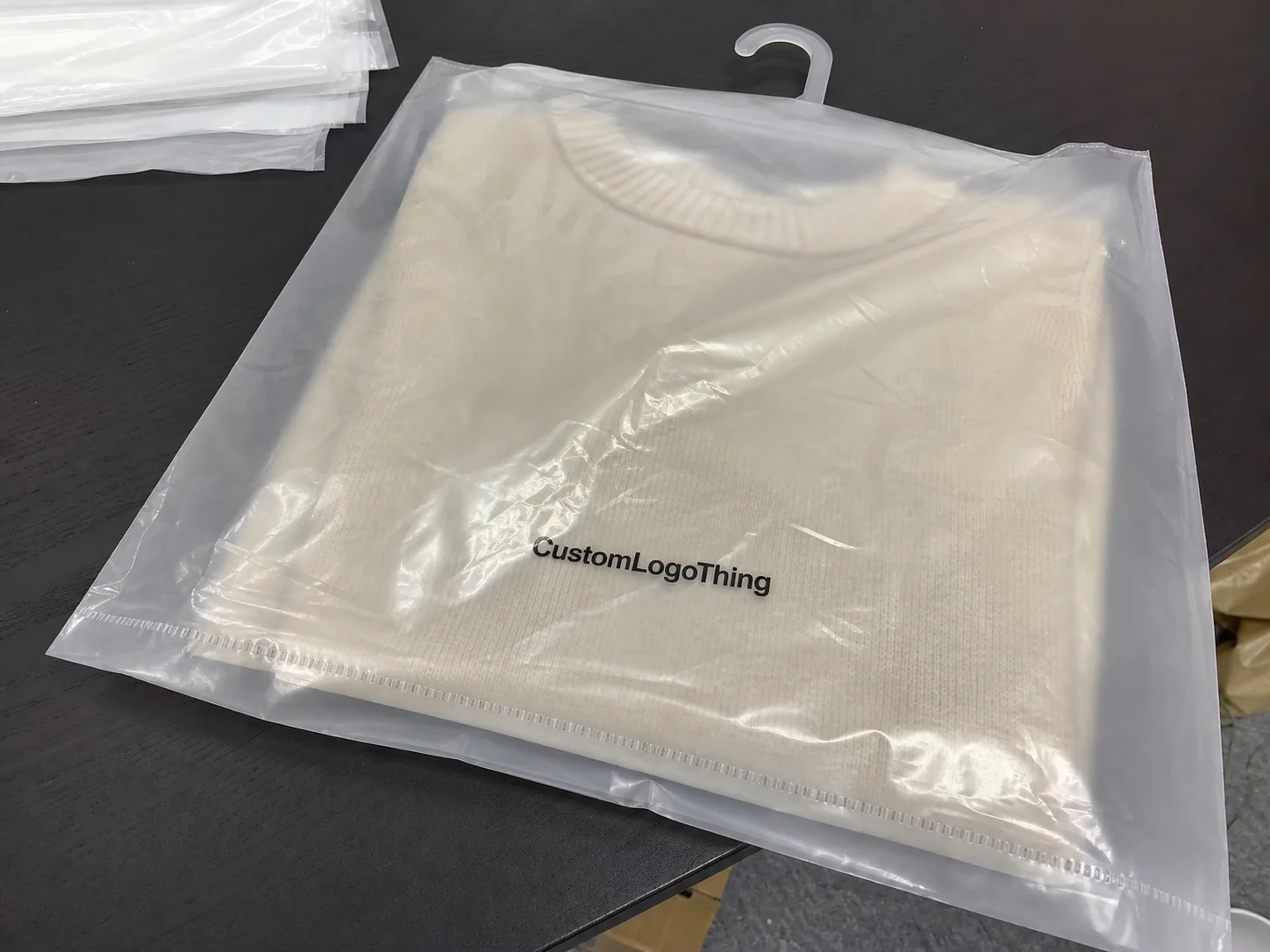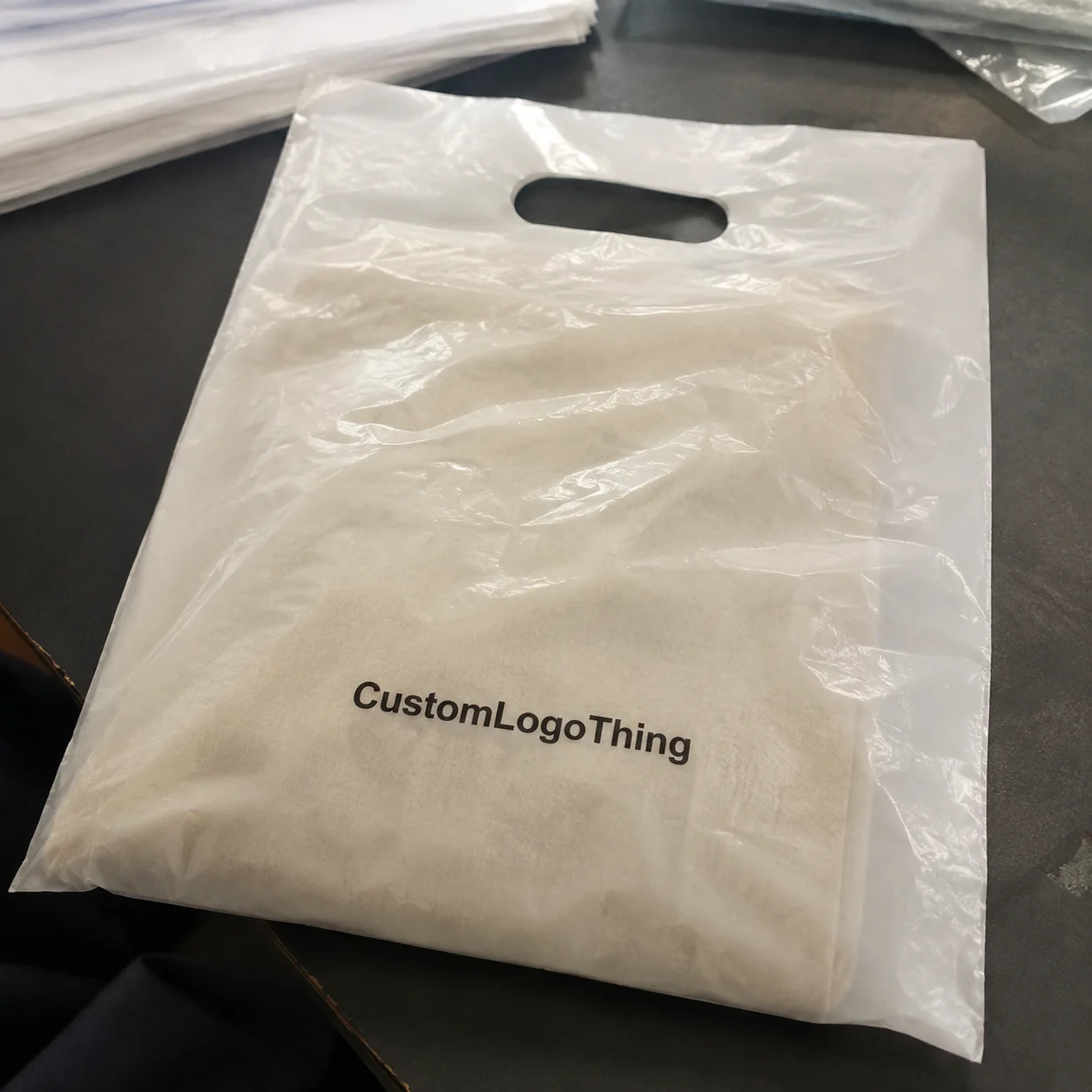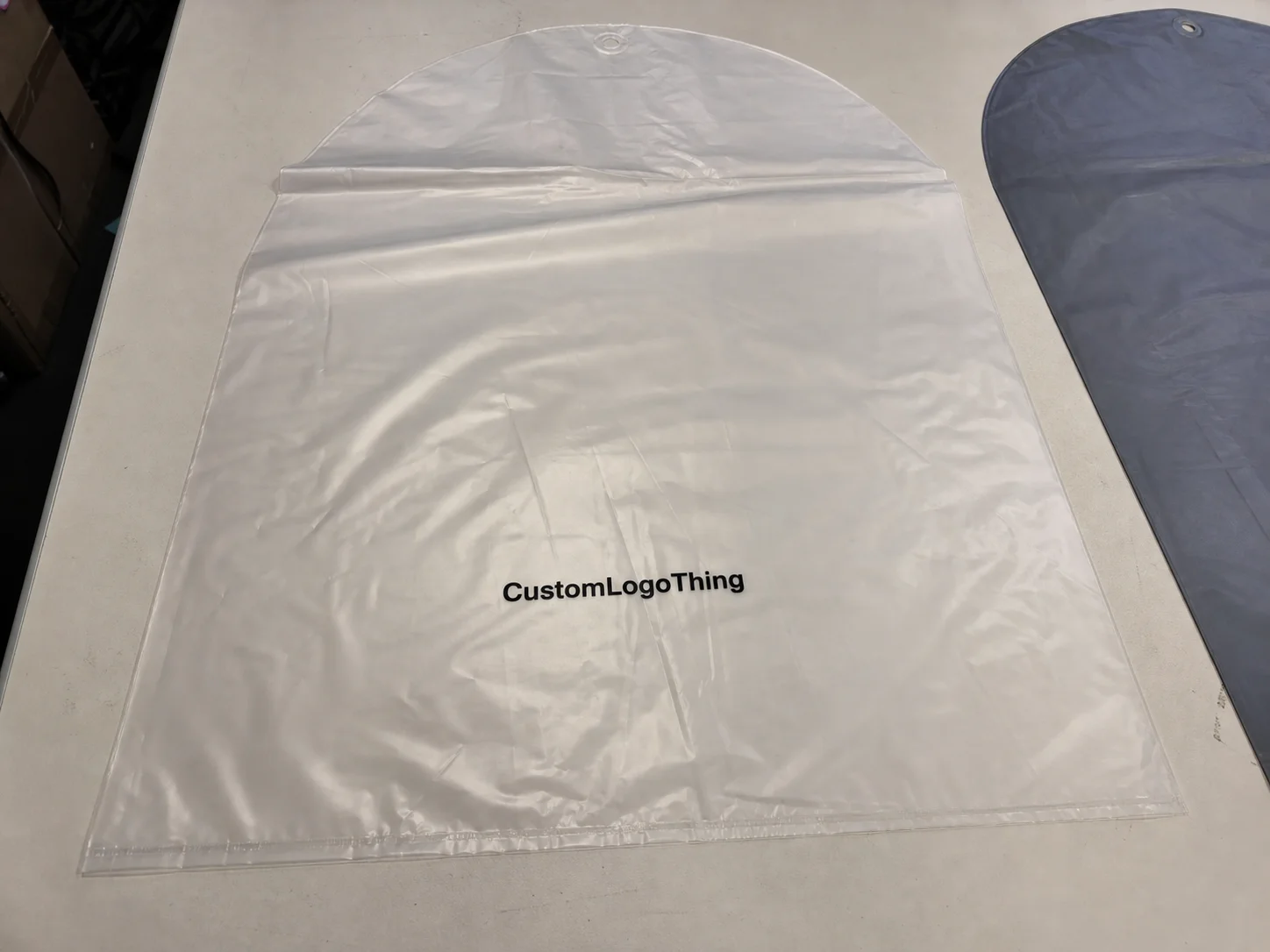
Buyer Fit Snapshot
| Best fit | Integrate Ai Packaging Tools Without The Chaos projects where brand print, material claims, artwork control, MOQ, and repeat-order consistency need to be specified before quoting. |
|---|---|
| Quote inputs | Share finished size, material target, print colors, finish, packing count, annual reorder estimate, ship-to region, and any compliance wording. |
| Proofing check | Approve dieline scale, logo placement, barcode or warning zones, color tolerance, closure strength, and carton packing before bulk production. |
| Main risk | Vague material claims, crowded artwork, missing packing details, or unclear freight terms can make a low unit price expensive after revisions. |
Fast answer: Integrate Ai Packaging Tools Without The Chaos: Material, Print, Proofing, and Reorder Risk should be specified like a repeatable production item. The safest quote records material, print method, finish, artwork proof, packing count, and reorder notes in one written spec.
Production checks before approval
Compare the actual filled-product size with the drawing, then confirm tolerance on folds, seals, hang holes, label areas, and retail display edges. Reserve space for logos, QR codes, warning copy, and material claims before decorative graphics fill the panel.
Quote comparison points
Review material grade, print process, finish, sampling route, tooling charges, carton quantity, and freight assumptions side by side. A quote is only useful when the supplier can repeat the same color, closure quality, and packing count on the next order.
I watched a beauty brand burn $3,800 in under two weeks because the dieline changed after copy lock, legal revised warning text after prepress, and marketing “just tweaked” the front panel one more time. Three prototype rounds. Same 350gsm C1S board. Same Shenzhen converter. Same chaos.
At 10:53 PM, I was staring at a revision log thinking, “We’re paying premium rates to repeat our own mistakes.” With even a basic framework for how to integrate ai packaging tools, an artwork QA checker would’ve flagged panel overflow and claim mismatch before files hit the RIP queue.
The real issue is simple: teams searching how to integrate ai packaging tools are rarely asking for a shiny software list. They’re asking for an implementation model that survives real deadlines and real humans having real Monday mornings. They need fewer avoidable mistakes on Custom Printed Boxes, faster approvals for product packaging, and cleaner supplier handoffs that don’t blow up launch calendars.
What “How to Integrate AI Packaging Tools” Really Means
Plain English: AI packaging tools are assistants, not miracle workers. Teams get in trouble the second they treat automation as a substitute for judgment. Across packaging programs, AI usually falls into five buckets:
- Design assistants for concept directions, mockup variants, and visual exploration
- Copy generators for first-draft claims, tone variants, and panel hierarchy suggestions
- Artwork QA checkers for missing bleed, low-resolution assets, barcode spacing, and text overflow
- Demand forecasting tools to improve run-size planning and reduce dead stock
- Supplier communication automation for status summaries, revision logs, and spec handoff templates
Integration has a specific meaning: connect those outputs to your existing packaging workflow so approvals move faster and error rates drop. It does not mean replacing your designer, sidelining your packaging engineer, or trusting generated files without prepress validation.
I’ve been in plants in Dongguan and Orange County where one bad overprint setting triggered a full rerun. AI doesn’t remove accountability; it exposes whether your process had accountability in the first place.
Most teams miss one point about how to integrate ai packaging tools: this is not a software-purchase problem. It’s an operating-model shift. Ownership still matters. Stage gates still matter. File standards still matter. Someone still has to say, “No, that barcode quiet zone is 1.8mm, and this substrate plus print method needs 2.5mm minimum.” (Yes, I have said exactly that. No, nobody clapped.)
For branded packaging, integration should speed decisions by roughly 20-40% during concept and revision phases without weakening print accuracy. A snack client cut artwork rounds from 6 to 3 in seven weeks by pairing AI-assisted copy drafts with a fixed preflight checklist mapped to Adobe Illustrator packaging templates.
If your team is asking how to integrate ai packaging tools, anchor the project to operational outcomes: fewer proof cycles, fewer supplier rejections, and tighter version control. Fancy demos are kinda irrelevant if your converter replies “file unusable” at 11:47 PM before plate output. I wish that message were hypothetical.
How to Integrate AI Packaging Tools Into Your Existing Workflow
Start with the workflow you already run. Most teams follow a chain like this:
- Brief
- Concept
- Structural design
- Artwork build
- Proofing
- Compliance checks
- Sampling
- Production
When clients ask me how to integrate ai packaging tools, I tell them to place AI at bottlenecks, not everywhere. In most orgs, concept and artwork QA deliver the fastest wins. Spreading tools across every stage on day one usually creates noise, not speed.
Where AI fits with minimal disruption
At concept stage, use AI visual support to generate 8-12 quick routes for color blocking, hierarchy, and shelf contrast. Keep two routes for human refinement. For copy, draft 10 product-descriptor variants before legal review, then kill 9 and improve 1.
In preflight, run automated checks for image resolution (minimum 300 DPI at placed size), bleed (commonly 3mm), and thin rules (above 0.25pt for offset; typically higher for flexo, depending on plate and substrate).
Handoff logic that prevents blame games
Set owners before rollout:
- Prompt owner: usually brand or creative lead
- Output validator: packaging engineer or senior production artist
- Final approver: brand manager + compliance signoff
No owner means no accountability, and post-mortems become “I thought someone else checked it.” I’ve sat in that meeting more than once. Nobody leaves happy. Also, the coffee is always bad.
Tool stack categories that actually work
Choose categories first, vendor second:
- Visual iteration: Adobe Firefly / Photoshop AI
- Copy drafts: ChatGPT or Claude
- Prepress automation: Esko Automation Engine or custom scripts
- Project tracking: Asana, Monday, or Jira with packaging-specific fields
Trying to solve how to integrate ai packaging tools inside an Adobe + Esko environment? Keep generated output upstream. Final files should still pass your established prepress route with approved color libraries, spot channels, and naming standards such as SKU_Flavor_Size_Rev.
I negotiated a pilot with a mid-size beverage brand managing 42 label SKUs. Their old process averaged 4.8 revision rounds. We inserted AI copy drafting and automated file checks at round 2. Result: 2.9 rounds in 60 days and about $11,200 saved in internal design labor plus express proof freight. That was the moment skeptics stopped rolling their eyes and started asking for training seats.
If you want implementation support while building this structure, review current formats and specs in Custom Packaging Products and align tool output to real dielines and print methods your suppliers already run.
Key Factors Before You Integrate: Data, Brand Control, and Print Reality
Before you scale how to integrate ai packaging tools, lock guardrails. Skip this and drift will fracture consistency across retail packaging lines in weeks, not quarters. I’ve seen a brand lose shelf cohesion in a single quarter because “close enough” quietly became the standard.
Brand consistency controls
Create a non-negotiable ruleset covering:
- Logo clear space (example: 1x cap-height minimum)
- Pantone references (e.g., PMS 186 C for primary red)
- Typography hierarchy (headline/body/legal point sizes)
- Legal copy blocks AI cannot rewrite
A skincare client saw AI repeatedly change “dermatologist tested” to “clinically proven.” That wording shift carries legal risk. Guardrails stopped it in one sprint.
Data quality warning
Messy libraries create messy outputs. If your folders are full of “final.ai,” “final_final.ai,” and “reallyfinal2.ai,” no model is gonna rescue version control. Clean the archive first: standard naming, approved masters, archived superseded files.
Boring work. Essential work. I won’t pretend this part is fun—it’s digital housekeeping with legal consequences.
Print constraints still rule
AI can suggest layouts that look great and fail on press. Real constraints include emboss depth limits, foil registration tolerance, minimum line thickness, barcode quiet zones, and trapping behavior.
On uncoated kraft, fine reverse text under 6pt can fill quickly. On metallized stock, contrast shifts can hurt scanner performance unless contrast remains compliant with scanner and retailer requirements.
Reference actual standards where relevant: ISTA transit testing basics for durability and FSC certification framework for fiber sourcing claims.
Compliance and security checks
Nutrition panels, recycling marks, warnings, and regional claims still require human review every time. Check vendor terms too: do prompts train models by default, is storage region defined, and does your MSA include a data non-training clause? I push for that clause in every contract above $15,000 annual value.
Honest disclaimer: I’m not your attorney, so legal language should be reviewed by counsel. But I’ve seen enough procurement cycles to know that weak data terms become expensive later.
Supplier readiness matters just as much. Your converter wants predictable exports: layered PDF/X-4, linked assets, a clear outlined/embedded-fonts policy, and a clean spec sheet. Not 14 generated files called “new concept v3 better.”
Step-by-Step: How to Integrate AI Packaging Tools in 30-90 Days
Here’s the rollout structure I use for how to integrate ai packaging tools without derailing production.
Phase 1: Audit and goal setting (Week 1-2)
Pick one pain point and define one measurable target. Example: cut revision rounds from 5 to 3 for one carton SKU family. Capture baseline metrics: turnaround time, error types, vendor rejection rate, and sampling cycle length.
I typically run a 90-minute workflow map with design, ops, compliance, and one supplier rep. Bringing suppliers in early saves days later and prevents the classic “we weren’t told about this spec” email chain.
Phase 2: Pilot setup (Week 3-4)
Choose 1-2 tools. Define prompt templates. Assign ownership. Write approval rules on one page. Example: “AI-generated copy may enter concept decks but cannot enter print-ready artwork until legal review is complete.”
Build a shared prompt bank:
- Brand-tone prompt with five approved adjectives
- Claim-safe prompt that blocks prohibited phrasing
- Artwork QA prompt for bleed, quiet zones, and font minimums
Phase 3: Controlled test on one SKU (Week 5-8)
Run the pilot on a low-risk SKU. Avoid your hero launch. Test concepting and preflight. Keep the current process in parallel for two cycles so you can compare performance with real numbers, not vibes.
I ran this model for a coffee brand with 12oz bag labels. AI produced front-panel hierarchy options in 48 hours instead of five business days. Prepress still caught one RGB image and one missing dieline layer. Human checks caught both. That’s exactly how how to integrate ai packaging tools should work: faster drafts, unchanged quality gates.
Phase 4: Measure and refine (Week 9-10)
Track at least four metrics:
- Average turnaround time per revision
- Total revision count per SKU
- Prepress error rate
- Sampling speed from file release to physical sample
If quality drops, pause scaling. Fix prompts, improve templates, retrain the team. Fast and wrong is expensive. I learned that the hard way—twice.
Phase 5: Scale to multiple SKUs (Week 11-13)
Turn pilot lessons into SOPs, training docs, and supplier handoff standards. Add a red/yellow/green approval model:
- Green: internal concept drafts
- Yellow: requires engineering/compliance review
- Red: cannot proceed without formal signoff
Timeline reality check: teams that force this into three weeks often skip QA gates and pay for reprints. I’ve seen a missed launch window cost a DTC brand around $28,000 in ad inefficiency because PDPs went live while corrected cartons were still pending.
Cost and Pricing: What AI Packaging Integration Actually Costs
Numbers matter, because fuzzy budgets kill good initiatives. Any plan for how to integrate ai packaging tools needs software costs and process costs in the same model.
| Cost Category | Typical Range | What’s Included |
|---|---|---|
| Entry AI tools | $30-$150/user/month | Copy generation, basic image ideation, lightweight automation |
| Pro creative suites | $60-$250/user/month | Advanced design workflows, file versioning, collaboration features |
| Packaging automation platforms | $500-$2,500/month | Preflight checks, workflow automation, approvals, integrations |
| Pilot onboarding + setup | $1,500-$8,000 one-time | Prompt library, SOP creation, training, governance setup |
Real pilot ranges I see most often:
- Lean pilot: $2,000-$6,000 total
- Mid-size rollout: $8,000-$25,000 total
Hidden costs still surprise teams: QA labor, retraining after prompt drift, supplier test cycles, and outside support if internal bandwidth is thin. A six-person team can spend 35-60 hours building reliable prompt templates to maintain package branding consistency.
The upside is tangible. One avoided print error on a 5,000-unit run can save $1,200 to $7,500 depending on substrate and finish. A foil-stamped rigid setup with magnet closure can erase $9,000+ if panels are wrong and rework is impossible.
To calculate ROI for how to integrate ai packaging tools, track:
- Faster concept cycle time (days saved)
- Reduced sample rounds (hard cost)
- Lower prepress corrections (labor + delay savings)
- Improved on-time launch rate
Negotiation tip from my own vendor calls: ask for capped annual price increases (max 5%), 30-day sandbox access, and written data non-training terms before signing anything beyond month-to-month billing. If they dodge those questions, that’s your answer.
If you’re expanding formats while testing workflows, align costs with physical pack types listed under Custom Packaging Products so performance is measured against real production complexity, not hypothetical mockups.
Common Mistakes When Teams Integrate AI Packaging Tools
I keep seeing the same six failures in how to integrate ai packaging tools projects.
Mistake 1: Treating AI output as final print file
Fix: Make prepress review mandatory before proof approval. No exceptions. Check bleed, color mode, overprint, barcode, and dieline layers every single time.
Mistake 2: No prompt framework for brand consistency
Fix: Build a prompt library tied to approved tone, typography hierarchy, and legal-safe claim language. Review weekly for drift.
Mistake 3: Editing compliance text like marketing copy
Fix: Lock compliance blocks as controlled text. Any edits require a legal ticket and version tracking.
Mistake 4: Rolling out across all SKUs immediately
Fix: Start with one format and one KPI. Example: one mailer box line with a revision target drop from 5 to 3 rounds.
Mistake 5: Ignoring supplier input until late stage
Fix: Bring the converter into the pilot by week 2. Let them validate export specs and naming conventions early.
Mistake 6: Chasing speed while ignoring manufacturability
Fix: Add hard gates for print reality: minimum line thickness, trapping settings, material behavior, and finishing tolerance checks.
Teams usually fail at how to integrate ai packaging tools for one reason: they optimize presentation speed instead of production reliability. Pretty renders don’t ship. Correct files ship.
Expert Tips and Next Steps for How to Integrate AI Packaging Tools
If you want a practical path for how to integrate ai packaging tools, keep it disciplined. Most wins come from process hygiene, not tool hopping.
- Start with one format: label set, folding carton, or mailer box
- Pick one KPI: revision count or proof turnaround
- Assign one prompt owner and one QA owner
- Run a 20-minute weekly review with design, ops, and supplier rep
I also recommend a red/yellow/green framework for every generated output. Green moves. Yellow gets review. Red stops. It cuts endless Slack debates and “Who approved this?” confusion.
Actionable 14-day checklist
- Day 1: Map current workflow from brief to production release
- Day 2: Pull baseline metrics (revision count, cycle time, error rate)
- Day 3: Choose one pilot SKU with low regulatory risk
- Day 4: Select 1-2 tools and confirm export compatibility
- Day 5: Draft prompt templates for copy + artwork QA
- Day 6: Build brand guardrails (logo, Pantone, typography, legal)
- Day 7: Align supplier on file specs and approval sequence
- Day 8: Run first AI-assisted concept batch (8-12 options)
- Day 9: Narrow to 2 routes and perform human refinement
- Day 10: Execute preflight automation + manual prepress review
- Day 11: Send test files for supplier feedback
- Day 12: Log issues and update prompt library
- Day 13: Compare pilot metrics against baseline
- Day 14: Make a go/no-go decision for next SKU expansion
Need real-world formats for pilot testing? Use Custom Packaging Products as your reference set and apply the same governance across each format so your packaging design automation system stays consistent.
Actionable takeaway: if you’re serious about how to integrate ai packaging tools, start Monday with one SKU, one KPI, one prompt owner, and one non-negotiable prepress gate. Review results after 14 days. If revision rounds drop without increasing error rates, scale one format at a time. If error rates rise, pause and fix governance before expanding. That single decision point will save you more money than any new tool demo.
How to Integrate AI Packaging Tools: FAQ
How do I start how to integrate AI packaging tools with a small team?
Pick one bottleneck—usually artwork revisions or copy variants—and run a 2-4 week pilot on one SKU. Assign one prompt owner and one print/compliance reviewer. Measure baseline versus pilot on revision count and turnaround days so decisions come from data, not opinion. If I had to pick one starting point, I’d start with artwork QA because savings show up fast.
What are the best AI tools for custom packaging design and prepress?
Use a stack: concept tools for ideation, LLMs for copy drafts, and preflight automation for technical checks. Prioritize tools that fit your Adobe/Esko workflow and export print-friendly formats. Validate converter compatibility before expanding. Compatibility beats novelty almost every time.
How much does it cost to integrate AI packaging tools end to end?
Most teams spend from a few thousand dollars for a lean pilot to low five figures for broader rollout. Include licenses, setup time, QA labor, training, and supplier validation cycles. ROI usually appears through fewer revision rounds and avoided print errors. If your budget excludes training, your budget is incomplete.
Can AI packaging tools create production-ready dielines and artwork files?
AI can speed drafts, but production-ready files still require packaging engineer and prepress validation. Critical checks include bleed, trapping, barcode spacing, minimum line weights, overprint behavior, and finishing tolerances. Treat generated output as first draft, not final authority.
How long does how to integrate AI packaging tools usually take?
A focused pilot typically takes 30-90 days depending on approval complexity, team structure, and supplier responsiveness. Teams with mature SOPs move faster. Teams that skip QA gates usually create rework and lose more time later. I’d rather see a careful 60-day pilot than a chaotic 21-day rollout.