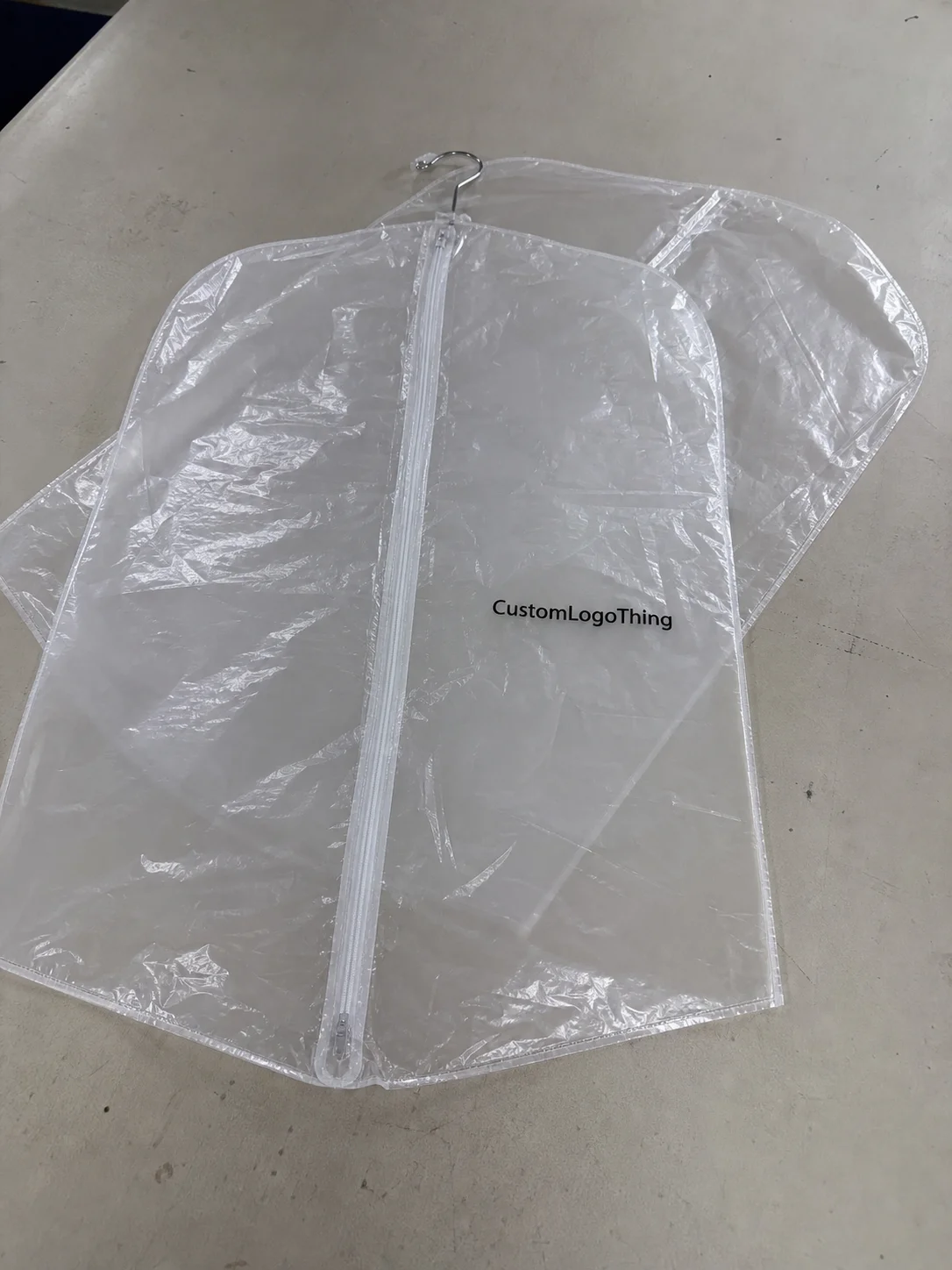
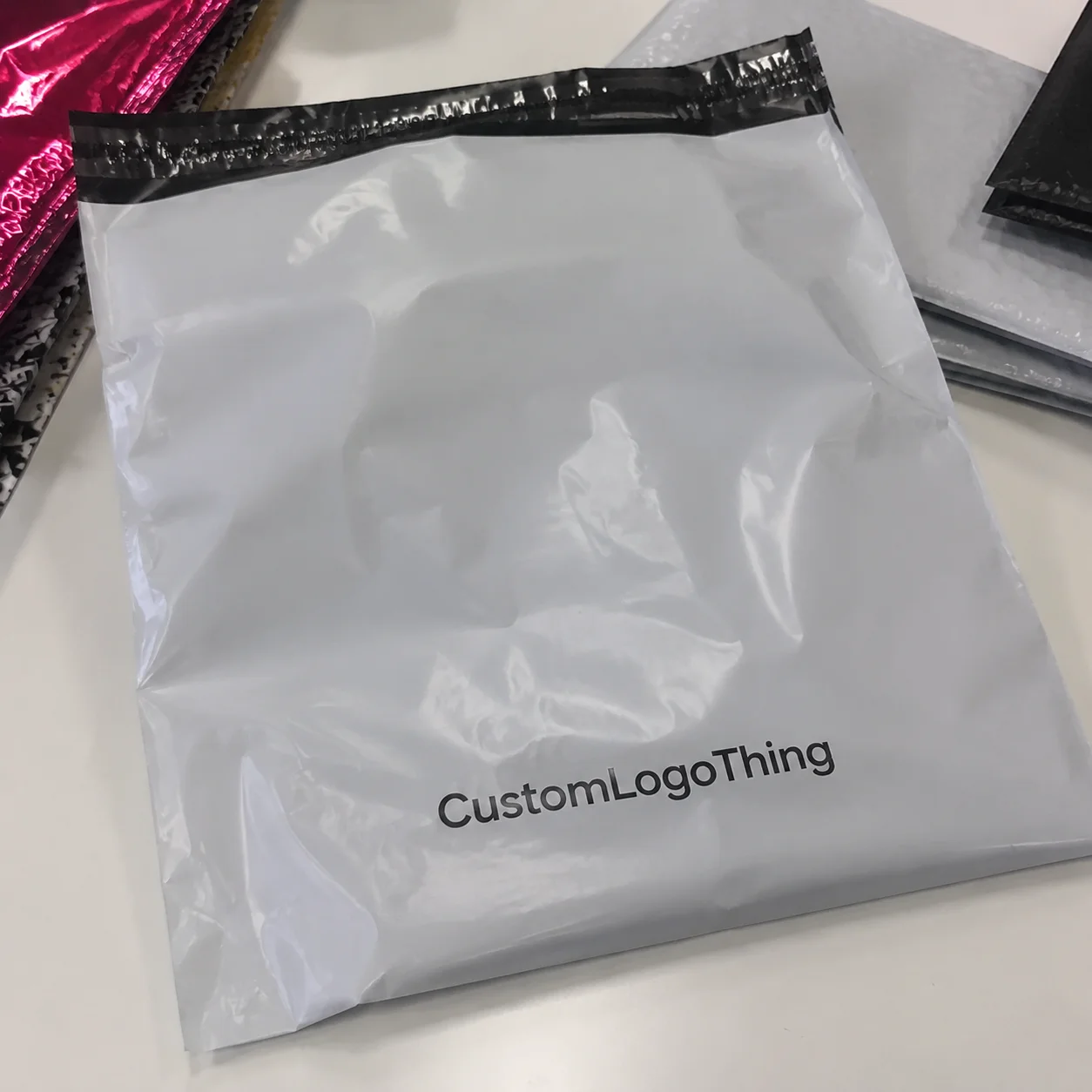
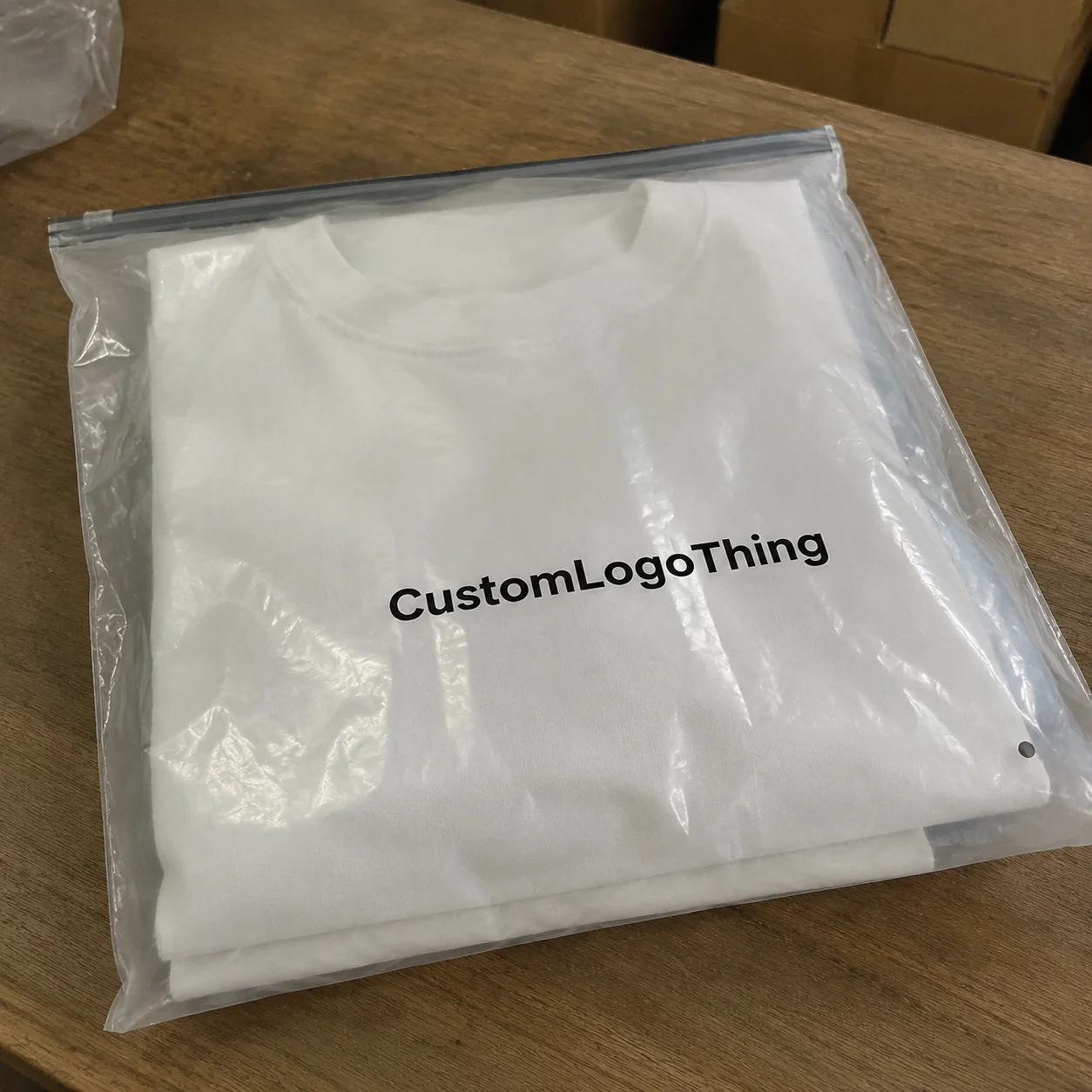
Buyer Fit Snapshot
| Best fit | Ai in Packaging Design for Poly Mailers projects where brand print, material claims, artwork control, MOQ, and repeat-order consistency need to be specified before quoting. |
|---|---|
| Quote inputs | Share finished size, material target, print colors, finish, packing count, annual reorder estimate, ship-to region, and any compliance wording. |
| Proofing check | Approve dieline scale, logo placement, barcode or warning zones, color tolerance, closure strength, and carton packing before bulk production. |
| Main risk | Vague material claims, crowded artwork, missing packing details, or unclear freight terms can make a low unit price expensive after revisions. |
Fast answer: Ai in Packaging Design for Poly Mailers: Film, Print, MOQ, and Carton Packing should be specified like a repeatable production item. The safest quote records material, print method, finish, artwork proof, packing count, and reorder notes in one written spec.
Production checks before approval
Compare the actual filled-product size with the drawing, then confirm tolerance on folds, seals, hang holes, label areas, and retail display edges. Reserve space for logos, QR codes, warning copy, and material claims before decorative graphics fill the panel.
Quote comparison points
Review material grade, print process, finish, sampling route, tooling charges, carton quantity, and freight assumptions side by side. A quote is only useful when the supplier can repeat the same color, closure quality, and packing count on the next order.
AI in Packaging design trends is changing how brands build poly mailers, and I’ve watched that shift happen on a factory floor in Dongguan with a supplier holding three printed samples and a Sharpie. One concept, generated in under 20 minutes, cut a client’s revision round from five calls to two. That sounds small until you realize each round was burning almost a week and about $350 in back-and-forth design time, plus the usual “can you move the logo 6 mm to the left?” drama.
I’m Sarah Chen, and I’ve spent 12 years in custom printing, including plenty of time in Shenzhen and Ningbo factories where the air smells like ink, film, and bad coffee. My honest take: ai in Packaging Design Trends is useful because it speeds up the ugly first-draft part. It does not magically understand film gauges, seam zones, or why your barcode becomes a tiny useless rectangle if you ignore contrast. That part still needs a human who has actually stood next to a flexo press and argued about opacity with a production manager in Guangdong.
AI in Packaging Design Trends: Why Poly Mailers Are Changing Fast
Poly mailers are a sweet spot for AI in Packaging design trends because they give you a lot of visible surface area without the cost headache of heavier retail packaging. You’re not designing a rigid carton with three insert panels and foil stamping. You’re working with a lightweight, flexible canvas that can carry a logo, a pattern repeat, a promo message, and a seasonal story without blowing up your unit economics. For a 10 x 13 inch mailer printed in 4-color process, that’s a lot of branding real estate for a product that often costs under $0.30 per unit at 5,000 pieces.
I remember one supplier visit in Dongguan where a women’s apparel brand rejected four static mockups in a row because they all felt “too safe.” The fifth concept came from an AI-assisted board the designer had built overnight: bolder typography, two colorways, and a repeating monogram pattern that made the mailer feel more like branded packaging than a shipping bag. The client picked it in eight minutes. That never would have happened with the old process of one concept, one revision, then another revision, then a long silence while everyone pretended to be busy.
ai in packaging design trends matters here because Ecommerce Brands Need speed. A brand may want 12 holiday variations, 6 influencer collab mailers, and 4 regional promo versions for Los Angeles, Chicago, London, and Melbourne. Doing all that manually is possible, sure, if you enjoy billing for endless hours. AI helps generate options fast so teams can review more directions before sending anything to print.
Here’s the plain-English version: AI in Packaging design trends uses software to suggest layouts, colors, copy treatment, pattern ideas, dieline variations, and mockups. It can help with package branding by producing many visual combinations in a fraction of the time a traditional concept cycle takes. If you feed it garbage, though, it gives you expensive-looking garbage. The machine isn’t psychic. It only looks smart when the input is smart.
The biggest misconception I hear is that ai in packaging design trends replaces technical packaging design. No. It speeds up ideation. It does not replace print specs, material knowledge, or the reality of production constraints. A design can look fantastic on a screen and still fail because the seam lands right across the logo, or the ink coverage is too heavy for a 2.5 mil low-density film. I’ve seen both. More than once, usually after somebody approved from a laptop at 11 p.m.
For brands building product packaging across multiple channels, poly mailers are also easier to test than custom printed boxes. You can try bolder ideas, tighter branding, or seasonal graphics with less financial pain. That makes ai in packaging design trends especially useful for ecommerce, subscription boxes, and apparel brands that change artwork often in Q2 and Q4.
One more thing: AI is great at volume, not judgment. That distinction matters. A tool can spit out 40 visual directions. It cannot tell you which one will survive warehouse handling in Louisville, look clean under fluorescent light, and still read clearly when it’s crumpled on a porch at 7 p.m.
How AI in Packaging Design Trends Work for Poly Mailers
ai in packaging design trends usually follows a pretty practical workflow. First, you feed the system inputs: logo files, brand colors, copy, dimensions, audience notes, and packaging goals. Then it generates a stack of concepts. A human sorts those into clusters, picks the strongest direction, and sends it through refinement before the final handoff to production. On a clean brief, that can mean going from concept board to review-ready mockups in 24 to 48 hours instead of a full work week.
That’s the theory. In real life, it usually looks like this: somebody uploads a low-res PNG and wonders why the output looks fuzzy. Then I have to explain, again, that a 600-pixel logo from your Instagram profile is not a production asset. I’ve had clients do this in meetings while the factory prepress team in Shenzhen stared at me like I’d personally failed the internet. For the record, a vector EPS or AI file still wins every time.
What AI can produce for poly mailers is surprisingly useful: pattern repeats, branded backgrounds, logo placement tests, hierarchy options for shipping messages, and mockup previews that show how the mailer might look in transit. ai in packaging design trends also helps brands test different tones. One version can feel premium. Another can feel playful. Another can feel minimal and clean. That’s valuable if you’re trying to match package branding to a customer segment, a campaign, or a product category.
The workflow usually looks like this:
- Prompt generation — define the look, tone, and business goal.
- Concept clustering — group similar ideas and reject the obvious junk.
- Visual selection — narrow to 2-4 promising concepts.
- Design refinement — clean up logo spacing, copy, and layout logic.
- Print-ready handoff — convert into production files with correct dimensions.
ai in packaging design trends works best when the input is specific. If your brand guidelines include PMS 186 C and 425 C, use them. If your mailer is 10 x 13 inches with a 2-inch flap and a 1-inch seal area, say that. If your audience is luxury skincare buyers in New York and Seoul, don’t ask for “cool designs.” Ask for “soft neutral branding with premium retail packaging cues and a clean unboxing feel.” The more precise the brief, the less time you waste.
It also helps to think in use cases. Are you making mailers for repeat orders? A seasonal drop? A limited-time promotion? ai in packaging design trends can generate a different visual language for each. That’s helpful for ecommerce brands that need fast-turn branded packaging without paying for a full custom illustration every single time. On a 5,000-piece run, cutting one illustration round can save roughly $250 to $600 in design time.
Still, final production needs human checks. Always. I’m talking bleed, seam placement, opacity, barcode readability, and color accuracy. If your art is sitting too close to the edge, it can get clipped. If your black is too rich, it can print muddy. If your white knockouts are too thin, they can disappear on film. Packaging design is not a vibe. It’s physics with invoices.
What Are the Main AI in Packaging Design Trends for Poly Mailers?
Some of the strongest ai in packaging design trends are simple, practical, and a little boring in the best way. That includes AI-assisted layout exploration, fast mockup generation, variable artwork testing, and more data-aware brand consistency checks. Fancy language, yes. But the real value is plain: brands can compare options faster, spot weak ideas sooner, and keep their package branding aligned across more SKUs without turning every launch into a group therapy session.
One trend I keep seeing is variable design testing for ecommerce. Brands want one mailer for core shipping, another for seasonal promotions, and a third for influencer kits. ai in packaging design trends makes that easier by creating multiple style lanes from one base brief. Another trend is more restrained artwork. Instead of cramming every surface with icons, teams are asking for cleaner visual systems that survive printing, handling, and transit wear. Honestly, good. The mailer does not need to audition for attention.
There’s also a shift toward smarter sustainability messaging. Brands want recycled-content icons, reduced-ink graphics, and lower-waste layouts that still look premium. ai in packaging design trends can help teams experiment with those messages without overcrowding the design. The key is accuracy. A green leaf icon is not a certification. A claim is not a plan. If you say it, you should be able to prove it.
Another trend is tighter integration between package design and fulfillment. That means art that works not just on screen, but in a warehouse, on a conveyor belt, and in a customer’s hand. ai in packaging design trends helps by generating mockups that show how the mailer might look folded, stacked, or printed at different scales. If the logo disappears at ten feet or the copy vanishes in a seam, you catch that earlier.
The last big trend is workflow speed. Teams are using ai in packaging design trends to shorten the “blank page” stage. That does not replace human judgement. It simply gets the ugly part moving faster. I’ve seen a lot of packaging teams spend too much time trying to invent the perfect first idea. News flash: the perfect first idea almost never exists. A better first draft is enough.
Key Factors That Shape AI in Packaging Design Trends
Brand consistency sits at the center of ai in packaging design trends. A mailer should feel connected to the website, the inserts, and the unboxing experience. If your site is clean and modern but your shipping bag looks like a discount grocery sack, the customer notices. They may not say it out loud, but they notice. I’ve sat in client meetings in Shanghai where the ecommerce team wanted “premium,” then sent me a mailer concept with six fonts and a neon gradient. No, Susan. That is not premium.
Material constraints matter too. Poly mailers are flexible, but they’re not forgiving in the same way paperboard can be. Thickness, print method, seal area, and surface finish all shape what you can actually do. ai in packaging design trends can suggest a beautiful oversized logo wrap, but if the seam slices through the focal point, the design fails in production. A good supplier in Zhejiang or Guangdong will flag that during proofing. A bad one will shrug and call it “close enough.”
Sustainability messaging is another big factor. ai in packaging design trends can help test eco-friendly language and icons without crowding the artwork. That matters because too many brands stuff the back panel with claims they can’t explain. If you use recycled-content messaging, keep it accurate and back it up. For broader waste and recycling guidance, I often point clients to the EPA, and to FSC if the conversation touches paper components in inserts or secondary packaging like 350gsm C1S artboard hang tags.
Cost is always in the room. ai in packaging design trends can reduce wasted sample rounds and shorten the time spent paying designers to make tiny changes. That said, it won’t erase setup fees, plate charges, or the cost of physically printing proof samples. If you’re ordering 5,000 pieces, shaving one revision round can save real money. I’ve seen brands spend $900 on sample iterations for a project that should have needed one proof and one sign-off. That’s not innovation. That’s expensive indecision.
Customer experience is the final piece. A mailer has to be recognizable in transit, readable at arm’s length, and interesting enough to earn a photo if your customers post unboxings. ai in packaging design trends is especially handy here because it can test contrast, font weight, and composition quickly. Strong package branding shows up even when the mailer is folded, crinkled, or halfway under a porch mat in Austin, Dallas, or Brooklyn.
Here’s a useful comparison for brands weighing design approaches:
| Approach | Typical Use | Strength | Weakness | Cost Impact |
|---|---|---|---|---|
| Manual concepting | One-off branded packaging projects | Strong creative control | Slower revision cycles | Higher design labor |
| AI-assisted concepting | Multiple mailer variations and fast testing | Fast idea volume | Needs cleanup and print checks | Often lowers revision costs |
| Hybrid workflow | Most ecommerce packaging design projects | Balances speed and accuracy | Still requires expert oversight | Usually the best value |
For most brands, the hybrid workflow wins. ai in packaging design trends is strongest when it gives you options, not final answers. And yes, I’m repeating myself a bit. That’s because people keep trying to skip the proof stage and act surprised when the printed film disagrees with their Canva fantasy.
Step-by-Step Process: Using AI in Packaging Design Trends for Poly Mailers
Step one is asset gathering. Before ai in packaging design trends can help, you need clean files: logo in vector format, brand colors in PMS or CMYK, approved copy, dieline dimensions, and the exact print requirements from your supplier. If you don’t have those, stop and build them first. I’ve seen entire projects lose a week because the logo file was a JPEG pulled from a sales deck. Painful. Completely avoidable. A proper brief takes 30 minutes; a cleanup scramble takes two days.
Step two is prompt writing. This is where a lot of brands stumble. Don’t ask for “nice poly mailer with a modern feel.” That gives you generic output. Ask for a “minimal white poly mailer with bold black typography, a single accent color, premium ecommerce branding, and clear front-facing readability.” ai in packaging design trends gets dramatically better when the goal is specific. Premium, playful, bold, minimal, seasonal — those words all drive different output.
Step three is concept generation. I usually recommend creating at least 3 to 5 directions, then splitting them by business goal. One can be designed for recognition. Another for social sharing. Another for promotional urgency. ai in packaging design trends is useful because it lets teams compare options without paying for each concept from scratch. That’s a real advantage if your brand wants to test campaign versions for different product categories, like apparel in Los Angeles or beauty in Miami.
Here’s how I’d structure the process in practice:
- Gather assets — logo files, PMS colors, copy, dimensions, and print specs.
- Create prompts — define tone, audience, and packaging goals.
- Generate directions — request several concepts, not one.
- Review mockups — check seam placement, balance, and transit visibility.
- Refine for production — adjust safe zones, bleed, opacity, and readability.
- Send to supplier — get proofing before full production.
Step four is mockup review. This part matters more than the internet admits. ai in packaging design trends can create a pretty render, but you need to look at the design on an actual mailer shape, not just on a flat screen. Check whether the logo sits too close to the seam. Check whether the message disappears when the package is folded. Check whether the graphic still looks clean from three feet away. That last one matters because warehouse staff and delivery people don’t hold your mailer at gallery distance.
Step five is the handoff to print production. This is where packaging design becomes real. Your designer or supplier should convert the chosen concept into print-ready artwork with correct bleed and safe areas. I always ask for a proof and, if the order is color-critical or high-volume, a physical sample. For branded packaging, that little bit of extra time can save a very expensive reprint later. A reprint on 20,000 units can easily run into the thousands if the seam or color is wrong.
If you’re also planning Custom Packaging Products beyond poly mailers, it helps to keep your artwork system consistent. The same brand marks that work on mailers should translate to inserts, labels, and even custom printed boxes if you use them. Consistency across product packaging is what makes a brand feel organized instead of randomly assembled. A 350gsm C1S artboard insert with the same logo treatment as a mailer looks far better than three disconnected design systems fighting each other.
One factory-side lesson I learned the hard way: don’t approve from a laptop in bad lighting. I did that once with a navy mailer in a factory office near Shenzhen Airport. Under office light, it looked rich. Under press light, it looked nearly black, which killed the contrast on the silver logo. We had to rework the ink build and redo the proof. Cost: about $180 in extra samples and two lost days. Cheap mistake? No. Common mistake? Absolutely.
Timeline and Cost Considerations for AI in Packaging Design Trends
ai in packaging design trends can cut early ideation time by days, sometimes a full week if the internal feedback loop is normally slow. A traditional concept cycle might take 5 to 10 business days before everyone agrees on a direction. With good inputs and a sharp brief, AI-assisted concepting can shrink that first phase to a day or two. That doesn’t mean the whole project finishes instantly. It just means the front end stops dragging its feet.
Typical timeline? I’d break it down like this: concept generation in 1-2 days, internal review in 1-3 days, print file cleanup in 2-4 days, proofing in 2-5 business days, and production after approval depending on the supplier’s queue. If the vendor is busy in Dongguan or Wenzhou, production can be 12-15 business days from proof approval or longer. That’s normal. The machine does not care that your launch date is “really important.” The press schedule remains unbothered.
Costs usually fall into five buckets: AI-assisted concepting, designer cleanup, proofing, sample production, and the full print run. ai in packaging design trends may reduce paid revision hours and cut sample waste, but it does not remove manufacturing costs. For example, I’ve seen design revisions run $150 to $500 depending on complexity, while proof samples can cost $80 to $250 per version. If AI helps you avoid two extra rounds, that’s real savings. If it just creates more visuals that nobody can decide on, it becomes expensive wallpaper.
Here’s a simple way to think about cost drivers:
| Cost Bucket | What Affects It | How AI Helps | What AI Cannot Change |
|---|---|---|---|
| Concept design | Number of directions and revision rounds | Creates options faster | Still needs human selection |
| Proofing | Color accuracy and file quality | Can improve first-round alignment | Physical proof still required |
| Sample production | Custom sizing and print setup | Reduces wasted samples | Material and setup fees remain |
| Full print run | Order quantity and finishing | Helps plan efficient artwork | Ink, film, and labor still cost money |
Where do costs rise? Complex finishes, custom sizes, color matching, and rush production. If you want metallic ink, special adhesives, or a highly specific matte look, the price climbs. If you need the mailers turned around in a hurry from a factory in Shenzhen or Jiangsu, the price climbs again. ai in packaging design trends can help you choose a simpler, more printable layout, but it can’t make a complicated spec cheap.
So when does AI actually save money? Usually when the brand brief is strong and the goal is to explore multiple design directions quickly. When does it create noise? When the team uses AI to avoid making decisions. I’ve watched marketing teams generate 30 concepts because nobody wanted to say, “Actually, we like the blue one.” That is not a workflow. That is a committee with a keyboard.
For brands already ordering branded packaging at scale, ai in packaging design trends can also help align the mailer with other materials. If you’re coordinating labels, inserts, and custom printed boxes at the same time, one cleaner design system cuts down on separate artwork charges. That’s not glamorous, but it’s how budgets survive.
Common Mistakes Brands Make With AI in Packaging Design Trends
The first mistake is trusting AI-generated artwork as final art. Don’t. I mean it. ai in packaging design trends can give you a strong draft, but if nobody checks bleed, resolution, and print compatibility, you’re setting money on fire. I’ve seen beautiful mockups fail because a text block sat half a centimeter into a seam. That’s a production issue, not a creative opinion.
The second mistake is writing vague prompts. “Make it stylish” is not a brief. It’s a wish. And AI, bless its silicon heart, does not care about your wish. If you want packaging design that feels premium, say so. If you want bold ecommerce branding with a clean monochrome look, say that. Specificity is the difference between usable output and generic mush.
Third, brands ignore production reality. Seam overlap, adhesive zones, safe areas, and film opacity are not optional. ai in packaging design trends can’t know that your supplier uses a 1-inch seal zone unless you tell it. The best design in the world is useless if the back panel gets interrupted by technical constraints.
Fourth, teams overdesign the mailer. Too many icons. Too many colors. Too many messages. The result looks cheap because it looks desperate. Good package branding is clear and confident. One message can do more than six competing ideas shoved onto a single poly bag. Honestly, I think minimal designs often outperform crowded ones because they survive real-world handling better, especially on matte 2.5 mil film.
Fifth, brands skip legal and sustainability review. If your mailer says recycled, compostable, or eco-friendly, you need to be accurate. Use only claims you can support. If your artwork includes environmental icons or certification marks, confirm the rules. I’m not the lawyer, and neither is the AI. That part still belongs to actual documentation and approval.
Two authority resources worth saving: Packaging School / packaging.org for broader packaging education, and ISTA for transport testing standards and shipping performance thinking. If your mailer has to survive rough logistics from a warehouse in Ohio to customers in California, ISTA matters more than the prettiest mockup on your screen.
One factory anecdote: a client once insisted on a black-on-black design because it looked “luxury.” It did, until we printed a proof in Ningbo and realized the logo disappeared at certain angles. We switched to a charcoal film with a gloss varnish pattern, kept the premium feel, and saved the launch. The fix cost about $120 in proof work. The original idea would have cost them a very awkward campaign.
Expert Tips to Make AI in Packaging Design Trends Actually Work
Use ai in packaging design trends for volume, not blind trust. Generate many options, then choose like a print buyer, not like someone chasing screenshots for social media. That means asking practical questions: Can this print cleanly? Will it read in transit? Does it match the rest of the branded packaging system? If the answer is no, move on.
Keep one clear design objective per mailer. I see brands fail when they try to make one poly mailer do everything: conversion, awareness, unboxing delight, seasonal promotion, and company history. Pick one lead job. Maybe it’s recognition. Maybe it’s selling the brand before the box is even opened. Maybe it’s making a subscription shipment feel special. ai in packaging design trends works better when the goal is narrow enough to guide the output.
Always request physical proofs before locking color-sensitive or high-contrast designs. Screen color lies. It lies constantly. A cyan on your laptop may print dull, while a navy on film may absorb more than you expect. Proofs cost money, sure, but not as much as a reprint. I’d rather spend $90 on a proof than $4,800 on a run that makes my client look sloppy.
Pair AI with supplier input. The factory knows ink coverage limits, finicky finishes, and minimum order quantities. A designer may love a full-coverage dark background. The supplier may tell you the first run will scuff during transport unless you adjust the finish. That kind of practical feedback is why ai in packaging design trends works best as part of a real production workflow, not a solo act. In my experience, a 3-minute WeChat message to a plant manager in Guangzhou saves more money than another 30 AI mockups.
Test designs against shipping abuse. Toss the mockup in a tote. Fold it. Handle it with gloves. Put it under warehouse lighting. Look at it from six feet away. I know that sounds annoyingly practical, but packaging exists in the real world, not on a mood board. One apparel client I worked with discovered their lovely serif type was unreadable once the mailer was wrinkled. We switched to a heavier font and fixed the issue before the order hit 10,000 units.
Here’s a short list I give clients when they ask how to make ai in packaging design trends useful:
- Give the AI a real brief with dimensions, audience, and one primary goal.
- Use clean brand assets so the output isn’t built on junk files.
- Review with production in mind, not just aesthetic preference.
- Ask for multiple options so you can compare, not guess.
- Verify with a supplier before approving print-ready files.
If you’re building a fuller packaging system, keep the mailer design aligned with your Custom Packaging Products. That includes inserts, labels, tissue, and even custom printed boxes if your fulfillment process uses more than one surface. ai in packaging design trends should support the whole customer journey, not create a random one-off design that looks cool and breaks the system.
“The best designs are the ones that survive production without a heroic rescue mission.”
That line came from a press operator in my Shenzhen facility, and he was right. The beautiful concept is only half the battle. The other half is whether the file survives prepress, printing, and shipping without a rescue from someone with a scalpel and too much patience.
Next Steps for Applying AI in Packaging Design Trends
Start with one audit. Look at your current poly mailer and decide what ai in packaging design trends should improve: speed, variety, cost, or visual appeal. Don’t try to solve all four at once. You’ll just create a bigger meeting. I’ve seen teams in Singapore spend 90 minutes arguing over “fresh” and “elevated” without agreeing on a single measurable goal.
Next, collect your assets into one clean brief. Include your logo files, brand colors, dimensions, copy, target audience, and print requirements. If you’re missing any of those, fix that first. ai in packaging design trends works best when the inputs are boringly organized. Boring wins. Boring keeps orders moving.
Then create three to five AI-assisted directions and compare them against manufacturing limits. Which version uses the seam area intelligently? Which one reads best at arm’s length? Which one matches your broader package branding? This is where ai in packaging design trends starts paying off, because you can review options quickly without paying for endless manual redraws.
After that, request a proof from your supplier and inspect it for print accuracy, not just aesthetics. I know the mockup may look gorgeous. Great. Lovely. Does the black hold? Is the logo centered inside the safe area? Do the colors match the rest of your product packaging? Those are the questions that matter when money is on the line. A proof stage in 2 to 5 business days beats a 10,000-unit mistake every single time.
Finally, document the result. Save the prompts, approved files, supplier notes, and final specs. The next mailer launch will move faster if you’re not starting from zero. I’ve watched companies redo the same tiny mistakes every quarter because nobody kept a project record. That’s a self-inflicted tax.
ai in packaging design trends is not magic. It’s a better first-draft machine. Used well, it can save time, tighten communication, and help brands test more poly mailer ideas before committing to print. Used badly, it creates a pile of pretty problems. My advice is simple: pair the speed of AI with real print judgment, supplier feedback, and a clean brief. That’s how ai in packaging design trends becomes useful instead of just noisy.
How does AI in packaging design trends help with poly mailer artwork?
It generates multiple layout and style options quickly, which helps brands explore more directions before paying for final artwork. It can also speed up brainstorming for colors, messaging, and pattern ideas, but production files still need human cleanup and print checks. On a 5,000-piece order in Guangdong, that can cut a 3-day concept loop down to 1 day.
What is the best way to start using AI in packaging design trends for my mailers?
Start with a clear brand brief: logo files, PMS colors, dimensions, audience, and the exact goal for the mailer. Use AI to create concept options first, then move the strongest design into a proper print workflow with proofing. If your supplier is in Shenzhen or Ningbo, ask for a proof timeline of 2 to 5 business days.
Does AI in packaging design trends reduce packaging costs?
It can lower design revision costs and reduce wasted sample rounds by helping teams agree faster on a direction. It does not eliminate printing, proofing, or material costs, especially if you choose custom sizes or special finishes. For example, a design round may cost $150 to $500, while proof samples often run $80 to $250 each.
How long does it take to move from AI concept to printed poly mailers?
Early concepting can happen in hours or days instead of weeks if the brief is strong and the AI output is usable. Actual production still depends on proof approval, supplier capacity, and print complexity, so planning ahead matters. A typical production window is 12-15 business days from proof approval at a factory in Dongguan or Wenzhou.
What mistakes should I avoid when using AI in packaging design trends?
Do not trust AI-generated artwork blindly; always check safe zones, seam placement, and print resolution. Avoid vague prompts and unrealistic ideas that look cool on screen but fail in real shipping and manufacturing. A design that ignores a 1-inch seal area or uses fuzzy 600-pixel artwork is asking for trouble.