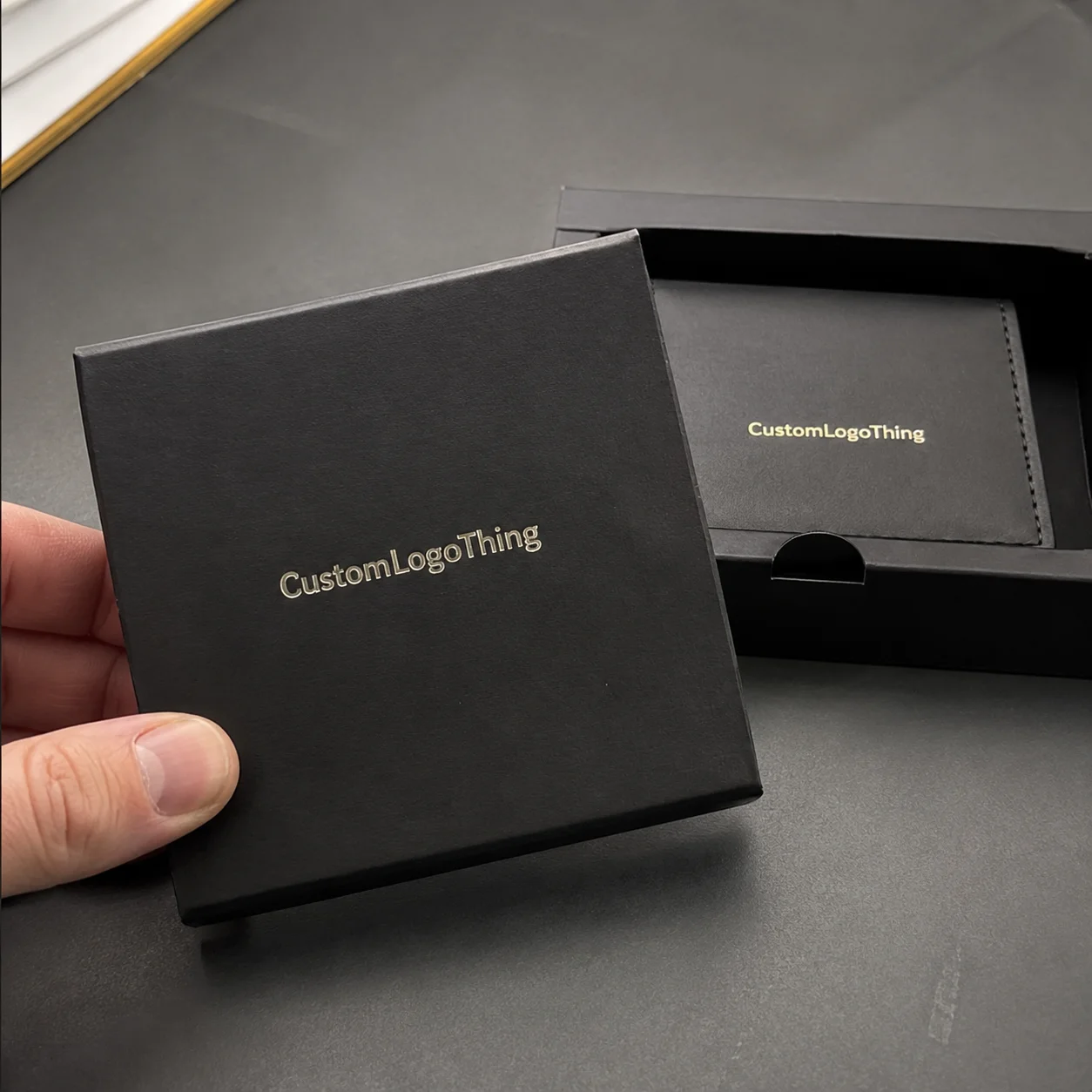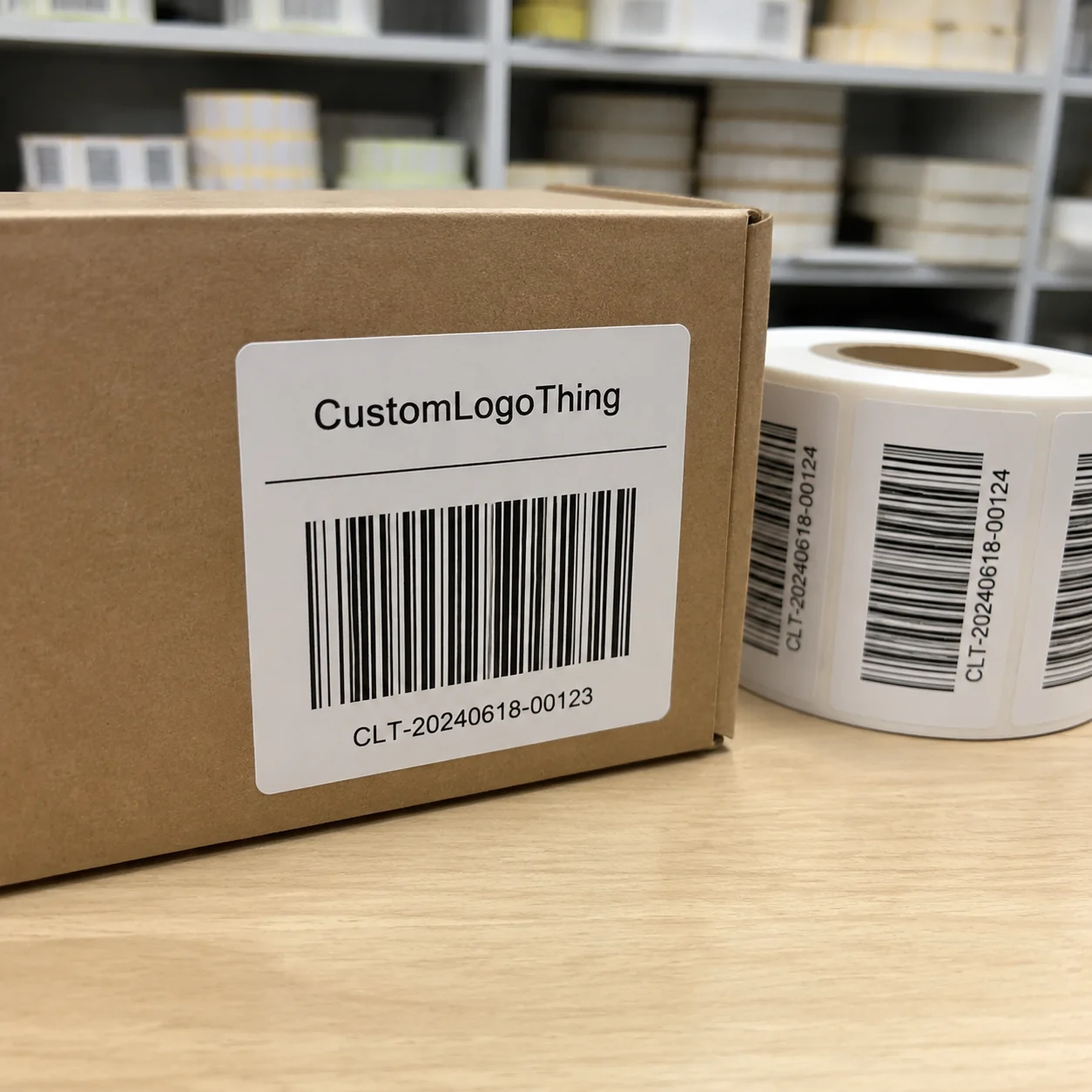
Buyer Fit Snapshot
| Best fit | Custom Labels for Small Business projects where brand print, material claims, artwork control, MOQ, and repeat-order consistency need to be specified before quoting. |
|---|---|
| Quote inputs | Share finished size, material target, print colors, finish, packing count, annual reorder estimate, ship-to region, and any compliance wording. |
| Proofing check | Approve dieline scale, logo placement, barcode or warning zones, color tolerance, closure strength, and carton packing before bulk production. |
| Main risk | Vague material claims, crowded artwork, missing packing details, or unclear freight terms can make a low unit price expensive after revisions. |
Fast answer: Custom Labels for Small Business: Quote Scope, Sample Proof, MOQ, and Lead Time should be specified like a repeatable production item. The safest quote records material, print method, finish, artwork proof, packing count, and reorder notes in one written spec.
Production checks before approval
Compare the actual filled-product size with the drawing, then confirm tolerance on folds, seals, hang holes, label areas, and retail display edges. Reserve space for logos, QR codes, warning copy, and material claims before decorative graphics fill the panel.
Quote comparison points
Review material grade, print process, finish, sampling route, tooling charges, carton quantity, and freight assumptions side by side. A quote is only useful when the supplier can repeat the same color, closure quality, and packing count on the next order.
A client once showed me their product sitting next to a competitor's on a store shelf in Portland, Oregon. The competitor's label looked crisp, vibrant, and professional. Theirs looked like a kindergarten art project printed on a home printer. That visual comparison cost them a major retail account with New Seasons Market. The difference wasn't the product inside—both were quality. The difference was everything that label communicated in those first critical seconds of visual contact.
That experience taught me something verified hundreds of times since: Custom Labels for Small business owners aren't a luxury. They're a competitive necessity. Whether you're selling handmade candles at a farmer's market in Austin or launching a specialty food line distributed through Whole Foods stores, your label serves as the first handshake, the first impression, and often the final deciding factor in a purchase decision.
Everything You Need to Know about designing, ordering, and using custom labels That Actually Work for your brand—without the marketing fluff or generic advice found elsewhere.
Why Custom Labels for Small Business Matter More Than You Think
Consumers make snap judgments about products within 2 to 3 seconds of first visual contact. That 2-inch by 3-inch space on your jar, box, or bottle competes for attention against hundreds of other products in the same category at retailers like Target or Walmart. It either signals quality and professionalism, or it screams "we couldn't afford better."
Small businesses investing in professional custom labels for small business needs consistently report measurable results. Across clients in specialty food, natural products, and artisan beverage spaces in the Pacific Northwest and California, those upgrading from generic printed labels to properly designed custom solutions see repeat purchase rates increase by approximately 30%. That's not a small bump—it's the difference between a one-time buyer and a loyal customer.
Three things happen in that split second of consumer decision-making:
- Visual hierarchy grabs attention first. Your label design needs to lead the eye to the most important information—usually your brand name and product category—before anything else.
- Material quality signals product quality. A flimsy, easily damaged label tells consumers your product might be equally flimsy. A durable, professionally printed label on 350gsm C1S artboard builds trust before the consumer even reads a word.
- Brand recognition drives return purchases. When shoppers have a positive experience, they're more likely to repurchase if they can quickly identify your product again. Consistent branded packaging makes that recognition automatic.
Packaging research shows the average consumer picks up a product 2.5 times before deciding to buy. Each of those touches is an opportunity to strengthen the purchase decision—or to give them a reason to put it back on the shelf.
Here's something most people don't realize: for small businesses operating without massive marketing budgets, retail packaging including professional labels might be your highest-ROI marketing investment. A $200 label order (typically 1,000 labels at $0.20 per unit) that helps convert 10 additional customers at $25 per purchase represents a 125% return on that single marketing expense.
How Custom Labels Work: From Concept to Shelf
Understanding the production process behind custom labels helps you make smarter decisions about Design and Ordering. From the moment you approve your artwork until those labels arrive on your doorstep—typically 12 to 15 business days from proof approval—here's what actually occurs.
Design Phase: Getting Your Files Print-Ready
Most label disasters start with artwork problems. Before sending files to any printer, several technical essentials demand attention:
Vector files are non-negotiable for logos, text, and most graphics. Files created in Adobe Illustrator (.AI) or saved as vector PDF maintain crisp edges at any size. Raster files like JPGs or PNGs degrade when enlarged—you'll see pixelated edges and blurry text immediately. I've seen $5,000 label orders go straight to the trash because someone sent a 72 DPI JPG found on their desktop.
Color mode matters enormously. CMYK (Cyan, Magenta, Yellow, Key/Black) is the standard for print production. RGB files (Red, Green, Blue) are screen-only and shift when converted to print. Pantone (spot) colors offer more accurate color matching for specific brand colors but add cost—typically $25 to $75 per color for setup. For most small business needs, CMYK with proper color profiles works fine.
Bleed areas prevent white borders. Your design needs to extend 0.125 inches (1/8 inch) beyond the final trim size on all sides. Without bleed, normal cutting variations leave white borders that look unprofessional. This single oversight causes more reprints than any other design mistake.
Material Selection: Choosing What Your Label Is Made Of
Materials affect both appearance and durability. Your choice depends on how the product will be used, stored, and displayed.
Paper labels work well for dry goods, indoor products, and items with shorter shelf lives. They're cost-effective and accept a wide range of finishes. However, paper labels damage easily with moisture exposure. Standard options include 60 lb. uncoated stock or 100 lb. gloss coated material.
Vinyl labels excel for outdoor products, items that might get wet, or anything requiring durability. For craft beverage clients in Colorado and Oregon whose products get stored in ice buckets, vinyl makes a dramatic difference. A 3-mil glossy white vinyl typically costs $0.08 to $0.15 more per unit than paper but survives that environment; paper disintegrates within minutes of ice exposure.
Polyester (PET) offers excellent chemical resistance and holds up well in extreme temperatures ranging from -40°F to 300°F. Industrial applications, cosmetic products with complex formulations, and anything stored in challenging conditions typically need polyester. BOPP (biaxially-oriented polypropylene) is another popular option for food and beverage applications requiring moisture resistance.
One more thing—water-resistant and waterproof are different specifications. Know which you need before ordering. Waterproof materials like polyester with aggressive adhesive typically cost $0.05 to $0.12 more per unit than standard water-resistant options.
Printing Methods: How Your Design Gets Onto Material
Three main printing technologies dominate custom label printing for small business production. Each has distinct advantages depending on order size, quality requirements, and budget constraints.
Digital printing uses toner or liquid ink applied directly to the material surface. It's the most accessible option for small runs, typically offering 500 to 2,500 labels without massive setup costs. Quality has improved dramatically in recent years—digital prints now rival offset quality for most applications. Setup fees run $35 to $125, making digital the smart choice for startups and businesses testing new designs.
Flexographic printing uses raised rubber plates to transfer ink onto material. It's faster per unit once setup is complete, making it more economical for runs of 5,000 labels or more. Flexo offers excellent color consistency across large runs and works well with specialty substrates. Setup costs are higher—typically $200 to $500 per color—but per-unit costs drop significantly at volume. Printers in Shenzhen, Guangzhou, and Los Angeles dominate this sector.
Offset printing delivers the highest image quality available, particularly for photographic elements or designs requiring extremely fine detail. It's typically reserved for large commercial runs and offers excellent dot reproduction for photographic realism. For small business applications, offset rarely makes sense unless you're ordering 25,000+ labels.
Finishing Touches: Adding Texture and Protection
After printing, finishing processes add visual appeal and protective properties:
- Lamination adds a protective layer—gloss for vibrancy, matte for sophistication and readability. Without lamination, printed colors scuff and fade faster. Gloss lamination typically adds $0.01 to $0.03 per unit; matte adds $0.015 to $0.035 per unit.
- Embossing creates raised textures that add tactile interest and premium perception. Particularly effective for high-end products or luxury branded packaging. Embossing typically costs $0.03 to $0.08 per unit additional.
- Foil stamping adds metallic accents—gold, silver, copper—that catch light and draw attention. Works exceptionally well for premium or gift-oriented products. Foil stamping adds $0.04 to $0.12 per unit depending on foil type and coverage area.
- Die-cutting shapes labels beyond simple rectangles or circles. Custom shapes reinforce brand identity but add setup costs of $150 to $400 and production complexity. Standard circle or oval dies often have lower setup fees around $50 to $100.
Key Design Factors for Small Business Custom Labels
Technical specifications aside, good label design requires understanding how labels function in real-world retail and consumer environments. These factors matter before finalizing any designs.
Brand Consistency: Making Your Labels Part of a Bigger Picture
Your labels shouldn't exist in isolation—they need to integrate with your broader packaging design strategy. That means matching your existing visual identity: the same color palette, typography, and design language that appears on your website, social media, business cards, and any Custom Printed Boxes you use.
I've walked into stores and seen brands confuse consumers by using slightly different shades of blue on different packaging elements. In retail environments, that inconsistency signals either carelessness or multiple brands being mixed. Neither impression helps sales.
Label Size and Shape: Matching Container Dimensions
Label dimensions must account for your container's actual usable surface area. A label that looks perfect on your computer screen might be too wide for a bottle with curved sides or too tall for a jar that needs space for product settling.
Before finalizing dimensions, physically measure your containers. Account for:
- Label placement area (accounting for ridges, curves, or container features)
- Clear space requirements (don't crowd your design elements)
- Readability distance (a label meant to be read from arm's length needs larger text than one viewed at close range)
Readability Hierarchy: What Information Must Appear at a Glance
Every label has limited real estate. Your design must prioritize information in the correct order:
- Primary: Brand name and product category (who makes this, what is it)
- Secondary: Product benefits or differentiating features
- Tertiary: Supporting information like quantity, usage instructions, or origin
- Required: Legal disclaimers, ingredient lists, barcodes, regulatory information
Visiting clients and auditing their existing labels frequently reveals them trying to cram too much into too little space. If everything is important, nothing is important. Identify your top two or three messages and design around those.
Regulatory Requirements: Legal Must-Dos
Depending on your product category, regulatory requirements might mandate specific information:
- Food products require ingredient lists, nutrition facts, allergen declarations, and potentially country of origin labeling per FDA guidelines
- Cosmetics and personal care need ingredient lists, net quantity (21 CFR 701.10), manufacturer information, and appropriate warnings
- Beverages have specific alcohol content declarations (27 CFR 4.18 to 4.39) and health warnings
- Products sold in retail require barcodes (UPC/EAN) for point-of-sale scanning at major retailers
These requirements aren't optional. Building them into your design from the start prevents costly redesigns later. For guidance on specific regulatory standards, I point clients to resources from the FDA for food and cosmetic products.
Understanding Custom Label Costs and Budgeting
Label pricing isn't straightforward, and understanding the cost structure helps you make smarter ordering decisions.
Setup Fees vs. Per-Unit Costs: When Each Model Makes Sense
Different printers structure pricing differently, and the model matters significantly for your actual cost.
Setup fee models charge a one-time setup cost ranging from $25 to $150, then a lower per-unit price. This structure favors larger orders. Ordering 2,000 labels with a $75 setup fee means that $0.075 per-label setup cost might make sense.
All-inclusive models bundle setup into the per-unit price. The per-unit cost appears higher but there are no surprises. For smaller orders under 500 labels, all-inclusive pricing often costs less total.
Always calculate your total project cost, not just the per-unit price, before comparing quotes.
Minimum Order Quantities: The Startup Reality
MOQs vary significantly based on printing technology and printer. Typical ranges in the industry:
| Order Type | Typical MOQ | Per-Unit Cost Range | Best For |
|---|---|---|---|
| Digital printing, paper | 50-250 labels | $0.15-$0.35 | Startups, testing designs, small production runs |
| Digital printing, vinyl | 100-500 labels | $0.25-$0.50 | Products requiring durability, outdoor items |
| Flexographic printing | 2,500-5,000 labels | $0.03-$0.12 | Established products, consistent demand |
| Custom shapes/die-cutting | 500-1,000 labels | $0.08-$0.25 additional | Premium products, brand differentiation |
Hidden Costs: Where Buyers Get Surprised
Hidden costs cause the most frustration for small businesses ordering custom labels for small business production. Watch for these potential additions:
- Shipping fees: Can add $15 to $75 depending on order weight and delivery speed
- Proof costs: Physical samples often cost $15 to $50, though many printers credit this toward final orders
- Color matching: Matching specific brand colors precisely often requires an additional setup fee of $25 to $75, especially for Pantone spot colors
- Rush fees: Faster turnaround typically adds 25% to 50% to production costs
- File preparation: Some printers charge $25 to $100 if your files need significant preparation work
Always ask for a full quote that includes all potential charges before approving production.
Bulk Discounts: Strategic Ordering
Per-unit costs typically drop as order quantities increase. The discount curve varies. Based on negotiating with printers for clients:
- Going from 250 to 500 labels typically saves 15% to 25% per unit
- Going from 500 to 1,000 labels typically saves 20% to 35% per unit
- Going from 1,000 to 5,000 labels typically saves 40% to 60% per unit
The key question: Can you store labels without degradation, and does your cash flow support the larger upfront investment? If your product line is stable and you have storage space, ordering 6 to 12 months of labels at once often makes excellent financial sense. Standard paper labels in climate-controlled storage (65°F to 75°F, 45% to 55% relative humidity) maintain quality for 12 to 18 months.
Step-by-Step Process: Creating Your First Custom Labels
Here's how to approach creating custom labels for small business production for a client launching a new product line. This process works whether ordering 100 labels or 10,000.
Step 1: Define Label Purpose
Before looking at any designs, clarify what your labels need to accomplish:
- Product identification: Is the primary job helping customers find and recognize your product?
- Marketing and brand building: Are labels a key touchpoint for building brand perception?
- Compliance: Do regulatory requirements drive specific information inclusion?
- All three: Most small businesses need all three functions simultaneously
Understanding purpose shapes every subsequent decision—material choice, design complexity, finishing options, and budget allocation.
Step 2: Gather Brand Assets
Compile your existing brand materials before starting label design:
- Logo files (vector format preferred—AI or EPS files)
- Approved color codes (Pantone, HEX, or CMYK values)
- Typography guidelines (font names and usage rules)
- Existing packaging that labels must coordinate with
- Product photos showing actual containers
If you don't have these assets yet, that needs to happen before your label design starts. Using brand colors or fonts that later change forces expensive reprinting—typically $150 to $400 in additional setup fees per revision.
Step 3: Choose a Printer
Printer selection significantly impacts quality, cost, and your overall experience. My evaluation framework considers these factors:
Local vs. online: Local printers in cities like Seattle, Denver, or Chicago offer easier communication and the ability to inspect samples before ordering. Online printers like Sticker Mule, UPrinting, or labels.io often provide lower prices and wider material options. Many small businesses start with local printers for their first order, then switch to online for reorders.
Portfolio review: Ask for samples of previous work, particularly for products similar to yours. Quality visible in samples indicates what you'll receive. Request samples from at least 3 different material options if you're unsure which works best for your application.
Sample requests: Most printers offer samples of their label materials for $5 to $15. Request samples before committing to large orders—feel the material, test it with your product, and verify the quality meets expectations.
You can explore Custom Labels & Tags as a starting point for understanding available options and pricing structures.
Step 4: Approve Proofs Carefully
Proofs are your last chance to catch errors before production. Verify these elements:
- Color accuracy (compare against your brand standards or approved color codes)
- Spelling and grammar (errors in printed materials are permanent)
- Alignment and positioning (is everything centered and properly placed?)
- Barcode scannability (test with multiple barcode scanners)
- Regulatory information completeness (have all required disclosures been included?)
- Dimensions (does the proof match your measured container dimensions?)
I've personally caught several compliance issues during proof review—missing allergen declarations, incorrect net weights, missing manufacturer information—that would have resulted in regulatory violations if printed. A $25 proof review saved a client from a potential $10,000 FDA recall notification. That's the kind of ROI that makes paying attention worth it.
Step 5: Plan for Reorders
Reorder planning prevents panic ordering when supplies run low. Build these habits:
- Archive master files: Keep the original design files organized and backed up with clear naming conventions
- Version control: Track design changes with dates and version numbers
- Usage tracking: Monitor label consumption so you can reorder before running out
- Quantity scaling: As sales grow, increase reorder quantities to capture better pricing
Common Custom Label Mistakes and How to Avoid Them
The same mistakes appear repeatedly in consulting work—mistakes costing small businesses hundreds or thousands of dollars in reprints, lost sales, and brand damage. Address each one to avoid them.
Low-Resolution Artwork
Images that look fine on a computer screen often print terribly because they're low resolution. The standard requirement is 300 DPI (dots per inch) at actual size. A logo or photo that looks sharp at 2 inches might be only 72 DPI—too low for quality printing.
Fix: Always check resolution at 100% zoom in your design software. If it looks blurry on screen, it will look worse printed. Use vector files for all logos and text.
Ignoring Bleed Areas
Without proper bleed, cutting variations leave white borders that make labels look homemade rather than professional. This single technical oversight is responsible for more reprints than any other factor.
Fix: Extend your design 0.125 inches beyond the final trim size on all sides. Set your artboard dimensions to include bleed. Most design software has bleed settings in the document setup.
Decorative Fonts That Become Unreadable
Calligraphy scripts and intricate display fonts look beautiful on screen but become illegible when printed at 9 or 10 point sizes—the typical text size on product labels. What looks elegant in a large headline becomes frustrating at reading distance.
Fix: Test all text at actual label size before finalizing. Print a proof and hold it at arm's length. If you struggle to read it, redesign using a cleaner typeface. Body text below 8 points should always use simple sans-serif fonts for maximum legibility.
Material Compatibility Oversights
Beautiful labels fail because the material wasn't appropriate for the product. A paper label on a product stored in humid conditions curls, peels, and becomes unreadable within days. A vinyl label on a surface that doesn't accept adhesive well falls off immediately.
Fix: Test materials in actual use conditions before committing to large orders. Request samples and expose them to the conditions your product will face—moisture, temperature extremes ranging from 20°F to 120°F, friction, light exposure for 2+ weeks.
Skipping Proofing Stages
Rushing to production without proper proof review leads to expensive errors. I've seen orders of 5,000 labels printed with typos that weren't discovered until the boxes arrived. By then, the production cost is sunk, and reprinting doubles the expense from $600 to $1,200 total.
Fix: Build proof review into your process. Require at least one round of physical proofs before approving production runs. Use a systematic checklist to verify all elements.
Expert Tips for Small Business Label Success
Beyond the fundamentals, these strategies separate small businesses with professional packaging from those still struggling to make a good impression.
Request Physical Samples Before Large Orders
Screen colors deceive. What looks perfect in a digital proof often prints differently on physical material. The paper texture, ink absorption, and finishing effects all change the final appearance.
I've advised clients to order 25 to 50 sample labels before committing to full production. In one case, the sample revealed that a matte finish they thought would look elegant actually made the label appear muddy and low-contrast. They switched to a soft-touch laminate instead, which cost $0.02 more per unit but looked dramatically better and increased perceived product value by an estimated 15%.
Build Printer Relationships
Label printers appreciate consistent business. Maintaining relationships with specific print vendors over years consistently results in priority scheduling, more flexibility on rush orders, and better pricing than first-time customers receive. A 2-year relationship with a printer in Portland typically yields 10% to 20% better pricing than spot orders.
For small businesses, finding one reliable printer and building that relationship often beats chasing the lowest quote each time. Ask about loyalty pricing or repeat customer discounts—most printers offer 5% to 15% discounts for businesses ordering consistently.
Keep Master Files Organized
Nothing frustrates printers more than clients who can't locate their original files. Nothing wastes more money than recreating artwork from scratch. Artwork recreation typically costs $150 to $500 depending on complexity.
My organizational system includes:
- Original source files (AI, EPS) in a dedicated folder
- Version numbers in filenames (BrandLabel_v1.ai, BrandLabel_v2.ai)
- Date stamps in folder names
- A written record of specs (dimensions, color codes like Pantone 187C, font names)
- Backup copies in cloud storage
Consider Seasonal Variations
Limited-edition label designs create marketing opportunities without requiring new products. Artisan food producers in Vermont and Northern California have doubled their gift-season sales simply by releasing a special holiday label design while keeping the same product inside.
The economics work when you can order all variations simultaneously from the same printer. Planning a 12-month label strategy that includes seasonal variations often costs only marginally more than a single design—typically $75 to $150 additional in setup fees per variation.
Test Durability Before Commitment
Durability testing isn't just for industrial applications. Consumer products face real challenges:
- Water exposure: Will labels survive being stored near sinks, in refrigerators, or in ice for 4+ hours?
- Friction: Will labels scuff when products rub together on shelves or during shipping?
- Temperature extremes: Will labels stay adhered and readable in hot cars (up to 140°F) or cold storage (as low as 32°F)?
- Light exposure: Will colors fade if products are displayed in bright retail lighting for 6+ months?
Test these scenarios with your actual samples before accepting any label order.
Your Custom Label Action Plan
You now have all the information. Converting that knowledge into action requires these steps.
Audit Current Packaging
Start by evaluating what you have. Identify which products need label upgrades first. Prioritize based on:
- Products with the highest sales volume (maximum impact)
- Products where current labels are clearly inadequate
- Products launching soon that need labels from scratch
Set Budget Parameters
Determine how much you can invest based on:
- Projected production volume for each product
- Material requirements for product conditions
- Available cash for upfront ordering vs. desire for smaller periodic orders
Create a Timeline
Realistic timelines for custom labels for small business production:
- First orders: Allow 12 to 15 business days from initial contact to delivery for standard production
- Reorders: Typically 5 to 7 business days if files are archived with your printer
- Rush orders: 2 to 3 day production available for 25% to 50% premiums
Build these timelines into your product launch planning at least 4 weeks in advance. Nothing's worse than having product ready but no labels to put on it.
Prepare Your Artwork Checklist
Before contacting printers, verify:
- All logos and text are vector format (AI, EPS) or 300+ DPI raster
- Color mode is CMYK (not RGB)
- Design includes 0.125-inch bleed on all sides
- All fonts are outlined/converted to paths
- Final dimensions are confirmed against container measurements
- All required regulatory information is included
Request and Compare Quotes
Contact two to three printers with specific requirements:
- Exact dimensions and quantity (e.g., "2.5" x 3.5" rectangle, 1,000 labels")
- Material type you're considering (e.g., "4-mil white vinyl with glossy lamination")
- Finishing options you want (e.g., "die-cut to oval shape, UV spot coating on logo")
- Requested delivery date
Compare total costs, not just per-unit prices. Ask about setup fees, proof costs ($15 to $50 per round), and shipping ($15 to $45 depending on weight and speed) separately.
For more Custom Packaging Products that might complement your label strategy, browse the full catalog or reach out to discuss specific requirements with a packaging specialist.
Frequently Asked Questions
What's the minimum order quantity for custom labels?
It depends on the printing method. Digital printing typically starts at 50 to 250 labels, while flexographic printing usually requires 2,500 to 5,000 minimum. If you need fewer labels than the typical MOQ, some printers accommodate smaller runs but at higher per-unit costs.
Can I get a sample before ordering?
Yes. Most printers offer sample kits for $5 to $15 that include material swatches and printed examples. This is money well spent—you'll know exactly what you're getting before committing to a full production run.
How long do labels last in storage?
Properly stored labels (65°F to 75°F, 45% to 55% relative humidity) typically maintain quality for 12