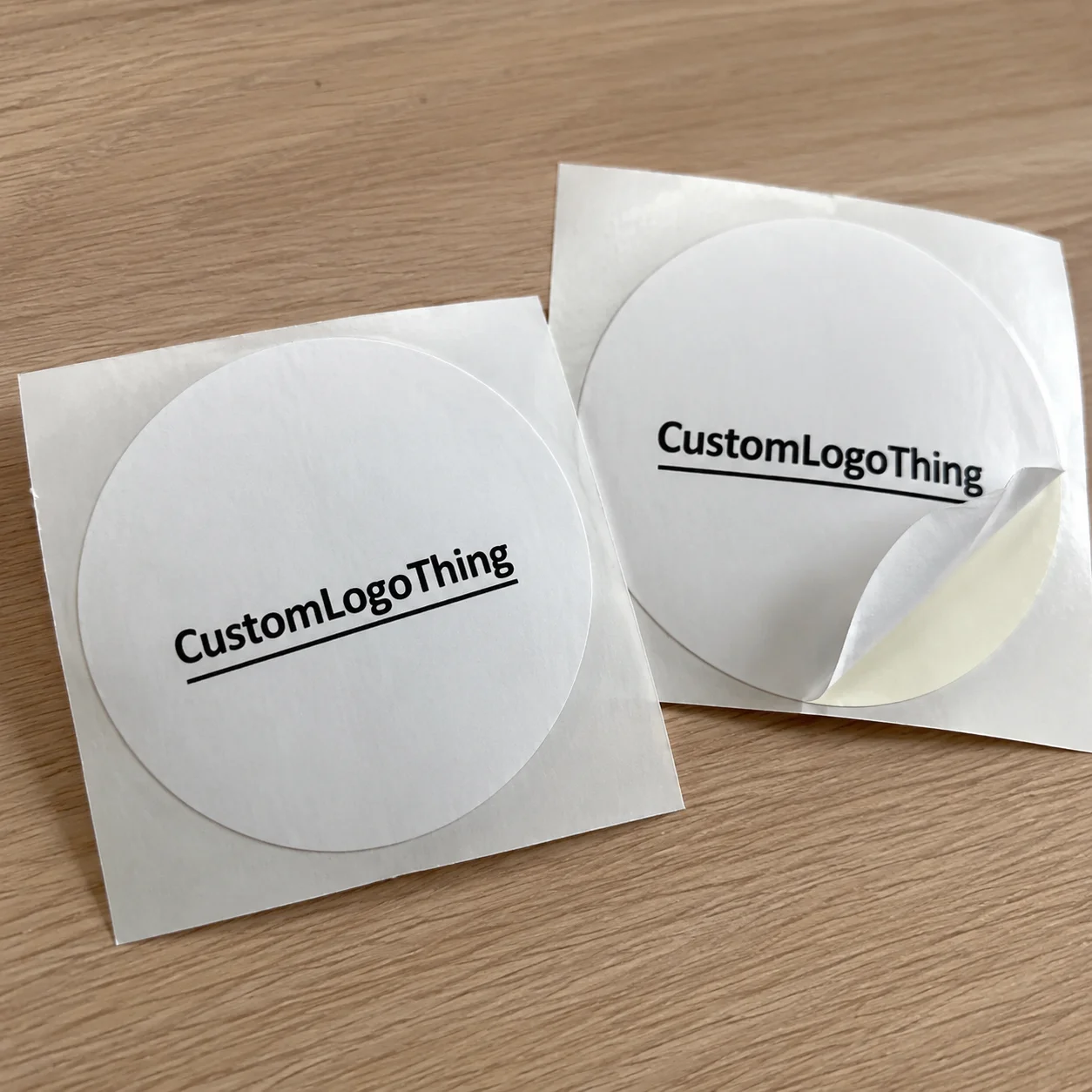
Printed food labels have to do more than look good in a proof. They need to bond to glass, plastic, film, or coated board, stay readable through shipping and stocking, and hold up in cold, damp, or oily conditions. A label that looks right on screen can still fail on shelf if the material, adhesive, or finish was chosen for appearance before performance.
That is why label buying is a packaging decision, not just a design decision. Artwork matters, but so do substrate, application method, moisture exposure, and inspection needs. If the label curls, lifts, or loses scan quality, the package stops working the way it should.
What Printed Food Labels Need to Survive on Shelf
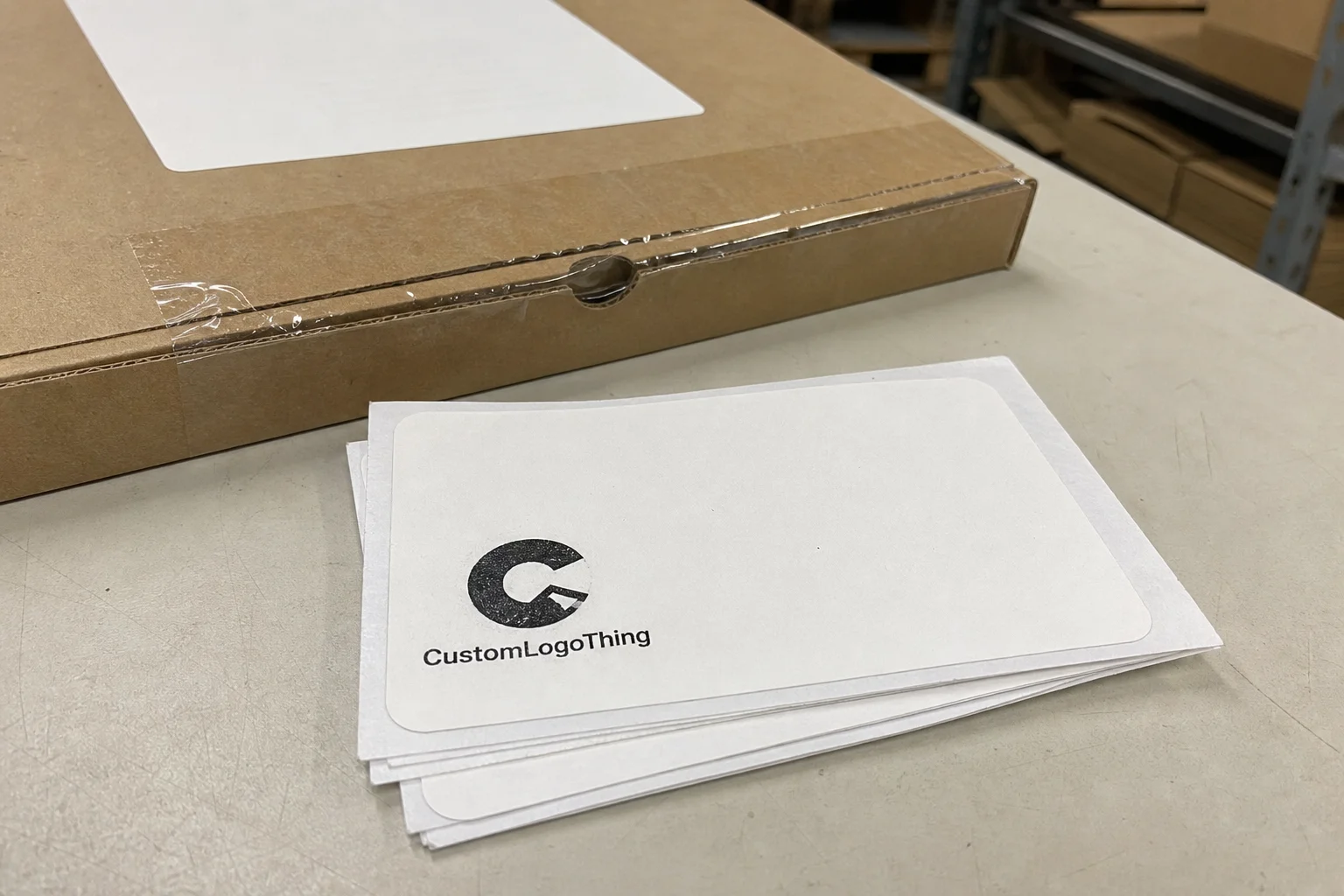
On shelf, a food label has three jobs: identify the product fast, keep key information readable, and stay attached in the real environment. That environment is usually harsher than a mockup suggests. Refrigeration creates condensation. Freezer storage adds brittleness. Oils, sauces, and repeated handling can dull the finish or weaken adhesion. Shipping cartons and case packing can also scuff the face stock.
Printed food labels should be judged against those conditions, not just against the artwork file. Paper may look clean on a jar at room temperature, then wrinkle after chilling. Gloss may improve color, then show scuffs after distribution. A weak adhesive can work on a flat bottle and fail on a curved container once moisture is present.
Readability matters just as much as adhesion. Ingredient statements, allergen declarations, net quantity, lot codes, and barcodes need enough contrast and space to remain usable after print and application. If a shopper cannot identify the product quickly or a scanner cannot read the code reliably, the label is underperforming.
"A food label is a working component of the package, and it should be specified that way."
That framing helps buyers make better choices. A label that survives storage, shipping, and shelf life is usually the better investment, even if the initial price is slightly higher.
How the Printing Process Turns Artwork Into Labels
The process starts with prepress. This is where bleed, trim, safe areas, font size, barcode contrast, and image resolution are checked. If the file is weak here, the finished label will carry those flaws into production. Small text, reverse type, and dense regulatory copy deserve extra attention because they are often the first things to fail visually.
After the file is reviewed, the printer matches the job to the right stock, adhesive, and print method. Digital printing is usually the practical choice for short runs, multiple SKUs, or frequent revisions because setup is lighter and version changes are easier to manage. Flexographic printing is better for longer runs and stable artwork, where lower unit cost starts to outweigh setup time. The right choice depends on quantity, repeat frequency, timeline, and how much artwork variation you expect.
Production typically moves through proofing, press setup, curing or drying, die cutting, slitting or sheeting, and inspection. Each step affects the result. Cure settings influence scuff resistance and adhesion. A die that is off register can leave rough edges or weak corners. Roll direction matters if labels will be machine applied. Even winding tension can affect how cleanly labels release on an applicator line.
Roll and sheet formats are functional choices, not cosmetic ones. Rolls are common for automated or semi-automated application, while sheets are often better for manual labeling or smaller batch jobs. If you are ordering through a catalog page such as Custom Labels & Tags, the application method should guide the format from the start.
| Print option | Best fit | Typical strengths | Common tradeoffs |
|---|---|---|---|
| Digital | Short runs, multiple SKUs, fast proof cycles | Low setup, flexible revisions, consistent output on small lots | Unit price can rise on larger quantities |
| Flexographic | Longer runs, repeat orders, stable artwork | Efficient on volume, faster throughput once set up | More setup time and higher changeover cost |
| Sheeted labels | Manual application, small batch jobs | Simple handling, easy storage | Not ideal for high-speed application |
| Roll labels | Line application, larger production volumes | Cleaner workflow, better for applicators | Core size and winding direction must match equipment |
Cost, Pricing, and What Changes the Quote
Quantity is the first pricing lever. Setup costs are spread across the run, so unit price usually improves as order size increases. That is why a 1,000-label pilot almost always costs more per label than a 10,000-label production run using the same construction. Minimum order quantity also matters: some specs can be economical only after the run reaches the printer's MOQ.
Material choice is often the next major variable. Paper face stocks are usually less expensive than film-based stocks, but paper can struggle with moisture, cold storage, and abrasion. Polypropylene and polyester cost more, yet they usually perform better in refrigeration and during transit. Clear stocks, textured papers, metallic effects, and protective laminates add cost because they add material expense or process complexity.
Size, shape, and coverage affect the quote too. A simple rectangle with standard corners is easier to run than a custom die-cut with dense ink coverage and tight tolerances. More colors, fine reverse type, variable data, and specialty coatings all increase production attention. If the label must align precisely with a barcode zone or small regulatory panel, the quote should reflect that extra setup care.
For budgeting, rough ranges are more useful than vague promises:
- Simple paper labels: often around $0.06-$0.15 per unit on larger runs, depending on size and print coverage.
- Durable film labels: often around $0.10-$0.28 per unit for mid-size quantities, especially where moisture resistance is needed.
- Specialty or laminated labels: can run higher when the order needs added protection, custom die shapes, or a tighter shelf presentation.
Those ranges are directional, not a quote. A custom adhesive, unusual finish, or difficult shape can move a job outside them quickly. The lowest price is not always the lowest cost if the labels fail, scuff, or need reprinting after launch.
For the most accurate pricing, ask for a quote on the exact size, exact material, exact finish, and actual application format. That gives you the real production cost, not a simplified estimate.
Lead Time, Turnaround, and Approval Steps
Turnaround is shaped by file readiness more than anything else. Clean artwork with the right dimensions, font treatment, and barcode setup moves fast. Files that need resizing, compliance edits, or image cleanup slow the job down because every correction has to be checked before print.
A typical workflow moves from file review to proof creation, then buyer approval, scheduling, production, finishing, and shipping. Many jobs land around 12-15 business days after proof approval, though that depends on workload and complexity. Rush work can happen, but only if materials are in stock, the die exists, and the artwork is already close to final. A custom die or specialty laminate adds time. So does an approval round that introduces new changes after scheduling begins.
The proof stage deserves real attention. Once it is approved, the print run is locked to that version. If changes come after approval, the schedule may reset and costs can rise because press time and finishing slots are already allocated. Skimming a proof and treating it as "close enough" is one of the fastest ways to create delays.
Shipping is part of the deadline, not an extra detail. A label that finishes on time but arrives after the packaging line needs it is still a problem. Teams planning launches, seasonal promotions, or retailer resets should work backward from the in-hand date, not forward from the order date.
Choosing the Right Material, Adhesive, and Finish
The right material starts with the package surface and the storage environment. A dry pantry item gives you more options than a refrigerated salsa jar or a frozen entree tray. Paper can work well for dry goods, but moisture, oil, and cold-chain handling often make film-based materials the better fit.
Adhesive is just as important as face stock. Permanent adhesive is the common choice for retail food packaging because it is designed to stay where it is placed. Removable adhesive is useful if the label needs clean removal. Freezer-grade adhesive is formulated for low-temperature application and longer cold storage. Aggressive tack options can help with difficult surfaces, but too much grab can complicate application and repositioning.
Finish changes both appearance and durability. Gloss tends to brighten color and increase contrast. Matte softens the look and can feel more restrained or premium depending on the design. Clear or white overlaminates add protection against scuffing, moisture, and rough handling. If the package is likely to travel through a rough supply chain, that extra layer can reduce reprint risk.
Curved, squeezable, or flexible packaging needs special care. A label that works on a rigid bottle can wrinkle on a narrow shoulder or shift on a pouch that changes shape as product is used. Conformability matters here. The material needs enough flexibility to settle without air pockets, edge lift, or visible distortion. A quick test on the actual container tells you more than a flat sample ever can.
The practical rule is simple: choose the construction for the environment first, then tune the look. A label that looks attractive but fails in refrigeration is still the wrong label.
Common Mistakes That Make Labels Fail
Low-resolution artwork is still one of the most common reasons a label order disappoints. Blurry text, fuzzy logos, and weak barcode bars usually come from the file, not the press. If the source image is poor, print quality cannot fully rescue it. For small regulatory text, ingredient lines, and scannable codes, clean vector files or properly prepared high-resolution files are the safer route.
Another mistake is ignoring the real package environment. A label can look fine on a dry sample but fail once condensation appears or the product warms and cools during handling. Grease, oil, and residue are a separate risk on foods that are touched often or packed in slick containers. The sample needs to be tested on the actual substrate under actual conditions, not just admired on a proof sheet.
Design problems create their own failures. Too much copy packed into too little space pushes text below practical size and hurts readability. Barcodes need clear quiet zones. Allergens and ingredients need contrast and spacing. If the layout is crowded, the label can look busy even when the print itself is accurate.
Application testing is another step that gets skipped too often. A label may release well on one surface and fail on another because the texture, curvature, fill temperature, or application pressure changes. That matters on bottles, jars, tubs, pouches, and clamshells. The more variable the package, the more valuable a test run becomes.
Most label failures are not mysterious. They come from mismatched specs, rushed approvals, or assumptions about how the package will behave once it enters production and distribution.
Expert Tips for a Better Ordering Process
Ask for samples or swatches before locking the order if the product has unusual conditions. A screen can show color and layout, but it cannot show how a finish reflects in store lighting or how an adhesive behaves when the package is chilled. Physical samples are especially useful when deciding between paper and film, or between matte and gloss.
Give the printer the package dimensions, application method, surface type, and storage conditions up front. That means bottle, jar, pouch, clamshell, or tray. It also means hand-applied or machine-applied, flat or curved, dry or refrigerated or frozen. The more precise the brief, the less guesswork the production team has to remove later.
Keep the structure stable if you expect repeat orders. It is easier to update ingredients, flavor names, barcodes, or seasonal copy on a proven label template than to redesign the whole job every time. That approach also shortens reorder time because the printer can work from a known spec instead of rebuilding the file from scratch.
Packaging standards can guide the broader conversation. For transit and distribution concerns, many teams reference ISTA practices to think through shipping stress. For paper sourcing, FSC certification can matter if the brief includes environmental criteria. Those frameworks do not replace a label specification, but they help align packaging choices with the rest of the supply chain.
Clean orders usually come from clean input. Good files, clear specs, and realistic timing reduce surprises at proof stage and keep production moving.
Next Steps for a Faster, Cleaner Order
Before requesting a quote, gather the label dimensions, quantity, package type, finish preference, application method, and storage conditions. If the label will live on a refrigerated or frozen product, say that plainly. If it needs to resist moisture, grease, or repeated handling, include that too. That information changes the recommendation in a meaningful way.
Review artwork carefully for barcode clarity, trim safety, legal copy spacing, and version control. One approved file is better than several near-matches. If the construction is unclear, ask for a material and adhesive recommendation instead of choosing on price alone. A cheaper spec that fails on shelf is not a savings.
For repeat programs, set the reorder point before stock gets low. Reorders move quickly when the artwork is archived, the spec is fixed, and the production notes are complete. That matters most around promotions, seasonal launches, and periods where packaging calendars are tight.
Used well, printed food labels do more than carry a logo. They support scanning, compliance, and shelf presentation while staying intact through storage and handling. Treat the order as a functional packaging choice, and the odds of getting a label that looks right and performs correctly go up immediately.
What makes printed food labels different from standard product labels?
They often need stronger resistance to moisture, grease, refrigeration, and handling because food packaging usually sees harsher conditions than many dry-goods products. The adhesive and face stock matter as much as the artwork, since the label has to stay attached and legible from filling through shelf display.
How much do printed food labels usually cost?
Pricing depends on quantity, size, material, finish, and whether the job needs a custom die or added protection. Larger runs usually lower the unit cost, while specialty materials, tighter deadlines, and extra finishing steps raise the total.
How long does the process take for printed food labels?
Turnaround depends on artwork readiness, proof approval, material availability, and job complexity. The fastest orders are usually the ones where the file is already print-ready and no revisions are needed after proofing.
What material is best for refrigerated or frozen packages?
Look for a construction designed for cold or moisture exposure, with an adhesive that bonds at lower temperatures and keeps holding after condensation appears. Film-based stocks are often a better fit than basic paper when the package will move in and out of cold storage.
What should I send to get an accurate quote for printed food labels?
Send the label dimensions, quantity, package type, application method, finish preference, and a final artwork file if you have one. The more the printer knows about the product environment, the more accurate the recommendation for material, adhesive, and timeline will be.