Personalized Name and Address Labels for Clothing and Packaging
Address data looks simple until it lands in production. Then the small things start to matter: apartment numbers, line breaks, postal codes, and whether the same name appears three different ways across a spreadsheet. That is why personalized name and address labels are so useful in apparel, returns handling, and packaging operations. They turn a messy field problem into something that can be printed, checked, and repeated without guesswork.
In practice, these labels do more than identify a person or destination. They keep mailers organized, support returns processing, and make outgoing packages look deliberate instead of patched together. For a small clothing brand, that can mean fewer handwritten labels and fewer shipping mistakes. For a busier operation, it can mean less rework at the packing table and fewer questions from the receiving team.
The best results usually come from treating the label as a production item, not a design accessory. Readability, adhesive behavior, and file control matter more than decoration. If those three are right, the rest of the job gets easier.
What Personalized Name and Address Labels Actually Do
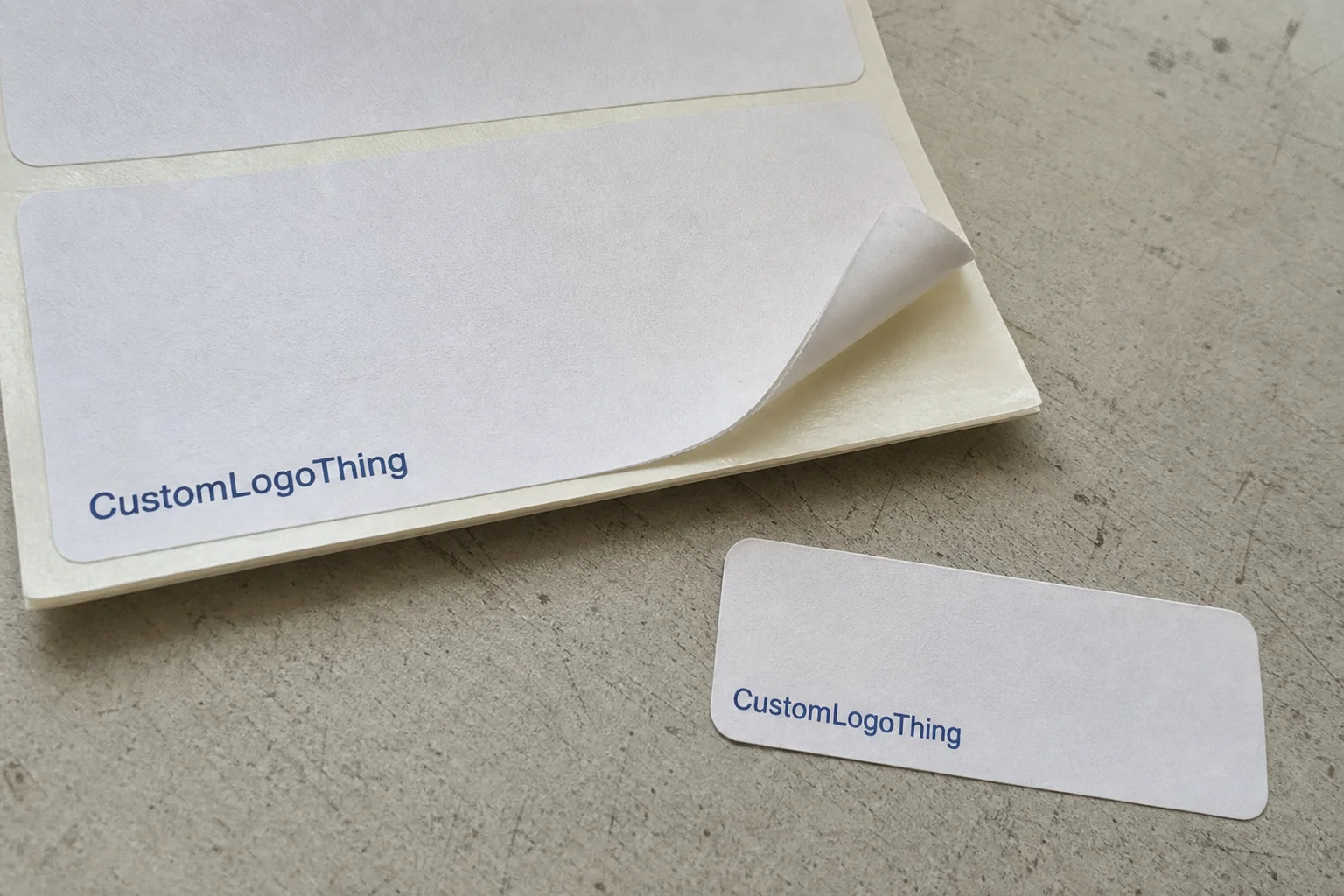
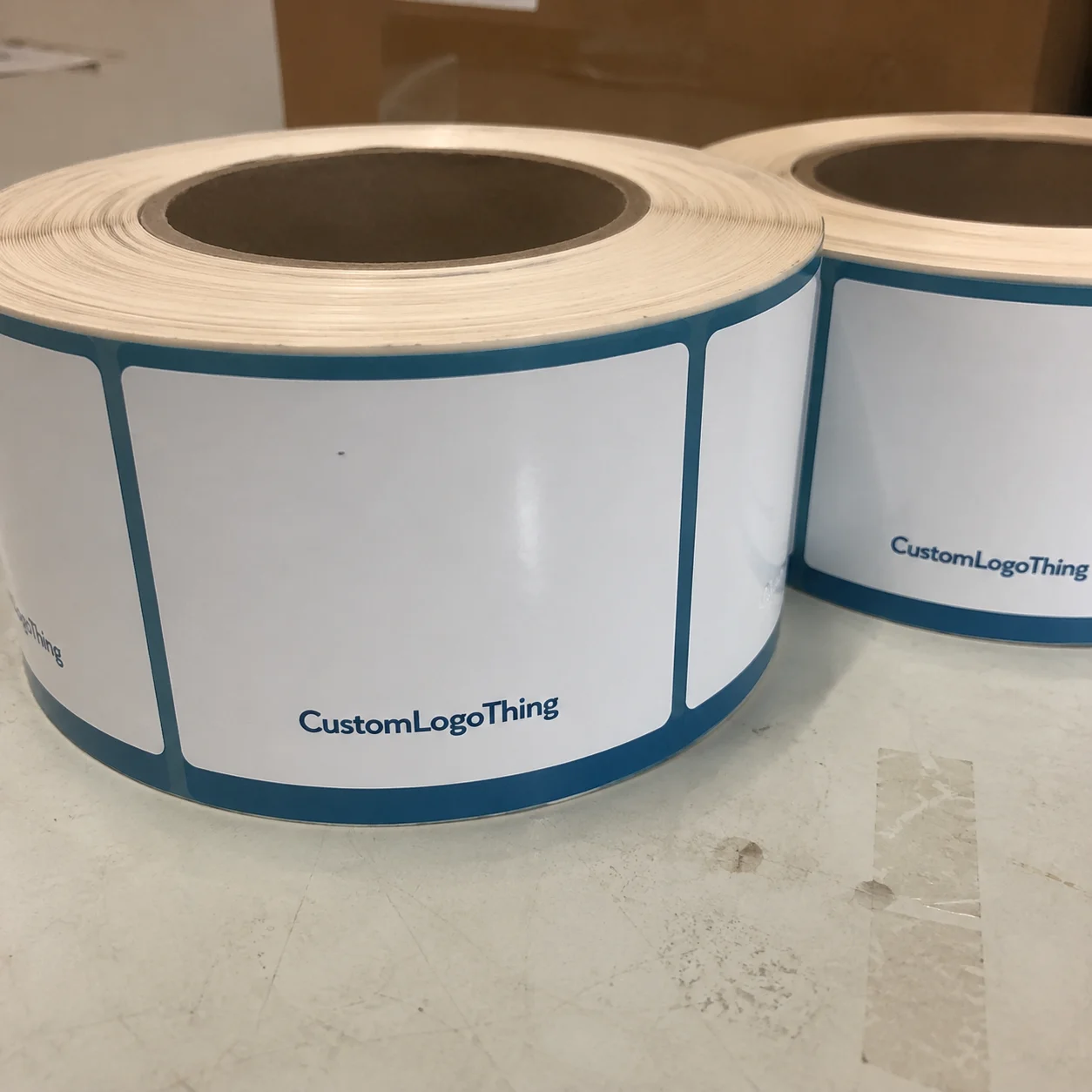
In apparel and fulfillment, a label can carry several kinds of information at once. It may identify the recipient, show a return address, mark a garment bag, or direct an internal parcel to the right department. The use case should come first, because the label structure changes with the job.
For branded clothing shipments, personalized name and address labels help keep outgoing packaging consistent and legible. For returns, they reduce the risk of a parcel being sent to the wrong location because someone transcribed an address by hand. For warehouse use, they can identify bins, inserts, or order packs with a format that stays uniform from one batch to the next.
Buyers usually focus on the wrong details first. A script font may look polished, but if it slows scanning or makes an address hard to read under warehouse lighting, it is a liability. A label that survives handling, sticks to the right surface, and keeps its text readable is worth more than a prettier sample sheet.
- Readability: type size, contrast, and spacing need to work at actual label dimensions.
- Adhesion: the label must stay on the intended surface without peeling or lifting.
- Durability: the face stock should tolerate friction, moisture, and sorting.
- Consistency: every version in the run should match the approved format.
If the operation needs several label formats, it is usually cleaner to source them from one spec system rather than build three disconnected templates. A matching set from Custom Labels & Tags is easier to control across reorder cycles than a stack of near-matches assembled by different people.
How the Labeling Workflow Works
The workflow is straightforward on paper: collect the data, map it into a template, approve the proof, print, finish, and ship. The problems begin when the data is dirty or the template is too loose.
A missing apartment number is not a design issue. A wrong postal code is not a print issue. These are file-control problems that only show up after the job is already in motion. Once the run is underway, even a small correction can create rework that costs more than the labels themselves.
Variable-data jobs deserve special attention. Static labels repeat one design across the full order, which keeps proofing simple. Variable-data labels change names, addresses, order IDs, or routing details from one piece to the next. That flexibility is useful, but it also introduces more opportunities for mismatch, duplicated fields, or sorting errors in the source file.
A practical workflow usually includes five steps:
- Define the end use in plain language.
- Standardize names, addresses, and abbreviations before design starts.
- Lock the template so the layout does not drift.
- Check the proof against a real sample size, not only a screen preview.
- Keep the approved file version for the next reorder.
That last step sounds dull, but it saves time. Most reprint problems are not caused by the press; they are caused by bad version control, unclear approvals, or a spec nobody can find six months later.
Process and Turnaround: From Artwork to Delivery
Production usually moves in a predictable sequence: artwork review, proof approval, file setup or plate creation, printing, cutting or rolling, quality checks, packing, and shipment. The sequence does not change much, but the time spent at each stage can change a lot.
A repeat order with an approved file can move quickly. A variable-data job with multiple names, address formats, or special handling notes takes longer because there is more setup and more verification. The press itself is rarely the bottleneck. The schedule usually slips when the source data is incomplete or the proof takes too many revisions.
For that reason, turnaround is often more sensitive to response time than to machine time. A clean CSV file, a single point of approval, and a quick sign-off can shorten delivery more effectively than asking for priority handling on a messy file.
Most label delays start as data problems. If the spreadsheet is inconsistent, production inherits the inconsistency.
For labels that need to survive touchpoints beyond the pack-out table, testing should reflect the real environment. The handling logic used in ISTA methods is relevant here: if the label smears, curls, or lifts after contact, it has failed even if the proof looked clean.
Realistic planning ranges vary by complexity, but the following is a practical guide:
- Simple repeat label order: often 5-8 business days after proof approval.
- Variable-data run: often 8-15 business days after proof approval.
- Rush handling: possible on some jobs, but it usually adds cost and still depends on clean files.
These ranges assume the artwork is ready and no structural change is introduced midstream. If the size, stock, or adhesive changes after proof approval, the clock resets more than buyers expect.
Materials, Adhesives, and Finishes That Change Performance
Material choice affects how the label behaves after it leaves the press. Paper is the economical option and works well for short runs, inserts, and light-duty packaging. Film stocks such as polyester cost more, but they handle abrasion, moisture, and repeated handling far better. Specialty coated stocks sit between those two ends and can be useful when the job needs more durability without moving to a full film construction.
Adhesive choice matters just as much. Permanent adhesive makes sense for shipping, returns, and long-term identification. Removable adhesive is better when the label needs to come off cleanly, such as on garment bags, packaging inserts, or temporary internal IDs. If the label will be placed on fabric, textured mailers, or coated surfaces, the adhesive should be selected for that exact surface rather than for a generic sample sheet.
Finish changes the reading experience. Matte usually helps legibility by reducing glare. Gloss can improve the look of color, but it can also become hard to read under bright warehouse lighting. A protective coating or lamination is worth considering when the label will face abrasion, condensation, or frequent touch.
For paper-based jobs, buyers who care about sourcing can ask for FSC-certified paper options. That does not solve every sustainability question, but it is a clear and useful requirement when traceability matters.
The table below shows the main tradeoffs buyers usually run into:
| Option | Best For | Strengths | Tradeoffs |
|---|---|---|---|
| Paper label stock | Short runs, inserts, light-duty packaging | Lower cost, crisp print, easy to specify | Less resistant to moisture and scuffing |
| Polyester or film stock | Shipping, garment ID, frequent handling | Better durability, stronger resistance to wear | Higher cost, less forgiving on tight budgets |
| Specialty coated stock | Mixed-use clothing labels, higher-touch packaging | Balanced performance, improved surface protection | More setup decisions, not always the lowest price |
If the label is going on fabric, a bag, or a package that will be handled multiple times, ask for a sample and test the actual surface. A label that looks fine on a proof can behave very differently on textured material, stitched seams, or a coated mailer.
Cost and Pricing: What Changes the Unit Price
Price is shaped by quantity, number of unique versions, material grade, finishing, setup requirements, and freight. The line item that looks cheapest is not always the least expensive once proofs, packaging, and shipping are included.
For personalized name and address labels, quantity has a bigger effect than many buyers expect. A short run absorbs setup costs quickly, so each label carries more overhead. A larger run spreads that cost across more pieces and usually drops the unit rate. Variable-data work pushes the other way because each unique record adds file handling and verification.
There is also a quiet cost that shows up in corrections. A typo fixed before production starts is inexpensive. The same typo discovered after print may mean rework, waste, and another approval cycle. That is why the quote should be reviewed as a full job spec, not as a teaser price.
These planning ranges are useful for budget conversations, but they are not a fixed price list:
| Order Profile | Main Cost Drivers | Typical Unit Range |
|---|---|---|
| 1,000 simple paper labels | Setup, proofing, packaging | $0.12-$0.25 each |
| 5,000 standard labels | Lower setup impact per piece | $0.04-$0.10 each |
| Variable-data film labels | File prep, version control, verification | $0.08-$0.22 each |
| Rush or special-finish order | Queue priority, extra handling | Often adds 15%-35% to base cost |
When comparing suppliers, ask whether the quote includes proofs, plates or file setup, finishing, packing method, and shipping. Without those details, two quotes that look similar can end up with very different landed costs.
Step-by-Step: Specifying a Label Job the Right Way
Start with the use case. Shipping, returns, garment ownership, packaging inserts, and internal inventory tracking are not interchangeable. A label built for one role may be wrong for another.
Then collect the data before requesting a quote. Name format, address format, quantity, number of versions, label size, shape, material preference, and any compliance text should be in one clean brief. If the information lives in several emails or screenshots, the proof process slows down immediately.
Next, think about how the label will be read. Small type can look elegant on a screen and fail on the finished piece. For most print workflows, anything below 6 or 7 point starts to crowd quickly, especially once a long street name or apartment line is added. Contrast matters too. Gray text on a pale stock is a poor choice if the label needs to be checked in a hurry.
After that, request the proof and review it like a production document. Check spelling, line order, margins, and any tracking marks. If the job combines fixed and variable elements, inspect the spacing carefully. That is where errors tend to hide.
If the labels will touch clothing or packaging under real handling conditions, a short test order is worth the time. It catches adhesion problems, curl, and smudging before they become expensive. A sample that looks fine in a meeting is not the same thing as a label that survives a full packing shift.
A simple master spec sheet helps a lot. Record the approved size, stock, adhesive, finish, and artwork version in one place. The next reorder becomes easier to approve and less dependent on memory.
For teams already ordering through Custom Labels & Tags, keeping one approved spec across repeated jobs is usually the cleanest route. It cuts down on version drift and keeps reorders predictable.
Common Mistakes That Lead to Reprints
The most frequent file problem is simple: a design that works on a monitor becomes cramped at actual label size. Text can look perfectly readable at 100 percent zoom and still fail once it is reduced to a small format. That risk climbs when several versions are packed into one run.
The wrong stock or adhesive is another common failure. Labels that peel, smear, or curl usually were selected for appearance rather than for the surface they were meant to live on. A polished gloss sheet may look good in a proof, but if it slides off a poly mailer or lifts from a seam, the aesthetic value does not matter.
Data errors create waste in a more direct way. Missing unit numbers, inconsistent abbreviations, and swapped names or addresses can turn a manageable order into a reprint. The waste is not only the labels themselves. It is the time spent waiting for corrected files and new approvals.
Skipping proof review is risky even for a small order. Margins, safe areas, and any tracking elements should be checked before the run starts. If the layout includes both fixed and variable fields, inspect the spacing carefully. That is where oversights hide.
The problems that cause reprints most often are predictable:
- Unclean source data.
- Layouts that are too dense for the final size.
- Wrong adhesive for the surface.
- Rushed proof approval.
None of those failures are mysterious. They usually come from treating the label like a tiny design task instead of a production item with constraints.
Expert Tips and Next Steps for a Clean Rollout
Standardize one master file for names and addresses. Do not let each department rebuild the same information in a different format. A single source of truth is not exciting, but it prevents a surprising amount of waste.
Keep a record of what actually worked in the field. If a matte film with permanent adhesive survived sorting better than a paper stock did, document it. If a smaller font caused readable addresses to turn into a guessing game, document that too. These notes matter more on the second and third reorder than on the first.
If the labels will face moisture, friction, heat, or repeated handling, ask for a sample or short test run. That advice sounds basic because it is basic. It also saves money because it catches material mismatches before a full run is committed.
A clean rollout usually follows the same sequence:
- Confirm the data format.
- Approve the artwork proof.
- Test the first batch in real handling conditions.
- Document the approved spec.
- Reorder from the same master file.
That is the point of good label production. The work should become boring after the first pass. Predictable labels reduce reprints, reduce delays, and keep the pack-out process from turning into a daily exception queue.
FAQ
What should custom name and address labels include for clothing orders?
Include only the fields the job needs: name, address, return details, or an internal order ID. Keep the layout short enough to stay legible at label size, especially if the label will be handled often. Use one standardized format for abbreviations and line breaks so every reprint matches the approved version.
Which material is best for labels that need to stay readable?
Choose the stock based on exposure. Paper is fine for light-duty use, while film-based materials hold up better under handling and moisture. Matte finishes usually improve readability, especially when the label needs to be checked quickly. If the label will touch clothing or packaging repeatedly, ask for a sample and test adhesion and smudge resistance.
How do I get the best unit cost on a label order?
Increase quantity where possible, because setup and proofing are spread across more labels. Reduce the number of unique versions in one run if you want a lower per-label price. Compare quotes as landed cost, not just print price, so finishing and shipping do not distort the total.
How long does production usually take for a custom label run?
Simple repeat orders move faster than variable-data jobs with many unique names or addresses. Proof approval is often the main timing bottleneck, so responding quickly can shorten turnaround more than changing the press schedule. Rush service is possible on some runs, but it usually costs more and still depends on clean artwork and data.
Can the same label design be used for shipping, returns, and packaging inserts?
Sometimes, but only if the size, adhesive, and layout work across all three uses. A shipping label usually needs stronger contrast and a more durable stock than an insert label. If the jobs serve different functions, separate versions usually reduce confusion and reprint risk.
For most clothing workflows, personalized name and address labels work best when the data is standardized, the stock matches the surface, and the proof is checked against the real use case. That is what turns a small consumable into a reliable control point in the order process.