Buyer Fit Snapshot
| Best fit | Ai in Packaging Design for Poly Mailers projects where brand print, material claims, artwork control, MOQ, and repeat-order consistency need to be specified before quoting. |
|---|---|
| Quote inputs | Share finished size, material target, print colors, finish, packing count, annual reorder estimate, ship-to region, and any compliance wording. |
| Proofing check | Approve dieline scale, logo placement, barcode or warning zones, color tolerance, closure strength, and carton packing before bulk production. |
| Main risk | Vague material claims, crowded artwork, missing packing details, or unclear freight terms can make a low unit price expensive after revisions. |
Fast answer: Ai in Packaging Design for Poly Mailers: Material Claims, Seal Quality, and Freight Cost should be specified like a repeatable production item. The safest quote records material, print method, finish, artwork proof, packing count, and reorder notes in one written spec.
Production checks before approval
Compare the actual filled-product size with the drawing, then confirm tolerance on folds, seals, hang holes, label areas, and retail display edges. Reserve space for logos, QR codes, warning copy, and material claims before decorative graphics fill the panel.
Quote comparison points
Review material grade, print process, finish, sampling route, tooling charges, carton quantity, and freight assumptions side by side. A quote is only useful when the supplier can repeat the same color, closure quality, and packing count on the next order.
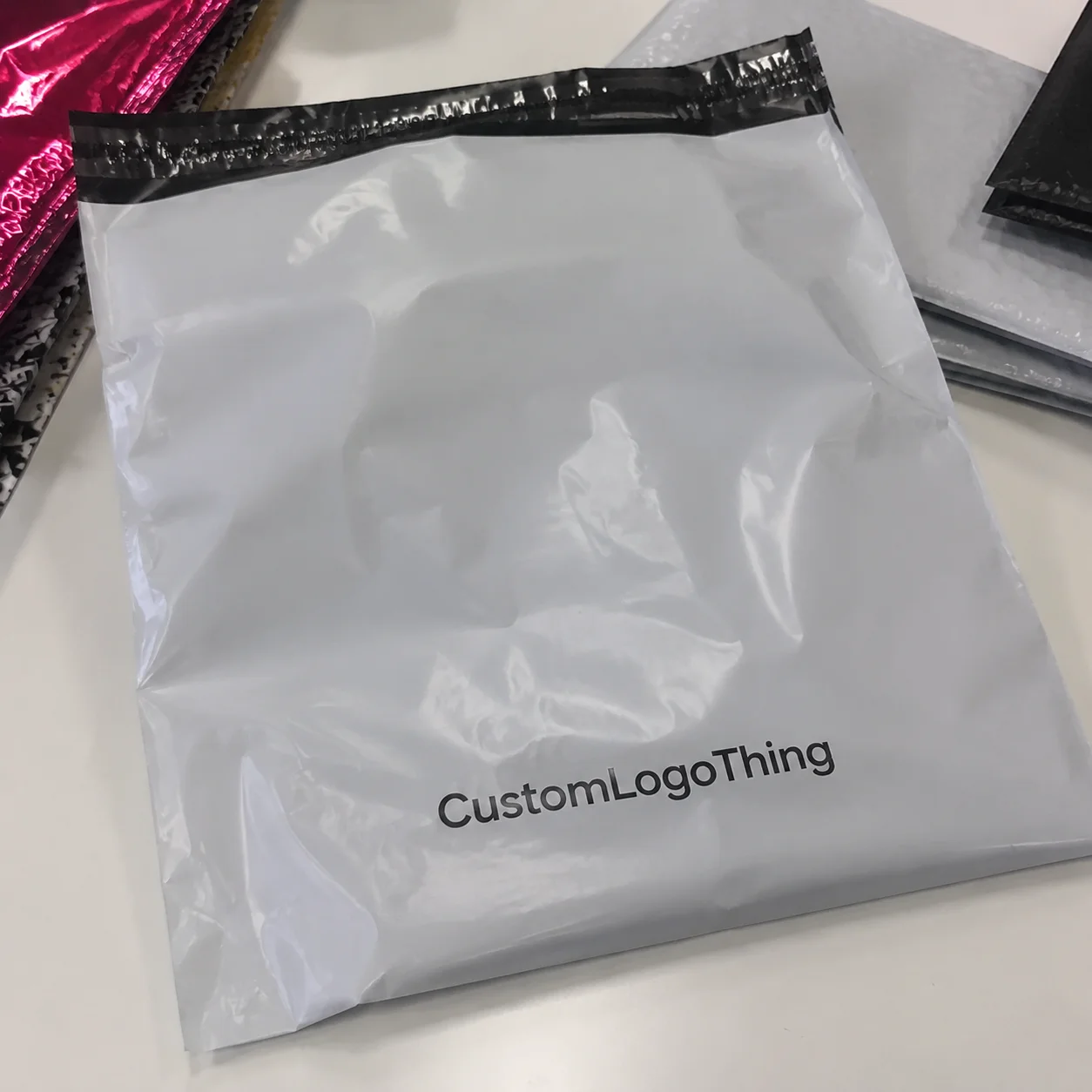
I still remember standing in a noisy Monday-morning converter shop outside Shenzhen, holding a proof that looked perfect on my laptop and slightly less perfect under factory lighting, when a brand saved roughly $1,800 on a 10,000-unit run by changing a 6 mm logo margin on a plain white poly mailer. That is exactly why AI in Packaging design trends matters more than most teams realize. The biggest wins in packaging rarely come from dramatic overhauls; they come from tiny, practical decisions that affect print quality, sealing, shipping, and the way a customer feels when the parcel lands on a doorstep.
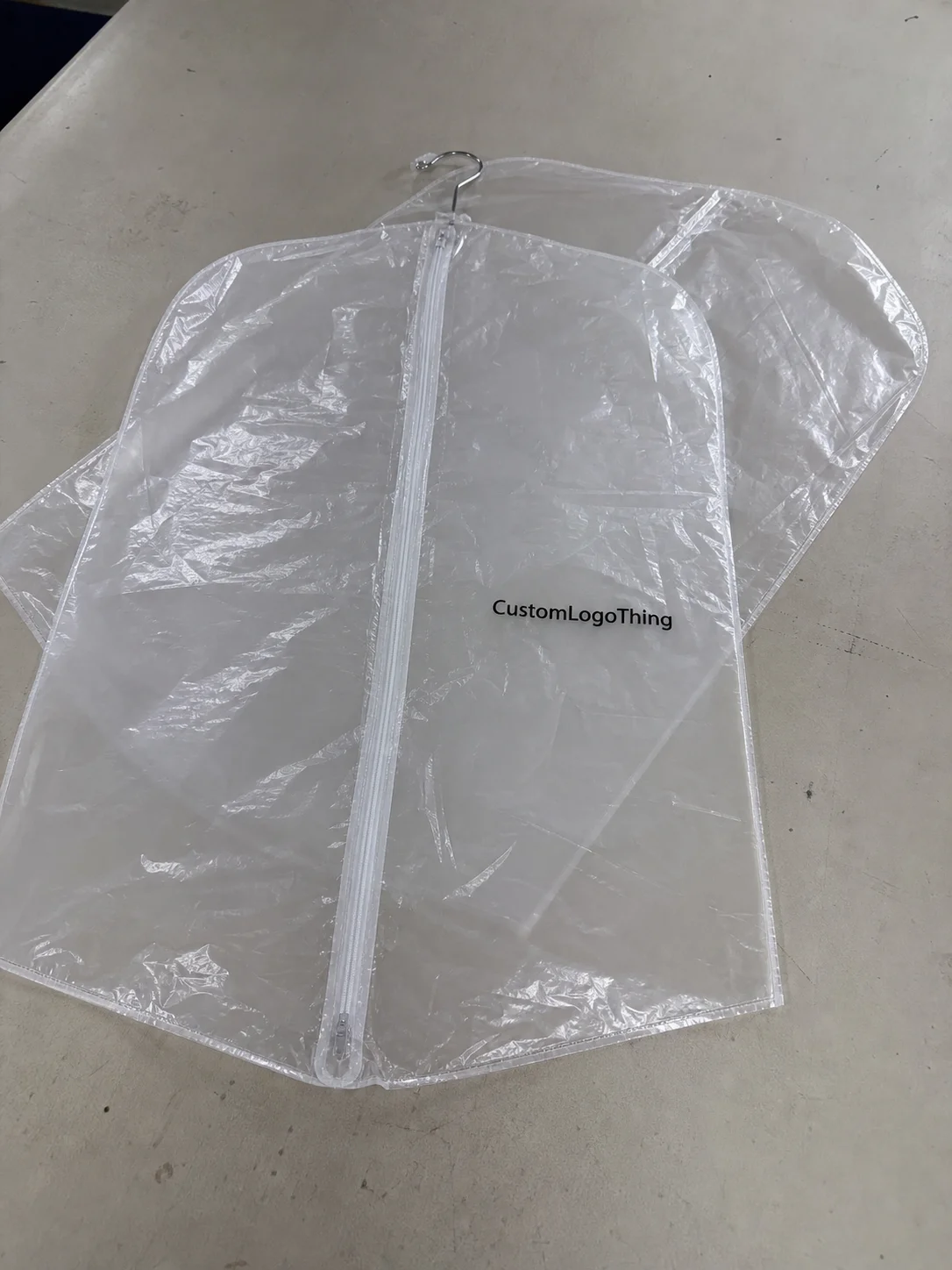
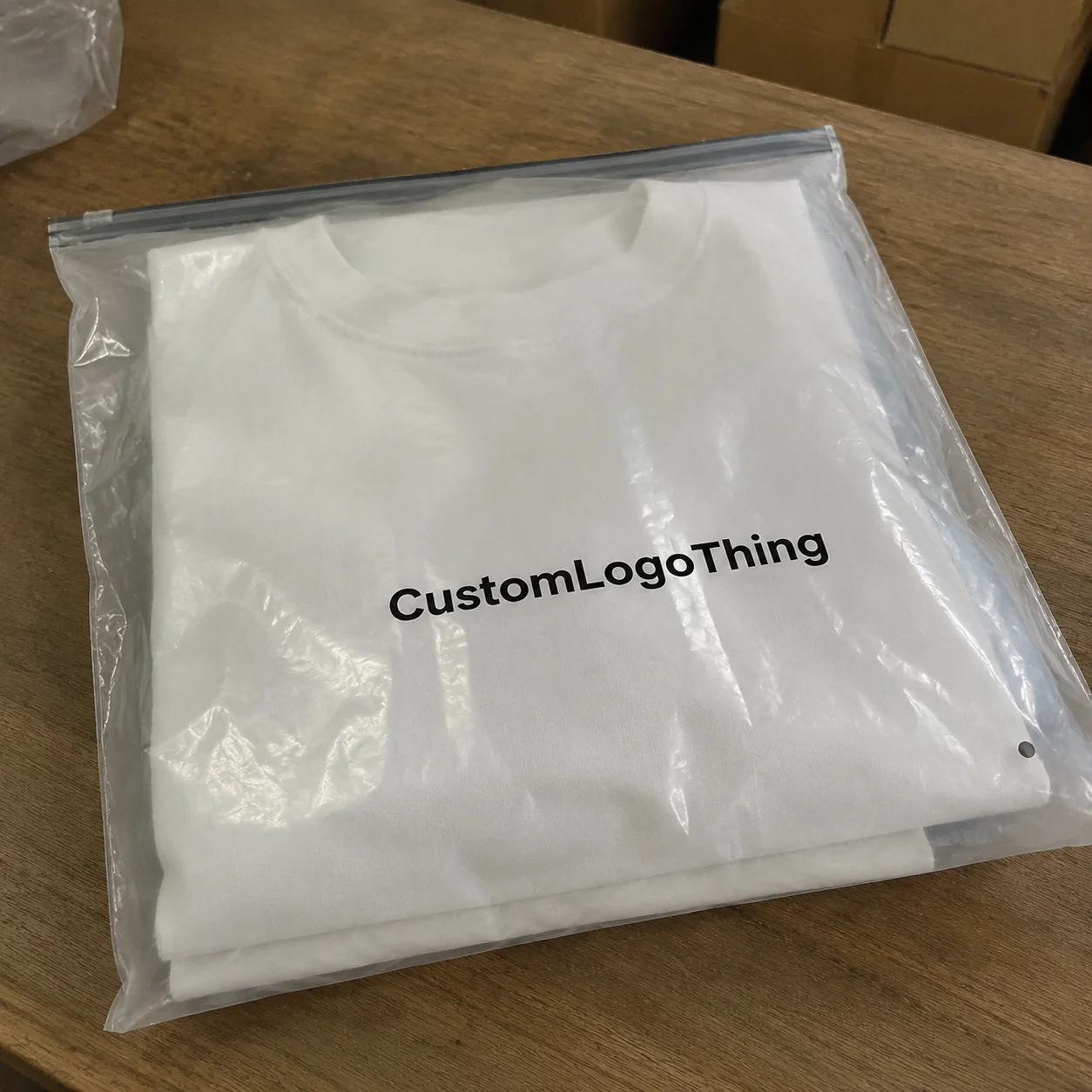
For customlogothing.com, poly mailers are a strong place to discuss ai in packaging design trends because these bags live or die on artwork clarity, brand consistency, quick-turn customization, and production discipline. I’ve seen designers fall in love with a concept that looked brilliant on screen, only to discover that the seal flap ate into the artwork, the barcode got too close to the edge, or the film stretched just enough to make a thin font look fuzzy on 60-micron LDPE. Honestly, that last one is the sort of thing that makes everyone in the room stare at the sample like it personally offended them. AI can help catch a lot of that early, but only if people use it with a factory-floor mindset and a proper dieline in hand.
AI is not replacing the estimator, the prepress operator, or the production planner. It helps them move faster, test more options, and make better calls before anyone spends money on plates, proofs, or a press run. That is why ai in packaging design trends has become such a useful topic for brands shipping subscription kits, ecommerce orders, promotional mailers, and private-label product packaging, especially when a digital proof can be approved in 24 hours and a production slot opens in 12-15 business days from proof approval.
In the sections below, I’ll walk through how the workflow actually works, which factors shape the result, where pricing and timeline can improve, and the mistakes I still see brands make when they treat AI like magic instead of a tool. I’ll also share a few stories from real packaging plants in Shenzhen, Dongguan, and Foshan, because a screen never tells you what a folded mailer looks like under warehouse sodium lights or how a rushed proof can wreck an otherwise solid launch.
AI in Packaging Design Trends: Why Poly Mailers Are Changing Fast
In my experience, the quietest packaging decisions can produce the loudest business results, and ai in packaging design trends is now helping brands spot those decisions before a single bag runs through the press. A 2 mm change in safe zone placement, a cleaner logo lockup, or a simpler back-panel message can make the difference between a mailer that looks polished and one that feels like a rushed afterthought, especially on a 10 x 13 inch courier bag printed in two colors.
Poly mailers are especially sensitive to design quality because they are both functional and visible. They move through fulfillment centers, parcel networks, and customer unboxing moments, so they have to survive abrasion, tape contact, bending, and stacking while still carrying brand identity. That combination makes ai in packaging design trends a strong fit for the category, since the same artwork has to satisfy marketing, operations, and production at once while still printing cleanly on 60- to 80-micron film.
When people ask me what AI means in packaging design, I keep it simple: it is the use of data, pattern recognition, automation, and predictive tools to improve packaging decisions faster than a manual-only workflow usually allows. In a poly mailer project, that can mean generating artwork variants, suggesting more readable typography, fitting graphics to the dieline, or helping a team compare branding styles before they request a print proof. It is not a replacement for judgment; it is a shortcut to better options, much like a prepress operator catching an overprint issue before a 5,000-piece run starts in Dongguan.
One client meeting still sticks with me. A cosmetics brand wanted a rose-gold mailer with full-coverage artwork, but their original file used too much fine line detail. The AI-assisted mockups we ran showed that the lines would blur slightly on 60-micron LDPE film, especially near the flap fold and seam edge. We shifted the design to bolder icon shapes and a two-color treatment, and the final bags looked cleaner, cost less per unit, and moved faster through approval. That is the sort of result people mean when they talk about ai in packaging design trends improving packaging design in real life.
Many brands still assume packaging innovation has to be loud, expensive, or highly technical. It usually is not. A better background color, a more legible QR code, or a more efficient repeat pattern can do more for branded packaging than a flashy concept that never prints correctly. For poly mailers, especially, the best work is often practical, consistent, and easy to manufacture on standard flexographic lines with 350gsm-equivalent visual impact only where it actually matters.
“The smartest packaging upgrade I’ve seen in a mailer line was not a new substrate or a fancy finish. It was a design team removing one unnecessary ink layer so the press could hold color more consistently across 20,000 bags.”
That is why ai in packaging design trends is gaining traction in ecommerce, retail packaging, and subscription fulfillment. Brands want speed, but they also want fewer errors, better personalization, and a clearer path from concept to production. AI helps map that path, especially when teams are juggling multiple SKUs, seasonal artwork, and tight launch windows, such as a Monday approval and a Thursday freight booking out of Shenzhen Port.
How AI in Packaging Design Trends Actually Work
The basic workflow behind ai in packaging design trends starts with input. A designer, marketer, or packaging buyer feeds the system brand colors, logo files, audience notes, size requirements, and sometimes examples of competitor mailers or internal packaging standards. From there, the tool can generate concepts, refine layouts, suggest copy, or test visual combinations that would take a person much longer to mock up by hand, even if the team is working from a clean SVG logo and a PDF dieline prepared in Shanghai.
Some tools focus on image generation, while others are better at layout optimization, copy suggestions, or file preparation. I’ve seen AI systems help with dieline fitting, spacing analysis, and artwork versioning for seasonal campaigns where a brand needed six versions of the same poly mailer for regional promotions. The real value of ai in packaging design trends is not that it produces one perfect design; it is that it produces multiple usable starting points quickly, often in less than 30 minutes instead of waiting two full days for a manual concept round.
In a factory setting, AI fits into several stages. It can support early concept development, prepress review, proofing, and even production planning if the supplier has the right digital infrastructure. At a flexographic plant I visited in Guangdong, the prepress manager told me that AI-assisted file checks were catching obvious alignment issues before the file ever reached plate making, which reduced back-and-forth with customers and cut down on preventable delays by one to two business days. I appreciated that more than I can say, because nobody needs another round of “could you move the logo two millimeters to the left?” after lunch.
That said, human review still matters a great deal. A mailer can look beautiful in a render and still fail on press because a barcode sits too close to a seam, the overprint settings are wrong, or a logo loses legibility against a dark recycled film. No AI system I’ve seen should be trusted to green-light a print-ready file without a person checking seam-safe zones, color builds, resolution, and compliance details, especially when the order is headed for a 12- to 15-business-day production slot.
ai in packaging design trends also helps with repeatable packaging jobs. If you are running a subscription brand that changes artwork every quarter or a private-label program that needs multiple variants with the same size and structure, AI can generate those visual alternatives faster than a manual design queue. That is especially useful when your team is balancing product packaging, branded packaging, and shipping deadlines all at once, because a 5000-piece reprint can move much faster when the layout is already approved.
For teams working with custom printed boxes as well as poly mailers, the same logic applies: AI can speed up the front end, but the production reality still depends on substrate, press type, and supplier discipline. If your printer uses digital for short runs and flexo for high-volume work, the file requirements and color expectations will change, and AI should be feeding those rules rather than ignoring them. A supplier in Ningbo may also quote differently from one in Guangzhou, even for the same 1000-piece order, simply because plate prep and freight routing are not identical.
Key Factors That Shape AI in Packaging Design Trends for Poly Mailers
Brand goals sit at the center of ai in packaging design trends. One company may want a premium unboxing experience, while another cares more about cost control and simple fulfillment. A third may be trying to signal sustainability with recycled-content films or FSC-aligned messaging in its package branding, and each of those goals changes the way AI should be used. A beauty brand shipping from Los Angeles might want a matte white mailer with soft neutrals, while a streetwear label in New York may need bold black film and high-contrast artwork.
Material choice comes next. Poly mailers are commonly made from LDPE, co-extruded film, or recycled-content film blends, and each substrate behaves differently under print. Dark inks can absorb differently on thin film, gradients can shift on a co-extruded structure, and fine detail can soften when the surface has a little texture or stretch. A good AI workflow should know those variables, or at least let the designer enter them before generating options, such as 60-micron LDPE for a lightweight ecommerce order or 80-micron co-ex film for heavier garments.
The printing method matters just as much. Flexographic printing is often the workhorse for volume runs, rotogravure can deliver strong consistency for larger programs, and digital printing can be ideal for short-run personalization. I’ve seen brands assume AI could generate one “best” artwork without understanding that the chosen press would affect ink limits, line sharpness, and setup economics. That misunderstanding leads to expensive revisions, and those revisions are exactly what ai in packaging design trends should reduce, not add to a project that was budgeted at $0.15 per unit for 5000 pieces.
Design constraints are where many teams get tripped up. Every poly mailer has a seal area, a flap, a fold line, and edge allowances that must be respected. Safe zones are not decorative suggestions; they are the difference between artwork that survives production and artwork that gets trimmed, distorted, or hidden. When AI tools are fed the actual dieline and manufacturing rules, they can help keep graphics away from those danger zones, especially on bags with a 1-inch side seal or a top flap that consumes 8 to 10 mm of print area.
Cost is another major factor. A mailer design with heavy ink coverage, complex gradients, and multiple revision rounds can drive up artwork costs and press time, especially if the order quantity is low. I once negotiated with a supplier in Foshan who quoted a modest unit price for a simple two-color design, then added revision fees and a more expensive proofing cycle when the customer kept changing the layout. AI can reduce that soft cost if it helps the team arrive at a cleaner first proof, and that matters when the difference between 3000 and 5000 pieces changes the carton count and freight cost.
Supplier capability is the final piece, and it is the one brands overlook most often. A printer with strong color management, fast file handling, and experienced prepress staff will get more value from ai in packaging design trends than a shop that still handles every file manually and responds to proof requests in three business days. The quality of the supplier’s process determines whether AI becomes a real advantage or just another screen-based distraction, and I have seen that contrast clearly between plants in Shenzhen and smaller subcontracted facilities in inland Zhejiang.
Here is a useful way to compare options before you commit:
| Option | Best For | Typical Setup Cost | Typical Lead Time | Notes |
|---|---|---|---|---|
| Digital printed poly mailers | Short runs, seasonal artwork, personalization | $120-$300 | 7-12 business days from proof approval | Great for frequent design changes and lower MOQs |
| Flexographic printed poly mailers | Mid- to high-volume branded packaging | $250-$800 | 12-18 business days from proof approval | Strong value at scale, but revisions cost more time |
| Rotogravure printed poly mailers | Very large, consistent production programs | $800-$2,500 | 18-30 business days from proof approval | Excellent consistency, but only makes sense at volume |
The exact numbers depend on film type, art complexity, and order quantity, but the pattern stays the same. The more production-ready your input is, the more useful ai in packaging design trends becomes for cost control, schedule planning, and supplier communication, particularly when a 5000-piece run can stay under a $0.15 per unit target only if the proof is approved on the first or second round.
Step-by-Step Guide to Using AI in Packaging Design Trends for Poly Mailers
The first step is gathering inputs, and I mean the real ones, not just a logo sitting in a random desktop folder. Pull together vector logo files, brand colors with Pantone or CMYK references, shipping requirements, audience notes, and sample competitor packaging if your team has it. When the inputs are messy, ai in packaging design trends tends to produce messy outputs. I’ve seen a “quick” packaging brief turn into a three-day scavenger hunt for the correct logo version, which is a very specific kind of workplace comedy I do not recommend, especially when the supplier in Guangzhou wants final files by 3 p.m. local time.
Step two is defining the packaging job clearly. A mailer for subscription apparel is not the same as one for beauty samples, electronics accessories, or promotional giveaway kits. Each use case affects structure, print area, perceived value, and the amount of messaging you can safely place on the bag. Clear goals help AI generate more relevant packaging design concepts instead of generic artwork that looks nice but solves nothing, and that clarity often saves one full revision cycle, or about 2-3 business days.
Step three is concept generation. Use AI to create multiple options, then narrow them based on readability, brand fit, and manufacturability. I usually tell teams to judge designs under three conditions: on a bright monitor, on a folded mockup, and at a distance of two to three feet, because that is closer to how a customer, picker, or warehouse supervisor will actually see the mailer. ai in packaging design trends works best when it is helping humans compare, not deciding for them, and that is especially true if the final print is going onto a 100-micron mailer with a high-gloss finish.
Step four is production artwork. This is where the file gets serious. Check resolution, overprint settings, line thickness, white ink requirements if the substrate is dark, and alignment against the actual dieline. If your supplier is printing on a 70-micron co-ex film, for example, the art should account for how the material folds and how much movement is acceptable before the seal catches. This stage is where a designer’s eye and a printer’s experience still matter more than any software suggestion, particularly when the prepress team is preparing a proof in Dongguan for approval within 48 hours.
Step five is proof review. I prefer to see either a physical sample or a high-quality digital proof that reflects the final substrate and print method. Under warehouse lighting, subtle issues become obvious fast. A color that looked rich on screen can look muddy under 4000K overheads, and a barcode that seemed readable in the art file can fail once the film finishes and the ink spread changes by a fraction of a millimeter. This is exactly the kind of real-world check that keeps ai in packaging design trends tied to actual production success, especially before a 12-15 business day manufacturing clock starts running.
Here is the same process in a simple sequence:
- Collect logos, brand colors, dielines, and shipping specs.
- Define the use case: retail packaging, ecommerce shipping, or promotional fulfillment.
- Generate several AI-assisted design directions.
- Choose the most readable and production-friendly option.
- Prepare print-ready files with proper bleed, safe zones, and color profiles.
- Approve a proof that reflects the chosen material and print method.
That sequence sounds simple, but it prevents a lot of the expensive friction I’ve seen in factories. On one project for a lifestyle brand, the client wanted a matte black mailer with a silver logo, and the AI mockup looked fantastic. Once we checked the print method, though, we learned the metallic effect would require a different process than the supplier had quoted. Because the team caught that early, the job avoided a three-week delay and a redesign spiral, and the final 8000-piece order still shipped from Ningbo on schedule.
Common Mistakes Brands Make with AI in Packaging Design Trends
The biggest mistake is assuming an attractive AI render is automatically print-ready. It is not. A polished visual can still violate seam boundaries, ignore ink limitations, or place critical copy too close to a fold line, and those problems only show up once the file reaches the real production line. ai in packaging design trends should make printing easier, not create a prettier version of a problem, especially when the order is moving toward a hard ship date in 10 or 12 business days.
Another common mistake is ignoring stretch distortion. Poly film is flexible, and flexible materials behave differently from rigid stock like custom printed boxes or paperboard cartons. If the artwork uses thin type, tight grids, or tiny icons, even a small amount of stretch can make it look slightly off-center or faint. That is why seam-safe design zones and print area mapping are not optional details, particularly for a 9 x 12 inch mailer with a side weld that shifts the live print area by several millimeters.
Barcode and QR placement also get overlooked. I’ve seen a brand spend money on a beautiful mailer only to discover that the scan code sat across a seam where the scanner missed it half the time. That is a costly oversight, and it is exactly the kind of issue a careful AI-assisted workflow should help flag before a purchase order goes out, especially if the customer service team is expecting those scans to trigger order tracking in real time.
Too many design variations can slow everything down. I know that sounds backward, because AI can generate endless versions, but more options do not always mean faster approvals. If procurement, marketing, and operations each have six favorites, the project can stall while everyone debates taste instead of feasibility. In a practical ai in packaging design trends workflow, fewer strong options usually beat twenty average ones, and I have watched a clean three-option review finish in one afternoon while a bloated deck of 18 concepts dragged on for nearly a week.
Brand consistency is another weak point. A mailer should not feel disconnected from the website, inserts, retail packaging, or customer emails. When package branding is fragmented, the customer experience feels scattered, even if each individual piece looks good on its own. AI can help maintain visual consistency, but only if your team gives it a clear style system and keeps the rules stable across a summer campaign in Chicago and a holiday launch in Toronto.
Finally, people sometimes forget that pricing, lead time, and production feasibility still depend on real factory constraints. A factory may have a paper shortage, a press maintenance window, or a film MOQ issue that no software can predict with certainty. That is why I always tell clients to treat ai in packaging design trends as a strong assistant, not a final authority, because a supplier in Suzhou may offer different dates than one in Ho Chi Minh City depending on raw material availability and freight bookings.
“A beautiful concept that cannot be printed on your chosen substrate is not a design win. It is just expensive artwork.”
Expert Tips for Better Cost, Pricing, and Timeline Results
One of the nicest side effects of ai in packaging design trends is lower revision cost. If the tool helps a team catch layout issues before the first proof, you can reduce the back-and-forth that usually eats budget and delays launch. That matters a lot for fast-moving ecommerce brands, where a one-week slip can push a campaign into the wrong sales window and turn a planned launch into a markdown.
Pricing levers are still straightforward, and I think brands do better when they understand them plainly. Artwork complexity affects how long prepress takes, ink coverage affects how the press runs, custom sizing affects substrate usage, and order quantity affects the unit cost. If your design requires specialty finishes, metallic effects, or extra-white underlays, the price will move accordingly, and AI should be helping you plan around that, not ignore it. On a 5000-piece order, even a $0.03 unit change matters, because it adds up quickly once freight, cartons, and export handling are included.
Timeline improvements are real, but they depend on clean inputs. If your brand assets are organized, your dieline is correct, and your supplier responds quickly, AI can shorten concept generation and reduce proof cycles. I’ve seen a straightforward poly mailer project move from brief to approved art in nine business days because the team arrived with the logo, size spec, and approved copy on day one. That is the kind of practical speed ai in packaging design trends can support, especially when proof approval happens on a Tuesday and the factory schedules the run for the following Monday.
Here is a small factory-floor lesson from a plant visit in southern China: the fastest jobs were not the ones with the fanciest artwork; they were the ones where marketing, procurement, and operations agreed on the brief before anyone asked for a quote. The prepress team loved those projects because there were fewer surprise edits and fewer “can we just move this?” emails after proof stage. AI helps most when it is plugged into that same discipline, whether the line is running in Dongguan, Zhongshan, or a subcontracted workshop outside Kunshan.
A strong design brief template can save more time than most people expect. Include the mailer size, film type, preferred print method, target quantity, budget range, logo files, brand colors, and any compliance text. If the team shares one master brief instead of three conflicting versions, the AI output and supplier quote both improve, and ai in packaging design trends starts to pay off faster. A concise brief can also help a factory quote within 24 hours instead of waiting three days for clarification.
When you are talking to suppliers, ask for proofing standards, substrate recommendations, and sample photos under factory lighting. I would also ask whether they can share a previous job with similar film thickness or coverage. That is not being difficult; that is being smart. Packaging jobs are easiest when the printer understands your expectations before the press is loaded, and a supplier who can show a comparable 70-micron co-ex mailer usually knows what they are doing.
For brands that already buy through Custom Packaging Products, it can help to standardize a few reusable mailer structures and reserve full custom work for flagship launches. That balance often gives you a better cost profile while still allowing enough visual variety to keep branded packaging fresh and recognizable. A repeat structure also makes it easier to keep a $0.15-$0.22 unit target in range on 5000- to 10,000-piece runs.
One more practical tip: if sustainability messaging matters, make sure the claims are accurate and supported. If you are referencing recycled content or FSC-aligned paper components on related packaging, verify what is actually certified. I’ve had customers assume a supplier’s material statement covered everything, only to learn that the recycled film percentage needed separate confirmation. For reference, the Forest Stewardship Council is a useful authority for chain-of-custody questions, and the ISTA site is worth checking when shipping performance and transit testing matter, especially for parcels that will travel through Los Angeles, Dallas, and Atlanta hubs in the same week.
Next Steps for Applying AI in Packaging Design Trends
If your current process feels slow, start by auditing where the delays actually happen. In many cases, the bottleneck is not design talent; it is file cleanup, delayed feedback, or a vague brief that sends everyone in different directions. A simple process map can show whether ai in packaging design trends should be used at concept stage, proof stage, or both, and a one-page audit often reveals where two or three business days are being lost.
Build one master brief and keep it consistent. Put brand assets, size requirements, print priorities, budget range, and launch date in a single document so the AI tool and the supplier both work from the same starting point. That kind of basic coordination sounds boring, but it is exactly what keeps product packaging programs moving without unnecessary loops, especially when a factory in Guangzhou is waiting for final approval before booking film and ink.
Then run one pilot project. Choose a low-risk poly mailer, maybe a seasonal promotion or a secondary SKU, and compare the AI-assisted result against your normal process. Track three numbers: how long concept approval took, how many revision rounds were needed, and whether the final proof looked closer to the original intent. That is the most honest way to judge whether ai in packaging design trends is helping your team, and a pilot often shows whether you can hit a 12-15 business day timeline after proof sign-off.
Document what worked and what did not. If the AI tool kept suggesting fonts that were too thin for the film, write that down. If your supplier flagged a seam issue that the software missed, write that down too. The point is to create a packaging design playbook that reflects your real printing conditions, not just a pretty experiment on a laptop screen, and that playbook should include the exact film gauge, dieline revision date, and proof approval timestamp.
Honestly, the brands that do best with ai in packaging design trends are the ones that combine speed with production judgment. They ask smart questions, they test before committing, and they respect the difference between a visual idea and a manufacturable mailer. That balance is what keeps a poly mailer looking sharp when it leaves the line and still looking good when it reaches the customer in Seattle, Miami, or wherever the parcel gets opened at 8 p.m. on a weekday.
If you want a practical takeaway, keep it simple: use AI to generate options, but use factory knowledge to make the final call. That is how you get Poly Mailers That look good, ship reliably, and support your brand without turning the approval process into a headache. It also makes it much easier to quote a job accurately, especially when the printer asks whether the design is intended for digital print, flexo, or rotogravure before they lock in the production slot.
ai in packaging design trends is not a shortcut around experience. It is a better way to apply experience, and for Poly Mailers That means fewer mistakes, cleaner artwork, tighter timelines, and stronger package branding from the first proof to the finished shipment. On a good project, that can mean one revised proof, 12-15 business days from approval to dispatch, and a finished mailer that looks as solid in the warehouse as it did on the monitor.
How does AI in packaging design trends help with poly mailer artwork?
AI can generate design options quickly, which helps teams test different layouts, color combinations, and branding directions before they commit to print. It can also flag readability and spacing issues early, reducing the risk of expensive artwork revisions and keeping the project closer to the intended launch date. In practical terms, that may mean moving from concept to a proof in 2-3 business days instead of waiting nearly a week for a manual mockup cycle.
Can AI in packaging design trends reduce poly mailer costs?
Yes, especially by cutting down revision rounds, improving the first proof, and helping teams choose simpler, more production-friendly artwork. It can also narrow design choices faster, which may shorten the development cycle and reduce soft costs tied to approvals and back-and-forth with suppliers. On a 5000-piece run, even a small reduction in proof changes can protect a target price such as $0.15 per unit.
What should I check before sending AI-generated poly mailer designs to print?
Verify bleed, safe zones, logo clarity, barcode placement, and whether the art fits the actual dieline. You should also confirm that the files match the printer’s required format, color profile, and resolution standards, because a beautiful concept can still fail if the production file is not set up correctly. If the mailer is 60- to 80-micron LDPE, ask the supplier how much movement they expect at the fold and seam before final approval.
How long does it usually take to move from AI concept to finished poly mailers?
A simple project can move quickly if the brand assets are ready and the supplier has a clear proofing process. More complex jobs with custom sizing, multiple revisions, or specialty printing will take longer, because real production checks still matter and cannot be skipped without risking quality issues. In many factories, a well-prepared job can finish in 12-15 business days from proof approval, while a heavily revised one may take closer to three weeks.
What’s the biggest mistake brands make with AI in packaging design trends?
The biggest mistake is assuming an attractive AI concept is automatically print-ready. Successful poly mailer projects still need manufacturing review, material guidance, and a final proof before production, especially when the packaging must hold up in transit and still represent the brand well. A concept that looks perfect on a screen in New York may still need changes when it reaches a flexo press in Shenzhen or a digital line in Guangzhou.