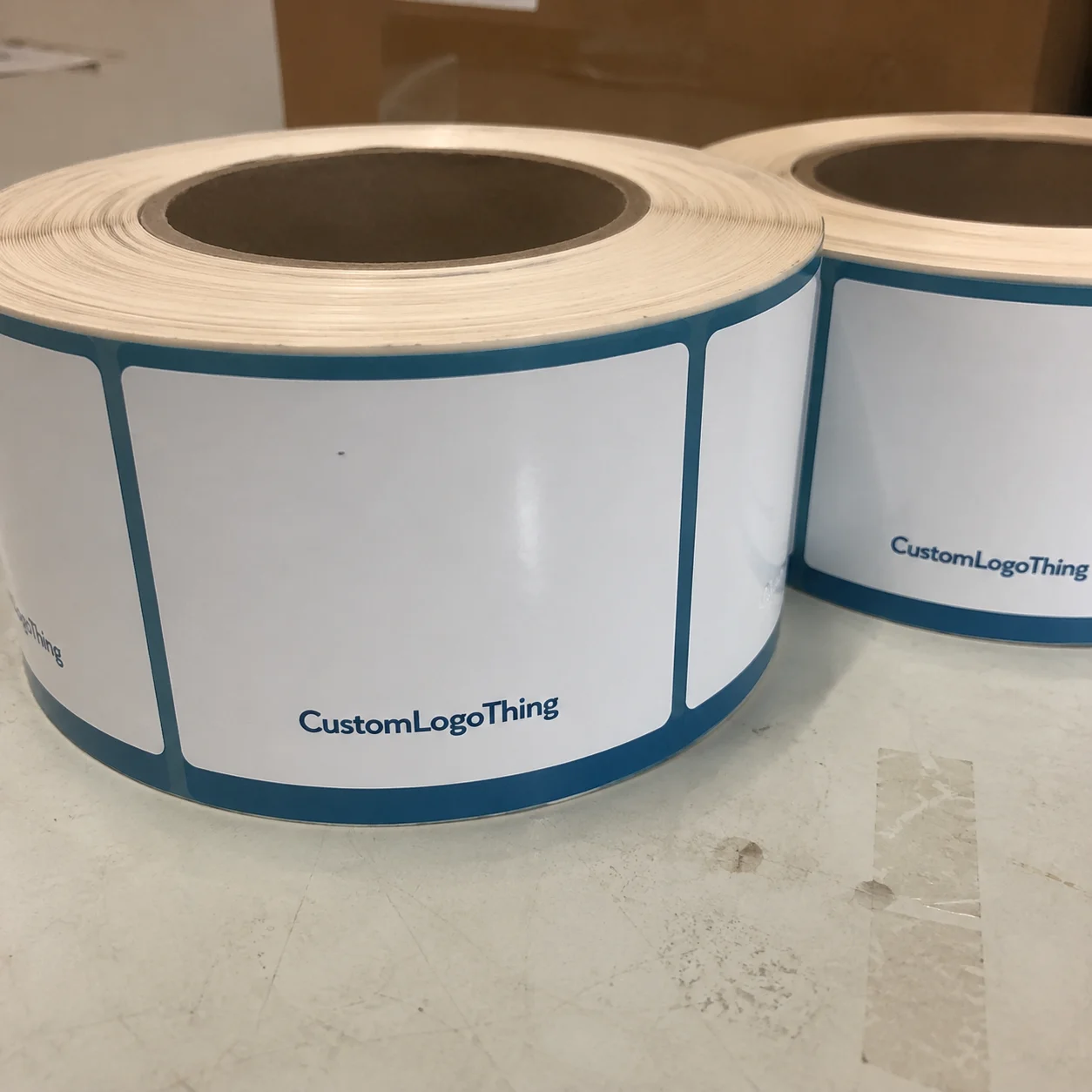
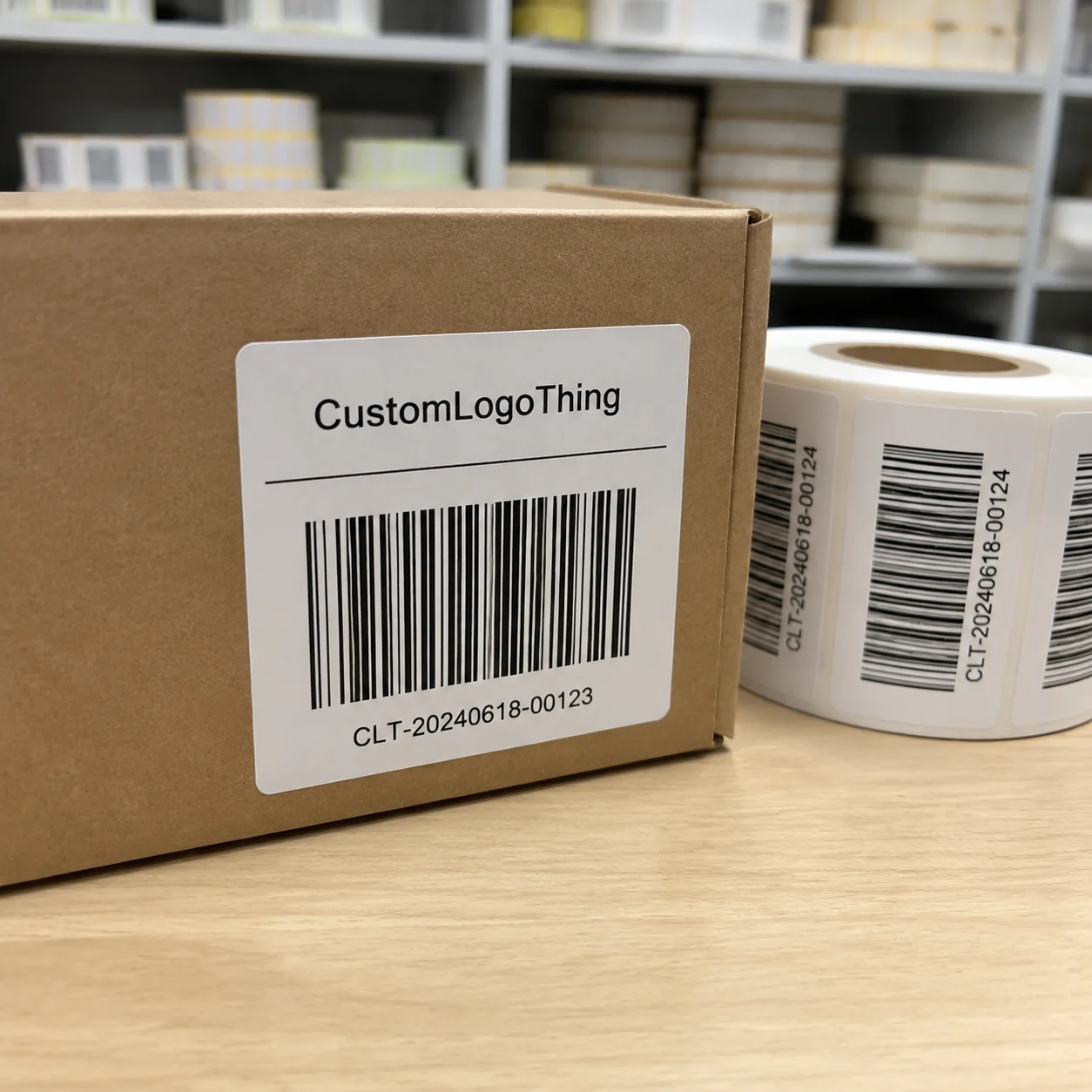
People searching for Custom Address Labels office depot usually want a label that prints cleanly, sticks reliably, and does not create avoidable work at the packing table. That sounds basic, but the decision turns on details: stock, adhesive strength, file quality, proofing, and the surface the label actually touches.
The cheapest label is not always the least expensive choice. A low-cost label that lifts on a poly mailer or scuffs in transit can cost more than a sturdier option that gets the job done once. The same is true for artwork: a design that looks fine on screen can fail in print if the file is soft, crowded, or built for the wrong size.
For brands that also manage inserts, shipping cartons, or return mailers, labels sit inside a larger packaging system. That is why buyers often compare them alongside Custom Packaging Products and Custom Labels & Tags. The label is small, but it still affects the customer-facing package.
What buyers compare first
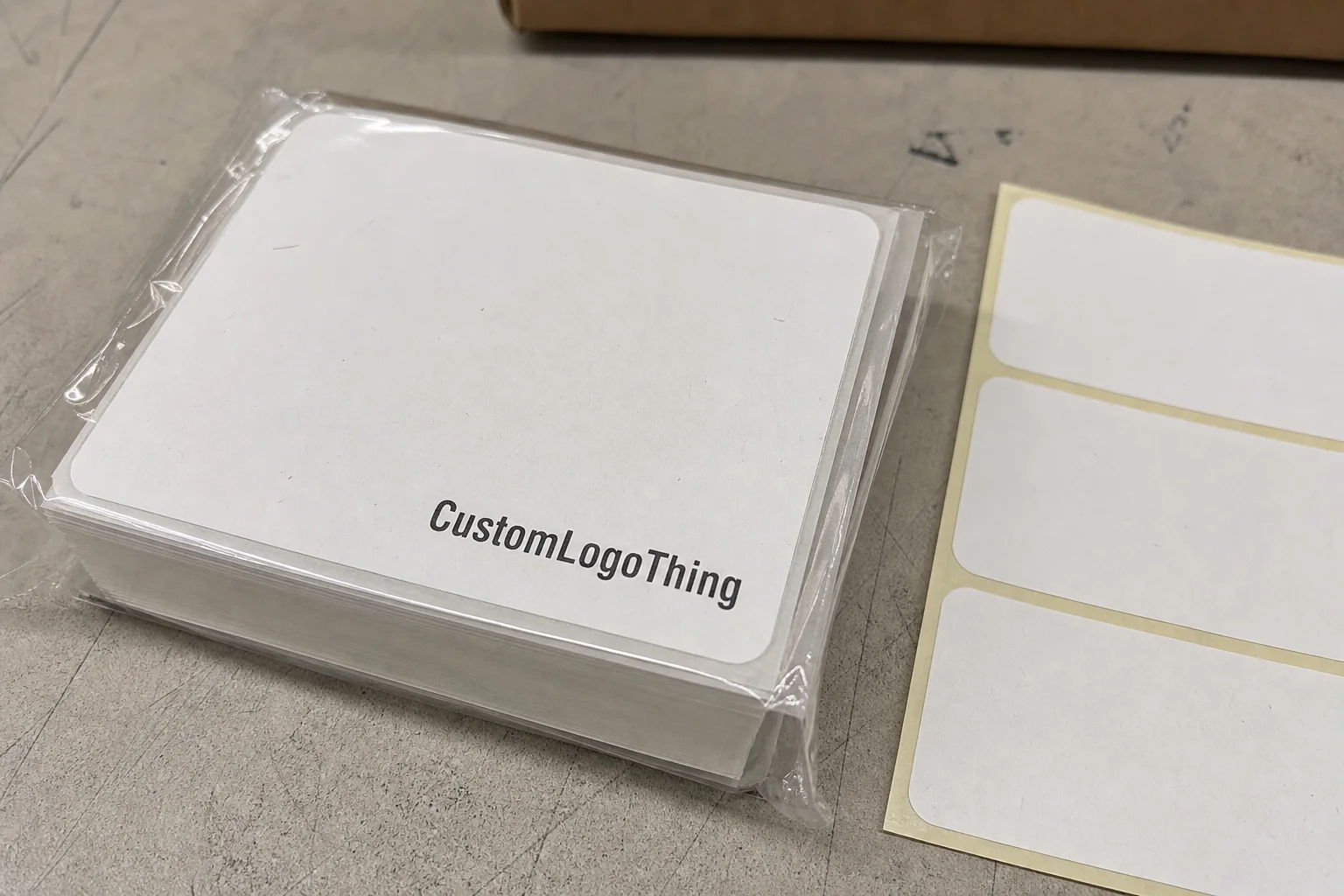
The first question is fit, not design. Does the label need only a return address, or does it also need a logo, barcode, department line, or compliance text? A compact 2.625 x 1 inch address label can handle a simple sender block, but it gets crowded fast once more information is added. A 4 x 2 inch format gives more breathing room and usually prints more clearly.
Surface matters just as much. Labels behave differently on kraft envelopes, coated mailers, recycled paper, poly bags, and corrugated boxes. A label that bonds well to a smooth envelope may lift at the corners on a textured mailer. That is usually an adhesive problem, not a print problem.
Speed matters too, but only after the spec is right. A retail-style ordering flow is enough for standard sender labels when the layout is simple and the address will stay stable. Custom orders become more useful when the label needs repeatability, brand consistency, or tighter control over stock and finish.
There is also a comparison buyers often miss: address labels versus preprinted packaging. On paper, labels can look cheaper. In practice, they add a handling step. If a team applies hundreds each day, the true cost includes labor, alignment checks, and occasional spoilage. The real question is not just price per label. It is total workflow cost.
Ordering flow and timeline
The sequence is predictable: choose the size, upload artwork or text, review the proof, approve production, then wait on shipping. Delays usually come from the file, not the ordering screen. Low-resolution logos, inconsistent spacing, and text built for a monitor instead of print cause most of the friction.
For print, 300 dpi is a safer minimum for raster artwork. Vector files are better for logos with fine lines or small type because they stay sharp at different sizes. If a buyer uploads a logo pulled from a website header or social profile, the result often looks softer than expected, especially on small labels where every pixel matters.
A realistic timeline depends on proof approval, order size, and how the work is routed. Simple black text labels often move faster than full-color logo jobs. Proofing commonly takes 1 to 2 business days. Production is often 3 to 7 business days after approval. Shipping adds its own clock, and rush service compresses the time available to catch mistakes.
The cheapest error to fix is the one caught on proof. Once a label is printed, a small spacing issue becomes a reprint issue.
That is why the fastest option is not automatically the best one. Spending an extra day to correct a line break is usually cheaper than receiving 1,000 misaligned labels. For buyers handling mailers, inserts, or outgoing parcels, proof discipline is a form of operational insurance.
Pricing and unit economics
Label pricing looks simple until the extras appear. Buyers see a unit price, but the order may also include setup, artwork cleanup, shipping, and a premium for special finishes or faster production. Those are the items that can change a good quote into an expensive one.
Small runs usually cost more per label because setup is spread over fewer pieces. A run of 100 to 250 labels may land around $18 to $45 total, roughly $0.18 to $0.30 per label, depending on coverage, stock, and finish. Mid-volume orders of 500 to 1,000 pieces often fall in the $60 to $140 range, or about $0.06 to $0.14 each. Bulk runs of 2,500 to 5,000 labels can push the unit cost down to roughly $0.04 to $0.09.
| Order style | Typical spend | Approx. unit cost | Best for | Main tradeoff |
|---|---|---|---|---|
| Small run, simple text | $18-$45 | $0.18-$0.30 | Office mail, return envelopes, test orders | Higher cost per label |
| Mid-volume, logo plus address | $60-$140 | $0.06-$0.14 | Boutiques, small brands, recurring shipments | Artwork changes raise cost on reorder |
| Bulk, branded stock | $180-$450 | $0.04-$0.09 | Higher-volume fulfillment and mailers | Storage and address changes matter more |
The lowest unit price does not always equal the lowest real cost. If a business buys 5,000 labels and changes its return address six weeks later, the savings disappear quickly. The same happens when a job needs two proof rounds, a custom die, or expedited shipping. Those costs rarely show up in the first number people compare.
Handling cost matters too. If labels are used on every outbound parcel, then time spent lining them up, checking alignment, and removing bad sheets becomes part of the bill. A label that costs two cents less but slows the pack-out process is not cheaper. It just moves the cost somewhere less visible.
Materials, adhesives, and finish
Adhesive is the first performance variable. Permanent acrylic adhesive is a common choice for mailers because it resists lifting and holds up well in storage. Removable adhesive has a place in temporary office use, internal routing, or short-lived file labeling, but it is the wrong call for most outbound shipments. If the surface is textured or recycled, adhesive quality matters even more.
Face stock comes next. Matte paper gives a clean, writable surface and usually feels more understated. Gloss makes color pop, though it can show glare and fingerprints. Synthetic materials, often polypropylene films or similar constructions, handle friction and moisture better. That matters when labels see handling, condensation, or long transit times.
Size and finish shape readability. A 2.625 x 1 inch address label can hold a clean sender line and a logo, but it is not forgiving. Once the font shrinks too far, legibility drops and the label starts to look cheap even if the stock is good. A larger format improves readability, but it also takes up more space on the envelope or mailer.
Environmental conditions matter more than most buyers expect. Heat can soften some adhesives. Moisture can weaken paper faces. Friction inside a mail bin can scuff an inferior coating. Labels stored for months need stable adhesive and face stock that do not curl at the edges.
If a business wants a more responsible paper option, ask whether the stock is FSC-certified. If durability is the bigger issue, the testing mindset behind ISTA methods is a useful reference, even for something as small as an address label. The point is not to over-engineer the order. It is to match the material to the conditions it will actually face.
Choosing the right spec
Start with the use case and work backward. Return envelopes need a tidy sender block and strong legibility. Outbound mailers need adhesive that survives handling. Internal office mail can usually tolerate a simpler stock and lower finish requirements. If the label is part of a retail package, think about whether it also needs branding, barcode scanning, or a clean handoff at the packing table.
Choose the smallest size that still fits the content without crowding. Small labels can look disciplined and clean. They can also become unreadable if too many elements are squeezed in. A logo, return address, and one secondary line are enough for most uses.
Artwork preparation is where many orders go off course. Confirm file type, color mode, margins, and bleed before upload. A common bleed expectation is 0.125 inch, which gives the production team room to trim cleanly. Thin fonts, small icons, and fine lines need special attention because they are the first things to suffer when a file is not prepared well.
Proof review should be treated like a production check, not a casual glance. Read the address line by line. Check line breaks. Verify spacing between the logo and the edge. Confirm the size is correct. If postal rules or automation requirements matter, check those too. A proof is the last cheap chance to catch a mistake.
For teams that already buy cartons, mailers, or inserts, the address label should fit the rest of the packaging system. If the box uses restrained typography and the insert card is minimal, a label with oversized graphics can break the visual rhythm. If the packaging is more expressive, the label can carry some of that tone without overwhelming the address itself.
- Confirm the final use case.
- Pick the smallest size that still fits the content.
- Match adhesive to the final surface.
- Upload clean artwork or exact text.
- Review the proof line by line.
- Approve only after checking fit on the actual surface type.
Mistakes that cause reprints
The most common error is assuming every label behaves the same. A stock that performs well on plain paper may fail on a poly mailer or smear when handled repeatedly. That is a product mismatch, not a cosmetic issue. It usually shows up after the order is already in production, which is why surface testing matters for regular shipment workflows.
Another frequent miss is ordering too few labels. Teams often buy for the current month or quarter and forget that address lists change, a new return center gets added, or packing volume rises faster than expected. A slightly larger order can make sense if the sender information is stable. If the address is likely to change soon, a smaller run protects against waste.
Proofing mistakes are expensive because they are small. Cropped text, odd line breaks, incorrect spacing, and mismatched fonts are the usual suspects. They are easy to ignore on a monitor and obvious on paper. Compact labels punish those errors more than larger ones do.
Unit price creates a different kind of trap. The cheapest order can become the most expensive if the label peels, fades, or needs to be replaced. That is especially true for labels used on apparel mailers, branded envelopes, or custom printed boxes where the label remains visible to the customer. A few cents saved on the order can cost more later in rework and wasted stock.
One practical rule holds up across most label jobs: if the surface is unusual, the file is complex, or the label is part of customer-facing packaging, request a proof and test the finish before placing the full run.
What to prepare before you order
If you want a fair comparison, gather the same inputs for every supplier. Size, quantity, surface type, artwork files, and first-use deadline are the minimum. Add adhesive preference if you already know it. That one detail can change the recommendation completely, especially on mailers or textured paper.
Then compare more than price. Ask how long proofing takes, whether a minimum order quantity applies, what shipping timing looks like, and whether the vendor flags layout issues before printing. A provider that catches a file problem early is usually more valuable than one that offers a lower quote and leaves the error to be discovered later.
If the labels will go on apparel mailers, product packaging, or any surface that tends to scuff or lift, ask for a sample or test proof. That small step can reveal whether the stock, adhesive, and finish are actually suitable. It also shows how the label sits next to other packaging materials, which matters more than most order forms make room for.
The decision itself is straightforward. If convenience, standard sizing, and a quick turnaround are the main goals, Custom Address Labels office depot can fit the brief. If the order needs tighter spec control, better alignment with packaging design, or a label that behaves like part of a broader branded system, a specialty vendor usually leaves more room to get the job right.
Frequently Asked Questions
Are custom address labels at Office Depot a good fit for small clothing brands?
They can work well for low- to moderate-volume mailing needs when speed and convenience matter more than deep customization. If the labels will be used on poly mailers or package surfaces that see friction, confirm the adhesive and stock before ordering so the corners do not lift and the print does not scuff too easily.
What file do I need for custom address labels office depot orders?
A high-resolution logo or clean text file is the safest starting point, ideally with the final address exactly as it should print. If the design includes multiple colors, thin type, or tight spacing, request a proof before production so layout problems are caught before the run is printed.
How long do custom address labels usually take to arrive?
Turnaround depends on proof approval, order size, and whether the labels are produced locally or shipped from a central facility. Rush service can shorten the wait, but it usually raises the total cost and leaves less room to correct layout issues before printing.
What size should I choose for return and shipping labels?
Choose the smallest size that still fits the return address, logo, and any postal or barcode requirements without crowding. For apparel mailers and branded envelopes, it helps to test a draft layout on the final surface before placing the full order.
Is bulk ordering cheaper than buying a small run of custom address labels?
Usually yes on a per-label basis, because setup and production costs are spread across more labels. The better question is whether the full quantity will still be useful before the address, branding, or packaging changes.
What material is safest for labels that may get handled a lot?
A synthetic stock usually performs better than paper when moisture, friction, or heavy handling are part of the job. It costs more, but the added durability can prevent reprints and reduce waste on customer-facing shipments.
Do I need a proof for every order?
If the layout is changing, the address is long, or the logo is being resized, yes. A proof adds a small delay, but it catches the kind of mistakes that are cheap to fix before print and expensive after.