Buyer Fit Snapshot
| Best fit | custom packaging for digital product bundles for packaging buyers comparing material specs, print proof, MOQ, unit cost, freight, and repeat-order risk. |
|---|---|
| Quote inputs | Share finished size, material target, print colors, finish, packing count, annual reorder estimate, and delivery region. |
| Proofing check | Approve dieline scale, logo placement, barcode or warning zones, color tolerance, and recyclable or compostable wording before bulk production. |
| Main risk | Vague material claims, crowded artwork, or missing packing details can create delays even when the unit price looks attractive. |
Fast answer: Custom Packaging for Digital Product Bundles: Dieline, Finish, Proof, and Buyer Review should be specified like a repeatable production item with material, print method, finish, artwork proof, carton packing, and reorder notes in one written spec.
What to confirm before approving the packaging proof
Check dimensions, folds, seals, label areas, and retail display edges against the actual filled product before bulk approval.
How to compare quotes without losing quality
Compare board or film grade, print process, finish, sampling route, tooling charges, carton quantity, and freight assumptions side by side.
I still remember the first time I watched a client argue that a digital course “didn’t need packaging.” Ten minutes later, she was holding a sample of Custom Packaging for Digital Product bundles with a rigid box, a QR card, and a pocket folder, and suddenly she got it. The thing sold an invisible offer like it was a $149 retail kit. That’s the point. Custom packaging for digital product bundles is not about fluff. It’s about making something intangible feel real, premium, and worth opening.
Digital products still need physical packaging all the time. I’ve seen SaaS welcome kits with USB drives, creator course bundles with printed onboarding cards, and agency deliverables shipped in Custom Printed Boxes because the client wanted the handoff to feel like an event, not an email dump. Custom packaging for digital product bundles solves a very specific problem: how do you package access, instructions, and brand value when the core product lives online?
If you get it right, custom packaging for digital product bundles does a lot of work. It reduces “Where do I enter my code?” support tickets. It makes the offer giftable. It improves perceived value. It also keeps inserts, drives, cards, and codes organized so the customer is not digging through a pile of loose paper like they found it on the floor of a trade show.
What Custom Packaging for Digital Product Bundles Actually Is
Here’s the clean definition I use when I’m briefing a supplier: custom packaging for digital product bundles is any branded physical package designed to hold, present, protect, and explain a product whose primary value is digital. That can mean a software activation kit, a course bundle, a membership pack, a downloadable template set, a conference handout kit, or a reseller package with codes and printed credentials.
The contents are usually a mix of physical and digital access tools. I’m talking USB drives, printed cards, QR inserts, scratch-off code panels, NFC tags, login credentials, and sometimes a small physical gift like a notebook or sticker sheet. The physical piece is there to make the digital piece understandable and attractive. That is the whole job of custom packaging for digital product bundles.
I’ve seen brands try to use plain poly mailers because “the customer only needs a code.” Sure. If you want the bundle to feel like an afterthought, that works perfectly. If the goal is to create a premium onboarding experience or a gift-ready product, you need Packaging Design That does more than survive shipping. You need package branding that tells the customer, in five seconds or less, what they bought and what to do next.
There are a few common formats. Basic mailers are cheap and functional. Retail packaging feels more shelf-ready and works well when the bundle is sold through stores or presented at events. Presentation boxes are better when the bundle is part of a premium launch, VIP gift, or high-touch onboarding. Custom packaging for digital product bundles often sits somewhere between retail packaging and direct-to-consumer product packaging, which is why the structure matters so much.
Real-world use cases are everywhere. A SaaS company might mail a welcome kit with login details and a branded token. A creator selling a paid course may include a printed roadmap, a QR code to the portal, and a hard-copy note. A membership brand may ship a pack with access codes and event instructions. I’ve also seen reseller kits where the box itself was the sales tool. That’s custom packaging for digital product bundles doing its job: making the intangible feel organized and valuable.
“The box didn’t just hold the offer. It made the offer believable.” That was a client’s exact line after we switched her from a flat envelope to a rigid presentation set. She wasn’t wrong.
One more thing: this is not just decoration. Good custom packaging for digital product bundles can cut support questions significantly in some programs, depending on how complicated the redemption is. It can also protect fragile inserts and tiny devices. I’ve had a shipment of USB drives arrive with 8% damage because the box spec was too loose and the drives were rattling around like loose change. That’s not a branding issue. That’s a packaging failure.
How Custom Packaging for Digital Product Bundles Works
The workflow for custom packaging for digital product bundles starts with one boring but critical step: list everything that needs to go inside. Dimensions. Weight. Quantity. Order of reveal. If you skip that, you end up designing a box around a guess. I’ve watched brands do that, then act shocked when the insert tray doesn’t fit the QR card plus the USB drive plus the welcome note plus the foam cutout. Math still exists, even in branding.
Most projects move through a sequence like this: concept, structure selection, dieline, artwork, sample, proof, production, assembly, and shipping. That sounds neat on paper. In real life, there are usually two revision rounds, one panic email about a code change, and at least one person who decides the logo should be “slightly larger” after everything is already approved. Custom packaging for digital product bundles is smooth only when everybody agrees early on what the bundle contains and what the unboxing should feel like.
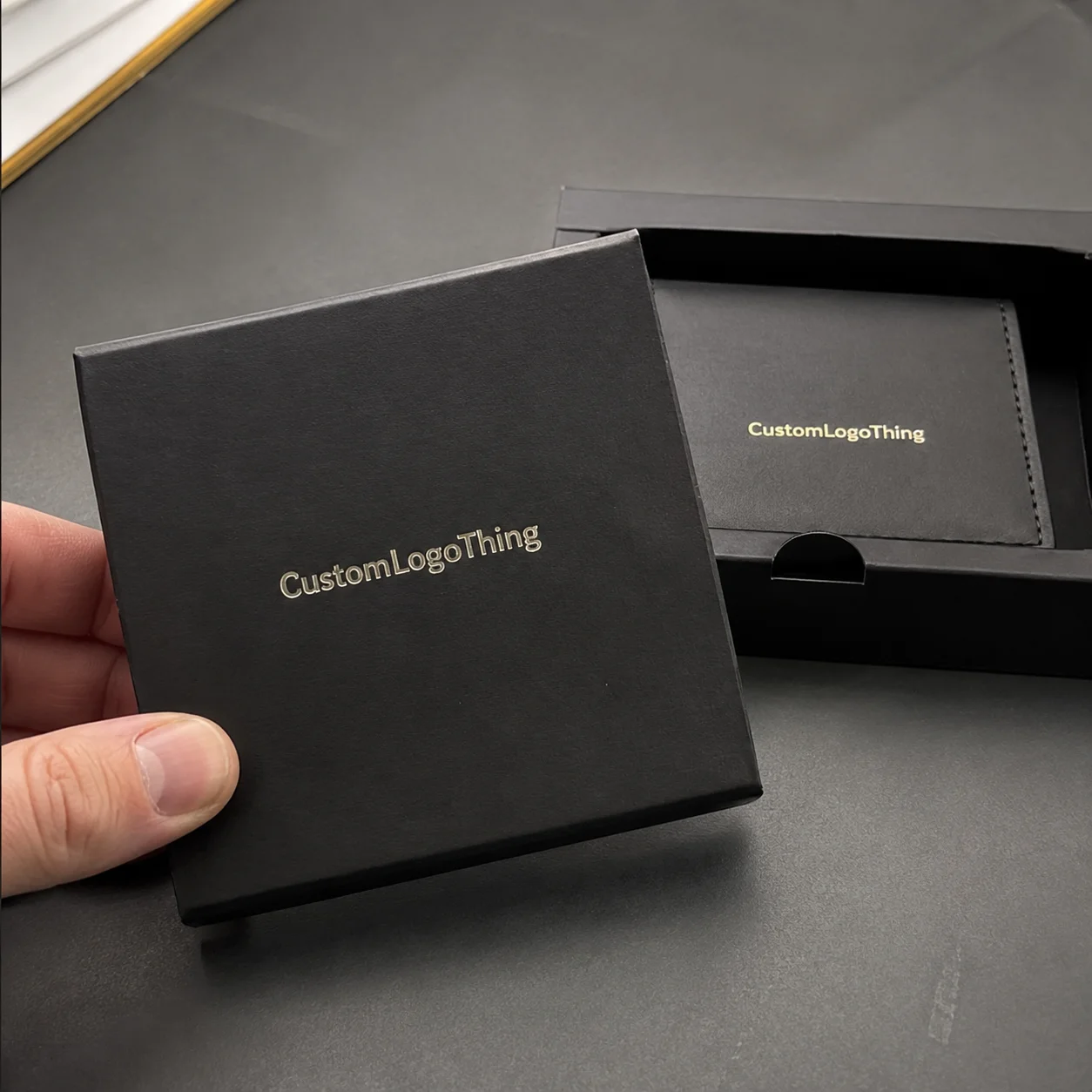
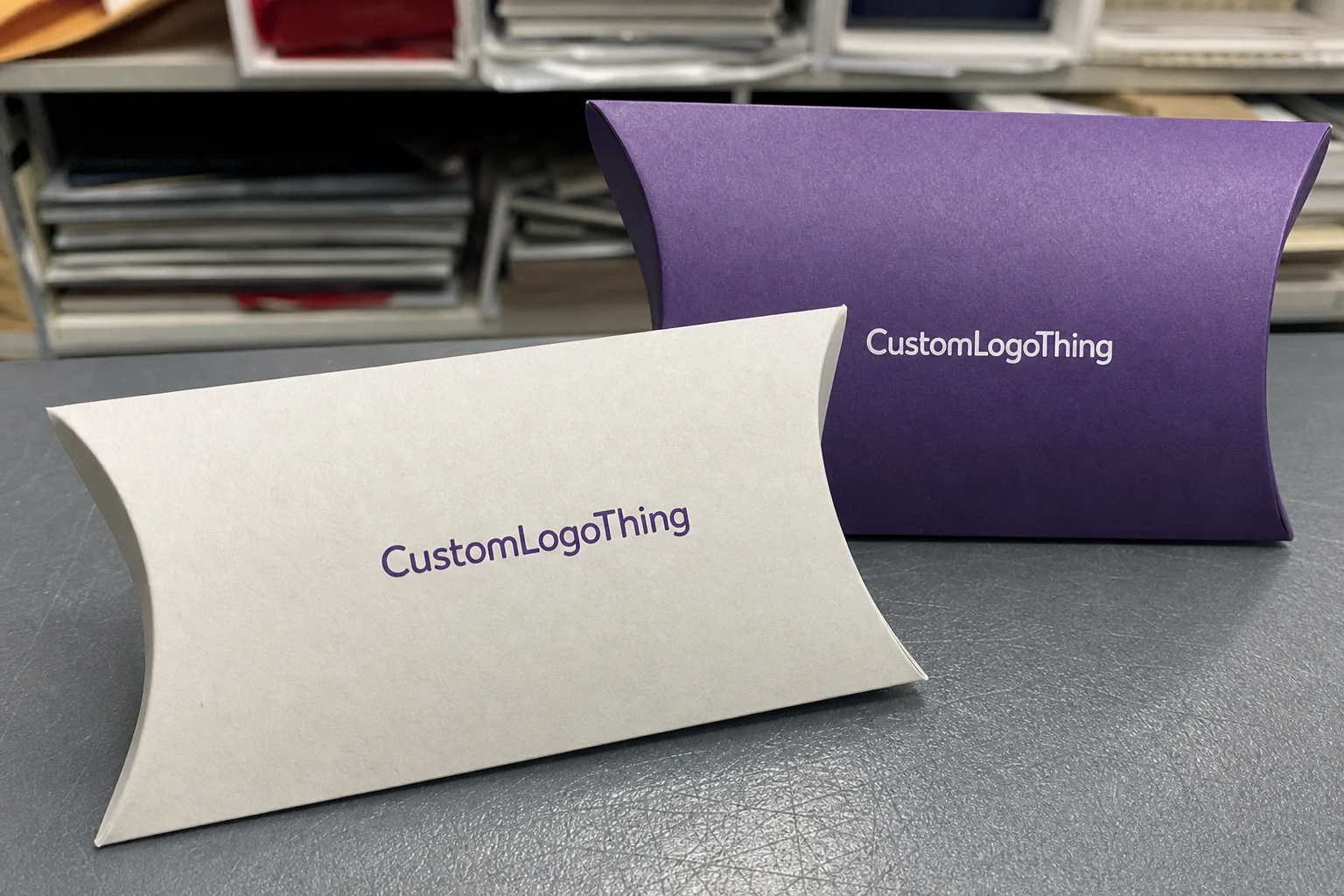
There are several packaging types I use depending on the job. Rigid boxes are best for premium kits and giftable sets. Folding cartons work when the bundle needs a retail look but not the weight of a rigid set. Mailer boxes are ideal if the package will ship directly to customers and still needs to feel branded on arrival. Sleeves and belly bands are useful when you want simple branding over a standard inner tray. Insert cards and pocket folders are the quiet heroes of custom packaging for digital product bundles, because they organize access information without adding much cost.
The digital component itself has to be handled carefully. QR codes should be printed at a size That Actually Scans, not just looks cute in a mockup. I usually want a minimum of 0.8 inches square for a dense code, sometimes larger if the customer will scan it in poor lighting. If you’re using activation codes, scratch-off panels, or NFC tags, test them before print and again on final samples. Dead URLs are an expensive joke. So are unreadable QR codes.
Branding should be layered across the package. Exterior logo placement does the first job. Interior messaging does the second. The insert card does the third. In a strong custom packaging for digital product bundles setup, the customer gets a visual cue on the outside, a confidence cue on the inside, and a clear action cue before they close the box. That sequence matters. It’s packaging psychology, not magic.
I visited a Shenzhen facility a few years back where they were running a batch of presentation boxes for a digital training company. The structure looked simple, but the inside was dialed in to the millimeter: a 1.5 mm chipboard rigid base, a black wrapped insert, and a top pocket that held the login card at a perfect angle. The first sample failed because the card slipped 6 mm during transit. They fixed it with a tighter cavity and a 3-point adhesive tab. That’s the kind of detail that separates decent custom packaging for digital product bundles from “we hoped it would work.”
If you want to see the kinds of structures and finishes that are commonly available, the team at Custom Packaging Products has a useful range of formats, and their Manufacturing Capabilities page gives a better sense of how these builds move from concept to finished goods.
Key Factors That Affect Design, Cost, and Value
The biggest cost driver in custom packaging for digital product bundles is structure. A simple printed mailer might land around $0.85 to $1.40 per unit at 5,000 pieces, depending on size and print coverage. A rigid box with a magnetic closure, soft-touch lamination, foil stamping, and a custom insert can jump to $3.80 to $7.50 per unit, and yes, fancy absolutely has a bill attached. I’ve quoted projects where the box cost more than the USB drive inside it, and that was still the right choice because the customer experience justified it.
Material choice matters just as much. Paperboard works for lightweight inserts and smaller kits. Corrugated is better if shipping strength is the priority. Rigid chipboard is the premium standard for presentation packaging. Recycled stock and FSC-certified papers are smart when the brand story supports it, but don’t force a “green” spec if it makes the box flimsy or the print muddy. The best custom packaging for digital product bundles balances brand story and function. Packaging that looks virtuous but breaks in transit is just expensive disappointment.
Finishes can add polish fast. Matte lamination is usually the safest starting point. Soft-touch feels upscale, though it fingerprints if you’re not careful. Foil stamping can make a logo pop for about $0.08 to $0.25 extra per unit depending on size and coverage. Embossing and spot UV are popular on retail packaging and presentation sets, but I only recommend them when the visual payoff is clear. If you stack all the finishes, the box starts looking like it got dressed for a prom it wasn’t invited to.
Insert complexity is another sneaky cost driver. A flat card is cheap. A die-cut foam tray, not so much. A custom paperboard insert with two cavities might be a smart middle ground. In one client project, we switched from EVA foam at $0.62 per unit to a folded chipboard insert at $0.19 per unit, and the bundle still held the contents securely. That’s the kind of swap that makes custom packaging for digital product bundles profitable instead of decorative.
Minimum order quantities can be awkward, especially for smaller brands. At 500 units, the unit price is often painful because setup costs are spread across fewer boxes. At 5,000 or 10,000 units, the math improves fast. I’ve seen a rigid box drop from $5.90 to $2.80 per unit just by moving from 1,000 to 8,000 pieces. That doesn’t mean you should over-order. It means you should think like a planner, not like someone panic-buying notebooks.
Timeline is where many projects get messy. Sampling alone can take 7 to 10 business days. Production can run 12 to 18 business days after proof approval, depending on materials and queue. Assembly adds time if the bundle is hand-packed. Freight can add another week or two if you’re crossing borders. When a client changes the code destination late in the process, the schedule gets ugly fast. Custom packaging for digital product bundles needs schedule buffers, not wishful thinking.
For context, packaging trade groups like PMMI and material standards organizations like ISTA are useful references when you want to think beyond aesthetics. If your bundle is shipping through rough distribution channels, ISTA testing is not overkill. It’s common sense. And if your brand claims sustainability, it helps to check the basics at FSC or review packaging waste guidance from EPA recycling resources.
Step-by-Step Process to Create Custom Packaging for Digital Product Bundles
Step one is inventory. Write down every component in the bundle: dimensions, weight, quantity, and whether each item needs its own pocket or cavity. I like to see a one-page spec with the actual contents listed in order. If you’re shipping a course kit, for example, maybe the box contains a 4 x 6 inch welcome card, a 5 x 7 inch redemption card, a USB drive, and a sticker sheet. That’s the foundation for custom packaging for digital product bundles.
Step two is format selection. Choose the packaging based on shipping method and audience. If the bundle is mostly mailed, a mailer box with an insert tray makes sense. If it’s a high-value gift or reseller kit, a rigid box with a lift-off lid may be better. If it’s a lightweight access pack, a folder or sleeve may be enough. I’ve seen brands choose rigid packaging for a $19 product, which is a fun way to burn margin for applause. Don’t do that unless the brand value justifies it.
Step three is the design brief. This is where you specify logo files, brand colors, copy, QR destination, and the unboxing goal. Do you want the customer to scan first, read first, or remove the insert first? Say it plainly. The best custom packaging for digital product bundles starts with a clear user journey. A strong brief also includes a note on tone. Friendly? Corporate? Tech-forward? Giftable? Put it in writing, because “make it premium” tells a designer almost nothing.
Step four is dieline and sample review. Request a structural dieline and a physical sample if the project has any moving parts. And please, test it with the real contents instead of trusting a spreadsheet like a rookie. I once watched a marketing team approve a box based on CAD drawings alone. The actual printed cards were 2 mm thicker than the mock items. That tiny difference ruined the insert fit. One millimeter can matter a lot in custom packaging for digital product bundles.
Step five is prepress proofing. This is where QR codes, barcodes, die lines, bleeds, and link destinations need real attention. I’ve had a QR code look perfect on screen and fail on the proof because the contrast was too low on a textured black stock. You also want to check that any redemption URL is live, short enough, and still correct after redirects. If the code opens to a broken page, the package feels broken too.
Step six is production, assembly, and delivery. Build in time for print queue, finishing, die-cutting, packing, and freight. If your fulfillment partner is hand-inserting codes or assembling the packs, send them an assembly spec with photos. I worked with a client whose bundles were packed by three different temps over one weekend. The box itself was fine, but the insert order changed every hour. The customer service team hated life for a week. Custom packaging for digital product bundles should make fulfillment easier, not turn it into a scavenger hunt.
One practical tip: keep an internal approval log. Use version numbers for artwork, code files, and insert copy. It’s not glamorous, but it saves reprints. A reprint on 3,000 boxes can easily cost $1,200 to $4,000 depending on structure. That’s real money. I’ve watched people lose more on one bad proof than they would have spent on a sample run.
Common Mistakes Brands Make With Digital Bundle Packaging
The first mistake is size. Too large, and the contents rattle while shipping costs climb. Too small, and the inserts bend, curl, or crush. I’ve seen brands order a mailer that looked elegant in rendering but wasted 40% of the interior space because nobody measured the stack height correctly. Custom packaging for digital product bundles needs fit. Without it, you get ugly voids or broken edges.
The second mistake is treating the digital code like an afterthought. A gorgeous box means very little if the code is buried under three layers of paper or the activation instructions are written in tiny gray text. Customers do not enjoy guessing games. Make the redemption path obvious. Put the code, the URL, and the support contact in the first place they’ll naturally look.
The third mistake is overdesigning. People fall in love with finishes. Matte, foil, embossing, spot UV, ribbon pulls, custom inserts, shaped windows. Fine. But each layer adds cost and assembly time. I once had a client spec a box that required five separate production steps and two hand-tied elements. The final Unit Cost Landed at $8.40. The product inside was a $39 course. You can see the problem. Strong custom packaging for digital product bundles should feel considered, not bloated.
Another issue is ignoring the real customer journey. Some brands bury the actual access instructions beneath marketing copy, lifestyle messaging, and a whole inspirational essay inside the lid. Nice sentiment. Wrong priority. If a customer opens the box and still doesn’t know what to do next, the package failed. A good package tells the story fast, then gets out of the way.
Skipping samples is another classic mistake. Don’t approve based on a mockup alone. Test the physical flow. Does the QR code scan under normal light? Does the insert slide out too easily? Does the box close cleanly with the contents inside? I learned this the hard way on a project with a printed pocket folder. The cards looked fine in the PDF, but the final paper stock made the pockets too tight. We had to switch from 16pt to 14pt stock, which fixed the issue and saved the project from a full reprint.
Finally, brands forget fulfillment realities. If a pack requires hand-inserting ten components, the labor adds up. If it ships internationally, customs labels and content declarations matter. If stock is split between two warehouses, the assembly instructions need to be idiot-proof. That sounds harsh, but packaging teams need clear directions. Custom packaging for digital product bundles succeeds when design and operations talk to each other. Otherwise, the box gets blamed for problems caused by planning.
Expert Tips to Make the Packaging Feel Premium Without Overspending
If you want the package to feel premium without spending like royalty, choose one or two hero details and stop there. A soft-touch rigid box with clean foil stamping on the lid can do more than six finishes fighting for attention. I’ve seen simple black-and-white branded packaging outperform elaborate setups because the structure was confident and the typography was tight. Subtle is not boring. Subtle is often smarter.
Put your budget where the customer notices first. That usually means the outer box or sleeve. If the first touchpoint feels good, people assume the rest will too. Interior details matter, but the outside sets the expectation. In custom packaging for digital product bundles, the opening moment does a lot of heavy lifting, especially if the offer is being gifted, photographed, or unboxed on video.
Use an insert system that keeps the contents organized without custom foam unless you truly need it. A well-designed paperboard insert can secure a QR card and a USB drive at a fraction of the cost of molded or foam components. I negotiated a project in Dongguan where we replaced a foam tray with a two-layer folded insert, and the savings were $0.41 per unit. On 10,000 units, that’s $4,100. That’s real negotiation, not theater.
Make the onboarding message short and obvious. Two sentences can do more than a paragraph. Something like: “Scan the code to activate your access. Your support email is listed below if anything looks off.” That kind of copy belongs inside custom packaging for digital product bundles, because it reduces confusion right where confusion starts. People don’t want a lecture. They want the next step.
If sustainability matters to your audience, use recycled or FSC-certified paper where it makes sense. I’m not dogmatic about this. A recycled corrugated mailer can be perfect for direct shipping, while a premium Rigid Gift Box might use FSC paper wrap with a sturdy chipboard core. The right choice depends on the product, the audience, and the budget. Pretending every project has the same environmental answer is lazy.
Negotiate smarter with your supplier. Ask which specs drive cost the most. Often the answer is print coverage, insert complexity, or a non-standard box size. Standard dimensions save money. Fewer ink colors save money. Simplified assembly saves money. Suppliers usually won’t volunteer that unless you ask directly. In my experience, the best packaging projects come from teams willing to trade one expensive flourish for a cleaner structural choice. That is how custom packaging for digital product bundles stays profitable.
Also, don’t ignore packaging on repeat orders. A slight tweak to a dieline or insert can trim costs over time. I’ve seen brands improve margin by 6% on the second production run just by reducing excess headspace and switching from four-color interior printing to a single-color message. Small changes. Real dollars.
What to Do Next Before You Order
Before you request quotes, create a one-page spec sheet. Include dimensions, contents, brand colors, expected quantity, packaging format preferences, and desired delivery date. If your bundle includes a QR code or code redemption process, add that too. This one page makes custom packaging for digital product bundles much easier to quote accurately. Without it, suppliers are guessing, and guesses are where overruns begin.
Gather artwork, code destinations, and final insert copy before you start comparing prices. If the supplier has to wait on your content, your schedule slips. More importantly, code-related changes after proof approval can trigger rework and reprint costs. I’ve seen a late URL edit add $380 in proofing and labor because new plates weren’t required but the setup still needed adjustment. Tiny content changes are not always tiny in packaging.
Get at least three quotes and compare them on more than unit price. Ask about setup fees, dieline charges, sample costs, assembly labor, and freight. I’d rather see a quote at $1.95 with clear structure, sampling, and delivery terms than a mysterious $1.50 quote that balloons later. Good custom packaging for digital product bundles is about total landed cost, not the prettiest line item.
Order a prototype or sample and test the full unboxing flow with someone who has never seen the product. Watch where they pause. Watch whether they scan the QR code without being told twice. Watch whether they understand what the bundle includes. That single test can expose problems that a dozen Zoom reviews miss. It’s humbling, but useful.
Set a launch buffer. I like at least 10 to 15 business days of cushion between finished packaging arrival and launch date if the project is straightforward, and more if the bundle has hand assembly or international freight. Things happen. One freight delay, one code revision, one reprint risk, and suddenly your “on-time” launch is a little too optimistic. Custom packaging for digital product bundles rewards planning. It punishes haste.
Brief the rest of your team. Your packaging supplier needs the spec. Your fulfillment partner needs the packing order. Your customer support team needs the redemption steps and expected issue list. That alignment saves time, money, and embarrassment. I’ve watched support teams get buried because nobody told them the activation code was printed on the back panel instead of the insert card. Not ideal.
If you want a clean starting point, I’d recommend reviewing your internal packaging options through Custom Packaging Products, then checking fit and build possibilities on the Manufacturing Capabilities page. That gives you a realistic picture before you spend money on artwork rounds and sample approvals.
Custom packaging for digital product bundles can look simple on the surface. It usually isn’t. The structure, the insert system, the code delivery, the assembly flow, and the customer’s first five seconds all matter. Get those pieces right and the bundle feels premium, trustworthy, and easy to use. Get them wrong and you’ve built an expensive box that creates confusion. I’ve seen both. One sells. One gets support tickets.
Custom Packaging for Digital Product Bundles: decision table
| Decision area | Best fit | What to verify | Risk if skipped |
|---|---|---|---|
| Product fit | Protection, display, and unboxing consistency | Measurement, tolerance, material, and sample approval | A nice design fails because the product fit was guessed |
| Brand presentation | Logo visibility, finish, and customer perception | Print method, color target, texture, and proof review | Packaging protects the item but does not sell the brand |
| Operations | Packing speed, storage, shipping, and reorder control | Carton count, warehouse label, and repeat spec | The package is attractive but hard to pack or reorder |
FAQs
What is custom packaging for digital product bundles used for?
It is used to package software access, course login kits, membership packs, activation codes, USB drives, and hybrid physical-digital bundles in a branded and organized way. It makes the offer feel more valuable, easier to understand, and less likely to trigger confusion during activation or onboarding.
How much does custom packaging for digital product bundles cost?
Cost depends on box style, material, print coverage, finishing, inserts, and quantity. Simple printed mailers are usually cheaper than rigid presentation boxes with specialty finishes. Lower quantities usually raise unit price because setup and labor are spread across fewer pieces. A straightforward mailer might land near $0.85 to $1.40 per unit at 5,000 pieces, while premium rigid sets can run $3.80 to $7.50 or more depending on spec.
How long does the packaging process usually take?
The process usually includes concept, sampling, revisions, production, assembly, and shipping. Simple projects move faster. Custom structures, specialty finishes, or complex inserts take longer. Late artwork or code changes are the fastest way to stretch the schedule. A practical timeline often means 7 to 10 business days for sampling and 12 to 18 business days for production after proof approval, plus freight and assembly time.
What packaging format works best for digital product bundles?
Rigid boxes work well for premium kits and giftable bundles. Mailer boxes are better for shipping-friendly presentation. Folders, sleeves, and insert cards work best for lightweight bundles with redemption details or codes. The best format depends on the value of the offer, shipping method, and how much unboxing experience you want to create.
How do I make sure QR codes or redemption codes work Inside the Packaging?
Test every code before printing and again on physical proofs. Use enough contrast and size for easy scanning. Keep the instructions short and place them where customers will see them immediately after opening. I always recommend scanning the printed sample on multiple phones under normal room light before approving production.