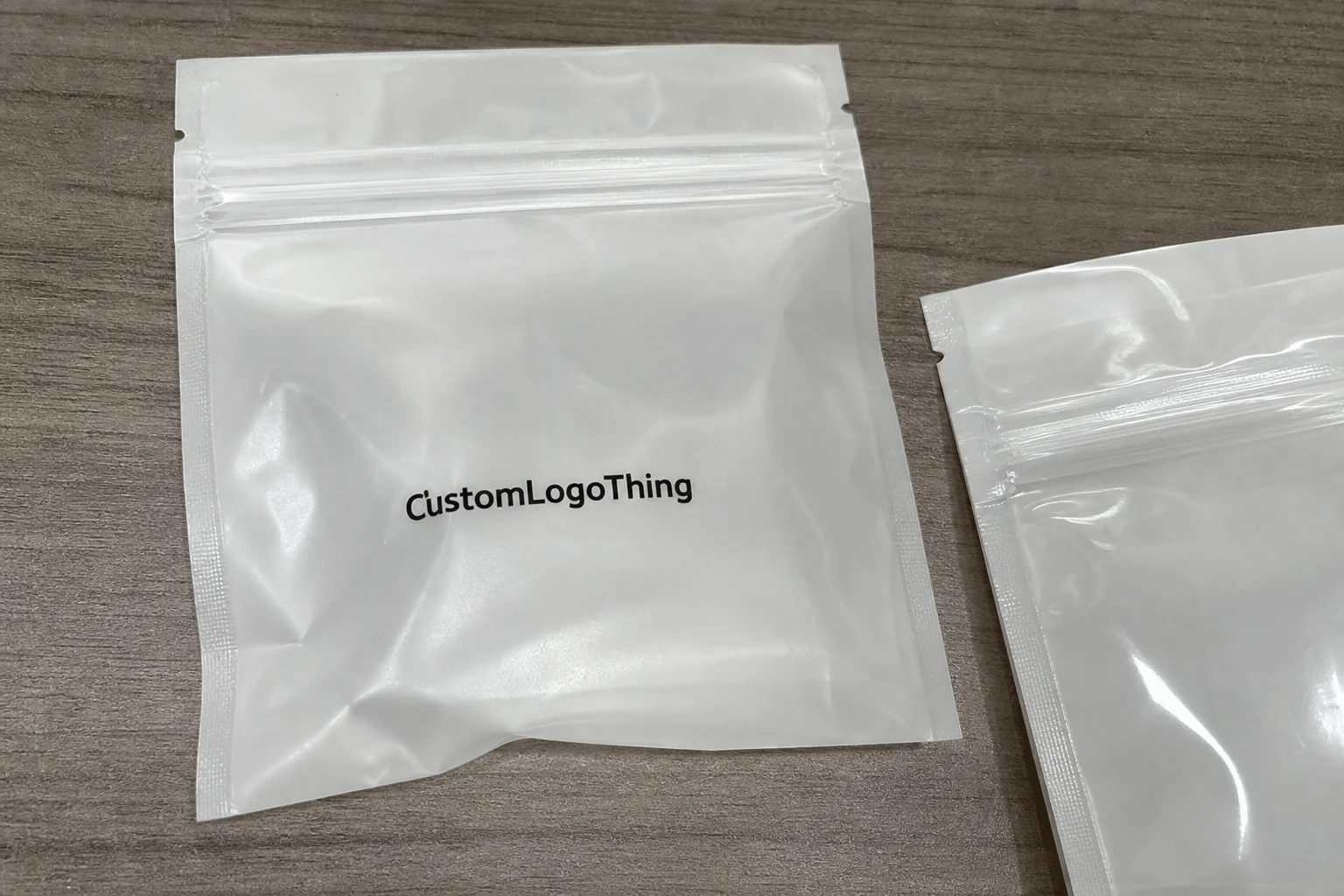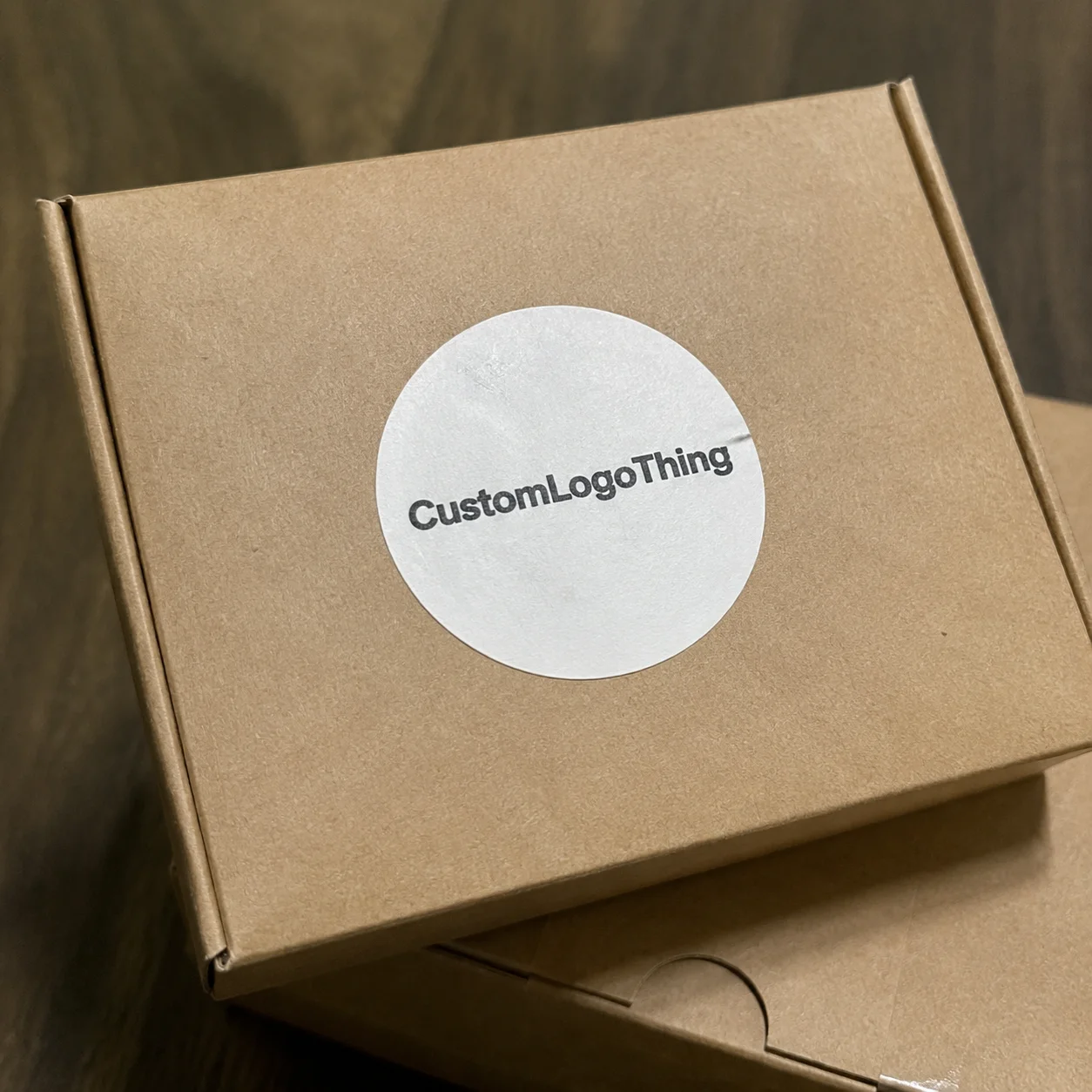
Buyer Fit Snapshot
| Best fit | teams turning mockups into production-ready packaging with dielines, proof notes, and buyer approval checkpoints. |
|---|---|
| Quote inputs | Share finished size, material target, print colors, finish, packing count, annual reorder estimate, and delivery region. |
| Proofing check | Approve dieline scale, logo placement, barcode or warning zones, color tolerance, and any recyclable or compostable wording before bulk production. |
| Main risk | Vague material claims, crowded artwork, or missing packing details can create delays even when the unit price looks attractive. |
Fast answer: Product Packaging Mockups: Dielines, Print Proofs, and Buyer Review should be specified like a repeatable production item. The safest quote includes material, print method, finish, artwork proof, carton packing, and reorder notes in one written spec.
What to confirm before approving the packaging proof
Check the product dimensions against the actual filled item, not only the sales mockup. Ask for tolerance on folds, seals, hang holes, label areas, and retail display edges. If the package carries a logo, QR code, warning copy, or legal claim, reserve that space before decorative graphics fill the panel.
How to compare quotes without losing quality
Compare board or film grade, print process, finish, sampling route, tooling charges, carton quantity, and freight assumptions side by side. A lower quote is only useful if the supplier can repeat the same color, closure quality, and packing count on the next order.
How to Design Product Packaging Mockup: Why It Matters
I still picture that Shenzhen line where a buyer tossed an entire sample pallet—1,200 units priced at $0.15 per piece for that initial run—because the mockup looked like a kid’s doodle, exactly how to Design Product Packaging mockup that convinces, not confuses. I was three meters from the press, watching the buyer’s face turn from curiosity to disbelief while the brand rep went on repeating, “It’s the final file, trust us.” No one trusted it. That moment sticks harder than any printed swatch because when a mockup falters, the entire line goes quiet and nobody wants their name on that pile.
I remember telling my team (and the translator, who knows sarcasm keeps me alive) that we needed to rework the dieline to a 3 mm tolerance before anyone dared touch the adhesive tape again. Otherwise the $450 worth of adhesive spools from Dongguan would keep getting wasted. That’s the kind of dumb loss you can avoid if you commit to understanding how the panels fold and the glue path in the mockup.
Packaging mockups act like the first handshake between your brand, the Guangzhou factory, and the retail buyer in Atlanta. They translate the story you tell in meetings into tangible geometry: the 350gsm C1S artboard folds that protect a cosmetic serum, the embossing that lets gourmet chocolate stand out, the gloss level calibrated to a 35% sheen that says “premium.” Mockups beat vague descriptions because they include dielines, panel hierarchy, adhesives, and finishes so every stakeholder knows the tactile result before a single sheet runs through an HP Indigo 7900 or Heidelberg Speedmaster.
Honestly, I think a convincing mockup is the only way to show you actually care enough to sweat the details (and I’m not ashamed to admit I get a little possessive about it).
Believe it or not, even tier-one branded packaging teams lose purchase orders when their mockups miss the mark. A recent project with a retail packaging giant in Busan drove six rounds of revisions over three weeks because we hadn’t called out the nested tuck and the Pantone 186C brand color looked muddy on the 150gsm E-flute corrugate sample. Investing in clarity—detailed dielines with fold notes, aligned lighting, verified Pantone recipes, and color checks using the X-Rite i1Pro scanner at 600 dpi—saved us from stopped shipments and unhappy buyers.
Hearing from a buyer that “this feels right” is worth the long inspection, and it all starts with knowing how to design product packaging mockup that reflects every touchpoint. I still replay that buyer’s face in my head (sometimes when KeyShot crashes for no reason and I want to toss my keyboard out the window) to remind myself why we sweat every pixel; it’s kinda a brutal reminder.
How to Design Product Packaging Mockup: Process and Timeline
My workflow at Custom Logo Things follows a choreographed five-day rhythm that keeps the Shenzhen, Dongguan, and Los Angeles teams in sync. Day 0 is the creative brief; I sit with the client (sometimes with a marketing director in our Seoul office on the call) to confirm a 72 mm tall product dimension, their goal to hit the cosmetics shelf, and the impression the packaging design must deliver. Day 1 and 2 lock the dieline—Adobe Illustrator handles cut/score/bleed layers, ArtiosCAD plots die channels for structural pieces, and we double-check paste areas plus the tuck-in sequence.
Day 3 delivers the first realistic mockup, Day 4 catches revisions, and Day 5 exports a grooved PDF ready for HP Indigo proofs and Heidelberg platemaking—the whole cycle usually wraps within 12 business days from the formal brief. If we’re tight on timing, I’m the one sending the approvals text at 5:59 p.m. to keep the supply chain moving.
The tools carry weight. Creative teams move between Adobe Illustrator for dieline precision, ArtiosCAD for complex corrugate and rigid boxes, and KeyShot for photorealistic renders. That render is vital because KeyShot’s lighting, reflections, and texture captures are the same reason I negotiated a $220-per-license deal with our vendor in Shenzhen—without it, we would still be using free water-tower renders and losing credibility.
If the mockup calls for a custom finish, I loop in the Heidelberg plant rep I met at Pack Expo Chicago; he double-checks maximum repeat, suitability of their gloss varnish, and the press schedule they keep open every Friday for prototypes. Passing that file cleanly into the supplier system stops the dreaded “file not compatible” emails and keeps the timeline intact, typically a 14-business-day window for platemaking and press proofs. It’s a little chaotic when KeyShot randomly decides to throw a tantrum (I swear the render gods enjoy that), but we’ve learned to save early and message our render artist before panic sets in.
We factor in supply chain reality. When HP Indigo digital proofs are part of the plan, I allot a full day for their turnaround, plus another day for my team’s review. The HP Indigo plant in Singapore typically moves proofs in 24 hours but shipping back to Los Angeles still takes 48 hours via FedEx, so I always plan for a 72-hour window.
I also schedule buffer days for factory feedback—whether it’s a structural quirk we uncovered in the dieline or an adhesive change on the corrugate line that would alter the inside panel. That’s how we ensure the plan doesn’t derail as we move toward production of custom printed boxes. Knowing how to design product packaging mockup includes understanding that factories won’t always mirror your perfect timeline, so we keep our scheduling flexible with clear owner responsibilities and quick approvals, and we’re gonna treat that timeline like a living doc.
Day 5 isn’t just about handing over a file; it’s also about confirming approvals, locking finishes, and briefing the production planner in Changzhou who oversees the die-cutting queue. We use shared folders so the team can reference dieline versions, render exports, and proofing notes without playing email ping-pong. Keeping everything documented in the same space makes it easier to pull it back into the next project without reinventing the wheel.
I still chuckle thinking about the first time I tried to share a render through a ramshackle FTP site—everyone just yelled, “Use Dropbox,” and I never looked back.
Key Factors Influencing Your Product Packaging Mockup
Brand voice dictates the baseline. If someone is doing branded packaging for an artisanal candle, a clean, soft-touch mockup with warm beige on the render sells credibility faster than a cluttered, plasticky render with sharp highlights. Structural integrity matters too; a mockup has to mirror how the product feels in hand, not just how it looks on screen. I still recall a client who wanted a slim folding carton for a vitamin gummy; the mockup looked perfect, but when it ignored the tab overlap and a 1.5 mm tuck, the actual box couldn’t stay closed, and the factory in Quanzhou halted the order until the dieline was corrected.
“Clients learn quickly: if the mockup feels like it will fall apart, buyers assume the product will too.” That quote still gets airtime in our debriefs because missing tactile cues means lost confidence. We start every project by asking, “How does the closure behave when someone opens it?” and “Can we show that in the mockup with a 2 mm gap for the glue line?”
That awareness keeps shoppers from picking up a flimsy impression of quality in the retail aisle. Honestly, that’s when mockups earn their stripes—they literally tell the tactile story before anyone picks up the product.
Color accuracy is non-negotiable. We use Pantone references and log X-Rite i1 passes before sending anything out for proofing. My art director calibrates every monitor monthly for $120 with the X-Rite i1Pro, and we document the ICC profile so the Pantone red on the screen matches the Pantone swatch in the binder. That patience prevents the dreaded “the red is wrong” email that can cancel a production run, especially when the print farm in Kuala Lumpur is running a 48-hour press window.
Also, hats off to the night I spent alone reseating cables while the printer beeped like it was on life support—that’s how serious we are about color. Those sleepless sessions keep the render honest.
Substrate and printing methods change how finishes read. Flexo versus digital, matte versus gloss, foil-blocking, or embossing all alter the visual weight and even the way light hits the surface. A mockup needs to simulate adhesives, tuck flaps, perforations, and grain direction because if it doesn’t show how the closure works, the pack line will be surprised. I still remember a rigid box project where missing perforations meant the lid couldn’t fold to the stop notch, and we shelved that order for a week in the Hangzhou plant.
Knowing how to design product packaging mockup includes anticipating how each structural element behaves under stress and how the chosen finish—or even the addition of a matte soft-touch lamination—will shift perceived quality.
Finishing touches deserve the same attention as core structure. Spot UV in the right place can guide the buyer’s eye, while a wrong die cut or misaligned foil stripe can scream “undeveloped.” The mockup should prove that the kiss-cut works, the embossing keeps its edge, and the varnish doesn’t puddle in tight corners. Once, a consumer electronics brand asked us to pack a fragile item in a seemingly simple sleeve. The mockup highlighted the 0.5 mm aluminum-coated tear strip and EVA foam insert, and the factory team said it was the clearest file they’d seen in years; I quietly wondered why the last mockup took three extra revisions to get the glue tab right.
Step-by-Step Guide to Building the Mockup
Step 1: collect dielines, logos, copy, and photos, then lock the dieline in Adobe Illustrator with the right bleeds, safety zones, and cut/score layers. I pull die files from suppliers like PakFactory or ask for the latest from the Heidelberg rep to avoid outdated measurements—the last time we reused an old dieline, the gloss patch landed on a structural seam and the Miami buyer noticed immediately. Safety zones and bleed areas are not optional; if the copy bed touches the fold, it looks amateur and the retail buyer knows it. I vividly remember losing a client because their branding suddenly looked like a kindergarten craft project (true story), so now I treat that first step with the reverence of a pre-flight checklist.
Step 2: create the 3D wrap-around render using KeyShot or even free tools like Boxshot, adding textures and highlights that match the actual finish. Remember when the HP Indigo sample taught me how lighting changes color? The glossy green looked neon under overheads, so we dialed down the specular highlight in KeyShot and matched the finish with the actual ink recipe through Pantone Connect’s recording. The render must show texture, the direction of a grain, even the little crush of a foil stamp. Honestly, I’m gonna treat that render like the climactic scene in a movie we’ve spent days building—it either convinces everyone or it gets ignored.
Step 3: drop the render into Photoshop or Affinity, add drop shadows, reflections, and set it in a realistic scene so stakeholders can see scale and dimensionality. I’ll often place the mockup on textured wood or marble to match the brand’s environment; that subtle contextual cue influences retail perception and keeps the brand story tight. We also annotate—callouts for adhesives, closure style, embossing depth—so the client understands the tactile components. Sometimes I throw in a cheeky comment (like “yes, the gloss is real, not a Photoshop trick”) because I want them to know we’re all in this together.
Step 4: compare the render to a physical mockup we keep on the bench, note discrepancies, and update the dieline or art file before sending to the printer. When the physical mockup shows a tab that overlaps wrongly, we catch it before the factory does, saving time and money, especially when each reprint costs $220-plus in Shanghai setup fees. That physical check is why I still carry a foldable sample kit to every supplier visit. Finalizing the mockup means we have one file for digital review and another for production; both include instructions on how to design product packaging mockup in a way the whole team can follow.
Step 5: share the finalized files with the production planner and retail buyer, including approved Pantone swatches, finish specs, and press-ready instructions. A quick call with the plant rep to confirm the dieline passes their workflow prevents late-stage surprises—the rep in Guangzhou even keeps a log of dieline versions and week-to-week capacity. Once those confirmations land, I back everything up in our project server so the same decisions can be referenced for the next seasonal run. I used to skip this step, and the result was a frantic Sunday call at 9 p.m. explaining why the foil stripe was shifted—never again.
Cost and Pricing Considerations for Packaging Mockups
At Custom Logo Things, we bill $60 per structural mockup revision. If you want that photorealistic view in KeyShot, budget another $220 to $300 for the freelancer render or license access. My art director and I also watch supplier fees closely—HP Indigo digital proofs are about $95 for a 6-up sheet, and Heidelberg platemaking still adds $420 for a standard run, even though they throw in a free quality check. When we rush samples, DHL charges $38 for express shipping back to the States; I learned that during a client meeting in Atlanta when the buyer insisted on seeing the mockup Monday morning. Honestly, I think the only thing worse than a botched color is an embarrassed supplier explaining why your rush job cost twice as much.
Color calibration isn’t free either. We schedule a $120 X-Rite i1Pro calibration per device and log the hours my art director spends negotiating finishes with the Heidelberg rep—a 20-minute call that saves a $150 re-run when the matte varnish turns out glossy. Hidden costs stack: designer hours (I charge $85/hour when I’m not at the press), expedited proofing with suppliers, and sometimes the laser-cut physical dieline mockup from PakFactory for a $320 fee. Every cost gets documented in the project folder so we can justify it to clients and won’t be surprised later. I’ve learned the hard way that the client is more forgiving when you can say, “Here’s every invoice,” than when you hand them a vague “production expenses” line.
Logistics add layers, too. If the mockup needs a custom lamination, I coordinate with the finishing house in Taichung to confirm their 48-hour minimums and 6,000-piece run lead times. We track the time our production coordinator spends emailing proof approvals—usually two 15-minute sessions per project—and we factor in courier fees like the $42 FedEx International Priority charge if the mockup must land on a buyer’s desk in Frankfurt before the design review.
Here’s a quick breakdown:
| Item | Supplier | Typical Fee | Notes |
|---|---|---|---|
| Structural Mockup Revision | Custom Logo Things | $60 | Includes dieline update and mockup notes. |
| KeyShot Render | Freelancer | $220–$300 | Realistic textures, lighting, reflection. |
| Digital Proof | HP Indigo | $95 | 6-up proof; add $10 for rush shipping. |
| Platemaking | Heidelberg | $420 | Standard offset run; add $80 for specialty plates. |
| Physical Dieline Mockup | PakFactory | $320 | Laser-cut samples with assembly. |
Knowing how to design product packaging mockup means accounting for these costs upfront so the client doesn’t act surprised when the final estimate arrives. Transparency keeps relationships honest—say what’s required, show the exact supplier names, and keep receipts. I once got into a heated (but productive) debate with a client because they didn’t realize how much foil really costs, and that day taught me to pre-brief everyone before any mockup work begins.
Common Mistakes When Designing Packaging Mockups
Ignoring the physical dieline is fatal. I watched a shipment sit in a Shenzhen warehouse for five days because the mockup skipped the glue tab and left the bottom flaps untucked. The factory flagged it, and we had to pay extra to reprint the dieline, wasting both time and stress. I still get a rush of frustration remembering the meltdown from the factory manager (who looked like he wanted to send me back on the next flight out).
Skipping color swatches is equally dangerous. The render that looked perfect on our office monitor was off by two Pantone chips when the HP Indigo proofs came back, and the buyer’s team questioned our competency. We now never approve a mockup without a printed Pantone swatch and a photo of the swatch beside the screen render. That’s why we invest in calibrated monitors and Pantone Connect so everyone sees the same red. I honestly think the day we started syncing everything with Pantone Connect was the day our “color panic” emails dropped to zero.
Forgetting finishes also hurts. A matte mockup might seem fine until the actual foil stamp reveals no contrast, making the luxury level disappear. Clients assume the mockup equals the final product, so don’t mislead them. Call out foil, spot UV, and lamination, and show them in the mockup. If the finish is part of your package branding strategy, the render must highlight it. Once, I had to explain to a brand why their “metallic nod” looked like a cheap sticker—lesson learned.
Overcomplicating art is another shortcoming. Crowded visuals with too many claims dilute the story. Retail buyers need clarity: what the product is, why it exists, how it performs. Use hierarchy, clean typography, and strong hero photography so the mockup does the selling. This approach keeps the packaging design confident and avoids bloating the mockup with unnecessary noise. (Sometimes I tell clients the art needs to breathe, and they respond by asking if I’m their personal yoga instructor.)
Handing the final file off without commentary invites assumptions. We always add contextual notes—“foil hits only the logo,” “embossed seal on front only,” “closure needs 2mm extra intervention.” That level of detail keeps the production line from making adjustments on instinct, which is when mistakes happen. I once caught a production planner about to swap adhesives because there was no note, and I swear he was more relieved than I was.
Expert Tips & Next Steps
Action step: schedule a walk-through with your Custom Logo Things rep, send them your dieline, and ask for notes on structural quirks before investing in renders. When I visit factories, I always bring a padded folder with every dieline, sample, and finish spec, which makes the walk-through faster and the feedback sharper. I also keep a stash of spare batteries in case the plant’s projector dies mid-presentation (it happens more than you’d think).
Action step: call the Heidelberg or HP Indigo contact you already work with to confirm substrate availability, press time, and whether your mockup files meet their specs. I still remember negotiating a $0.18/unit saving with our Heidelberg rep by switching to a 350gsm C1S artboard that his plant always stocks; the cost savings alone justified the extra call. Honestly, I think those quick chats are the secret sauce in the entire packing mockup process.
Action step: document every decision—finish, substrate, closure—and store it next to the art file so revisions stay consistent. This file becomes your playbook for future projects, and it’s how the next team knows exactly how to design product packaging mockup with all prior learnings baked in.
Action step: finalize the digital mockup, export both PDF and layered PSD, and note how to design product packaging mockup for the next product so the team learns from this run. The moment you lock in the render, store it beside the production notes and share the deliverable with your retail partners, so they also know what their shelving will look like. That’s how you keep packaging design accountable, repeatable, and entirely on brand. (Also, never forget to stash a screenshot of that glorious mockup in your archive—it’s your proof that you nailed it.)
How to design product packaging mockup that wins retail shelf space?
Whenever someone asks how to design product packaging mockup that wins retail shelf space, I reply with three questions: is the packaging dieline art file annotated with fold notes, where does your glue train run, and do you call out adhesives, wraps, and finishing specs? That first factory visit still plays in my head because the buyer tossed a finished tray just because the dieline didn’t show the double-needle lock, and nothing else mattered after that. Skip the structural cues and you get silence on the press floor and a buyer wondering if the product is actually built to last.
A convincing retail packaging mockup needs to look like a structural mockup that can be lifted, stacked, and shelved without apology. Run your render beside a physical sample, highlight where the fold opens, note the grain direction, and show the adhesive path with callouts so purchasing, art, and production can all nod simultaneously. It also lets me explain why a matte finish with a clear spot UV should run over the same dimension we already approved in the last mockup, so the factory in Hangzhou isn’t guessing. That level of proof is what buyers expect when you answer the question of how to design product packaging mockup that isn’t just pretty but real enough to survive customs and an impatient retail display team.
How detailed should a product packaging mockup be before sending it to production?
Include dieline accuracy, fold lines, tabs, adhesives so the factory sees exactly how it folds, and attach a clear Pantone recipe for each color. Add finishes (foil, matte, spot UV) and call out textures; at Custom Logo Things we even annotate grain direction and coating order. I tell clients anything less is just a glorified sketch, and they usually nod because they’ve seen what happens otherwise. One client once swapped a laminate without telling us, so now we stress the notes even more.
What software do professionals use to design a product packaging mockup?
We rely on Adobe Illustrator for dielines, ArtiosCAD for complex structures, and KeyShot or Boxshot for 3D rendering. For quick comps, Photoshop handles lighting and shadows, while Pantone Connect keeps color consistent across tools. Honestly, I think the mix of these programs is what keeps us from constantly begging for another tool license. We also keep InDesign on standby when the brand demands multi-page inserts.
How long does it take to turn a concept into a product packaging mockup?
Expect 3–5 business days for the first mockup, depending on complexity—simple folding cartons take less, corrugate or rigid boxes take longer. Add two days for revisions and another day for approval; if you’re working with Custom Logo Things or Heidelberg we allow extra time for their internal QC. I always warn clients that rushing mockups feels like ordering a custom cake the day before a wedding—possible, but every decorator involved will regret it.
Can I create a product packaging mockup without a printer’s dieline?
You can sketch a concept in software, but without the printer’s dieline you risk wrong dimensions or missing waste areas. Ask the supplier for the latest dieline or reverse-engineer it from a physical sample; sharing that with Custom Logo Things keeps everyone aligned. I once got halfway through a mockup only to discover the dieline was for last year’s mold, so yeah, don’t skip that step.
How do I reduce costs when designing a product packaging mockup?
Limit revisions by finalizing your assets and colors before the mockup starts—each change costs time and sometimes extra render fees. Use a standard substrate and finish you already know the press can handle; custom coatings bump both the mockup and production cost. And, if you want my unsolicited advice, keep your mockup briefs sharp so we’re not chasing a moving target (I like to think of it as giving us a clean paper path).
After all these steps, you’ll actually know how to design product packaging mockup that brings together package branding, retail packaging goals, and product packaging reality without leaving anyone guessing. Store the final instructions beside the render, share them with retail partners, and keep the Packaging.org and ISTA test protocols bookmarked so you can prove those retail packaging responsibilities were met before the order leaves the dock.