Screen Printing for Bags: How to Order Custom Plastic Bags
Screen printing for bags is still one of the cleanest ways to put a bold, repeatable brand mark on a flexible carrier. A shopper may reuse the bag several times, which means the print can keep working long after the sale is done. For retailers, event sellers, distributors, and brands that want a simple logo or short message to stay readable, the math is often better than stickered packaging or more complex print methods.
The method works best when the artwork is disciplined, the quantity is large enough to spread out setup cost, and the bag material is stable. A one-color mark on the right film usually beats a crowded layout trying to do too much. That is the part buyers sometimes miss. Simpler art is not a compromise. It is often the reason the job looks good.
Why Screen Printing for Bags Still Wins on Simple Packaging
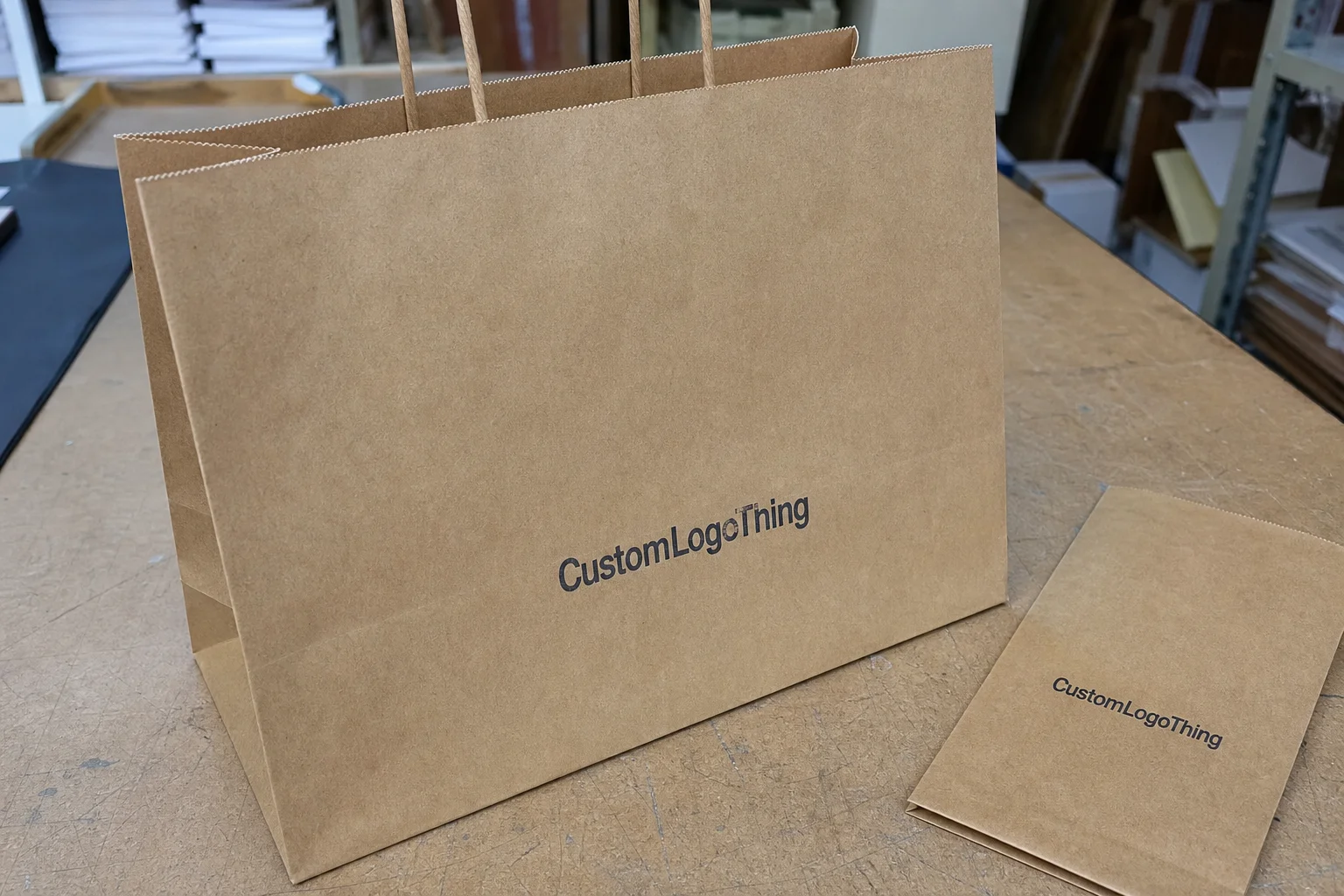
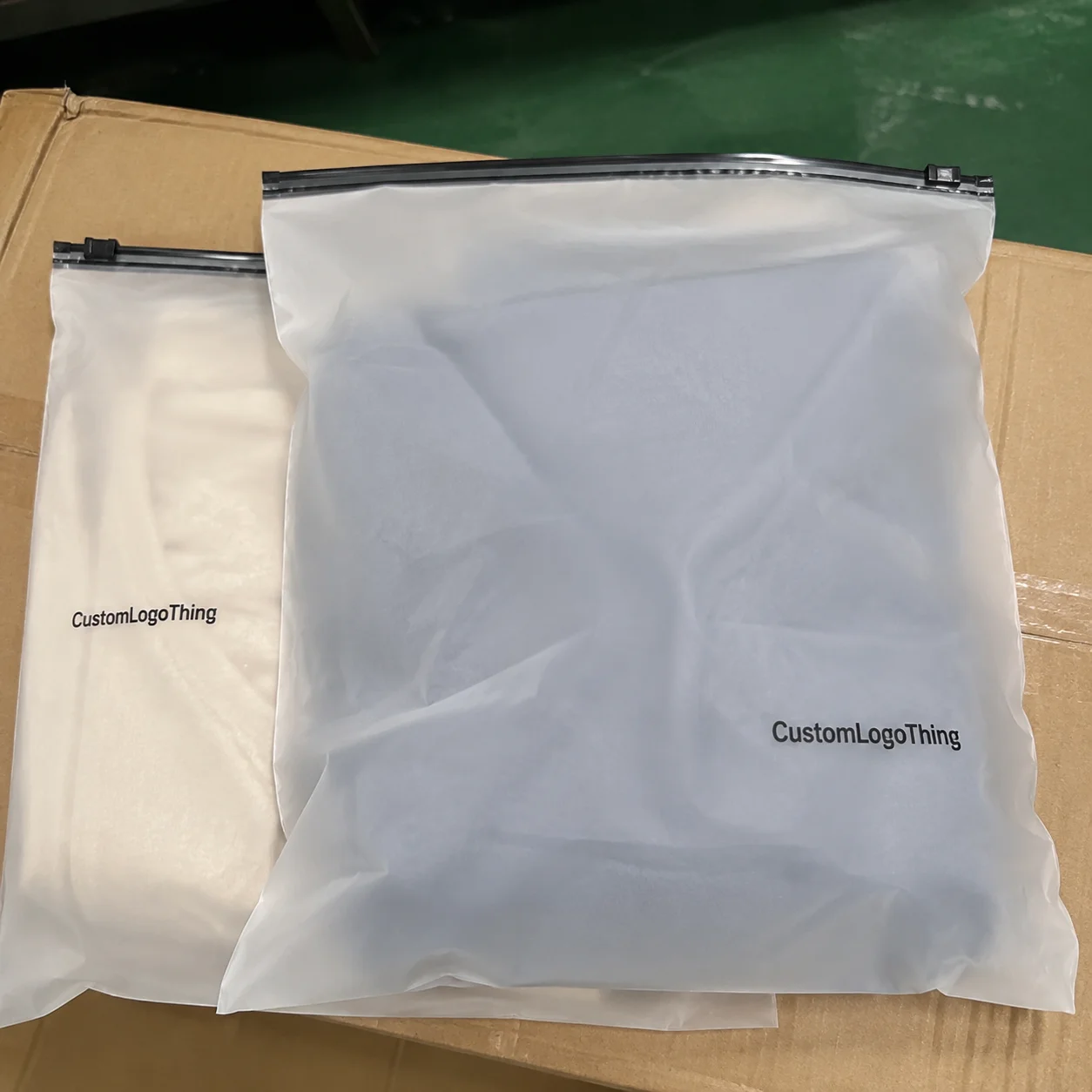
From a packaging buyer’s point of view, the case for screen printing for bags is straightforward: the method is built for bold spot color, not for overcomplicated artwork. If the design is a logo, a product name, a website, or a short message, direct print usually looks cleaner than a label applied after the fact. A sticker can peel, curl, or get scuffed. Ink printed directly onto the film becomes part of the package.
That matters because a bag is not a brochure. It moves through hands, counters, trunks, loading docks, and shipping boxes. A simple printed bag can stay in circulation for days, sometimes longer, which changes the cost per impression. A five-cent upgrade that creates multiple brand exposures is a very different equation from a flyer that hits the trash at the first stop.
Buyers often compare methods that solve different problems. Digital printing is useful for short runs, variable art, or more detailed imagery. Flexographic printing makes sense on high-volume flexible packaging. Offset printing is excellent for cartons and inserts, but it is not the default answer for a plastic bag that needs a durable exterior mark. For a clean logo with strong contrast, a screen-printed spot color usually wins on clarity and cost.
If you are sourcing through a vendor with real Manufacturing Capabilities, ask where the bag is printed, how the film is prepared, and whether the shop controls the full run or outsources part of it. That one question says a lot about consistency, Pricing, and Lead time.
How the Printing Process Transfers Ink Onto Plastic
The basic sequence is not complicated. First comes artwork separation. Each color in the design gets its own screen, which is why a two-color logo needs two screens and a two-pass setup. Then the screens are prepared, the bag is loaded, the ink is selected, and the press is registered so the image lands in the right position every time.
The ink is pushed through the mesh and onto the film, then cured so it bonds properly. That curing step is not cosmetic. On plastic, the wrong cure window can mean rub-off, poor adhesion, or a logo that looks fine in the carton and fails in distribution. A clean setup controls the same variables every run: registration, ink viscosity, squeegee pressure, and dwell time in the dryer.
Bag material changes the equation. LDPE and HDPE do not behave the same way. Thickness matters too. A thin, slippery bag can stretch or wrinkle under pressure, while a heavier gauge film usually gives a more stable print surface. Surface finish matters as well. Glossy film can show color sharply, but it may also reveal scuffs more quickly. Matte film softens the look a bit, though it can hide handling marks better.
For broader packaging terminology and material basics, Packaging.org is a better reference point than most sales brochures. It will not quote the job, but it will help you ask better questions.
A rushed setup often shows up in small ways that turn expensive later: a logo that drifts a few millimeters, color that prints too translucent, or ink that feels dry but fails a basic rub check. Good operators catch those issues before the run turns into scrap. Bad ones explain them after the shipment ships.
Pricing Factors That Shape Your Quote
Most quotes for screen printing for bags are built from the same few variables: number of colors, number of print locations, order quantity, bag size, and whether the artwork needs cleanup or redraws. If a quote looks unusually low, check whether the printer has assumed a smaller print area, fewer inks, or a simpler substrate than you expected.
Setup costs are the lever most buyers underestimate. Screens, registration, press prep, and proofing are fixed costs. Spread them across 500 bags and the unit price can look steep. Spread them across 5,000 or 10,000 and the per-piece cost drops fast. That is why this method becomes attractive once the artwork and quantity stabilize.
| Order profile | Typical fit | Quote behavior | Buyer takeaway |
|---|---|---|---|
| 500 bags, 1 color | Short promo run | Setup dominates; unit cost is usually high | Good for testing artwork, not for lowest-cost distribution |
| 5,000 bags, 1 color | Retail or event use | Common ballpark: $0.18-$0.28 per unit before freight and special handling | Often the sweet spot for simple branding |
| 5,000 bags, 2 colors | Logo plus supporting copy | Extra screens and registration raise cost; often $0.24-$0.38 per unit | Worth it only if the second color adds real value |
| Digital/CMYK alternative | Short runs or image-heavy art | Lower setup, but per-piece pricing can stay higher on plastic | Use it when artwork complexity matters more than unit cost |
Those figures are ballpark numbers, not a universal rate card. A thicker bag, a wider print area, a tighter color match, or a nonstandard fold can move a job materially. So can die-cut handles, gussets, or any odd packaging detail that slows the press. That is where finishing choices start to matter even on a simple bag order.
If your brand color has to match across channels, ask for a spot color match rather than assuming CMYK will land where you want it. CMYK can be useful in digital printing, especially for short runs and photographic art, but spot colors usually give better control for a logo that has to look right every time.
Artwork, Bag Specs, and Ink Choices That Affect Quality
Good artwork saves money. Bad artwork spends it. On a flexible film, logo size, line thickness, and font weight all matter. Very thin strokes can break up when the bag flexes. Tiny type can fill in or look uneven after curing. A compact mark that looks fine on a monitor may become unreadable once it is reduced to fit a small print area.
High-contrast art usually prints more reliably than gradients, soft fades, or fine tonal shading. That does not mean complex art is impossible. It just means more risk, more color control, and more proofing. A simple one-color logo with solid edges is the safest path when the goal is repeatability.
Bag material variables matter just as much as the file itself. LDPE, HDPE, thickness in mils, and surface finish all affect how the ink sits and cures. A low-surface-energy film may need corona treatment or a different ink system to hold the image properly. If the wrong ink is paired with the wrong film, adhesion failures can show up after shipment rather than at press check, which is the worst possible time.
A practical rule: keep the vector file clean, give the printer Pantone references if brand color matters, and define the print area before production starts. As a rough guide, anything below about 7-8 pt on a moving plastic surface deserves a close proof review. It may print, but that does not mean it will print well enough.
- Send vector artwork in AI, EPS, or PDF format when possible.
- Specify the bag dimensions, film type, and thickness.
- Identify the exact print location and maximum print width.
- Provide Pantone targets if color accuracy matters.
- Review a proof before the screens are committed.
A quick adhesion check, or an ASTM D3359-style tape pull where appropriate, is a better gate than visual inspection alone. The point is not to turn every bag order into a lab program. It is to avoid finding out about a bond problem after the shipment leaves.
Ink choice deserves the same level of attention. A shop may use different formulations depending on the film, the drying system, and the required finish. Some inks are built for better flexibility, some for faster cure, and some for stronger opacity on dark or recycled substrates. None of that matters if the press cannot hold registration. The right ink on the wrong setup still fails.
Process, Timeline, and Lead Time From Proof to Production
The order flow is usually predictable: inquiry, artwork review, proof, approval, screen prep, press setup, production, curing, packing, and shipment. What changes the clock is not the sequence but the amount of back-and-forth in the middle.
- Send the bag spec, quantity, print count, and artwork together.
- Review the proof for size, placement, and color notes.
- Approve only after the logo, type, and dimensions are confirmed.
- Let the printer build screens and set registration.
- Run production, then inspect for rub, adhesion, and alignment.
- Pack and ship once the cartons pass final count and visual check.
Delays usually come from three places: artwork revisions, color matching, and late changes to the bag spec. If a client updates the logo after screens are made, the job stops. If the bag stock changes late, the print settings may need to be redialed. If a proof sits unapproved, the schedule slips even when the plant is ready to run.
For a simple one-color order, a realistic window is often 12-15 business days from proof approval to shipment. Multi-color jobs, special film requests, or re-sourcing the bag can stretch that longer. That is not a failure. It is normal production math.
A supplier with strong Manufacturing Capabilities can usually explain which parts of the job are in-house and which parts need outside timing. That matters because bag printing is not only about ink on film. It is also about converting, packing, carton counts, and whether the final shipment can survive transit without damage.
If the order is going into a rough shipping channel, ask whether the packed cases align with ISTA test methods or a similar handling profile. A printed bag that arrives scuffed is not a print problem alone; it is a packaging and transit problem too.
There is also a practical reason to avoid squeezing the timeline. Press operators can move fast, but they cannot make bad approvals good. A clean proof cycle is cheaper than a reprint. That part is boring, which is exactly why it saves money.
Common Mistakes That Lead to Reprints or Waste
The most expensive mistake is still the oldest one: sending artwork that is too low in resolution or too loosely built for the print size. It may look fine on a laptop screen. It may even look fine on a sales deck. Once it is reduced onto a moving film surface, the flaws show up immediately.
Another common error is assuming all plastic bags behave the same. They do not. A print that holds on one film can fail on another with a slightly different coating or thickness. Buyers sometimes focus on bag size and overlook the substrate. That is how adhesion failures, poor color laydown, and rework happen.
A buyer who approves the wrong proof pays twice: once for the run, and again for the reprint.
Overcomplicated art creates another kind of waste. Too many colors increase setup time and registration risk. Tiny reversed type can fill in. Gradients can band or soften on film. If the goal is a practical retail bag, a sharp one- or two-color design almost always gives a better result than a logo that tries to do packaging, brochure, and poster work at once.
Four avoidable process mistakes show up again and again:
- Skipping the proof because the art “already looks approved.”
- Changing the bag size after screens are created.
- Ignoring the printer’s minimum order quantity until the quote arrives.
- Leaving color references vague, especially for brand-critical logos.
For sustainability claims, keep the language precise. If you are using paper components elsewhere in the pack, FSC applies to the paper side, not to polyethylene film. And if waste reduction is part of the brief, EPA guidance can help you shape the claim without overpromising. Claims that sound broad but mean little tend to create more problems than they solve.
One more practical point: ask how the shop handles final inspection. A decent QC check is not just a glance at the first few pieces. It includes registration, ink coverage, cure consistency, rub resistance, and count verification. If those checks are loose, the cheapest quote can become the most expensive order.
Frequently Asked Questions
Is screen printing for bags better than labels or stickers?
Usually, yes, if the design is simple, bold, and meant to survive handling. Labels and stickers can work for short-term promotions, but they add a failure point. Direct print looks cleaner and is less likely to peel, curl, or scuff during use.
What bag materials work best for screen printing for plastic bags?
Smooth polyethylene bags usually print well when the ink system matches the film type and the press settings are dialed in. Thicker bags and consistent finishes tend to be more reliable than very thin or heavily textured film.
How many colors can screen printing for bags use without raising risk?
One or two spot colors are the simplest and most cost-efficient for high-volume orders. More colors are possible, but each added screen increases setup time, registration complexity, and the chance of mismatch.
What minimum order quantity should I expect for custom bag printing?
The MOQ depends on the printer, the bag style, and the amount of setup required. Small quantities can be expensive per piece because screen prep and press setup are fixed costs that do not shrink much.
How can I lower the unit cost of screen printing for bags?
Use fewer colors, keep the artwork simple, and order more units so setup costs are spread across a larger run. Send complete specs and final artwork early so the printer does not need extra revision time or rework.
What should I check before approving the proof?
Check print size, placement, color references, bag dimensions, and any legal or product copy that has to stay exact. If the proof is wrong and production starts anyway, the rest of the order is just expensive noise.
How long does a normal production run take?
For a straightforward one-color order, 12-15 business days from proof approval is a reasonable planning range. More colors, special film, or late artwork changes can push that out.
If the job needs a clean logo, a realistic budget, and a print that can handle repeated use, screen printing for bags is usually the first process to quote, not the last. The best results come from simple art, firm specs, and a proof that matches the actual use case.