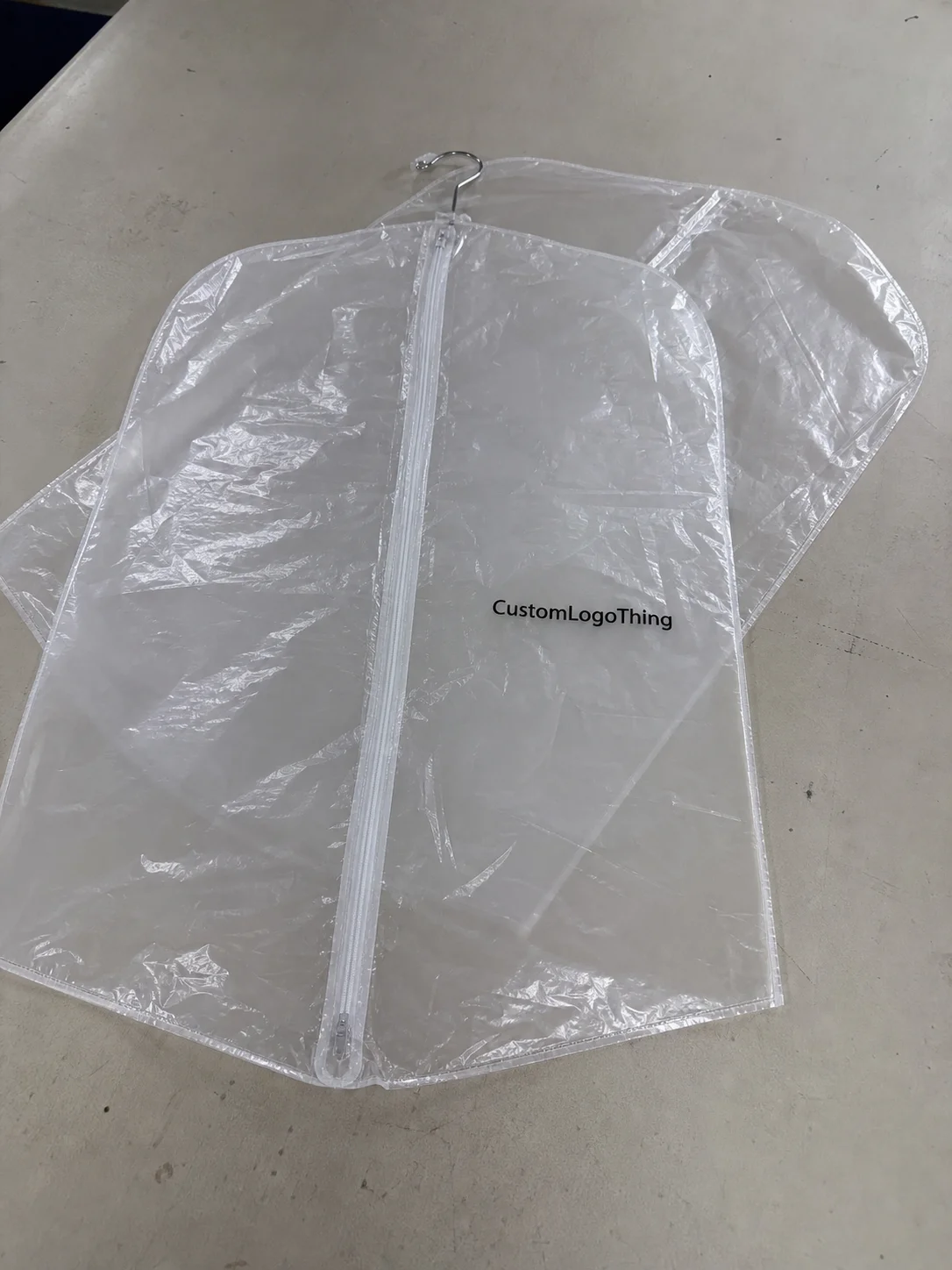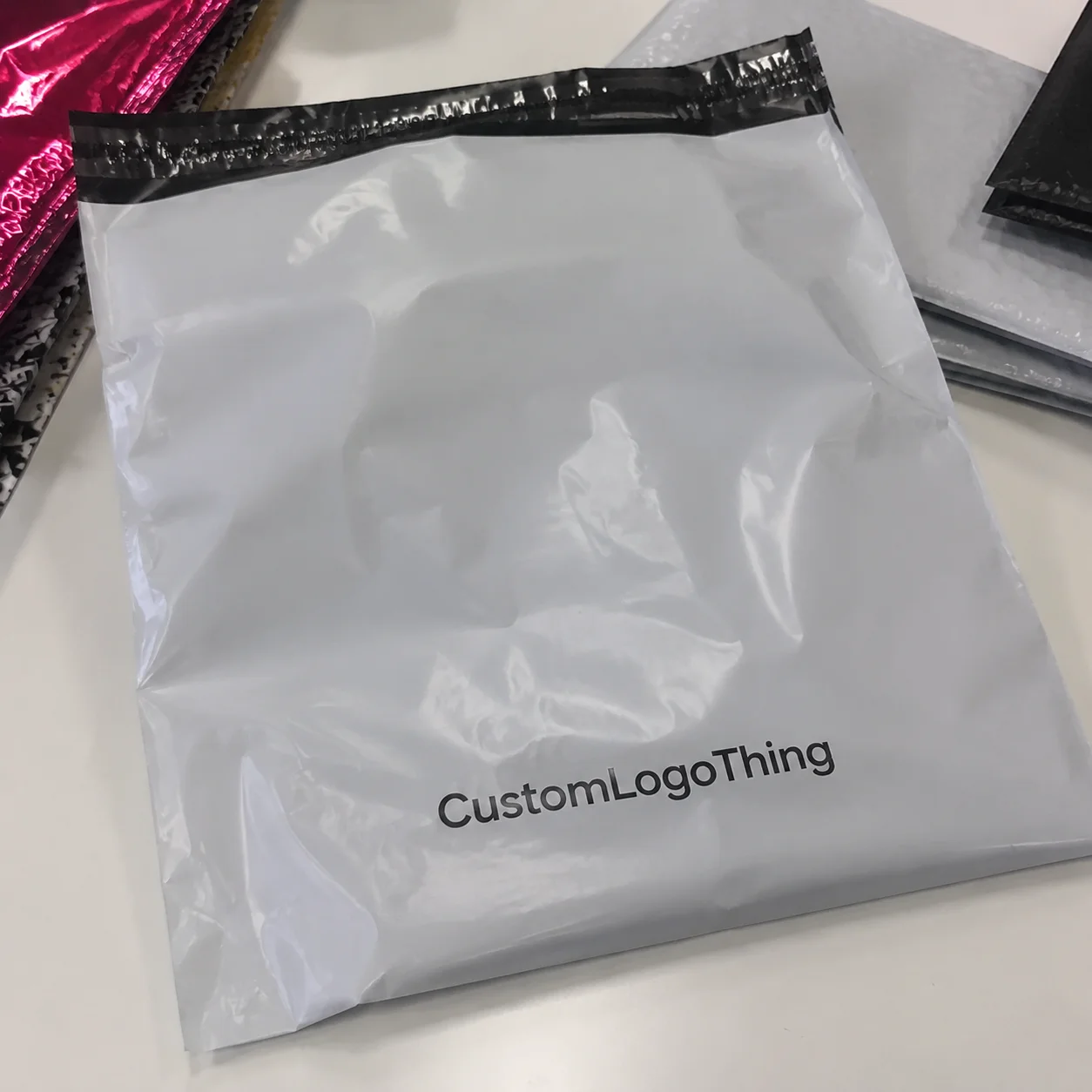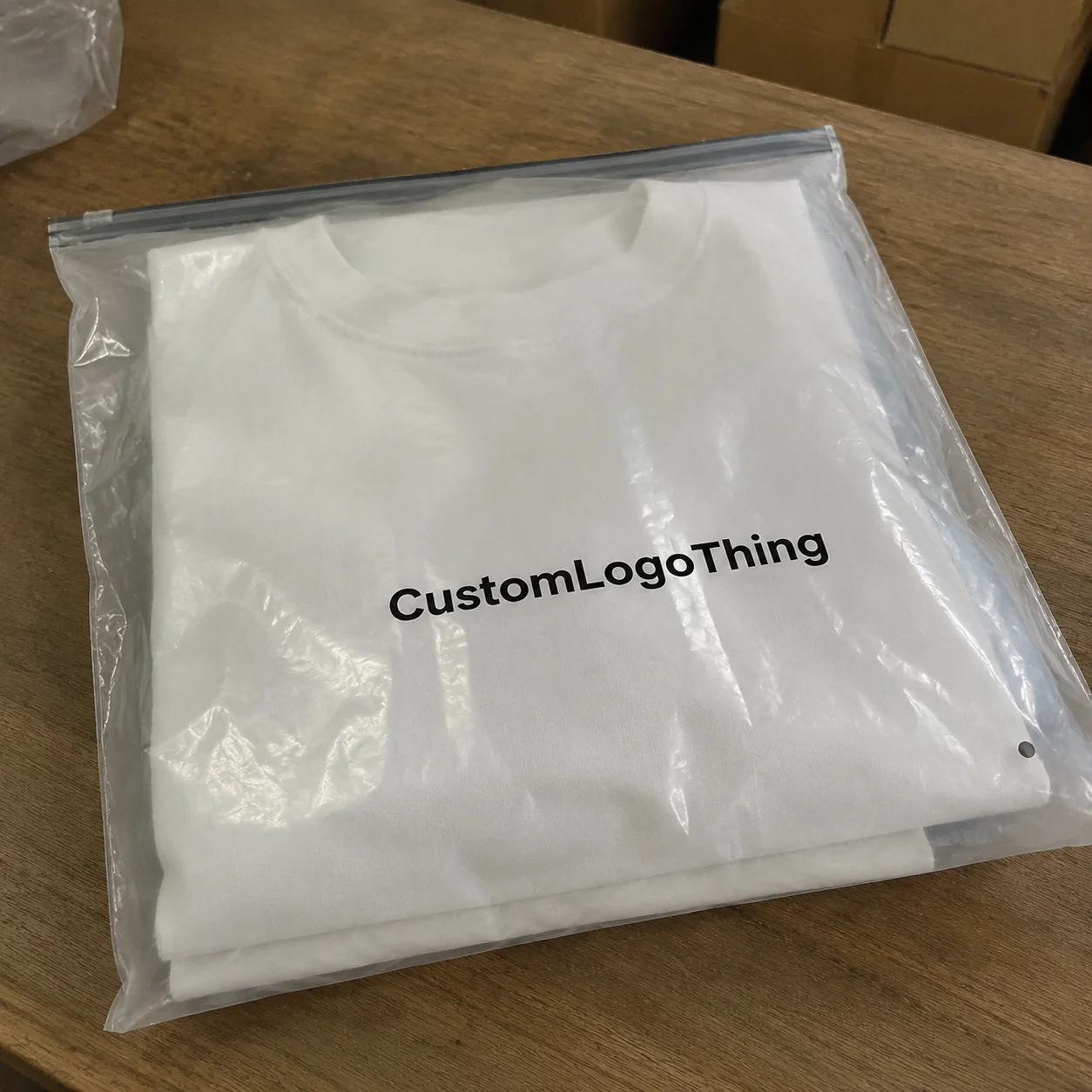
Buyer Fit Snapshot
| Best fit | AI Generated Packaging Design Ideas for Poly Mailers projects where brand print, material claims, artwork control, MOQ, and repeat-order consistency need to be specified before quoting. |
|---|---|
| Quote inputs | Share finished size, material target, print colors, finish, packing count, annual reorder estimate, ship-to region, and any compliance wording. |
| Proofing check | Approve dieline scale, logo placement, barcode or warning zones, color tolerance, closure strength, and carton packing before bulk production. |
| Main risk | Vague material claims, crowded artwork, missing packing details, or unclear freight terms can make a low unit price expensive after revisions. |
Fast answer: AI Generated Packaging Design Ideas for Poly Mailers should be specified like a repeatable production item. The safest quote records material, print method, finish, artwork proof, packing count, and reorder notes in one written spec.
Production checks before approval
Compare the actual filled-product size with the drawing, then confirm tolerance on folds, seals, hang holes, label areas, and retail display edges. Reserve space for logos, QR codes, warning copy, and material claims before decorative graphics fill the panel.
Quote comparison points
Review material grade, print process, finish, sampling route, tooling charges, carton quantity, and freight assumptions side by side. A quote is only useful when the supplier can repeat the same color, closure quality, and packing count on the next order.
AI Generated Packaging Design Ideas are everywhere now, and yes, they can save you time if you know how to use them like a packaging person instead of treating them like magic. I remember watching a brand spend $3,200 on a “pretty” mailer mockup that looked gorgeous on a laptop and then fell apart in flex print because nobody checked seam placement, ink limits, or the ugly little reality of poly film stretch on a 50-micron LDPE mailer. That’s the kind of mistake that makes me twitch a little, because it was preventable with five minutes of actual packaging review and a proof marked up in red.
I’m Sarah Chen, and I’ve spent 12 years in custom printing, including factory visits in Shenzhen and Dongguan where one operator literally held a mailer up to the light and said, “This design is a poster, not packaging.” He was right. AI generated Packaging Design Ideas can be brilliant for brainstorming, but poly mailers are not brochure paper, especially when they’re run on a flexographic line at 120 to 180 meters per minute. They get crushed, rubbed, folded, stacked, and judged in about four seconds on a doorstep. Brutal, but true.
If you use AI generated packaging design ideas the right way, you can explore more concepts, test bolder branding, and save money before you commit to print prep. If you use them lazily, you’ll get attractive nonsense. Same tool. Very different bill. I’ve seen the difference on the factory floor in South China, where one clean 2-color layout saved a brand about $0.03 per unit on a 5,000-piece run and another overdesigned 4-color version added more cost without adding any shelf or shipping value.
AI Generated Packaging Design Ideas: What They Are
In plain English, AI generated packaging design ideas are concepts created with AI tools that help you brainstorm layout, artwork, pattern directions, logo placement, colorways, and even short copy for packaging. For poly mailers, that usually means visual ideas for branded packaging that can carry a logo, a pattern, a QR code, or a seasonal message without spending days on hand sketches first. It’s fast concept generation, not final production magic, and it works best when the starting point is a real format such as a 12 x 15 inch mailer, a 14 x 19 inch apparel bag, or a custom 2-mil recyclable film pouch.
What AI is genuinely good at is speed. You can produce 20 directions in an afternoon, then narrow them down to three concepts that feel aligned with your product packaging, your audience, and your price point. I’ve used AI generated packaging design ideas to explore minimal monochrome mailers, playful all-over patterns, premium metallic-look styles, and eco-friendly visuals that mimic recycled kraft tones. That kind of visual range used to take a junior designer half a week, a couple of revision rounds, and a lot of caffeine from a café in Central Hong Kong.
What AI is not good at is knowing whether the design will survive real printing. It doesn’t understand the exact ink limits on a 50-micron poly mailer or the way a 4-color process build shifts on matte film from a factory in Foshan. It doesn’t know where the seal area eats into the artwork. It doesn’t care that your logo sits too close to the edge and will warp on a gusset by 3 to 5 mm. AI generated packaging design ideas can look polished and still fail spectacularly once they hit a flexographic press, especially if the artwork was built without a proper dieline.
For poly mailers specifically, the scope is tighter than with custom printed boxes or rigid retail packaging. You’re usually working with repeat patterns, one or two logo placements, a return address area, maybe an insert-style welcome line, and a clean unboxing-first impression that looks good in photos. I’ve seen brands try to cram magazine-style layouts onto mailers. Honestly, it’s too much. The mailer is a delivery surface first, a billboard second, and a mood board never. A Smart Design on a 100-micron courier bag in Guangzhou will usually outperform a crowded concept with six fonts and a full-page slogan.
One client once asked me for ai generated packaging design ideas that “feel luxury but still look handmade.” That’s a fair brief. But the final answer was a 2-color design with a restrained logo repeat and one bold accent panel, not a 17-shade watercolor experiment. Packaging design works best when the tool serves the material, not the other way around, especially on low-ink-count film where every extra color adds setup time and print risk.
“AI gave us the first 80 percent of the idea. The last 20 percent was real packaging work.” That’s the line I use when people expect AI to replace print thinking, and it rings true whether the order is 3,000 mailers or 30,000 in a warehouse outside Shenzhen.
If you’re building package branding for ecommerce, this is where AI generated packaging design ideas can help you move faster without committing to plates, proofs, and sample runs too early. But the output needs a human eye. Preferably one that has stood next to a running press in Dongguan and smelled solvent ink at 7 a.m. while checking whether a 6 mm safe zone will actually survive the trim line.
How AI Generated Packaging Design Ideas Work
The workflow is simpler than people think. You start with a prompt, generate concepts, review them, refine the direction, and then convert the best idea into a real production file. That sounds neat on paper. In practice, it’s more like a loop: prompt, reject, tweak, improve, repeat. AI generated packaging design ideas are strongest when they’re part of a structured process, not random experimentation at midnight, and not a last-minute scramble two days before a 12,000-piece order is due.
Most teams use three tool types. First, text-to-image generators for artwork and mood exploration. Second, layout assistants that help suggest hierarchy, spacing, and copy treatment. Third, mockup tools that place designs on a mailer dieline so you can see how the artwork sits on an actual poly bag. A shiny render on a white background is fine for a pitch deck. It’s not enough for production, especially if your factory in Ningbo wants a clean AI or PDF/X-1a file with 300 dpi linked assets.
The prompt matters more than people admit. If you tell the model “make a cool mailer,” you’ll get vague noise. If you tell it “create AI generated packaging design ideas for a matte white poly mailer, minimalist skincare brand, soft sage and charcoal, premium but approachable, logo centered, subtle wave pattern, room for QR code,” you’ll get something usable. Specific inputs make better concepts. Shocking, I know, but a prompt with material, finish, and use case tends to produce work that is far closer to what a factory in Guangdong can actually print.
When I visited a supplier in Dongguan, the prepress manager showed me a stack of bad AI comps from a client. Every single one ignored the bleed area by at least 8 mm. That’s not a tiny miss. That’s a print problem. Converting AI generated packaging design ideas into production-ready artwork means cleaning up the file, checking resolution, adding bleed, setting safe zones, and making sure any text is readable at real size, usually no smaller than 6 to 7 pt for film packaging with a busy shipping journey ahead.
For poly mailers, the print method matters too. Flexographic printing is common for high-volume runs, and gravure can be used for more complex work or longer runs above 20,000 units. Either way, the factory will care about ink count, plate setup, and how your artwork behaves across the film surface. A concept that looks amazing in saturated full color might need to become a simplified two-ink version to stay clean and cost-controlled. That’s not a failure. That’s packaging reality, and on a 5,000-piece order it can mean the difference between a quoted $0.14 per unit and a much less pleasant $0.19 per unit.
Here’s the useful part: AI generated packaging design ideas are excellent for variation. Want a summer promo version, a holiday version, and a neutral evergreen version? You can spin those out fast and compare them side by side before paying for design cleanup. That kind of speed is useful for ecommerce brands that test promotions monthly, ship from California to Texas in 2 to 4 business days, and want their branded packaging to stay fresh without blowing the budget.
| Approach | Typical Cost | Best Use | Risk Level |
|---|---|---|---|
| Free AI concepting only | $0 | Fast ideation and mood exploration | High if used as final art |
| AI concepting + basic cleanup | $75-$250 | Small brands needing printable starter files | Moderate |
| Custom packaging design support | $300-$1,500+ | Brand systems, revisions, and multiple mailer versions | Lower, if reviewed properly |
Those numbers vary, of course. If you’re building a full packaging design system across mailers, labels, and custom printed boxes, the price goes up because the work is no longer a single layout. It’s brand consistency across multiple formats, and it often involves a designer in Chicago, a printer in Shenzhen, and a prepress check in Dongguan. And yes, that takes more than a prompt and a nice attitude.
Key Factors for AI Generated Packaging Design Ideas
The first factor is cost. Free AI concepting feels great until you need the art cleaned up for print. In my experience, a basic cleanup can run about $75 to $250 if the file is decent and the edits are light. If the design needs vector rebuilds, typography fixes, dieline adjustments, and brand alignment, the work climbs fast. AI generated packaging design ideas are cheap at the idea stage, but a factory in Yiwu will still charge for plate changes, proof setup, and extra ink units if the concept ignores production realities.
The second factor is print method limits. A 2-color mailer is a totally different beast from a full-coverage 4-color design. I’ve stood on a factory floor where a buyer insisted their gradient-heavy AI generated packaging design ideas would print “just fine” on recycled poly. The test proof came back muddy. Why? Because gradients on film, low-density ink, and speed-based production do not care about your mood board. If you want clean output, design for the process you can actually afford, whether that means a 1-color black-on-white mailer or a 3-spot-color run with a matte finish.
Brand consistency is the third factor. A mailer is part of package branding, not a random side project. If your site uses a restrained serif logo, soft neutrals, and short product claims, then your mailer shouldn’t suddenly look like a neon streetwear poster. I see this mistake a lot with startups in Los Angeles and Miami. They use ai generated packaging design ideas to create something “fun,” and then the result clashes with the rest of the product packaging. Customers notice that mismatch immediately, even if they can’t explain why.
Material and structure come next. Poly mailers have seal areas, side gussets, folds, and thickness differences that can distort the art. Keep critical text away from edges and never place a barcode or QR code where it can sit over a seam. I’ve had clients lose scan performance because the code sat too close to a folded edge by just 6 mm. That’s a painful way to learn about safe zones, especially when a reprint of 10,000 units can add several hundred dollars in freight and remanufacturing fees.
Sustainability claims are the last big factor. If your brand says the mailer uses recycled content, reduced plastic, or lower waste, the visuals should not overpromise. Don’t use leaf graphics and “earth-first” messaging if the actual material specification doesn’t support it. If you want to align with real sustainability standards, check references from organizations like the EPA and FSC instead of guessing. Useful links: EPA recycling guidance and FSC certification information. If your supplier is quoting recycled polyethylene film at 30 percent post-consumer content, say that plainly rather than decorating it into a claim you can’t document.
There’s a practical side too. If your AI generated packaging design ideas are meant for ecommerce, think about shipping abuse. Mailers get tossed into bins, dragged across belts, and sometimes punctured by box corners in transit. I’ve seen excellent-looking art fail because it was placed on a glossy film that scuffed too easily. Material selection matters as much as design style, whether you choose a 60-micron co-extruded film for durability or a lighter 45-micron option to reduce freight weight.
Step-by-Step Guide to AI Generated Packaging Design Ideas
Step 1 is gathering inputs. Before you open any AI tool, collect your logo files, brand colors, typography rules, product dimensions, and mailing goals. Add any shipping needs too. If the mailer has to hold a 2 lb apparel order or a stack of flat accessories, that changes the structure. Good AI generated packaging design ideas start with real constraints, not fantasy, and the difference between a 10 x 13 inch pouch and a 14 x 19 inch bag changes everything from artwork scale to postage weight.
Step 2 is writing the prompt. I like prompts that include brand tone, customer type, and the exact mailer use case. For example: “Create AI generated packaging design ideas for a black poly mailer for a premium athleisure brand, clean layout, bold logo repeat, subtle geometric pattern, strong contrast, space for a return label, and a modern unboxing feel.” That’s the kind of prompt that gives you directions with legs, especially if you also specify a 2-color flexo print on a gloss black film produced in Shenzhen.
Step 3 is generating multiple directions. I usually sort results into four buckets: safe, bold, seasonal, and premium. Safe keeps the brand steady. Bold is for testing if your audience likes stronger visuals. Seasonal works for holiday pushes or product drops. Premium helps if you’re trying to raise perceived value without changing the actual mailer cost. AI generated packaging design ideas are especially useful here because you can compare a lot of options without burning time on full rendering, and a small team can review them in one afternoon rather than waiting a week for manual comps.
Step 4 is moving from a concept image to a dieline-based mockup. This is where many people get sloppy. A flat image on a white background is not enough. The artwork has to be mapped to the actual mailer template so you can see fold zones, seams, glue areas, and the front/back relationship. If a logo lands across the wrong edge, it will look amateur fast. I’ve watched brands approve designs from a render, then panic when the real sample arrived with a crooked border because the artwork was never fit to the structure, and the supplier in Dongguan had to explain why the seal line ate 5 mm of the design.
Step 5 is supplier review. Send the selected concept to a packaging supplier or designer who knows print prep. They should check file resolution, ink count, seam placement, and whether the graphics are realistic for the chosen print method. A simple concept round can happen in 1 to 2 days. Print-prep revisions usually take a few more days, depending on how many changes the artwork needs and how responsive the brand team is. I’ve seen one round take 36 hours and another drag for 11 days because the client kept asking for “one more tiny change.” Tiny changes are never tiny when a supplier in Shenzhen has already made plates and scheduled the press window.
Here’s a helpful workflow I use when reviewing AI generated packaging design ideas with clients:
- Confirm the mailer size and material, such as 14 x 19 inches, 50-micron poly, or recycled film blend.
- Identify the print method and color limit, like 2-color flexo or 4-color process.
- Mark safe zones for logos, text, and QR codes.
- Approve a concept direction before polishing the final art.
- Request a pre-production sample before committing to a full run.
That last step matters more than people want to admit. A sample can save hundreds or thousands. One of my clients once spent $900 on sampling and caught a barcode contrast problem that would have ruined a $9,000 mailer order. That is not “extra.” That is cheap insurance, especially when the alternative is a reprint plus air freight from Guangdong that can cost more than the original design work.
If you need the mailer to match other branded packaging assets, keep the system consistent across product packaging, inserts, and any Custom Packaging Products you order later. A mailer should feel like part of the same family, not the weird cousin who showed up in different shoes. I’ve seen brands in New York and Seattle print excellent mailers, then send out mismatched inserts from a different vendor, and the whole set lost polish even though each piece looked fine on its own.
Common Mistakes with AI Generated Packaging Design Ideas
The biggest mistake is using AI art as final artwork without proper cleanup. AI generated packaging design ideas may look high-resolution, but that does not mean they are print-ready. Resolution, vector quality, and bleed all matter. If a design is blurry at the edges or full of strange text artifacts, it will look worse on film than it does on screen. Screens forgive a lot. Poly mailers do not, especially under a 600-lux inspection light at the factory in Foshan.
Another common miss is ignoring seams and safe zones. This one gets expensive. Poly mailers have physical constraints that can chop through logos or important copy. I once saw a brand place their tagline exactly where the side seal pulled the art by 4 mm. The result looked slightly crooked on every unit. Slightly crooked is enough to make premium packaging feel cheap, and on a 20,000-piece order it is enough to sink a launch week if nobody catches it during proofing.
Vague prompts create generic output. If your prompt says “make it modern,” you’ll get five versions of nothing useful. AI generated packaging design ideas need direction. Tell the system who the customer is, what the product is, what the price point feels like, and whether the brand should read as playful, elegant, eco-conscious, or high-performance. Otherwise, you get artsy wallpaper with no business value, and a factory in Dongguan will still quote you based on the actual ink count rather than the feeling of the concept.
Overcrowding is a classic problem. Brands love to pack too many icons, slogans, discount messages, and gradients into one mailer because they think more detail equals more value. Usually it just equals muddy printing. On poly film, busy art can lose clarity fast. I’d rather see one strong logo, one clean pattern, and one focused message than six competing ideas fighting for attention, especially on a mailer that has to read well from 3 feet away in a warehouse pickup bin.
The last mistake is assuming the AI understands packaging rules. It doesn’t. It knows image patterns. It doesn’t know how inks behave on plastic, how courier handling affects scuffing, or how a shipment lane can punish weak material choices. AI generated packaging design ideas are a starting point, not an approval stamp, and they still need a prepress check from someone who has worked with film, flexo plates, and trim allowances in a real factory.
One factory engineer in Shenzhen told me, “The machine prints what you send, not what you meant.” That line stuck with me because it’s brutally true. The system doesn’t correct bad strategy. It just reproduces it faster, and on a 5,000-piece run that speed can make an avoidable mistake much more expensive.
Expert Tips for Better AI Generated Packaging Design Ideas
Use AI for ideation, not final approval. That’s my first rule. Pick one strong direction and then refine it with a real packaging designer or supplier who understands the production method. AI generated packaging design ideas are great at opening the conversation. They are not the last word. If you treat them like the final answer, you’re asking for expensive corrections later, whether the supplier is in Guangzhou, Ningbo, or a print shop in Southern California.
Test contrast at thumbnail size. Most mailers are seen quickly on a doorstep, in a stack of deliveries, or in a photo from a customer who barely gave you 2 seconds. Reduce the design to a tiny preview and see if the logo still reads. If it disappears at 120 pixels wide, it probably needs more contrast or less clutter. That’s one of the simplest ways to improve branded packaging without adding cost, and it helps whether your mailer is glossy white or a soft matte gray.
Keep separate versions for different uses. I like having one ecommerce shipping version, one seasonal promo version, one influencer kit version, and one VIP shipment version. Each has a different job. AI generated packaging design ideas make this easier because you can adapt the base concept without starting from zero every time. That’s especially useful if your packaging design must support a lot of campaigns over a year, from a March launch in Austin to a November holiday drop in Toronto.
Ask for a pre-production sample. Again. Seriously. I’ve seen a $900 sample save a $9,000 mistake. The sample tells you whether the color density feels right, whether the text holds, whether the seam hits the wrong place, and whether the overall piece feels like premium retail packaging or a rushed afterthought. If your supplier offers a sample in 3 to 5 business days, take it. If they offer a digital proof only, that’s better than nothing, but it still won’t show tactile issues like film stiffness, scuffing, or seal deformation.
Save your prompts and winning concepts. Most teams forget this part and waste time re-creating the same idea later. Keep a folder with prompt language, approved color combos, successful layout notes, and supplier feedback. The next time you need AI generated packaging design ideas, you’ll start 30 percent ahead instead of repeating old mistakes, and your next production round may move from proof approval to shipment in 12 to 15 business days instead of dragging for three weeks.
Here’s another practical point: if you’re ordering multiple packaging items, compare the mailer direction against your other Custom Packaging Products. I’ve seen brands make beautiful mailers and then pair them with unrelated inserts or labels. The customer notices the mismatch. People may not say, “The package branding feels disjointed,” but they feel it, especially when the mailer ships with a recycled paper insert from a vendor in Oregon and a label style that looks like it came from a different company.
Also, be realistic about budget. If you’re printing 5,000 mailers, a design that saves $0.03 per unit by cutting one color can save $150 on the run. That’s not huge, but it matters when your margins are thin. On the other hand, if the cleaner 2-color design protects brand perception and reduces spoilage during production, that can be worth far more than the ink savings. Good AI generated packaging design ideas help you compare those tradeoffs before you place an order, especially when the supplier quotes a 12- to 15-business-day turnaround from proof approval.
What are the best next steps for AI generated packaging design ideas?
Start with a short brand brief. Keep it to one page if possible. Include your logo files, brand colors, customer profile, product type, and packaging goals. Add whether the mailer needs to feel premium, playful, sustainable, or minimalist. The clearer the brief, the better your AI generated packaging design ideas will be, and the less time you’ll spend fixing direction later with a designer in Hong Kong or a supplier in Shenzhen.
Then generate 5 to 10 directions and choose the strongest 2. Don’t fall in love with the first result just because it looks pretty. Compare each concept against real poly mailer constraints: seams, print colors, legibility, and shipping durability. If a design is beautiful but impossible to print cleanly, it’s not a strong design. It’s a liability with better lighting, and a 30-minute review in front of a dieline can expose issues that a polished mockup hides.
Send the chosen concept to a supplier for feasibility feedback, pricing, and timeline confirmation. A typical print-prep path might look like this: 1 to 2 days for concept refinement, 2 to 4 more days for prepress adjustments, and then production time based on quantity and print method. Some runs move faster. Some move slower. If a supplier promises everything instantly, I get suspicious. Printing has physics, and physics is rude, especially when a flexo line in Dongguan is already booked with a 50,000-piece courier bag order.
Request a proof or sample, then review it under real lighting. Check seam placement, barcode readability, logo clarity, and any copy that might sit near a fold. I always want a physical sample when possible because screen color and film color are not the same thing. Not even close, especially with matte films and recycled-looking substrates that can shift from cool gray to warm beige under warehouse LEDs in a 4,000-square-foot fulfillment center.
Finally, lock the art only after confirming production specs. That’s the point where ai generated packaging design ideas stop being ideas and become actual mailers customers can receive, reuse, and remember. If you do this well, the mailer supports the product instead of distracting from it. And yes, a good mailer can absolutely improve perceived value without adding much to unit cost, especially when the final quoted difference is only $0.02 to $0.05 per unit on a 10,000-piece run.
When I look back at the brands that won with packaging, the pattern is boring in the best way: clear brief, disciplined design, realistic print specs, and a supplier who was brought in early. That’s the formula. Not magic. Not trend chasing. Just solid packaging work with AI used as a smart assistant instead of a replacement for judgment, whether the work is handled in Shenzhen, Guangzhou, or a local print shop in Chicago.
So if you’re ready to try ai generated packaging design ideas for poly mailers, use them to explore faster, test smarter, and avoid the kind of mistakes that turn a $0.20 mailer into a $3,200 lesson. The practical move is simple: build the brief, generate several directions, pressure-test them against the dieline, and approve only what the press can actually print.
FAQs
How do ai generated packaging design ideas help with poly mailers?
They speed up concept development so you can test more styles before paying for full design production. They also help visualize logo placement, color direction, and pattern ideas on actual mailer formats, which is useful when you’re building ecommerce branding and want a stronger unboxing impression. For example, a brand in Austin can compare three mailer directions in one afternoon, then send the best option to a supplier in Shenzhen for a 2-color flexo proof.
Can ai generated packaging design ideas be used as final print files?
Usually not without cleanup. AI art often needs vector conversion, spacing fixes, bleed adjustments, and a real check against the dieline. A supplier still needs to confirm the design fits the print method, seam placement, and resolution requirements before production starts. On a 14 x 19 inch poly mailer, even a 5 mm misalignment can create a visible shift that ruins the final look.
What should I include in a prompt for ai generated packaging design ideas?
Add your brand tone, color palette, audience, product type, and the fact that it is a poly mailer. Specify whether you want minimal, playful, premium, seasonal, or sustainability-focused concepts, and include practical needs like logo visibility, QR code space, and safe area concerns. If you also mention the size, such as a 12 x 15 inch or 14 x 19 inch mailer, the output will usually be much closer to a real production direction.
How much do ai generated packaging design ideas cost to turn into production artwork?
Basic cleanup can be relatively affordable, often around $75 to $250 depending on file quality and edits. More complex brand development or multiple revisions can cost more. Actual print pricing still depends on quantity, print colors, material, and mailer size, so the design cost is only one piece of the total. As a reference, a 5,000-piece run might land at $0.15 per unit for a simple 2-color setup, while a more complex design can push the price higher.
How long does it take to go from ai generated packaging design ideas to printed poly mailers?
Initial AI concepts can be created quickly, often in a day or two. Print-prep revisions and proofing usually add several more days. Production timing depends on supplier workload, print method, quantity, and how fast approvals move on your side. In many factories in Guangdong, a typical schedule is 12 to 15 business days from proof approval to shipment for a standard flexo order.