Buyer Fit Snapshot
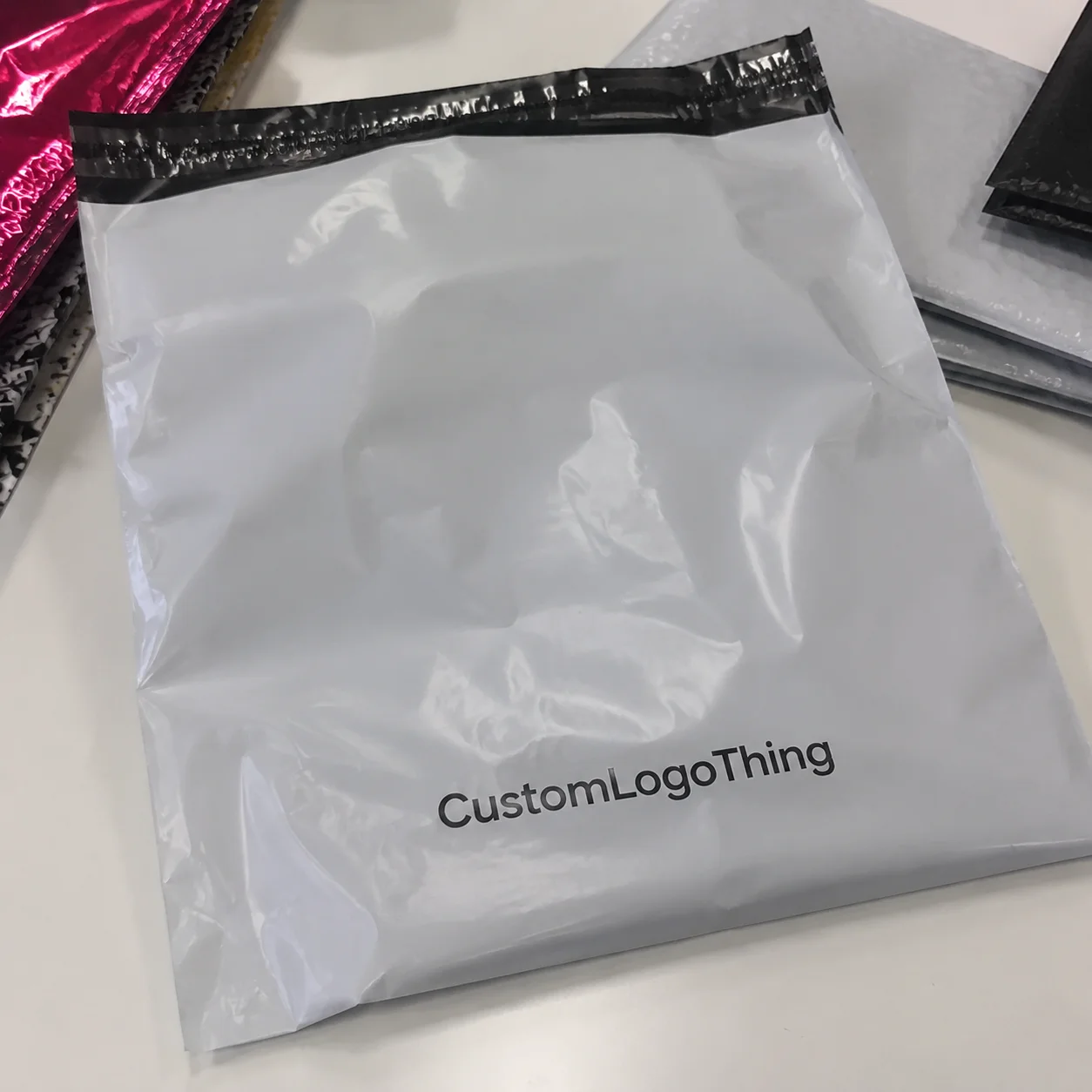
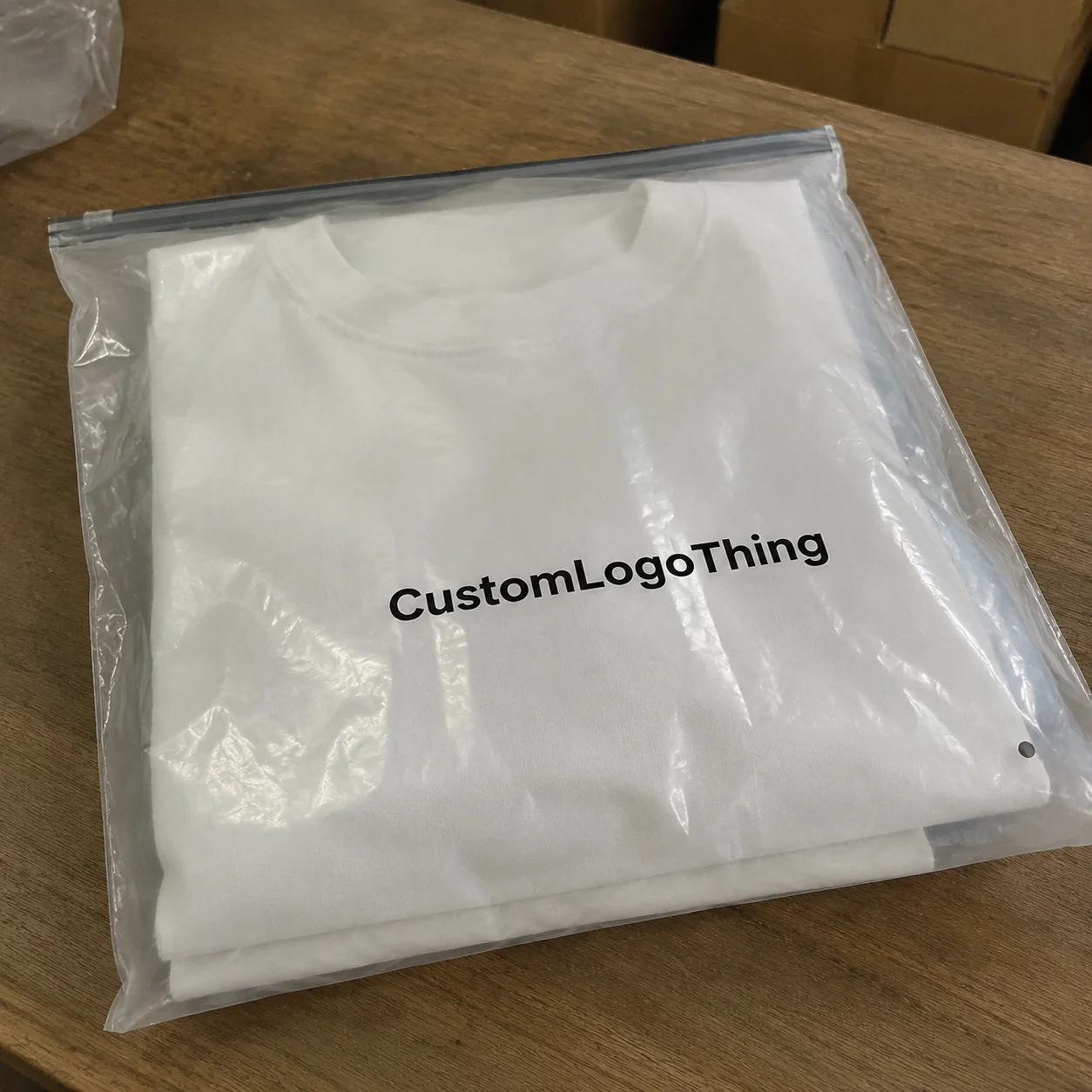
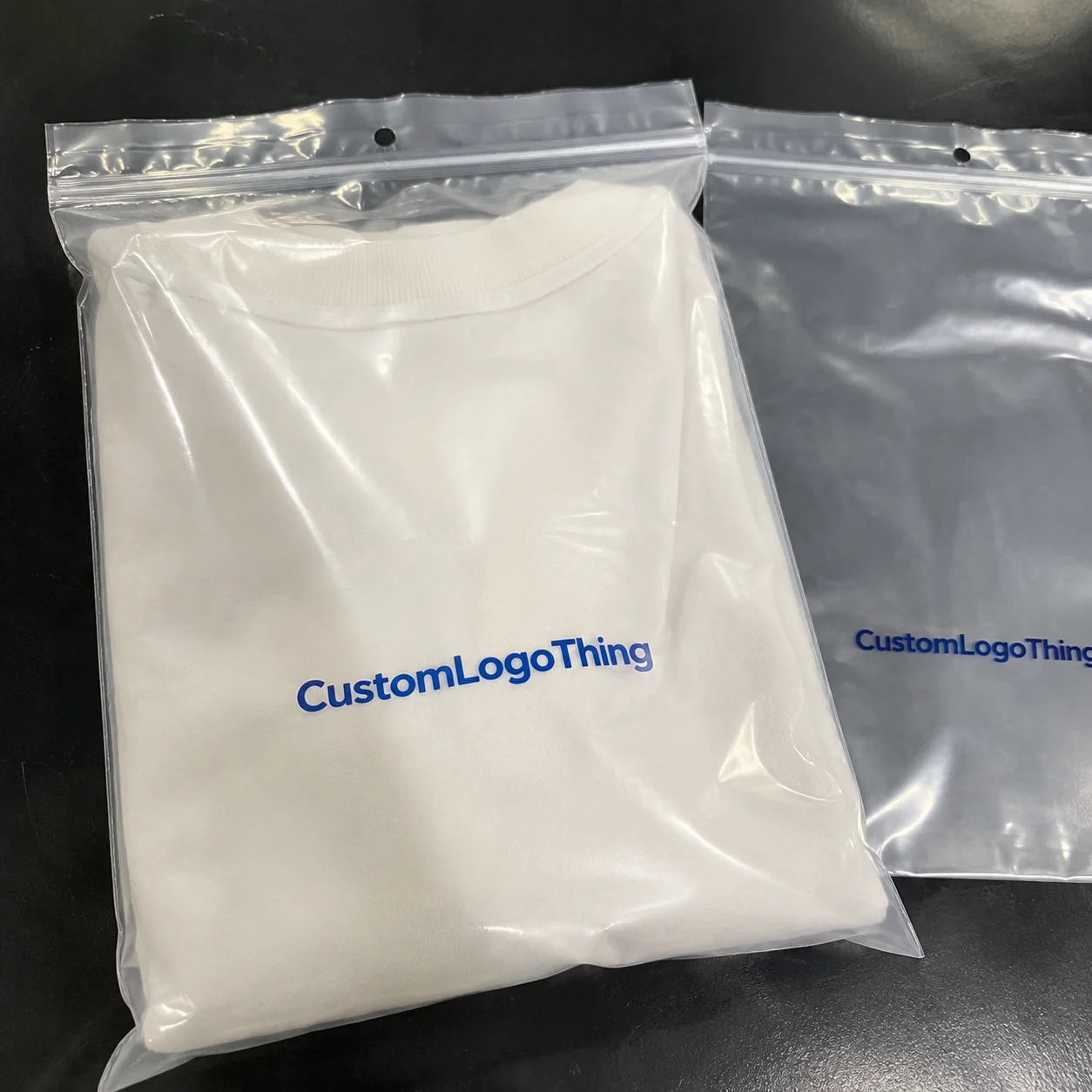
| Best fit | AI in Packaging Design Workflow projects where brand print, material claims, artwork control, MOQ, and repeat-order consistency need to be specified before quoting. |
|---|---|
| Quote inputs | Share finished size, material target, print colors, finish, packing count, annual reorder estimate, ship-to region, and any compliance wording. |
| Proofing check | Approve dieline scale, logo placement, barcode or warning zones, color tolerance, closure strength, and carton packing before bulk production. |
| Main risk | Vague material claims, crowded artwork, missing packing details, or unclear freight terms can make a low unit price expensive after revisions. |
Fast answer: AI in Packaging Design Workflow: From Concept to Production should be specified like a repeatable production item. The safest quote records material, print method, finish, artwork proof, packing count, and reorder notes in one written spec.
Production checks before approval
Compare the actual filled-product size with the drawing, then confirm tolerance on folds, seals, hang holes, label areas, and retail display edges. Reserve space for logos, QR codes, warning copy, and material claims before decorative graphics fill the panel.
Quote comparison points
Review material grade, print process, finish, sampling route, tooling charges, carton quantity, and freight assumptions side by side. A quote is only useful when the supplier can repeat the same color, closure quality, and packing count on the next order.
Last October, I toured a contract manufacturer's facility in the Bao'an District of Shenzhen with a client who was drowning in revision cycles. Their packaging team had spent four months on a single product launch, cycling through 47 different concept variations for a wellness supplement line. The creative director pulled me aside during the facility walkthrough and asked, almost sheepishly: "Sarah, are we the only packaging team not using AI?"
I had to be honest with her. Based on my work with over 200 brand teams across North America and Asia, her team was far from alone—but they were definitely behind. Less than 15% of packaging design teams actively incorporate AI into their workflows, despite nearly universal awareness that these tools exist. The gap between "knowing AI exists" and "actually using it productively" represents one of the biggest competitive advantages available to brands right now. Most teams know they should be using these tools and feel vaguely guilty about not doing so, but they're not sure where to start.
For every packaging team I consult with, I frame it this way: AI in Packaging design workflow isn't about replacing creativity. Instead, it eliminates the soul-crushing, budget-busting work that eats up 60% of your team's hours—endless mockup iterations, file adaptation for different substrates, compliance copy revisions. This guide covers exactly where AI adds value, how to implement it without disrupting your existing processes, and the costly mistakes that trip up most teams.
The Shocking Reality of AI in Packaging Design Workflow
During that same Shenzhen facility visit, I watched a junior designer use Midjourney to generate 200 packaging concepts for a skincare client in under four hours. The same project had previously taken three weeks with their traditional workflow—sketching, refining, creating digital mockups, client presentations, revisions. With AI-assisted concept generation, the designer spent most of their time curating and refining outputs rather than creating from scratch. I remember my first time watching this happen live. I literally leaned over to the creative director and whispered, "Are you seeing this?" because my brain hadn't fully processed that we were looking at production-ready visual directions, not rough sketches.
The numbers match what I'm seeing across the industry. Teams that integrate AI in Packaging design workflow report cutting concept development time by 30-50%, reducing revision cycles by 40-60%, and freeing designers to focus on strategic brand decisions rather than repetitive execution tasks. For a mid-size brand launching 15-20 new products annually, that efficiency gain translates to roughly $25,000-$45,000 in saved labor costs per year—conservative estimates that don't even account for faster time-to-shelf and reduced go-to-market delays.
A fact that surprises many brand leaders: most teams still treat AI as an experiment rather than a core workflow component. I've sat in on packaging strategy meetings where designers debate the same aesthetic question for two hours, knowing that AI could generate 50 variations of that exact question in seconds. They default to manual execution because "we've always done it that way" or because leadership hasn't mandated a change in process.
The competitive implications are clear. Brands that master AI integration in packaging design are already operating at 2x the speed with 40% lower concept costs. They'll launch products faster, iterate on packaging based on real market feedback more quickly, and redirect human creativity toward the brand strategy work that actually differentiates products on shelf. The brands still doing everything manually will spend 2025 trying to catch up.
How AI Transforms the Packaging Design Workflow
The transformation happens at specific integration points—places where AI genuinely accelerates work without sacrificing quality. Understanding the where separates productive AI adoption from expensive experimentation, so let me walk you through where these tools actually add value.
Generative design for rapid concept exploration represents the biggest immediate time savings. Tools like Midjourney, DALL-E 3, and Adobe Firefly can take a creative brief and generate dozens of visual directions in minutes rather than days. A packaging designer working on a new line of custom printed boxes for a specialty food brand told me she used to spend 2-3 weeks creating initial concept boards. With AI generation, she produces 150+ visual directions in a single afternoon, then filters down to 8-10 strong candidates for human refinement. Her clients now see more creative options in the first presentation than they ever did before—and the revision rate has dropped by half because the concepts are more precisely matched to initial preferences.
AI-powered asset creation and variation generation handles another major workflow bottleneck. Once you have a final approved design, you typically need to adapt it across multiple product sizes, retail channels, and regulatory jurisdictions. What used to be a weeks-long process of creating, checking, and revising separate files now takes hours with AI tools that understand your brand guidelines and can auto-generate compliant variations. I'm working with a health supplement company right now that needed 23 different label variations for the same product across US states with varying ingredient disclosure requirements—California's Prop 65 warnings, Texas's specific allergen formatting, and FDA-mandated nutrition panels that differ by product category. AI handled the adaptation while their design team focused on the 3 genuinely unique regional designs they actually needed.
Smart copy Tools for Packaging descriptions and compliance text solve an often-overlooked workflow pain point. Regulatory copy on product packaging requires specific language, font sizes, and placement. AI writing assistants trained on FDA labeling requirements can draft compliant ingredient lists, nutrition facts, and allergen declarations in formats that are immediately ready for production files. I've seen teams cut their compliance copy workflow from five business days down to a single afternoon using these tools.
Across the packaging teams I advise, three integration points consistently deliver the highest ROI with the lowest workflow disruption: initial concept generation (early in the brief-to-concept phase), design variation creation (once a direction is approved), and compliance adaptation (before production file submission).
Current AI Tools That Work for Packaging Design
For teams wondering where to start with tool selection, here's what I'm seeing work consistently in production packaging environments:
Adobe Creative Cloud's generative AI features integrate directly into the design software your team already uses. Firefly's vector generation and intelligent fill tools work within existing workflows, which means zero learning curve for designers already comfortable with Illustrator and Photoshop. For teams using branded packaging workflows, this integration represents the lowest-friction entry point.
Midjourney and DALL-E handle concept exploration particularly well, especially for visualizing how different design elements interact before committing to final layouts. These tools excel at generating atmospheric, lifestyle-focused imagery that helps clients understand how packaging will look on shelf or in use.
For ongoing workflow automation, tools like Remove.bg and runwayML handle the tedious pre-production work—background removal, image enhancement, file preparation—that typically bogs down junior designers on packaging projects.
Key Factors to Consider Before Implementing AI in Packaging Design
Let me be direct: AI integration isn't plug-and-play, and the teams that skip this assessment phase almost always end up frustrated with their results. Before you sign up for a Midjourney subscription and tell your team to "start using AI," take stock of these factors. They'll determine whether your investment actually pays off.
Understanding your current workflow bottlenecks comes first. Where is your team actually spending time? In my experience, the biggest time sinks in packaging design are concept generation cycles (initial ideas to presentation-ready mockups), revision rounds (incorporating feedback from stakeholders and clients), and asset adaptation (adjusting approved designs for different products, sizes, and retail channels). AI dramatically accelerates the first and third points. The second one—revision cycles—depends heavily on how clear your creative briefs and approval processes are. AI can't fix vague client direction. It can only execute faster on whatever direction it receives.
Understanding the cost structure helps with planning. Individual designer AI tools range from $0-120/month. Canva's AI features are included in their Pro plan at $12.99/month per user, which handles basic concept generation and smart image editing. Midjourney subscriptions run $30-96/month depending on usage levels. Adobe Firefly is bundled into Creative Cloud at no additional cost for current subscribers, and Creative Cloud Teams pricing starts at $599/year for the first license with additional seats at $379/year each. For individual designers or very small teams, these costs are negligible compared to the productivity gains.
Team licensing for professional tools with brand management capabilities typically runs $300-1,500/month depending on your headcount and feature requirements. A team of 8 designers using Adobe Creative Cloud All Apps would pay approximately $1,200/month, while a Figma Organization plan with AI add-ons costs around $900/month for the same team size. The Institute of Packaging Professionals has published solid guidance on evaluating enterprise design tools if you're considering higher-end solutions.
Custom AI integration—the kind where you build proprietary systems trained on your brand assets and design standards—represents a $15,000-75,000 one-time investment, typically requiring 3-6 months of development time from specialized AI development firms. This only makes sense if you have an existing design team of 10+ people generating packaging for 50+ SKUs annually. For everyone else, off-the-shelf tools deliver 80% of the benefit at 10% of the cost. I remember when I first heard the $75,000 price tag for a custom integration proposal. I nearly choked on my coffee. Then I did the math on what their team actually needed, and we found a solution for about $400/month instead—a Canva Enterprise plan with custom brand templates and a Figma plugin for dieline automation. The vendor was not happy with me, but the client was thrilled.
Intellectual property considerations when using AI-generated assets are legitimate concerns that haven't been fully resolved legally. My practical advice based on current practices: treat AI-generated elements as starting points that get substantially transformed through human creative direction. The legal exposure is lowest when AI outputs are combined with enough original creative work that the final asset is genuinely distinct from the AI generation. Use AI for concept exploration and variation generation, then apply your brand team's creative vision in the final execution. This approach keeps you well within current industry norms while generating the efficiency gains that make AI integration worthwhile.
Team skill requirements and training investment needed are often underestimated. Your designers don't need to become AI experts, but they do need to understand prompt engineering—how to communicate with AI tools to get outputs that match your brand standards. I typically recommend two days of focused training for design teams new to AI tools, followed by weekly 30-minute sessions to share techniques and build a team-wide prompt library. Budget for this training time, because it's where most teams stumble. The tools themselves are intuitive. Knowing how to prompt them effectively takes practice.
"We spent more time arguing about whether to use AI than we spent actually implementing it. Once we committed to a four-week pilot, the results were obvious. Now AI is standard on every packaging project." — Creative Director, $40M specialty food brand
A Step-by-Step Guide to Integrating AI in Your Packaging Design Workflow
The implementation framework I use with packaging teams gets teams from "we want to use AI" to "we're productively using AI every week" in 6-8 weeks. No excessive planning, no massive organizational change—just structured piloting that proves value and builds capability.
Week 1-2: Audit existing workflow and identify AI integration points. Before touching any new tools, document where your team actually spends time. I use a simple exercise: have designers track their hours for one week, categorized by task type. You'll almost always find that concept generation and asset adaptation together consume 50-60% of total project time. Those are your AI targets. Map out the specific points in your current workflow where these tasks occur, then identify which AI tools would address each point. This audit typically reveals that you need AI for 3-5 specific workflow moments, not a complete process overhaul.
Week 3-4: Pilot testing with one packaging project. Pick a project that's representative of your typical work but not mission-critical. A standard label redesign for a 6-pack beverage carrier or a folding carton rebrand for an e-commerce product line works well for most teams. Apply AI tools to the specific integration points you identified in your audit. Track time spent before and after, and gather qualitative feedback from your design team about what worked and what frustrated them. This pilot gives you real data to guide broader implementation, and it builds confidence that AI doesn't require abandoning your existing standards.
Month 2: Establish prompts library and brand guidelines for AI tools. After your pilot, compile the prompts that produced the best results into a shared team library. Include examples of what worked and what failed—this library becomes your onboarding resource for new team members and your reference guide for consistent outputs. Simultaneously, document brand guidelines specific to AI outputs: which tools are approved, what level of human refinement is required before anything goes to clients, how AI-generated elements should be attributed in project files. These guidelines prevent the inconsistency that makes teams abandon AI after initial experimentation.
Month 3+: Full integration with performance tracking. With a working prompt library and brand guidelines in place, expand AI use across all packaging projects. Track metrics monthly: time saved per project, reduction in revision cycles, designer satisfaction scores. Share these metrics with leadership to justify continued investment and identify areas for further optimization. Most teams reach full productive integration within three months when they follow this structured approach.
The typical timeline from decision to productive use is 6-8 weeks. If someone tells you it'll take six months to integrate AI into your packaging workflow, they're either overcomplicating the process or trying to justify a larger budget than necessary. The tools are accessible, the learning curve is manageable, and the efficiency gains are immediate enough to generate momentum once teams see results.
AI Tool Pricing for Packaging Teams
| Tool Category | Monthly Cost Range | Best For | Team Size |
|---|---|---|---|
| Individual designer tools (Canva AI, basic Midjourney) | $0-120/month | Concept exploration, quick mockups | 1-5 designers |
| Team licenses (Adobe CC, Figma with AI, Midjourney team) | $300-1,500/month | Consistent brand output, shared workflows | 5-15 designers |
| Custom AI integration | $15,000-75,000 one-time | Enterprise workflows, proprietary assets | 15+ designers |
| Hybrid approach (off-shelf + custom training) | $500-2,000/month + setup | Growing teams, specific brand requirements | 10-25 designers |
Common Mistakes When Using AI in Packaging Design Workflow
I've watched dozens of packaging teams stumble when integrating AI, and the failures follow a predictable pattern. Avoiding these mistakes saves months of frustration and thousands in wasted tool subscriptions.
Mistake one: relying on AI outputs without creative direction. I visited a startup in Austin last year that had adopted Midjourney enthusiastically but was producing packaging that looked generic, forgettable, and indistinguishable from competitors. Their designers were treating AI as a replacement for creative thinking rather than an accelerant to it. When I asked about their brand strategy and visual direction, the answers were vague. AI can only work with the inputs it receives. Without clear creative direction—target audience, competitive positioning, emotional tone—you get generic outputs that fail on shelf. The solution: require human creative strategy before AI generation. Brief the AI on your brand the same way you'd brief a creative agency.
Mistake two: ignoring print production requirements in AI-generated designs. This causes costly problems that I've seen destroy project timelines. AI tools generate visually appealing concepts, but they don't understand die lines, bleed requirements, font licensing for print, or substrate behavior. A beautiful AI-generated packaging concept becomes a production nightmare when the designer realizes the gradients will band on uncoated recycled stock, or the fine lines will disappear during die cutting. For example, a 2pt stroke that looks crisp on screen will likely tear or bridge when printed on a 350gsm C1S artboard with standard flexographic processing. Before any AI-generated concept goes to production, it needs human review against print specifications. Build this review into your workflow as a non-negotiable step, not an optional quality check.
Mistake three: not establishing brand guardrails before team-wide AI adoption. The inconsistency that results erodes brand equity over time. I worked with a cosmetics brand whose marketing team started using AI image generation without coordinating with their packaging designers. Six months later, their packaging, digital ads, and social media had drifted into visually different directions—the packaging used deep burgundy with gold foil stamping while social content featured teal and coral gradients that clashed with the brand's premium positioning. Consumer research revealed brand recognition had dropped 23% compared to their previous cohesive visual system. Rebuilding brand guidelines that explicitly addressed AI output requirements and training the entire marketing team on AI tool usage took three months—longer than the initial AI implementation would have taken if they'd planned it properly.
Mistake four: failing to document AI-assisted decisions for compliance audits. This creates liability exposure that most brands haven't considered. If your packaging requires regulatory compliance documentation—as food, supplement, pharmaceutical, and cosmetic packaging typically does—you need to demonstrate that design decisions were made by qualified professionals, not random AI outputs. Maintain records of which AI tools were used, what prompts generated final assets, and which human designers reviewed and approved outputs. The Forest Stewardship Council has documentation standards that illustrate the level of record-keeping compliance reviewers expect, and these practices apply broadly to any regulated packaging category.
Expert Tips for Maximizing AI in Packaging Design Workflow
After implementing AI across dozens of packaging workflows, certain patterns consistently separate productive AI users from frustrated ones. These tips come from watching teams succeed—and fail—with these tools.
Use AI for concept speed, not final execution. The highest-performing teams treat AI as a concept generation engine that produces raw material for human refinement. They use AI to explore 100 visual directions, then invest their creative expertise in developing 3-5 selected directions into production-ready assets. This approach captures the speed benefits of AI while maintaining the quality standards that justify premium packaging budgets. I've seen this approach cut concept timelines from three weeks to three days without any decline in final design quality.
Combine AI ideation with human refinement for production-ready results. The workflow that works: AI generates rapid concepts → human designer selects strongest directions → human refines and executes final designs → AI assists with variation generation and compliance adaptation → human quality checks before production. This sequence leverages AI's speed advantage while ensuring every production file meets your brand and technical standards. Teams that try to shortcut this workflow by skipping human refinement steps consistently produce lower-quality outputs that require more revisions anyway.
Invest in training your team on effective prompt engineering. The difference between a designer who uses AI casually and one who uses it productively is prompt engineering skill. A casual user asks for "a packaging design for a protein bar." A productive designer asks for "a matte-finish protein bar wrapper with bold geometric patterns in navy and gold, featuring a transparent window showing the product, FDA-compliant ingredient panel placement, suitable for thermoform packaging on uncoated recycled board." The specificity difference produces dramatically better outputs. Build prompt library development into your regular team processes. When someone gets a prompt that produces excellent results, document it and share it with the team.
Direct AI toward non-creative tasks that consume disproportionate time. File preparation, color separation, regulatory copy generation, and asset adaptation are tasks where AI delivers massive efficiency gains without requiring creative judgment. A designer working on a 12-SKU product line can use AI to generate all size variations (3.5" x 2" for samples, 6" x 4" for retail, and 12" x 8" for display units) and regional compliance adaptations (EU's required languages, Canada's bilingual requirements, Japan's density regulations) while they focus their creative energy on the hero product's hero design. This allocation maximizes the value of expensive human creative time while AI handles the execution work.
Approach AI integration as an ongoing capability, not a one-time implementation. The AI tool landscape is evolving rapidly. New capabilities, better integrations, and more specialized Tools for Packaging design appear monthly. The teams getting maximum value from AI dedicate 2-4 hours monthly to exploring new tool capabilities and updating their workflows accordingly. This ongoing investment pays dividends as the tools improve.
Advanced AI Applications for Packaging Teams
For teams ready to push beyond basic concept generation, several advanced applications are proving valuable. Structural AI tools can now generate dieline concepts that are production-feasible, reducing the back-and-forth between designers and structural engineers. AI-powered color matching systems ensure consistency across print runs and substrates, addressing one of packaging's persistent quality challenges. Predictive shelf visualization tools use AI to model how packaging will perform in retail environments, including how it looks under different lighting conditions and shelf positions.
These advanced applications aren't for beginners—they require solid foundations in basic AI workflow integration first. But as your team builds proficiency, these tools offer meaningful competitive advantages for Product Packaging That competes on visual impact.
Frequently Asked Questions About AI in Packaging Design
Will AI replace packaging designers?
No. AI handles repetitive concept generation and asset variation efficiently, but strategic thinking, brand voice development, and production specification expertise still require human professionals. The designer role is shifting toward creative direction and AI output refinement—guides who know what outputs to request and how to develop AI-generated concepts into production-ready packaging. Teams I've worked with report that designers are more satisfied with their work after AI integration because they spend less time on tedious execution and more time on creative strategy. The designers who embrace AI will have much more interesting careers than those who resist it. The boring stuff goes away, and the actually creative work becomes the focus.
How long does it take to integrate AI into packaging design workflow?
Basic tool adoption takes 1-2 weeks with subscription services like Adobe Firefly or Canva AI—most tools are intuitive enough that designers can generate useful outputs immediately. Meaningful workflow integration requires 4-8 weeks including team training, prompt library development, and process documentation. Full optimization with custom workflows and advanced applications typically takes 3-6 months for enterprise teams. The good news: teams see measurable productivity gains within the first month, so you don't need to wait for full implementation to start benefiting.
What is a realistic budget for AI packaging design tools?
Individual designer tools range from $0-120/month depending on which services you use. Canva Pro at $12.99/month per user covers basic concept generation and smart editing for most small team needs. Team licenses with brand management features typically run $300-1,500/month depending on your headcount and selected tools. Custom AI integration with proprietary systems costs $15,000-75,000 one-time, which only makes financial sense for larger teams with established design operations. Most packaging teams will find excellent value in the $100-500/month range.
Does AI in packaging design actually save money?
Yes, consistently. Most teams report 30-50% reduction in concept generation time, which directly translates to labor cost savings. For a mid-size brand completing 20 packaging launches annually, AI integration typically saves $20,000-40,000/year in design labor costs based on my client work. Beyond direct labor savings, faster time-to-shelf has tangible revenue implications—products launch earlier, revision cycles shrink, and marketing can execute campaigns with final packaging instead of placeholder mockups. ROI depends on your existing workflow efficiency and project volume, but the math works out favorably for most teams doing more than 10 packaging projects annually.
What's the best way to start using AI in packaging design workflow?
Start with brand-approved AI tools that integrate into your existing software. Adobe Creative Cloud's built-in AI features work immediately for most design teams already using Adobe products. Canva AI offers strong capabilities with minimal learning curve. Create an internal prompt library for consistent packaging outputs before wider team rollout—this prevents the inconsistency that frustrates teams and slows adoption. Run a four-week pilot on one product line, measure actual time savings, then expand based on real data rather than assumptions. The teams that stumble are the ones who try to overhaul everything at once. Incremental, measured adoption delivers better results.
What Are the Best AI Tools for Packaging Design Workflow Optimization?
Selecting the right AI tools for your packaging design workflow depends on your team size, existing software stack, and specific use cases. The most effective approach involves matching tool capabilities to your workflow gaps—concept generation tools like Midjourney address early-stage ideation, while Adobe Firefly integrates seamlessly with established design processes. Canva AI serves teams seeking quick turnarounds without steep learning curves, and custom integrations become worthwhile only when your operation reaches sufficient scale to justify the investment. Evaluate each tool against your actual workflow requirements rather than features in isolation.
Here's what I want you to take away from all this: pick one project this week—a label redesign, a new carton concept, anything with a deadline—and run it with AI tools alongside your standard process. Track the time difference. That's all the data you need to decide whether AI makes sense for your team. Packaging teams that are winning right now didn't get there through massive transformation projects. They started small, measured results, and iterated their way to better workflows. Your next project is the perfect place to begin.