Custom MacBook Stickers: What They Are and Why They Work
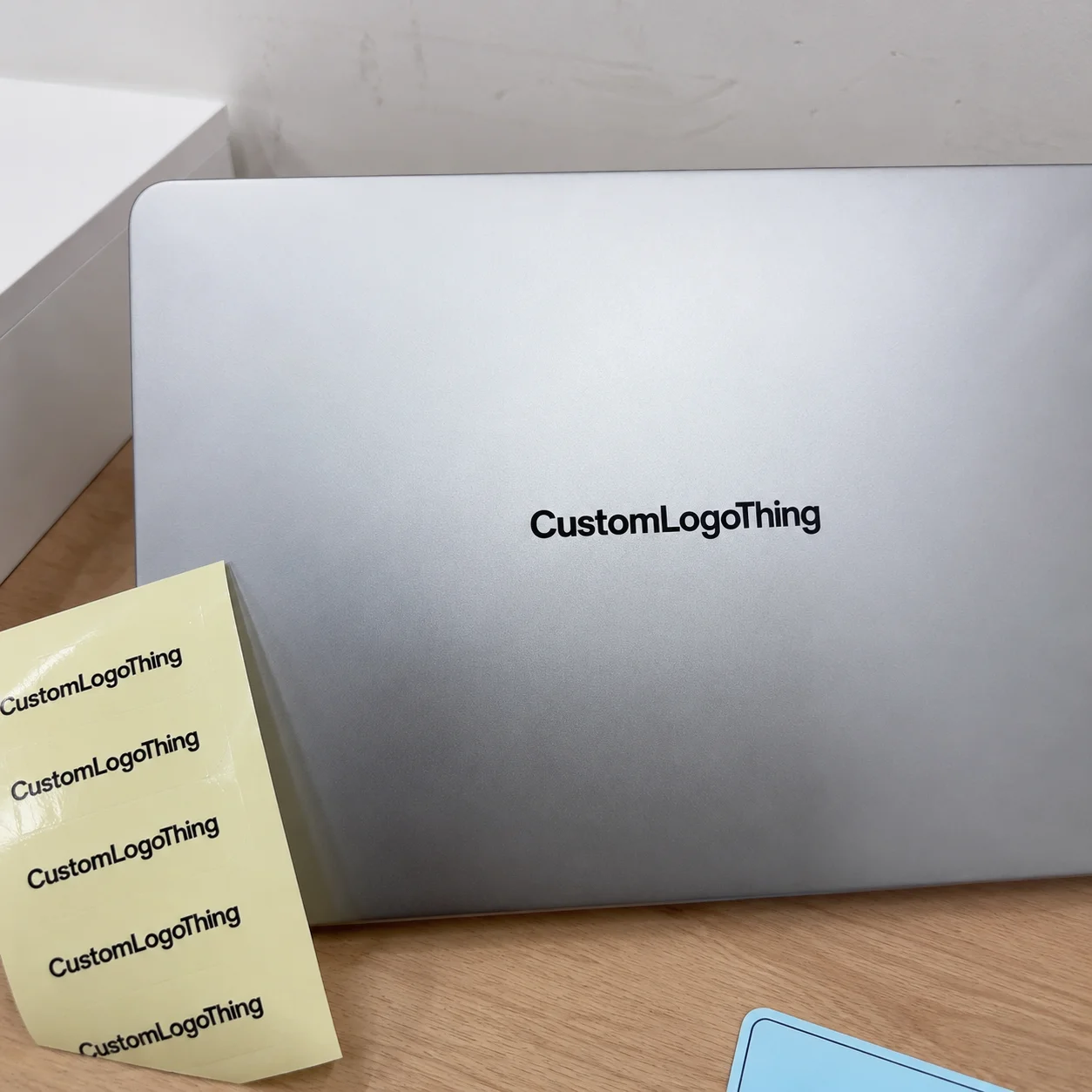
A MacBook lid is roughly the size of a small billboard. Better yet, it travels through classrooms, coffee shops, trade shows, coworking spaces, client meetings, airport lounges, and startup desks without needing a media buy. That is why custom macbook stickers keep showing up in brand kits, creator merch, campus campaigns, and employee onboarding packs.
The category is wider than many buyers expect. It can mean adhesive vinyl logo stickers, laminated decals, removable laptop skins, QR-code labels, name labels for company devices, decorative artwork, or sticker sheets designed to sit cleanly on a MacBook lid or protective case. Some are Built to Last for years. Others only need to survive a conference weekend, launch campaign, or limited-edition merch drop.
Here is the clean distinction. A sticker is usually a smaller printed adhesive piece: a logo, badge, phrase, icon, or QR code. A decal often has a shaped cut and more intentional placement, though suppliers use the terms loosely. A full laptop skin covers most of the lid. That increases visual impact, material use, installation difficulty, and the risk of edge lifting if the cut or adhesive is wrong.
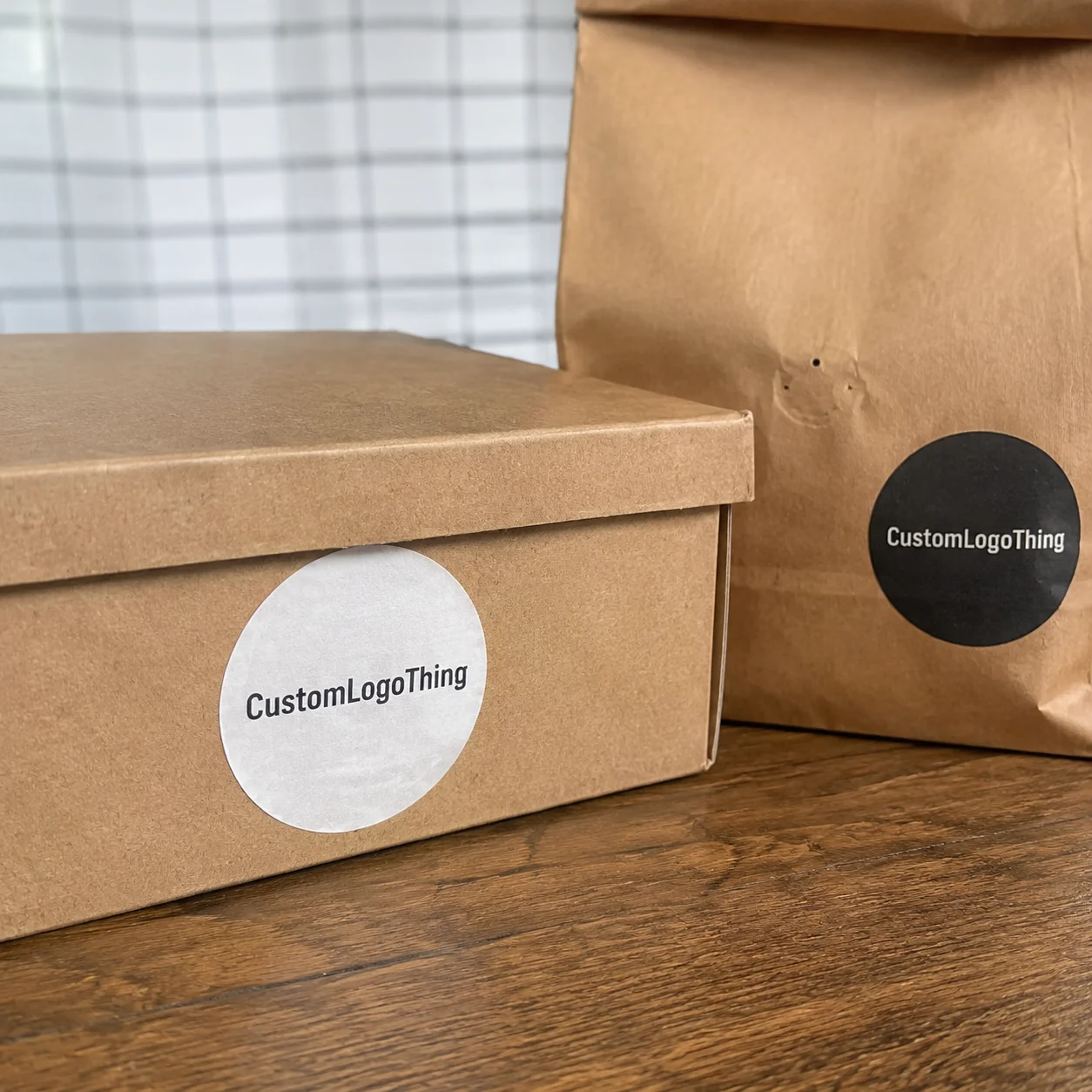
From a packaging buyer’s point of view, the smart use is not only decoration. A sticker can identify a device, reinforce brand recall, support an event theme, or turn a one-time package opening into something that stays visible for months. Tuck a sticker sheet into a branded mailer, tech accessory box, or onboarding kit, and the unboxing moment keeps working after the box is gone. Packaging doing a second job. Imagine that.
The practical details matter more than the slogan. Material, adhesive, finish, size, artwork setup, packing style, and proof approval all affect the invoice and the final look. A cheap sticker that curls at the edge after two weeks is not a bargain. It is a tiny complaint factory.
Laptop Sticker Materials, Adhesives, and Finishes
Material choice is where cheap and smart often separate. Standard vinyl works for most everyday laptop stickers because it is flexible, water-resistant, and compatible with digital printing. Premium cast vinyl is thinner and more conformable, useful for curves or tricky surfaces, although most flat MacBook lid applications do not require it.
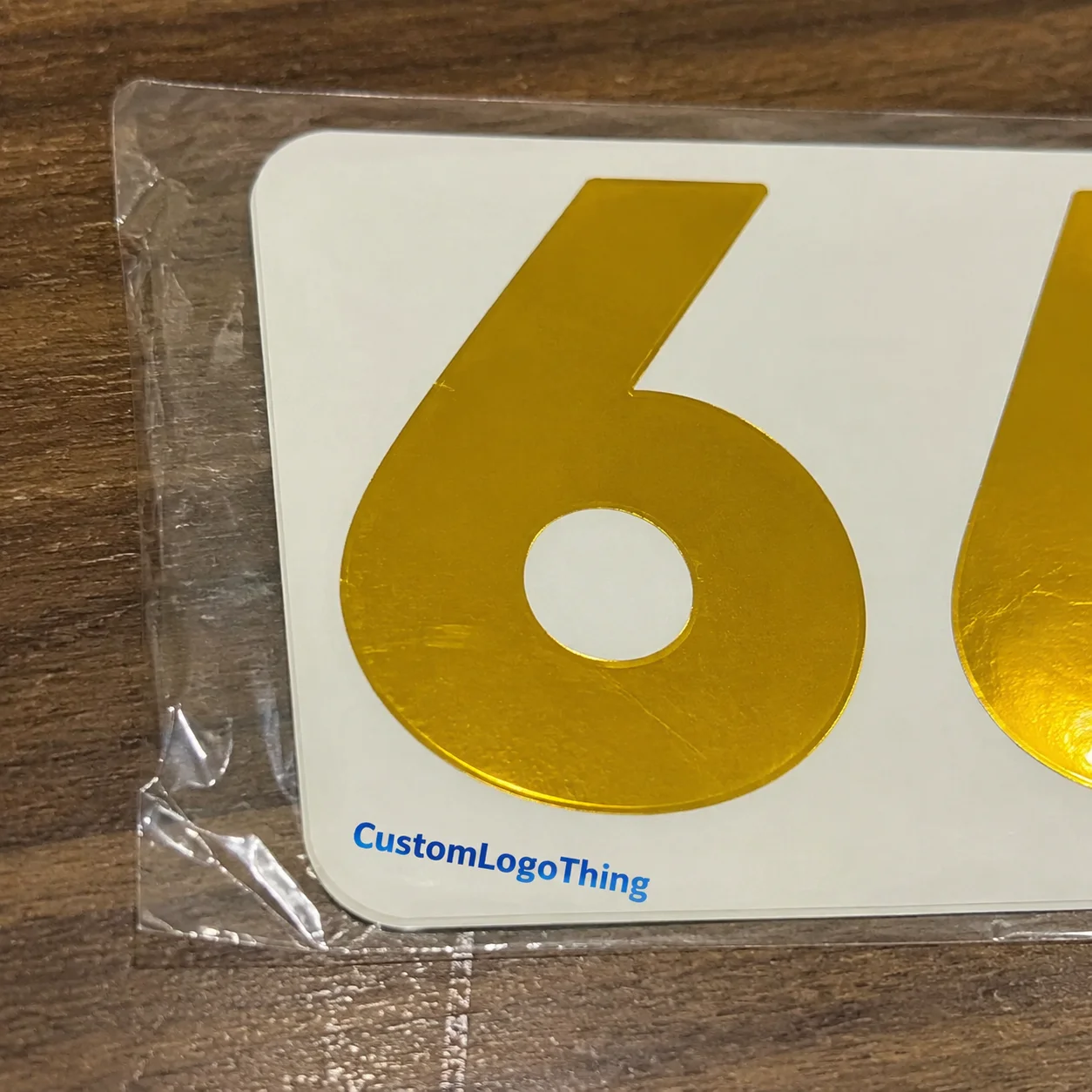
Clear vinyl creates a floating artwork effect. Holographic stock adds visual punch. Metallic films can make simple shapes feel more collectible. Paper stickers can work for short-term giveaways, but they are weaker against oils, moisture, and sleeve abrasion. They also tend to look tired faster on devices that move in and out of bags every day.
Adhesive matters just as much as face stock. Permanent adhesive is built for longer wear, but it can annoy IT teams if the laptop is company-owned. Removable adhesive gives users a cleaner exit, especially for rented devices, school laptops, or campaign graphics that change quarterly. Low-tack adhesive is useful for people worried about residue, though it may not survive constant backpack friction as well as a stronger adhesive.
Lamination is the quiet durability upgrade. A thin protective film over the print helps resist scratches, finger oils, abrasion from laptop sleeves, and color wear from daily handling. For a sticker that may be opened, closed, packed, rubbed, cleaned, and dragged across tables hundreds of times, skipping lamination can be false economy.
- Matte finish: reduces glare, feels subtle, and pairs well with aluminum laptop surfaces.
- Gloss finish: makes colors look brighter, but fingerprints and reflections show more easily.
- Soft-touch finish: feels premium, although oils may be more visible on dark designs.
- Textured finish: hides small scuffs and can make simple artwork feel more tactile.
Most short-run and medium-run laptop stickers are digitally printed because digital presses handle gradients, full-color art, and multiple designs without expensive plates. Specialty effects raise the price. Foil, spot gloss, metallic stock, holographic films, and layered white ink all add setup, material cost, or finishing time.
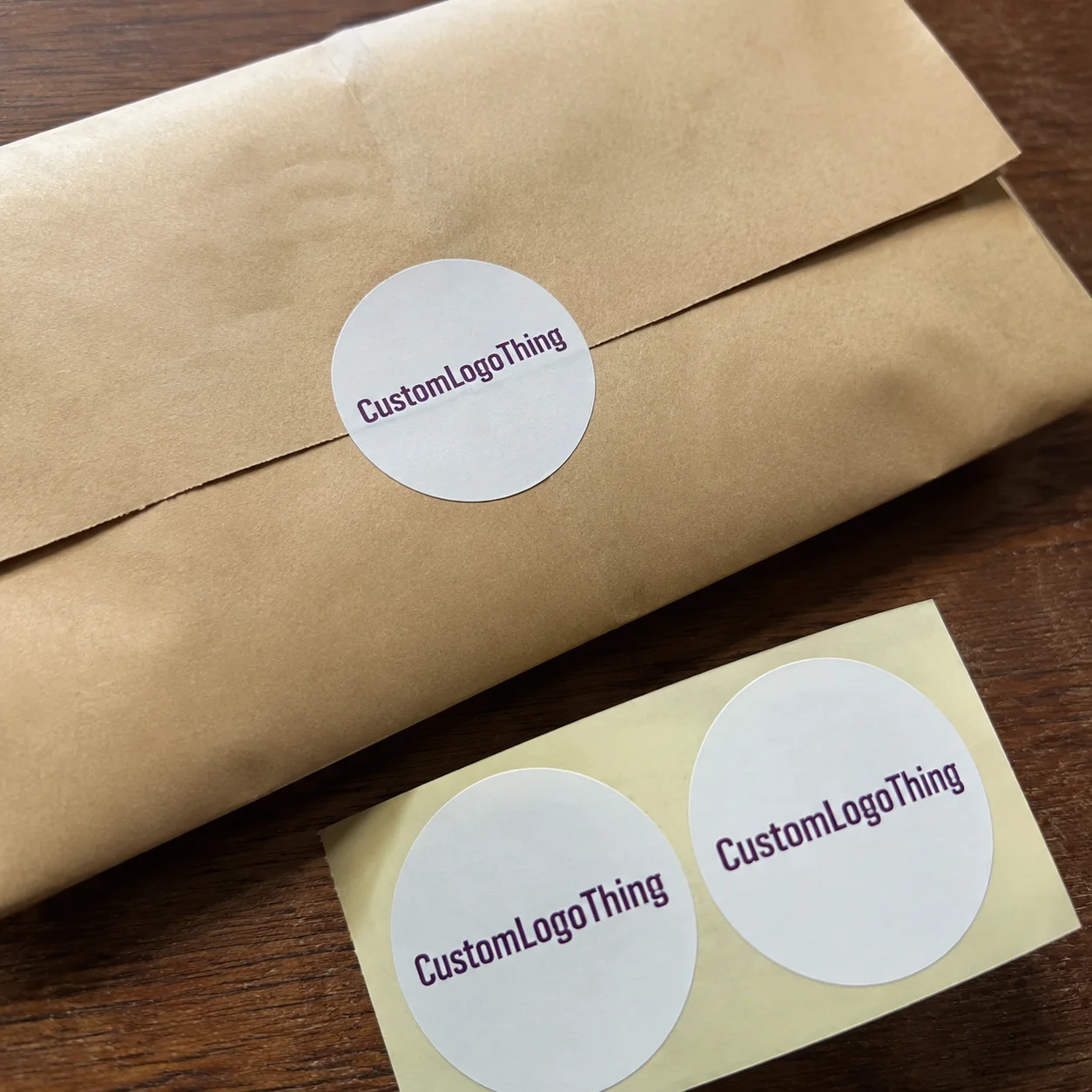
Cut style also changes the buying experience. Die-cut stickers follow the outside shape of the design. Kiss-cut stickers stay on a larger backing sheet, which makes peeling easier and works well for multi-sticker sets. Transfer decals can work for single-color vinyl marks, but they require more careful application. Great for clean logos. Less great for rushed event tables with people balancing coffee and tote bags.
Practical callout: laptops create heat, friction, and repeated handling. The lowest-cost material is not always the lowest-cost outcome if edges curl, colors fade, or adhesive residue triggers complaints.
Specs That Matter: Size, Shape, Artwork, and Safe Placement
Measure the visible lid area before choosing a sticker size. Do not rely only on the MacBook model name. Cases, rounded corners, Apple logo placement on older models, and user preferences all change the real working space. A three-inch mark can feel neat on a 13-inch laptop and timid on a 16-inch machine.
Small logo stickers often sit well at 2 to 3 inches wide. Medium creator decals may land between 3.5 and 5 inches. Full-width campaign stickers can run 6 to 9 inches depending on the lid and design. Event sticker sheets often use a 4 x 6 inch or 5 x 7 inch format because those sizes pack efficiently, feel substantial in the hand, and slide neatly into many mailers or welcome kits.
Leave breathing room. A good laptop sticker should not crowd edges, corners, vents on cases, camera zones on protective covers, or existing device marks. For most shapes, a safe margin of at least 0.125 inch around the cut line helps avoid awkward trimming. Bleed is usually similar, often 0.0625 to 0.125 inch beyond the cut line, but confirm with the supplier because equipment and workflows vary.
Artwork quality is the failure point that keeps showing up. Vector files such as AI, EPS, or clean PDF are best for logos because they scale without fuzziness. High-resolution PNG files can work for illustrations, usually at 300 dpi at final print size. Screenshots pulled from social media almost always print poorly. They may look acceptable on a glowing display, then turn soft and jagged on vinyl.
Color needs a reality check too. Screen color is backlit. Printed color is ink on material. If exact brand matching matters, provide Pantone references, CMYK values, or approved brand files. For clear stickers, plan the white ink layer carefully. Without white ink behind the art, reds, blues, and yellows can become weak or translucent on silver, gray, or dark laptop surfaces.
Shape changes perception. Rounded rectangles feel tech-friendly. Circles work like badges. Contour cuts feel more custom. Odd silhouettes can make a basic one-color design look more premium, but very sharp points and hairline details may lift or tear faster. The cut path is part of the design, not a production afterthought.
Before approval, print a paper mockup at actual size and place it on a laptop. This low-tech check catches a stupid number of problems. A design that looks bold at 600% zoom can become unreadable as a two-inch sticker. QR codes need extra caution; small codes, low contrast, and glossy glare can reduce scan reliability. Test the code from the distance people will actually scan it, not from two inches away under perfect lighting.
Pricing, MOQ, and Unit Cost Drivers
Pricing for custom macbook stickers usually depends on material, size, finish, quantity, cut complexity, ink coverage, specialty effects, proofing needs, and packing style. A simple one-color logo on laminated white vinyl is a different job from a holographic die-cut set with individual sleeves and barcode labels.
Quantity has the biggest visible effect on unit cost. Small runs carry setup, artwork review, proofing, press setup, cutting, and packing across fewer pieces. Larger orders spread those tasks across more units, so the per-piece cost drops. That does not mean every buyer should order 10,000 stickers. It means the quote should be judged against the real use case, not just the lowest possible unit price.
| Sticker Option | Typical Use | Common Cost Drivers | Buyer Watchout |
|---|---|---|---|
| Standard laminated vinyl | Company logos, event giveaways, creator merch | Size, quantity, lamination, cut shape | Check adhesive type if used on company devices |
| Clear vinyl with white ink | Minimalist marks, floating designs, premium branding | White ink layer, color testing, surface color | Colors may look dull without a white underprint |
| Holographic or metallic stock | Launch drops, retail sticker packs, fan merch | Specialty material, ink coverage, proofing | Fine details can compete with the reflective background |
| Individually packed sticker | Retail packaging, welcome kits, trade show handouts | Bagging, backing cards, barcode labels, labor | Packing can cost more than the sticker on small runs |
As a broad planning range, simple custom laptop stickers may land around $0.18 to $0.45 per piece in higher quantities. Smaller runs, specialty finishes, or individual packaging can push pieces above $1.00. Very small batches may price higher because proofing and setup do not shrink just because the order is tiny. These are planning ranges, not universal prices. Supplier equipment, material availability, artwork condition, shipping, and packing requirements all matter.
MOQ is practical, not mystical. Some suppliers can produce 50 or 100 pieces. Better cost-per-piece often starts once the order is large enough to justify setup and finishing time, such as 250, 500, or 1,000 pieces. If stickers are part of Custom Packaging Products, ask whether they can be combined with inserts, sleeves, or boxes in the same packing workflow.
Hidden costs deserve attention early: design cleanup, color matching, rush production, split shipments, sample runs, retail-ready backing cards, barcode labels, and custom kitting. The cheapest quote may remove lamination, use thinner stock, or skip useful proof checks. That saves money on the invoice and can cost more in replacements.
For an accurate quote, send artwork, final size, quantity, material preference, finish, use case, deadline, shipping location, and whether the pieces need to be loose, sheeted, or individually packed. Pricing is a decision tool. Compare the cost against durability, brand impression, and how long the sticker is expected to stay on the laptop.
Process and Timeline: From Artwork File to Finished Sticker
The standard workflow is predictable: inquiry, quote, artwork review, digital proof, approval, printing, lamination or finishing, cutting, quality check, packing, and shipping. Delays usually happen at the handoff points, not only on press. A missing cut line, unclear size, or slow proof approval can eat more time than the actual print run.
During proofing, the supplier checks final dimensions, bleed, cut line, color notes, white ink layers, material choice, and obvious file problems. A proof is not just a pretty preview. It is the production instruction sheet. If the design needs to sit around a device logo or avoid a corner radius, proofing is where that should be confirmed.
Buyer responsibilities are simple but consequential. Respond quickly. Confirm the quantity. Verify the ship-to address. Flag hard deadlines before ordering, not after proof approval. If the stickers are for a launch kit, employee onboarding pack, retail packaging set, or trade show giveaway, coordinate the schedule with boxes, inserts, sleeves, mailers, and any assembly team handling the final pack-out.
Simple digitally printed vinyl jobs often move faster than specialty materials, multi-SKU sheets, foil effects, holographic films, or individually packed sets. Physical samples are useful for premium campaigns, dark laptop surfaces, clear materials, and strict brand colors, but they add time. Digital proofs are faster and efficient, yet they cannot fully show texture, adhesive feel, gloss level, or how a finish behaves under real light.
Production time and transit time are different. That sounds obvious until a show badge deadline is three days away. Build a buffer for carrier delays, customs, weather, receiving-dock confusion, and internal distribution. If packaging coordination matters, resources from groups such as the International Safe Transit Association are useful reminders that getting products made is only half the job; getting them delivered in usable condition matters too.
A clean decision sequence prevents rework: finalize artwork first, then material and finish, then quantity and packaging. Change the size late, and the cut line may need revision. Change from white vinyl to clear vinyl, and the white ink strategy may need rebuilding. Change from loose stickers to individually packed sets, and the packing quote changes.
Common Ordering Mistakes That Make Stickers Look Cheap
The biggest mistake is approving from a tiny screen preview without checking actual printed size. Small text, fine lines, QR codes, social handles, and dense icons are repeat offenders. If the sticker will be viewed from three feet away across a table, design for that distance.
Surface prep is another overlooked variable. Stickers applied to dusty, oily, textured, rubberized, or silicone laptop cases may lift early even when the sticker itself is well made. Clean, dry, smooth surfaces give adhesives the best chance. If users will apply the stickers themselves at an event, include a simple instruction card or choose a forgiving sticker size.
Poor files slow production and weaken the result. Pixelated logos, flattened screenshots, missing fonts, and absent cut lines all create friction. Clean vector artwork is faster to proof and easier to cut. If a supplier has to rebuild a logo, expect added cost or a longer timeline.
Overcomplicated design is not a badge of sophistication. Too many colors, tiny icons, gradients, and microcopy can become visual noise once printed. Strong laptop stickers often use one clear idea: a symbol, a phrase, a bold mascot, a team mark, or a simple campaign graphic. Restraint travels well.
Adhesive mismatch causes avoidable complaints. Permanent adhesive may frustrate corporate IT teams, resale programs, or schools that need clean device turnover. Very removable adhesive may disappoint students, travelers, or sales reps whose laptops move in and out of bags all day. Finish mismatch matters too. Gloss can clash with a matte device setup. Ultra-matte can mute vibrant colors more than expected.
Deadline math is the final trap. Buyers remember production time and forget proof approval, packing, receiving, and shipping buffers. That creates rush fees and rushed decisions. If the sticker fails, diagnose the whole chain: file quality, material choice, surface prep, installation, use environment, and packing method. Rarely is one factor the entire story.
Build a Spec Sheet Before You Request Samples
Before requesting samples or pricing, write down the laptop model or target lid area, sticker dimensions, quantity, material preference, finish, deadline, and distribution method. Then choose the primary job of the sticker. Is it for brand visibility, personal expression, resale merchandise, an event giveaway, employee equipment labeling, or a packaging insert?
Gather the artwork package early: vector logo files, approved brand colors, font rules, reference images, QR codes, social handles, and any required legal or campaign copy. If the sticker will sit inside product packaging, confirm whether it should be loose, kiss-cut on a sheet, belly-banded, packed in a branded sleeve, or paired with a card. For adjacent needs, Custom Labels & Tags can help keep sticker specs, packaging labels, and kit components aligned.
A simple spec sheet makes quotes easier to compare. Use columns for size, shape, material, finish, adhesive, quantity, packing style, shipping destination, and notes. Two supplier quotes are not comparable if one includes lamination and individual packing while the other assumes unlaminated loose stickers.
Spec-sheet rule: if a detail affects durability, appearance, packing labor, shipping, or proofing, put it in writing before the quote is finalized.
Order a sample when risk is high. Premium campaigns, retail sticker packs, dark laptop surfaces, clear materials, and strict brand color requirements justify the extra validation. Also consider sustainability expectations. If stickers are part of broader branded packaging or retail packaging, ask about paper backing, FSC-certified cards, and disposal guidance. The Forest Stewardship Council is a useful reference point for responsibly sourced paper components such as backing cards and sleeves.
Once the specs are clear, custom MacBook stickers become easier to price, proof, produce, and reorder without surprises. That is the real advantage: not just a better-looking laptop sticker, but a cleaner buying process from first file to finished pack.
FAQ
What material is best for custom laptop stickers?
Laminated vinyl is usually the safest all-around choice because it balances durability, color quality, flexibility, and resistance to scratches from sleeves and backpacks. Clear vinyl works well for minimalist designs, but it may need white ink behind the artwork so colors do not disappear on silver, gray, or dark laptop surfaces. Paper stickers are better for short-term promotions than long-term MacBook use because they are more vulnerable to moisture, oils, and edge wear.
Will custom MacBook decals leave residue when removed?
Residue depends on adhesive type, how long the sticker stays on the laptop, heat exposure, surface texture, and removal technique. Removable vinyl is better for company devices, rentals, or users who change designs often, while permanent adhesive is better for long-term wear. Slow peeling with gentle heat usually reduces residue risk, but buyers should avoid harsh scraping that can damage cases or finishes.
How much do custom MacBook stickers cost per piece?
Unit cost depends on size, quantity, material, finish, cut shape, lamination, specialty effects, and whether stickers are individually packed or placed on sheets. Larger orders usually lower the cost per sticker because setup, proofing, and machine time are spread across more units. As a rough planning range, simple higher-quantity vinyl stickers may fall around $0.18 to $0.45 each, while small runs, specialty materials, or individual packing can push the cost above $1.00 per piece.
What size should a MacBook sticker be?
Small logo stickers often work well at 2 to 3 inches wide, while larger decorative decals may range from 4 to 8 inches depending on the laptop model and design style. Measure the actual placement area instead of relying only on the laptop model, especially if the sticker will go on a protective case. Print a paper mockup at actual size before ordering to check readability, balance, and edge clearance.
How long does it take to produce custom laptop stickers?
Turnaround depends on artwork readiness, proof approval speed, material availability, quantity, finishing complexity, and shipping distance. Simple digitally Printed Vinyl Stickers usually move faster than specialty holographic, foil, multi-layer, or individually packed orders. Build in extra time for sample approval, event deadlines, customs, carrier delays, and coordination with packaging or kit assembly.