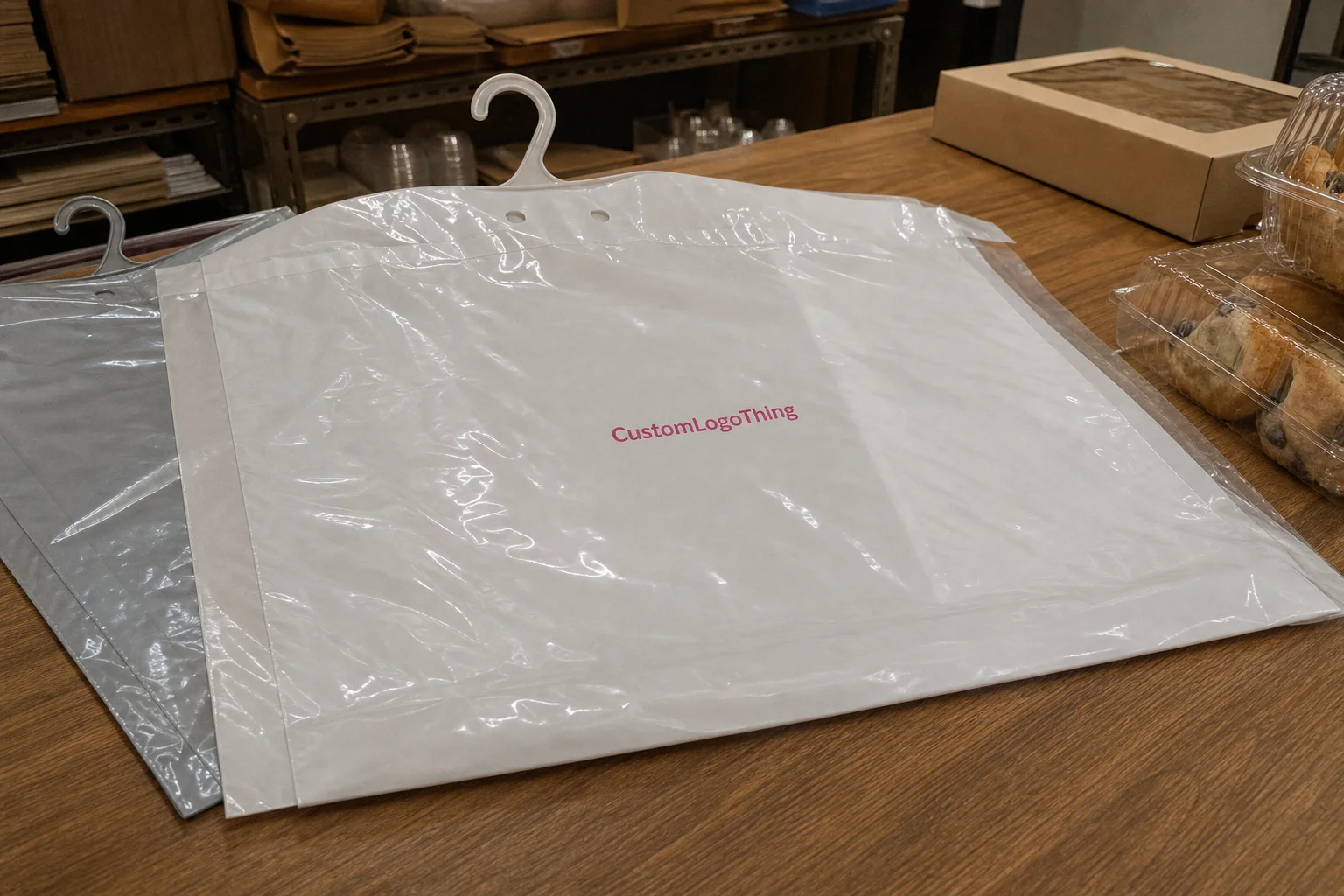
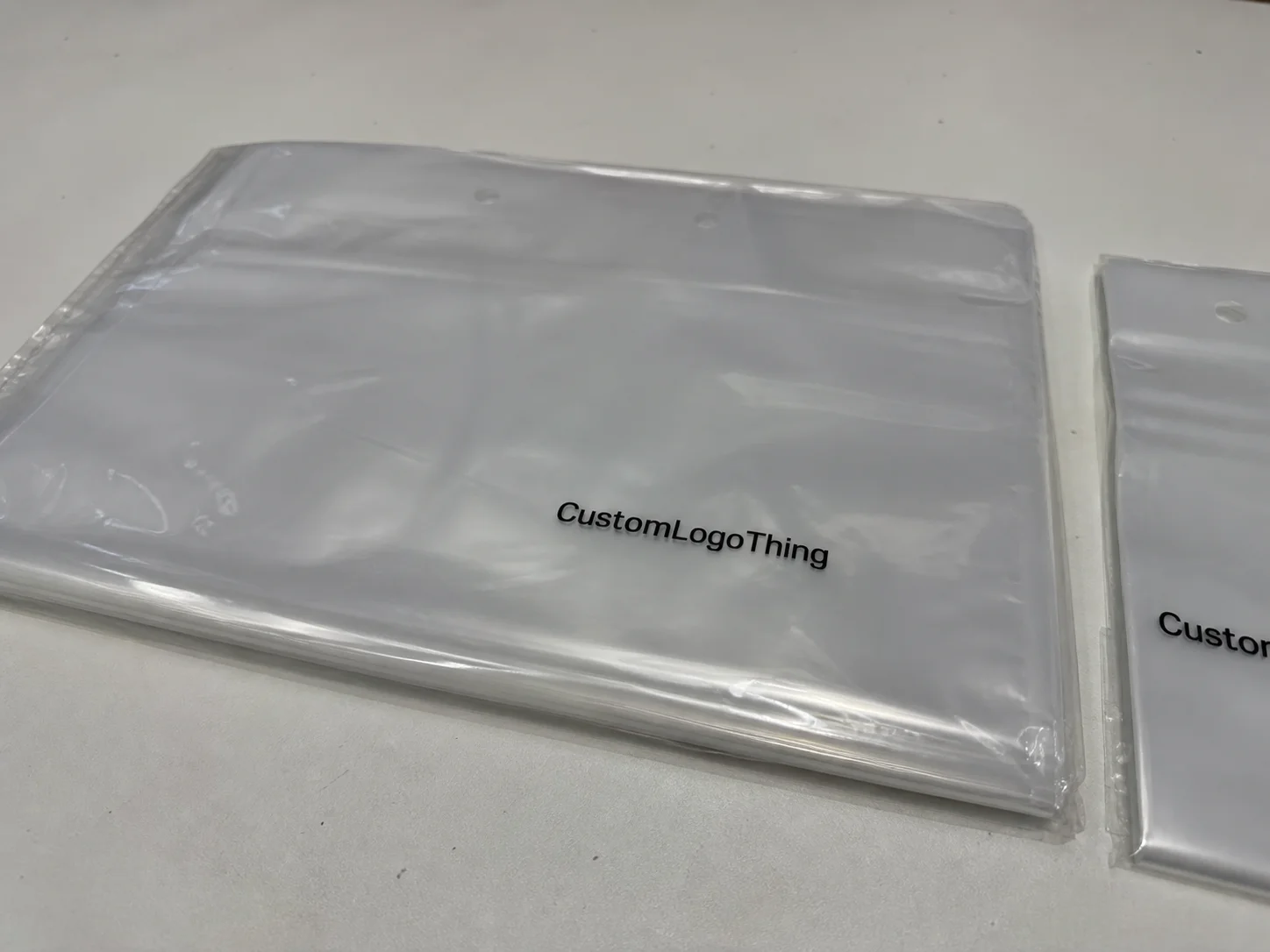
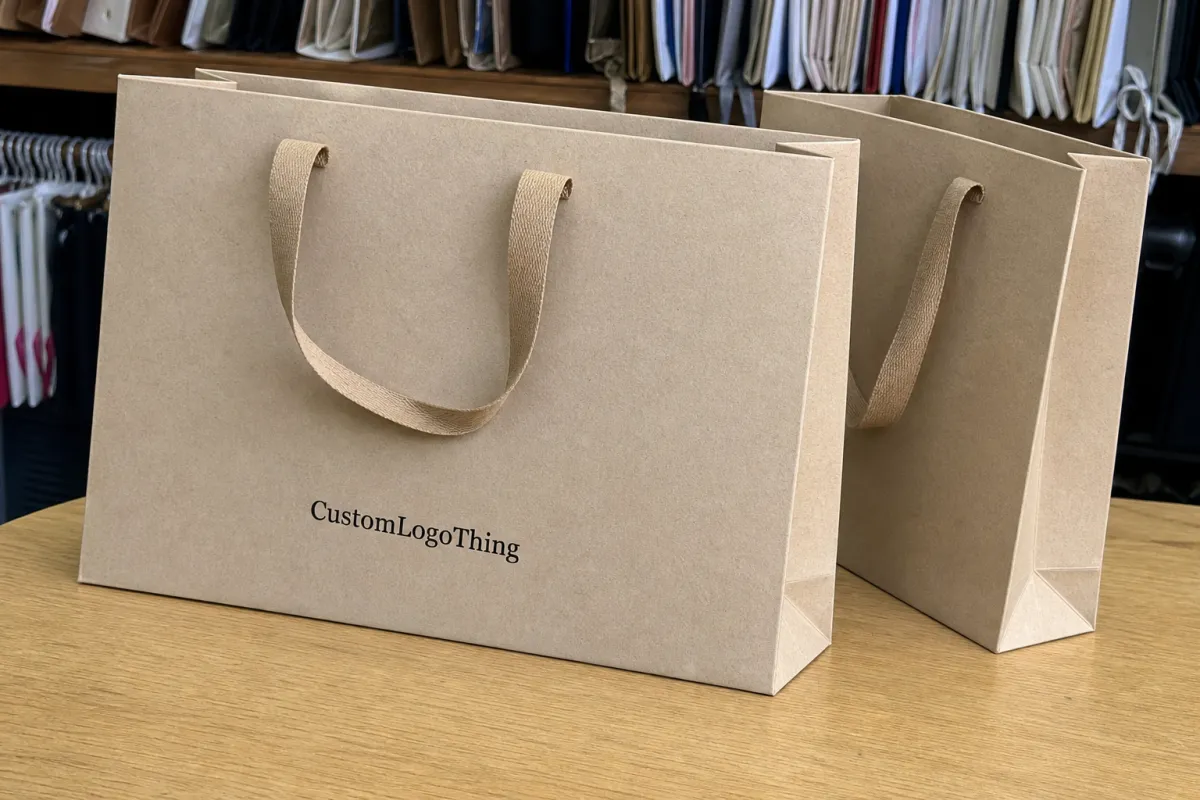
Retail launch slider lock clothing bags print method comparison
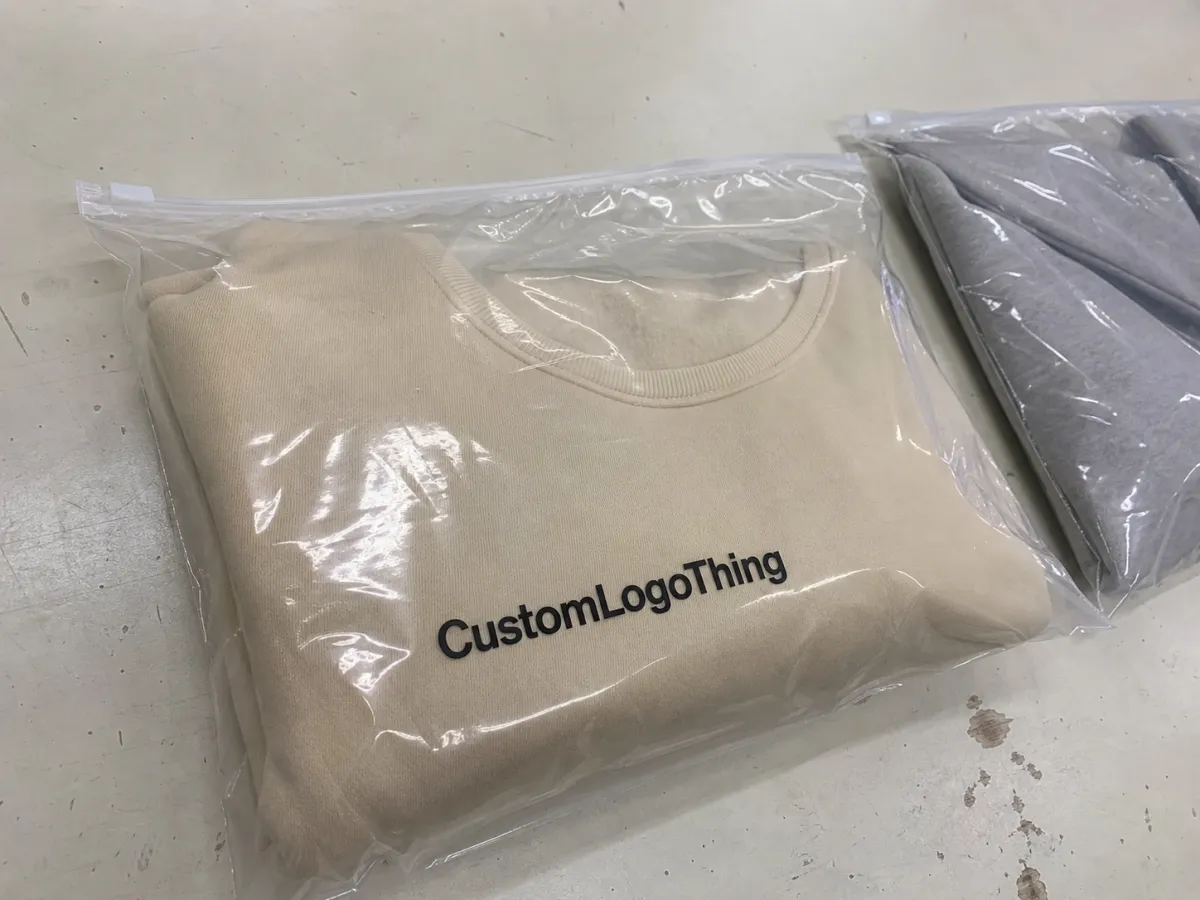
The hard part of a Retail Launch Slider Lock Clothing bags Print Method Comparison is not choosing a printing process. It is choosing the one that still looks right after the artwork is reduced, the film is selected, the closure is added, and the first shipment has to meet a retail date that does not care about anyone’s mood board. A clean mockup can hide a long list of production problems. A finished bag cannot.
Slider-lock clothing bags have a narrow window for error. The film may be clear, matte, frosted, or opaque. The garment may sit directly behind the print. The closure rail can steal visual space. And legal copy, barcodes, care information, or size labels all need room on a surface that already carries a logo, maybe a product shot, and usually more ambition than the material can support. The result is that the print method matters as much as the design itself.
Most buyers do not need a theoretical ranking. They need a practical answer: which process keeps color steady, which one tolerates short runs, which one holds up on PE or PP film, and which option will not punish the launch budget before a single bag reaches the shelf. That is the real filter. Everything else is decoration.
For apparel packaging, the bag is doing three jobs at once: protecting the garment, presenting it, and surviving distribution. If the print method helps with all three, the launch usually goes better. If it only makes the render look polished, the problems tend to show up later, on press or in the warehouse.
How each print method behaves on slider lock film
The main methods buyers compare for slider-lock clothing bags are digital printing, flexographic printing, gravure, and screen printing. Offset printing still appears in packaging discussions, but it is usually better suited to inserts, hang cards, cartons, or sleeves than to thin bag film. That distinction matters because flexible film behaves nothing like paper. It stretches, it slips, and it exposes weak ink coverage immediately.
Digital printing is usually the fastest route for launch runs, artwork revisions, and multi-SKU programs. No plates, no cylinders, and far less front-end setup. That makes it attractive for new collections, seasonal drops, or orders where the branding may still shift after the first sample. The tradeoff is cost per unit, which tends to stay higher than flexo at volume. On clear film, digital also needs the right surface treatment and ink system, or dense color can print flatter than the artwork suggests.
Flexographic printing is the workhorse for repeat apparel packaging. Once the artwork is stable and the order size is large enough, flexo usually gives a better unit cost than digital. It handles spot colors well, especially on PE and PP film, and it can produce strong blocks of color without the same per-piece penalty that digital carries. Flexo is a reasonable middle ground for a clean logo, a few color panels, and a launch program that expects reorders.
Gravure is the option for serious volume. It can deliver very consistent output, which is why larger and more repetitive programs still use it. The catch is tooling. Cylinders are expensive, so gravure only makes financial sense when the run is large enough to spread that cost out. A buyer who is still testing a concept usually does not need gravure. A buyer with a long-selling style and repeated restocks might.
Screen printing is narrower in scope but can look excellent for bold graphics, opaque white areas, or designs that need a strong visual hit. It is slower and less efficient for complex artwork, gradients, or fine text. It also has a tendency to become expensive if the design gets too detailed. For a simple, high-contrast mark, screen printing can be effective. For a launch with several artwork versions, it is often the wrong tool.
The film itself changes everything. Clear film reveals the garment behind it, which can help presentation or ruin contrast, depending on the product color. Matte film reduces glare and hides fingerprints better, but it can soften color density. Gloss film improves brightness and shelf impact, yet under store lighting it can reflect enough to make a logo harder to read from a distance. None of those choices are neutral.
Slider-lock construction also affects artwork placement. The closure track, seals, and edge tolerances reduce the available print zone. A layout that looks balanced on a flat proof can feel crowded once the zipper rail and top edge are in view. That is why bag artwork needs to be built around the actual structure, not just centered on a generic rectangle.
A design that prints cleanly on paper can fail on film simply because the film asks for more contrast, more ink control, and more restraint.
For buyers comparing packaging across multiple components, references such as packaging.org can help frame material and print terminology. The bag itself still needs a film-first decision. There is no shortcut around that.
Cost, pricing, MOQ, and unit cost tradeoffs
Bad packaging quotes often look attractive because they hide the expensive parts. On slider-lock clothing bags, the real price depends on film choice, thickness, size, print sides, number of colors, and whether the job needs plates, cylinders, or extra proofing. White ink, matte finishes, and heavy coverage on transparent film can also move the number more than buyers expect.
The simplest rule is still the most useful: digital printing tends to be better for smaller runs and quick turnarounds, while flexographic printing and gravure improve as quantity rises and setup cost gets diluted. Screen printing sits in between, but only works well for limited artwork complexity. That is the broad shape of the economics, though the break point changes with bag size and design coverage.
| Method | Typical setup cost | Usual MOQ range | Rough unit cost behavior | Best fit |
|---|---|---|---|---|
| Digital printing | Low; often no plate fee | 500 to 5,000 bags | Higher per unit; often about $0.18-$0.45 depending on size, coverage, and white ink use | Launch runs, short timelines, artwork changes |
| Flexographic printing | Moderate; plates usually add cost per color | 3,000 to 20,000+ bags | Often drops to about $0.08-$0.22 per bag at efficient volumes | Stable retail programs, repeat orders |
| Gravure | High; cylinders are the main upfront cost | 20,000+ bags | Low at scale, but only after tooling is spread across a large run | Large repeat programs, strict color consistency |
| Screen printing | Moderate; depends on color count and layout | 1,000 to 10,000 bags | Can be efficient for simple graphics, less so for dense art | Opaque spot color, bold branding |
These ranges are broad because real jobs are messy. A 7x10 inch bag with a single logo is not priced like a larger clear pouch with a full flood white, two sides, and a barcode panel. Film gauge, side count, and ink coverage all change the math. A bag printed on frosted film can also behave differently from one printed on crystal-clear PE, even if the artwork is identical.
Buyers should also separate visible price from landed cost. A quote that skips plate fees, custom ink charges, prepress revisions, or freight is not comparable to one that includes everything. The cheapest first line item can become the most expensive order after the revisions, samples, and shipping costs are added back in. This happens more often than suppliers like to admit.
For smaller launches, ask where the break-even point sits between digital and flexo. That is the number that matters. A digital order may look expensive on 1,000 pieces and then become the smarter route once speed, lower tooling cost, and flexibility are included. Flexo may look slightly higher on paper and then win once the quantity moves past a few thousand units. Without the break-even, the quote only tells part of the story.
One practical warning: if the artwork uses a white underprint on clear film, confirm how the supplier builds opacity. White can be thin on the first pass and too heavy on the second, especially if the bag has glossy film and the surrounding colors are saturated. That problem is hard to spot in a PDF and easy to spot under store lighting. It also affects the perceived value of the package more than most people expect.
Production steps and turnaround timeline
The production path usually begins with size confirmation, film selection, closure style, and artwork prep. After that comes proofing, approval, printing, quality control, packing, and shipment. The steps sound straightforward. The delays hide inside the details.
Digital jobs usually move fastest after artwork approval because they avoid plate making and cylinder setup. For a clean spec and standard film, a digital run can often move through production in roughly 7-12 business days after final sign-off. Flexo and gravure take longer because there is more front-end work. A realistic window is often 12-20 business days, and it can stretch if the artwork still needs plate review, color correction, or structural adjustments.
The same delays keep appearing. Missing dielines. Barcode changes after the proof is already approved. A late switch from matte to gloss film. A logo that grows in size after the layout was locked. Every one of those changes looks small in email and expensive in production.
A tighter schedule usually depends on three gates:
- Artwork gate: final dieline, fonts outlined, color count confirmed, and barcode placement checked.
- Proof gate: print method, film type, finish, and closure position approved against the actual bag layout.
- Production gate: printing date, inspection window, packing method, and dispatch schedule locked in.
That structure matters because retail launch dates do not move just because a file was late. A buyer who controls the gates usually gets a better result than one who keeps revising the design after setup has already started.
Rush production is possible, but only if the file is clean and the scope is stable. If the bag size is still changing, the artwork is not final, or the print coverage has not been defined, the rush order becomes a rework order. That is where deadlines slip and budgets expand.
Quality control should not be treated as a generic checkbox. On printed clothing bags, useful checks include ink adhesion, color consistency across the lot, seal integrity, zipper or slider function, fold alignment, and barcode readability. If the package is going into retail distribution, the sample should also be checked under the same light conditions the shelf will create. A bag can look acceptable on a desk and lose contrast under bright retail fixtures.
Common mistakes that hurt retail launch packaging
The first mistake is choosing a print method before confirming the exact material. PE and PP are not interchangeable, and neither is clear film versus frosted film. Ink behavior, opacity, and adhesion all shift with substrate choice. A design that looks strong on one film can appear washed out on another without any change to the artwork.
The second mistake is weak contrast. Store shelves are not controlled viewing environments. The package may be seen at arm’s length, under bright lights, with glare bouncing off the film and the garment color showing through the back panel. Tiny type, delicate strokes, and low-contrast logos disappear quickly. If the package needs to communicate size, brand, and legal information all at once, clarity has to beat decoration.
Skipping physical samples is another expensive habit. A screen file cannot show how a printed bag will catch light, how the closure will interrupt the visual field, or how a white underprint will behave on transparent film. Sampling also reveals issues in stacking, folding, and carton packing that mockups never catch. That is why sample approval is not a formality. It is a risk-control step.
Other mistakes show up again and again:
- Ignoring barcode size, quiet zone, or scanner contrast requirements.
- Forgetting peg-display, hang-tab, or retail hook constraints.
- Placing copy too close to the slider track or seal edge.
- Using too many colors and too little negative space.
There is also a more subtle error: assuming every supplier understands the same packaging standard. They do not. One printer may be excellent at clear film and weak on white coverage. Another may produce solid results on matte film but struggle with fine text. Ask for examples that match the material family and print method, not just a generic portfolio image.
And do not treat the slider as an accessory. It changes usable print area, especially near the top edge. If the closure is ignored during layout, the final package often looks crowded in exactly the place the customer sees first.
Expert tips for choosing the right print method
Start with quantity, not preference. Small launch runs usually favor digital because the tooling burden is light and revisions are easier to absorb. Mid-volume retail programs often lean toward flexo once the order is large enough to justify plates. Gravure only starts to make sense when the forecast is strong and the reorder pattern is stable.
Artwork complexity matters just as much. Simple logos, tight spot-color palettes, and strong brand marks are often better suited to flexo. Variable copy, multiple SKUs, and late-stage adjustments push digital forward. If the artwork depends on a bright white base under transparent film, make sure the supplier can show how the white layer is built and how opaque it truly is. That choice changes the whole look of the bag.
A useful launch review usually includes these questions:
- How much detail is in the artwork?
- How many colors are actually required, not just preferred?
- Does the film need white ink to hold contrast?
- What quantity makes the price shift?
- How much time is left before shelf date?
- How many proof rounds can the schedule tolerate?
One practical buying habit saves a lot of trouble: ask for a sample that matches the real film and the real print method, not a generic visual proof. A supplier who can explain ink density, registration tolerance, and finish differences between clear PE and matte PP usually understands the job better than one who only talks in broad promises.
Also ask how the bags will be packed for shipment. A good print job can still arrive scuffed, curled, or compressed if the inner packing is poor. The package has to survive not just production but the route from factory to warehouse to store floor. If the sample looks good but the packing plan is weak, the final presentation can still fail.
Next steps for ordering the right slider lock bag spec
The most efficient way to avoid confusion is to lock the bag spec before requesting quotes. Size, material, thickness, print sides, color count, and quantity should be fixed first. Otherwise the quotes will look comparable while describing different products.
- Confirm the exact bag dimensions and slider-lock style.
- Choose the film type and thickness. For apparel, 40-80 micron is common for lighter garments, while heavier or premium presentations may need more body.
- Decide whether the print should run on one side or both.
- List the color count, including white ink if the film is transparent.
- Set the quantity target and the required delivery date.
- Request one quote on the preferred print method and one backup quote for comparison.
That last step turns a vague pricing conversation into a real decision. A digital quote may win on speed, while flexo may win on unit cost once the quantity rises. Seeing both side by side makes the tradeoff visible instead of assumed. It is the simplest way to keep the launch budget from drifting during the quoting stage.
Before approval, review the dieline on the actual layout, not just on a floating mockup. Confirm that the finish matches the selected film. Confirm that the barcode is legible. Confirm that the production window still fits the launch. If the first shipment needs to prove shelf response, consider a small pilot run before scaling. That reduces risk far more effectively than a long email thread about intent.
The practical conclusion for any Retail Launch Slider Lock Clothing bags print method comparison is straightforward: choose the method that matches the film, the quantity, and the deadline, not the one that looks cheapest in isolation. The right bag is the one that arrives on time, prints clearly, and still feels intentional once it is hanging in a store.
Which print method is usually best for retail launch slider lock clothing bags?
Digital printing is often the safest choice for short runs and launch timing because setup is lighter and artwork changes are easier to manage. Flexo tends to fit better once the order is large enough to absorb plate cost. Gravure belongs on very large repeat programs where consistency matters more than setup speed.
How does MOQ affect the print method choice for clothing bags?
Lower MOQs usually point toward digital because there is less tooling cost upfront. As quantity rises, flexo or gravure can become more economical per bag. The useful number is the break-even point, because that is where the cost shift becomes visible.
Can slider lock bags be printed on both sides?
Yes, provided the material and budget support it. Double-sided printing improves shelf visibility, but it adds registration complexity and cost. For some launches, one-side print plus a strong insert or label is the cleaner answer.
How long does production usually take after artwork approval?
Digital jobs often move through production in about 7-12 business days if the spec is clean. Flexo and gravure usually take longer because the tooling and setup steps are heavier. Late artwork changes, color adjustments, and sample revisions can add time quickly.
What should I send to get an accurate quote for custom clothing bags?
Send the exact bag dimensions, material, thickness, quantity, print sides, and color count. Include the required delivery date and whether a sample is needed first. If the bag will sit on a retail peg or carry a barcode, say so early so the print method and layout are quoted correctly.